Bug Tracking Template for Dev Teams
A bug tracking template for development teams with a worked example, covering what makes a report actionable, the difference between severity and priority, a triage workflow, and how to keep a bug backlog honest.

The template below covers the report itself, the severity and priority distinction that causes most triage arguments, and how to keep a bug backlog from becoming a graveyard.
Quick answer: A bug report is only useful if someone else can reproduce the problem from it.
Reproduction steps, expected versus actual behaviour, and environment details are the three fields that determine whether a bug gets fixed or bounced back for more information. Everything else is administration.
What a Bug Report Must Contain
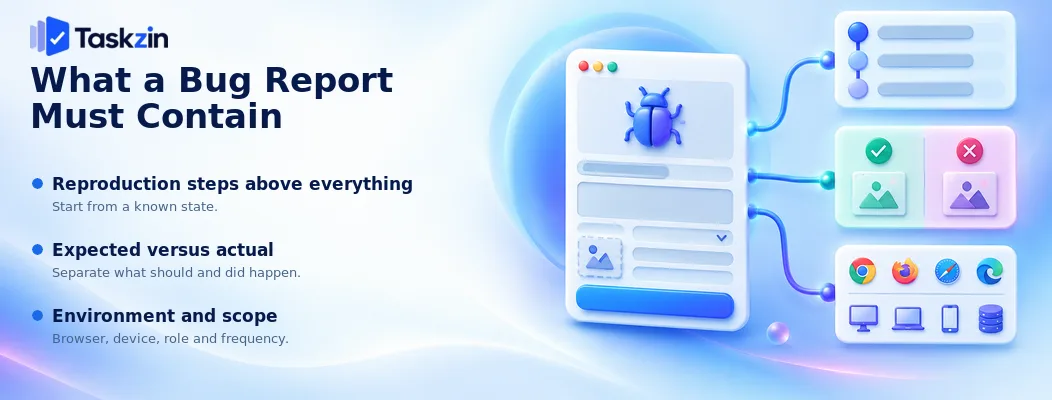
Three things decide whether a report is actionable: how to reproduce it, what should have happened instead, and where it occurred.
Reproduction steps above everything
Numbered steps, starting from a known state, that reliably produce the problem.
This is the field that determines the fate of a bug report. A developer who cannot reproduce a problem cannot fix it, and the round trip asking for steps costs more time than writing them properly would have. "Login is broken" generates a conversation; "1. Log in as a standard user.
2. Navigate to Settings. 3. Click Save without changing anything. 4. Observe 500 error" generates a fix.
Expected versus actual
State what you expected to happen and what actually happened, separately.
These seem obvious and are frequently merged into a single sentence that assumes the reader shares your expectation. Sometimes the "bug" is a misunderstanding of intended behaviour, and separating the two fields is what reveals that.
Environment and scope
Browser, version, operating system, device, user role, account, and whether it happens every time or intermittently.
Intermittency in particular changes the investigation entirely. A bug that occurs once in twenty attempts is a different problem from one that occurs reliably, and knowing which saves hours.
The Bug Report Template
Fields that earn their place in a report anyone can act on.
Field Required Notes Title Yes What is broken, in one line
Reproduction steps Yes Numbered, from a known starting state Expected behaviour Yes What should happen Actual behaviour Yes What does happen, including error text Environment Yes Browser, OS, device, version, user role Frequency Yes Every time, intermittent, once only Severity Yes Impact if it occurs — see below Priority Set at triage Urgency of fixing Affected users If known One customer, a segment, everyone Screenshots or recording Where useful Often faster than description Logs or error IDs Where available Substantially speeds diagnosis Workaround If one exists Changes priority significantly Reported by Yes For follow-up questions
A Filled Example
A report containing enough for a developer to start immediately.
Field Content Title Saving an empty settings form returns a 500 error Steps 1. Log in as a standard (non-admin) user. 2. Go to Settings → Notifications. 3. Do not change any field. 4. Click Save.
Expected Form saves with no changes, confirmation message shown.
Actual Page shows "Something went wrong" and a 500 error. Error ID: ERR-4471. Settings are not saved.
Environment Chrome 141, macOS 15.2, desktop. Also reproduced on Firefox. Standard user role only — admin role works correctly.
Frequency Every time, 6/6 attempts Severity Major — blocks a core action for a user segment Priority High — set at triage, affects all standard users Affected users All non-admin users. Approximately 70% of the base.
Workaround None found. Changing any field before saving still fails.
Reported by Support (P. Karki), from ticket #8842
Severity and Priority Are Different
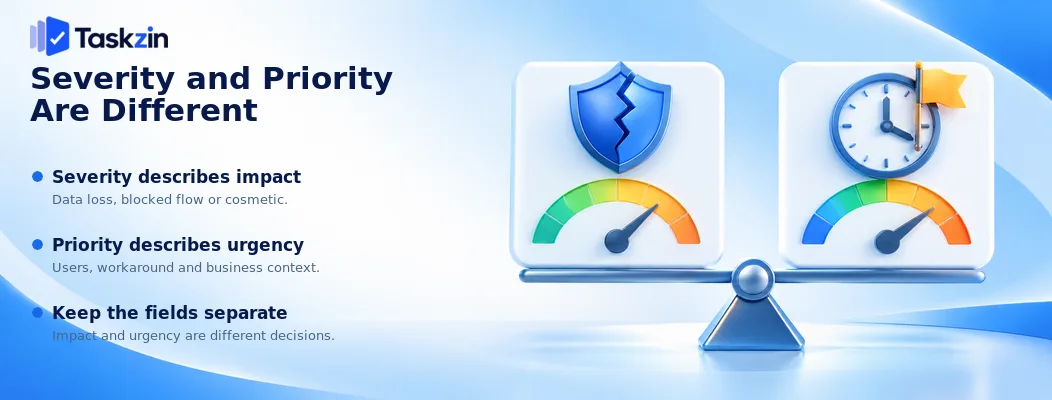
Severity is about impact if the bug occurs; priority is about how soon it should be fixed.
Conflating them causes most triage disputes.
Severity describes impact
How bad is it when it happens? Does it lose data, block a core workflow, degrade an experience, or is it cosmetic?
Severity is a property of the bug itself and is largely objective. The person reporting can usually assess it.
Priority describes urgency
How soon should we fix this, given everything else? That depends on how many users are affected, whether a workaround exists, commercial context, and what else is competing.
Priority is a decision, made at triage, by someone with the wider view. The reporter should not set it.
Why conflating them causes arguments
A cosmetic issue on the pricing page might be low severity and high priority because it affects conversion. A data-loss bug in a feature two customers use is high severity and might be lower priority than something affecting everyone.
When teams use one field for both, these cases become arguments about what number to write instead of conversations about impact and urgency. Two fields resolve it.
The Triage Workflow
Five stages from report to closure, with a decision point at each.
Stage Question Outcomes Reported Is this actionable?
Needs info / accepted / duplicate Triaged Is it a bug, and how urgent?
Priority set / rejected as intended behaviour Accepted Who fixes it and when?
Into sprint / into backlog / hotfix now Fixed Does the fix work? Verified / reopened Closed Anything to learn?
Closed / escape review if it reached production
Keeping the Bug Backlog Honest
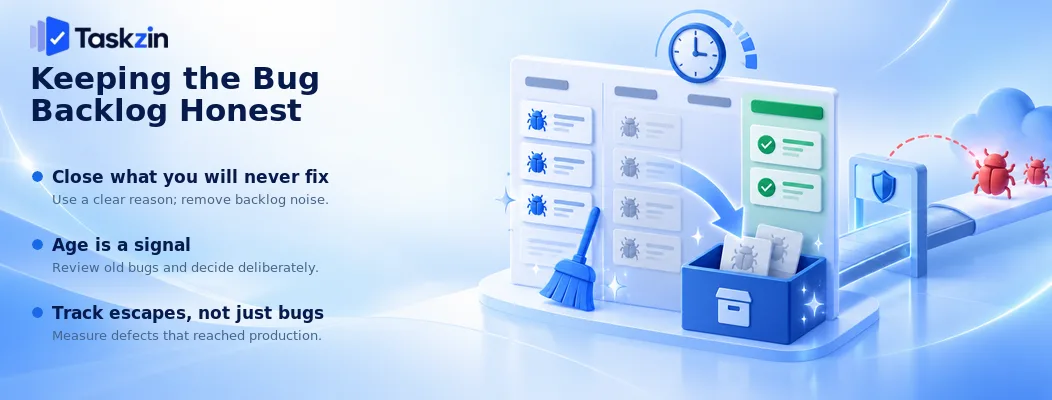
Close bugs you will never fix, treat age as a signal, and track which bugs reached production.
Close what you will never fix
Every team has bugs that have sat for two years and will sit for two more. They are noise, and noise makes the backlog useless for prioritisation.
Close them explicitly as "will not fix" with a reason. This is not giving up — it is being honest, and it is reversible if the bug becomes relevant again.
Age is a signal
A bug open for six months is telling you something: either it does not matter enough to fix, or the backlog is not being triaged.
Review anything older than a quarter and decide deliberately: fix it, or close it. Leaving it is a decision too, just an unowned one.
Track escapes, not just bugs
An escaped defect is one that reached production. Counting these separately from bugs caught in development tells you whether your quality practices are working.
Rising escapes mean testing is not catching what it should. This is a more useful metric than total bug count, which mostly reflects how much you are building. Where your tool lets you tag by origin, this is a filter rather than a manual count.
Frequently asked
What should a bug report include?
Numbered reproduction steps from a known state, expected versus actual behaviour, environment details, frequency, severity, and any workaround. Screenshots and error IDs where available.
What is the difference between severity and priority?
Severity is the impact when the bug occurs — a property of the bug. Priority is how soon it should be fixed given everything else — a triage decision based on affected users, workarounds and commercial context.
How should bugs be prioritised?
At triage, by someone with the wider view, considering how many users are affected, whether a workaround exists, and what else is competing. Reporters set severity; triage sets priority.
Should bugs go in the sprint backlog?
High-priority bugs, yes. Many teams also reserve a fixed proportion of each sprint for bug work, which prevents the backlog growing indefinitely while keeping planning predictable.
What is bug triage?
A regular session deciding whether each new report is actionable, whether it is genuinely a bug, what priority it carries, and who owns it. Weekly is enough for most teams.
When should you close a bug without fixing it?
When it has sat unfixed long enough to demonstrate it does not matter, when it is intended behaviour, or when it is a duplicate. Close explicitly with a reason rather than leaving it open indefinitely.
How many bugs is too many?
There is no universal number. A more useful signal is whether the backlog is triaged and whether escaped defects are rising. An untriaged backlog of any size is a problem.
Binita Ray is a content writer at Taskzin, creating insightful and practical content on task management, team collaboration, productivity, workflow optimization, and SaaS solutions. She focuses on helping businesses, teams, and professionals simplify their work processes, improve efficiency, and make better use of modern productivity tools.
All posts by Binita Ray

Comments