Free Project Plan Template (With Example)
A free project plan template with a filled worked example, covering the seven sections a plan actually needs, how to complete it in ninety minutes, how to keep it current, and the mistakes that make plans unreadable.


The out-of-scope section is the one that prevents the most arguments, and it is the one most often left blank.
Quick answer: A project plan needs seven things: objective, success criteria, scope, out of scope, milestones, roles and risks. Everything else is optional, and most project plans fail because they contain far more than this and get read by nobody. The template below fits on two pages and takes about ninety minutes to complete properly.
What a Project Plan Actually Needs
Seven sections cover what a plan is for — agreeing what you are doing, what you are not, and how you will know it worked.
Section What it answers Length Objective Why are we doing this? 1–2 sentences Success criteria How will we know it worked? 3–5 measurable statements In scope What are we delivering? Bulleted list
Scope and out of scope
What are we explicitly not doing?
Bulleted list
Milestones and deliverables
What are the checkpoints and dates?
4–8 rows Roles
Who writes the project plan?
informed?
Named people
Roles, risks and assumptions
What could derail this, and what are we taking on trust?
3–6 each
The Template, Section by Section
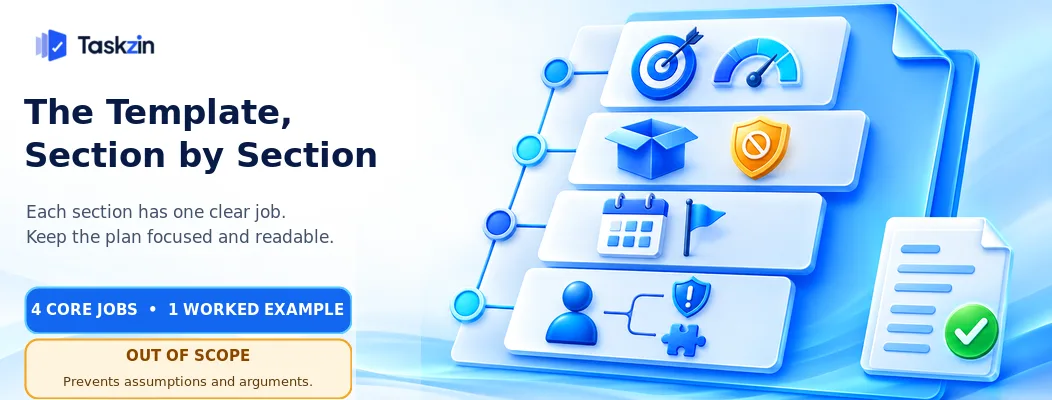
Each section has a specific job, and knowing the job prevents the padding that makes plans unreadable.
Objective and success criteria
The objective is one or two sentences stating why the project exists in business terms, not what you will build.
Success criteria must be measurable and agreed before you start. "Improved customer experience" is not a criterion. "Support response time under four hours for 90 percent of tickets by end of Q3" is. If you cannot measure it, you cannot close the project against it, and projects without closure criteria run indefinitely.
Scope and out of scope In scope lists what you are delivering. Out of scope lists what a reasonable person might assume is included and is not.
The second list is the one that matters. Every disputed change request traces back to something someone assumed was included. Writing five or six explicit exclusions costs ten minutes and prevents weeks of argument.
Milestones and deliverables Four to eight checkpoints with dates and a named owner each. Not tasks — checkpoints where something is genuinely complete and reviewable.
If your milestone list has thirty entries, you have written a task list. Milestones are for stakeholders to track progress; tasks live in your project tool.
Roles, risks and assumptions Name the decision-maker explicitly — one person, not a committee. Then who is doing the work and who needs to be kept informed.
Assumptions are the things you are taking on trust: that a vendor delivers on time, that a resource stays available, that a dependency lands. Writing them down converts a hidden risk into a visible one, and makes it legitimate to escalate when one proves false.
A Worked Example
A filled version of the template for a small internal project, showing the level of detail each section needs.
Section Example content Objective Replace the manual customer onboarding process to reduce time-to-first-value and cut support load in the first month of a customer's contract.
Success criteria Median onboarding completed in under 5 working days (currently 14). Support tickets in first 30 days reduced by 40%. 100% of new customers through the new flow by 30 November.
In scope New onboarding flow, automated welcome sequence, self-serve setup guide, internal handover checklist, reporting on completion rates.
Out of scope Migrating existing customers. Changes to the billing system. Localisation beyond English.
Redesigning the product UI. Sales handover process.
Review at milestones
Requirements signed off — 12 Sep (A. Rai).
Flow designed and reviewed — 3 Oct (S.
Thapa). Build complete — 24 Oct (dev team).
Pilot with 10 customers — 7 Nov (A. Rai). Full rollout — 30 Nov (A. Rai).
Roles Decision-maker: Head of Customer Success.
Delivery lead: A. Rai. Contributors: 2 developers,
1 designer, support lead. Informed: CEO, sales lead.
Make assumptions explicit
Design capacity available from mid-September.
No competing release in November. Support lead available for pilot week.
Risks Dev capacity pulled to production issues (likely, high impact). Pilot customers unresponsive (possible, medium). Scope pressure to include migration (likely, high).
Filling It In Without Wasting a Day
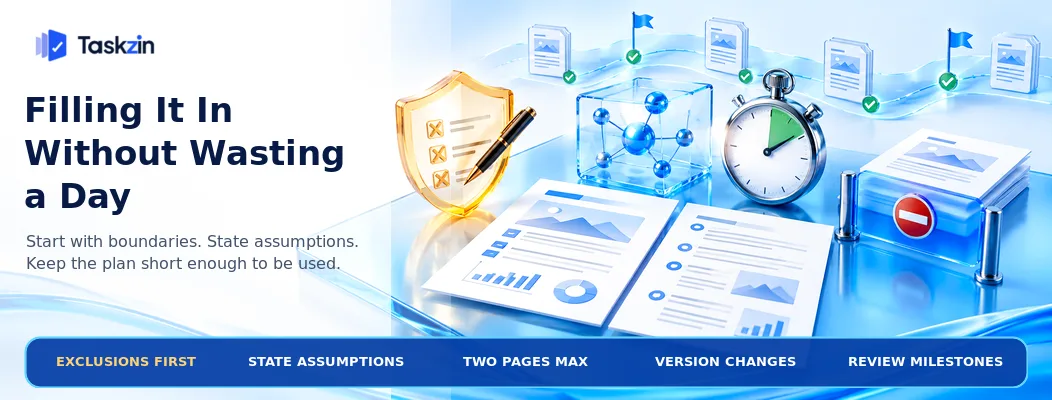
Write the exclusions first, state assumptions plainly, and stop at two pages.
Write the out-of-scope list first
Counterintuitive and effective. Starting with what you are not doing forces the boundary conversation immediately, while it is cheap.
Ask your stakeholders what they expect to be included. Anything you are not doing goes straight into the exclusions list, in their words rather than yours.
Make assumptions explicit Every plan rests on things you cannot control. Naming them takes five minutes and changes what happens when one fails.
An unstated assumption that breaks becomes your problem. A stated assumption that breaks is a documented change in circumstances, which is a different conversation with your sponsor.
Keep it to two pages
Longer plans are read less. A two-page plan gets read by everyone who needs to; a fifteen-page plan gets read by nobody and approved anyway.
If your project genuinely needs more detail, put it in linked appendices and keep the plan itself short. Where the plan lives alongside the work — attached as a doc to the project rather than in a separate drive folder — people actually refer back to it.
Keeping the Plan Alive
The plan is not the schedule, changes should be versioned rather than silently rewritten, and milestones are the natural review point.
The plan is not the schedule
The plan states intent and boundaries. The schedule states sequence and dates, and lives in your project tool where dependencies recalculate when something moves.
Keeping them separate stops the plan from needing an update every time a task slips, which is what causes plans to be abandoned.
Version it, do not rewrite it
When scope changes, add a dated line recording what changed and who approved it rather than silently editing the original.
Six months later, "why did we add that?" has an answer. Without it, scope creep becomes invisible and unattributable.
Review at milestones Read the plan at each milestone — ten minutes, checking whether the success criteria are still right and whether any assumption has broken.
This is the only reliable way plans stay relevant. A plan written once and never reopened is a document, not a tool.
Common Project Plan Mistakes
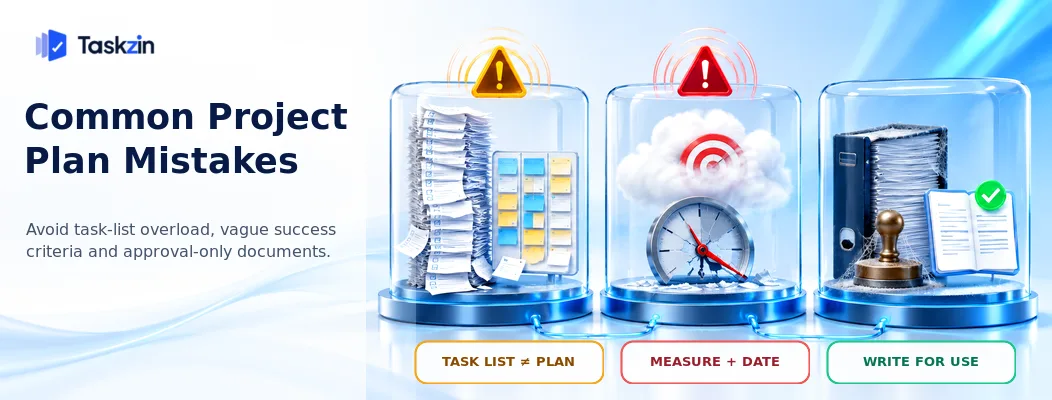
Three failures: writing a task list instead of a plan, unmeasurable success criteria, and writing for approval rather than for use.
Confusing a plan with a task list
A plan with sixty line items is a schedule wearing the wrong label. Stakeholders cannot use it, and it goes stale within a fortnight.
Milestones in the plan, tasks in the tool. Keeping that separation is what makes both usable.
Success criteria that cannot be measured
"Improve efficiency", "better collaboration", "increased satisfaction" — none of these can be assessed at the end, so the project never formally succeeds or fails.
Every criterion needs a number and a date. If a stakeholder resists that, the underlying disagreement is about what the project is for, and it is better to have that argument now.
Writing it for approval, not for use
Plans written to satisfy a governance requirement are long, padded and never reopened.
Write the plan you would want if you joined the project in month three. That is the useful test, and it produces a shorter document than the approval-oriented version.
Frequently asked
What should a project plan include?
Objective, measurable success criteria, in scope, out of scope, milestones with dates and owners, roles including a named decision-maker, and risks with assumptions. Seven sections, two pages.
How long should a project plan be?
Two pages for most projects. Longer plans are read less, and detail belongs in linked appendices rather than in the plan itself.
What is the difference between a project plan and a project schedule?
The plan states intent, boundaries and success criteria. The schedule states sequence and dates, and lives in your project tool where dependencies recalculate when something moves.
Who writes the project plan?
The delivery lead, with input from stakeholders on scope and exclusions. The named decision-maker approves it — one person, not a committee.
When should you update a project plan?
At each milestone, and whenever scope changes. Add dated version lines recording what changed and who approved it rather than silently editing the original.
Do small projects need a plan?
A short one, yes — objective, success criteria and an out-of-scope list can fit in half a page and prevent most of the disputes small projects have. Skip milestones and formal risk sections.
What is the difference between a project plan and a charter?
A charter authorises the project and names the sponsor and budget. The plan describes how it will be delivered. Small projects frequently combine them into one document.
Sanju Shrestha is a SaaS content writer at Taskzin who explores smarter ways to manage work, organize priorities, and improve team performance. Her content covers productivity strategies, digital workflows, collaboration, and task management, with a focus on helping modern teams work more efficiently and stay aligned.
All posts by Sanju Shrestha
Comments