Project Status Report Template
A project status report template with a filled worked example, covering what a report is actually for, how to use RAG status honestly, how to adapt it for executives, peers and the team, and how to write it in fifteen minutes.

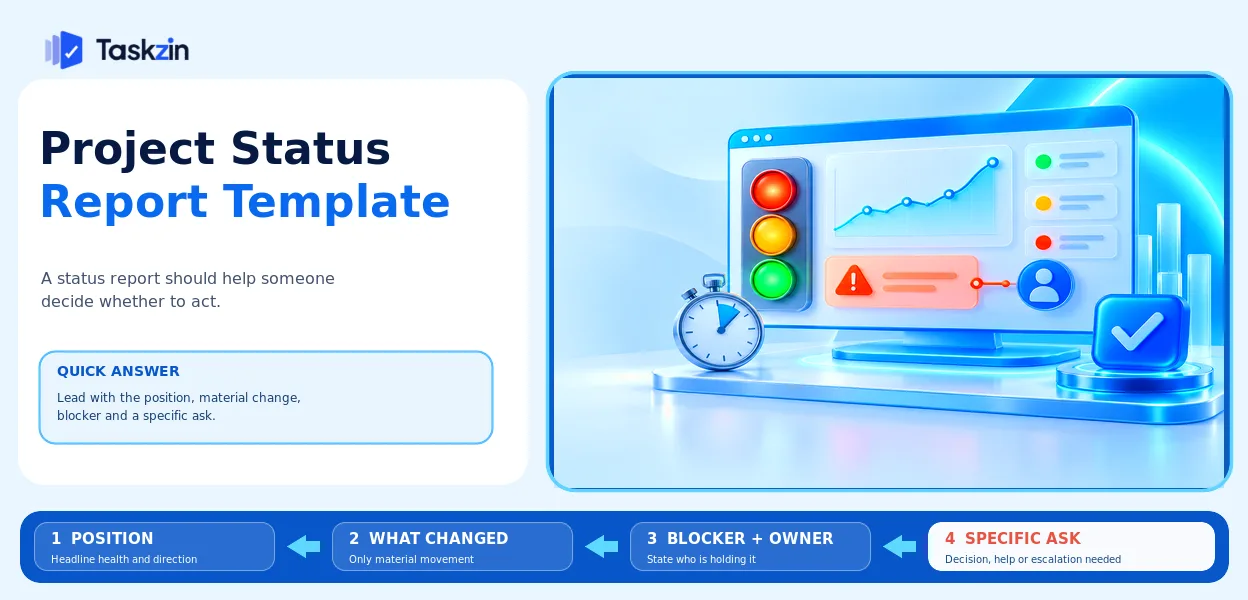
The template below fits on one screen and takes fifteen minutes to complete when the project data is current.
Quick answer: A status report exists to let someone decide whether to act. It needs a headline position, what materially changed, what is blocked and with whom, and a specific ask. Reports that narrate activity — everything the team did this week — get skipped, because the reader has to work out the implications themselves.
What the Report Is For
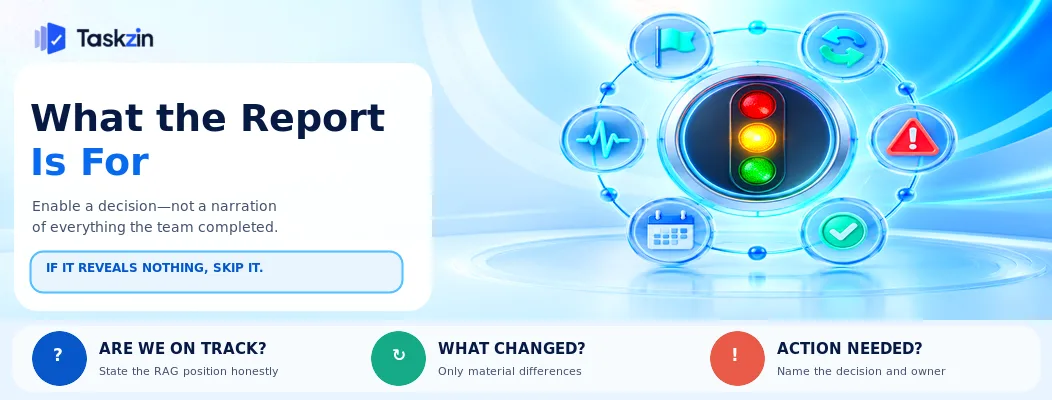
A status report enables a decision. If it requires none and reveals nothing, it should probably not exist.
Enabling a decision, not narrating work
The reader wants three things: are we on track, has anything changed since last time, do I need to do anything.
An activity list answers none of these directly. "Completed the migration, ran three workshops, drafted the specification" describes effort; it does not say whether the September date still holds.
Why reports get skipped
They are too long, they are written chronologically rather than by importance, and the same version goes to every audience.
A report that consistently generates no response is either unnecessary or unread. Both are worth knowing, and asking directly is the fastest way to find out.
The RAG status question
Red, amber, green is standard and its value depends entirely on amber being used honestly.
A report that stays green until the month before a failure destroys trust in every future report you send. The section below covers how to avoid that, since it is the single most damaging pattern in project reporting.
The Status Report Template
Six sections, most of them two or three lines.
Section Content Length Status RAG plus one sentence of explanation One line Milestones Next 2–3 milestones, dates, on track or not 2–3 rows
What changed Material changes since the last report 2–4 bullets Blocked What is stuck, with whom, since when 0–3 bullets Decisions needed Specific asks, named person, by when 0–2 bullets Next period What will happen before the next report 2–3 bullets
Detail belongs in a link, not in the report.
A Filled Example
A weekly report on a project that has slipped, written honestly.
Section Content **Status** **Amber** — the payment vendor integration has slipped two weeks; the 30 November launch is at risk but recoverable if a decision on scope is made this week.
**Milestones** Integration complete — was 12 Sep, now 26 Sep, at risk. Pilot with 10 customers — 7 Nov, on track if integration lands. Full launch — 30 Nov, at risk.
**What changed** Vendor sandbox has been unavailable 6 of the last 10 working days, blocking integration testing. Fallback approach (testing against recorded responses) built and working — recovers roughly one week of the two lost. Legal review of terms completed early, no longer a risk.
**Blocked** Vendor sandbox stability — escalated to vendor account manager 2 Sep, no resolution after 9 days. Owner: S. Thapa.
**Decisions needed** Do we cut saved-card management from launch scope to protect the 30 Nov date? Decision needed from Head of Product by Friday 12 Sep.
**Next period** Complete integration against fallback. Confirm pilot customer list. Re-forecast launch date once the scope decision is made.
Using RAG Honestly
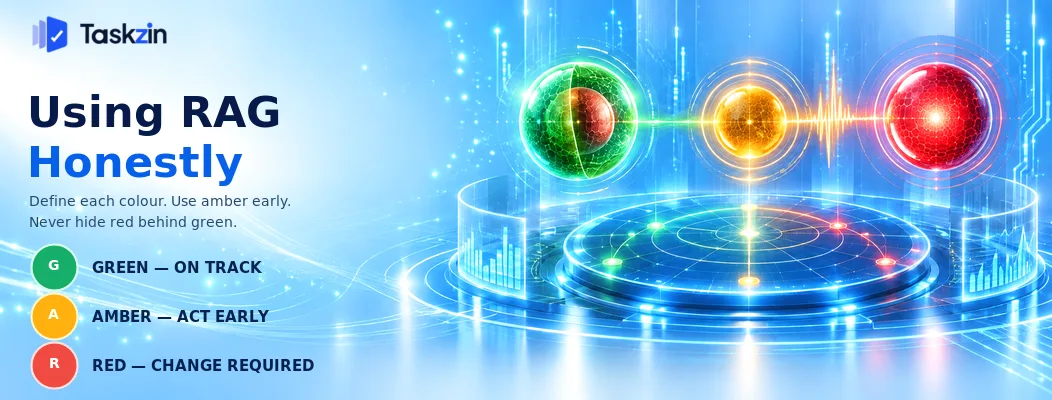
Define what each colour means, use amber early, and avoid reporting green over a red project.
Define what each colour means
Agree the definitions once, with your sponsor, and use them consistently.
A workable set: green means on track with no intervention needed. Amber means at risk, recoverable, and specific help may be required. Red means the committed outcome will not be met without a change to scope, time or resources.
Without agreed definitions, colours become mood indicators and lose their meaning entirely.
Amber early is the whole point
Amber exists to give people time to act. A project flagged amber in month two and recovered is a well-managed project.
Managers frequently avoid amber because it feels like an admission. It is the opposite — it demonstrates that you can see problems while they are still solvable. The reputational cost of late red vastly exceeds that of early amber.
Watermelon reporting
Green on the outside, red on the inside. The pattern where a project reports green throughout and fails without warning.
It happens where reporting amber is punished, so the incentive runs toward optimism. If you receive these reports, examine how you responded to the last piece of bad news — the answer is usually there. If you write them, understand that the reckoning arrives regardless, and later is considerably worse.
Adapting for Each Audience
One underlying set of facts, presented at three different levels.
Audience Wants Length Include Executive sponsor Whether to worry, and any decision required 5 lines RAG, the one material change, the decision needed Steering group / peers Dependencies and cross-project impact Half a page RAG, milestones, blockers affecting them, decisions Delivery team Operational detail and context Full report or the board itself Everything, plus the reasoning behind decisions
Sending the executive version to the team leaves them without context; sending the team version to an executive means it is not read.
Making It Take Fifteen Minutes
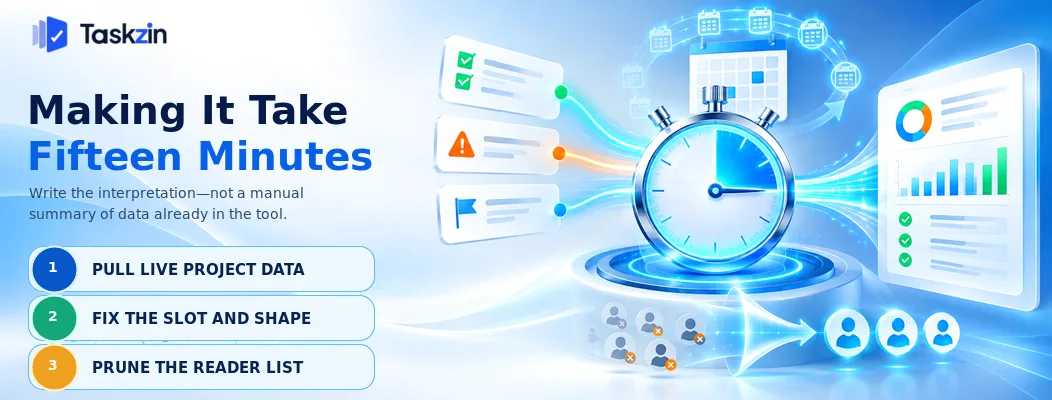
Pull from the project data rather than retyping it, keep the slot and shape fixed, and remove readers who never engage.
Pull from the work, do not retype it
If writing the report means manually gathering what happened, it takes an hour and will eventually stop being written.
Where the project tool holds current status, most of the content already exists — completed items, blocked items, upcoming milestones and dates. Pulling from that leaves you writing only the interpretation, which is the part that needs a person. Dashboards with live widgets let the sponsor see the underlying numbers themselves rather than waiting for your summary.
Fixed slot, fixed shape
Same day, same time, same structure every period. Readers learn where to find what they need, and writing gets faster because the shape is settled.
Irregular reports get skipped because nobody has a habit around them.
Prune the distribution list
Lists accumulate. Ask occasionally whether people still want it.
A shorter list of engaged readers is worth more than a long list of people filtering it into a folder automatically.
Frequently asked
What should a project status report include?
RAG status with one sentence of explanation, next milestones with dates, what materially changed, what is blocked and with whom, decisions needed with names and dates, and what happens next.
How often should status reports be sent?
Weekly for active projects, fortnightly for slower ones. Consistency matters more than frequency — irregular reports get skipped.
What does RAG status mean?
Red, amber, green. Green is on track. Amber is at risk but recoverable, possibly needing help. Red means the committed outcome will not be met without a change to scope, time or resources.
How do you report a project going badly?
Early, in the headline, with what you are doing about it and what you need. Stakeholders can act on early bad news and cannot act on news arriving the week before a deadline.
How long should a status report be?
Five lines for an executive, half a page for a steering group, and as detailed as useful for the team. Detail should be linked rather than included.
What is watermelon reporting?
Green on the outside, red on the inside — reporting a project as on track when it is not. It usually happens where reporting problems is punished, and it destroys trust when the truth emerges.
Who should receive the status report?
People who need to act or decide, in the version appropriate to them. Prune the list periodically — engaged readers matter more than wide distribution.
Sujan Sharma is a content writer at Taskzin with a strong focus on productivity systems, task management, workflow optimization, team collaboration, and SaaS technology. He creates research-driven, practical content that helps professionals and growing teams improve operational efficiency, streamline processes, and make informed decisions about modern work management tools.
All posts by Sujan Sharma
Comments