Capacity Planning Template
A capacity planning template with a worked example, covering what capacity planning answers, how to fill in each column, finding your team's real focus factor, using the plan week to week, and common mistakes.


The template below fits on one screen and takes fifteen minutes a week to maintain. That is the whole system — capacity planning fails from neglect far more often than from insufficient sophistication.
Quick answer: A capacity plan calculates how much work a team can realistically take on in a period, by counting each person's available days, subtracting known commitments, and applying a focus factor for the time that never reaches project work. The resulting number is usually 60 to 75 percent of what headcount suggests, which is why teams that plan without one overcommit consistently.
What Capacity Planning Answers
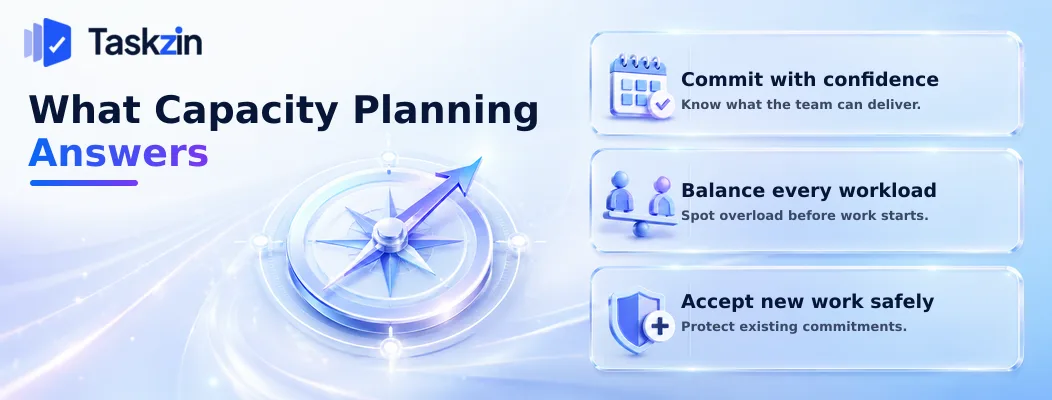
Capacity planning answers how much you can commit to, whether anyone is overloaded, and whether you can take on something new — with numbers rather than instinct.
Three questions it settles
Can we commit to this sprint or this month's plan? Is anyone carrying more than they can deliver? Can we accept this new request without breaking an existing commitment?
Each is asked constantly and usually answered by feel. A capacity plan converts them into arithmetic, which makes the conversation with stakeholders factual rather than negotiable.
Why headcount is not capacity
Five full-time people over ten working days is fifty person-days on paper. In practice it is closer to thirty.
Meetings, code or work review, support duties, recruitment, onboarding, admin and interruptions consume the difference. None of it is waste, and all of it is invisible to a plan built from headcount. This gap is the single most common cause of chronic overcommitment.
Planning horizon
Plan named individuals two to four weeks ahead and roles three to six months ahead.
Named assignment further out creates false precision — people move between projects, priorities shift, and the detailed plan gets rebuilt repeatedly. Role-level planning answers the question that actually matters at distance: do we have enough of the right skills, and if not, when do we need to hire?
The Capacity Planning Template
Person Workin g days Leave / holiday Non-pro ject commit ments Availabl e
Focus factor
factor Effectiv e capacit y Commit ted Remaini ng A.
Develop er 10 0 0 10 70% 7.0 6 1.0 B.
Develop er 10 2 0 8 70% 5.6 6 −0.4
C.
Develop er 10 0 5 (support rota) 5 70% 3.5 3 0.5 D.
Designe r 10 0 2 (intervie ws) 8 65% 5.2 5 0.2 E. Lead (50%) 10 1 0 9 40% 3.6 3 0.6 **Team total** **50** **3** **7** **40** — **24.9** **23** **1.9**
Fifty nominal person-days becomes roughly 25 of effective capacity. The lead is planned at 40 percent rather than 50 to account for context switching.
Filling In Each Column
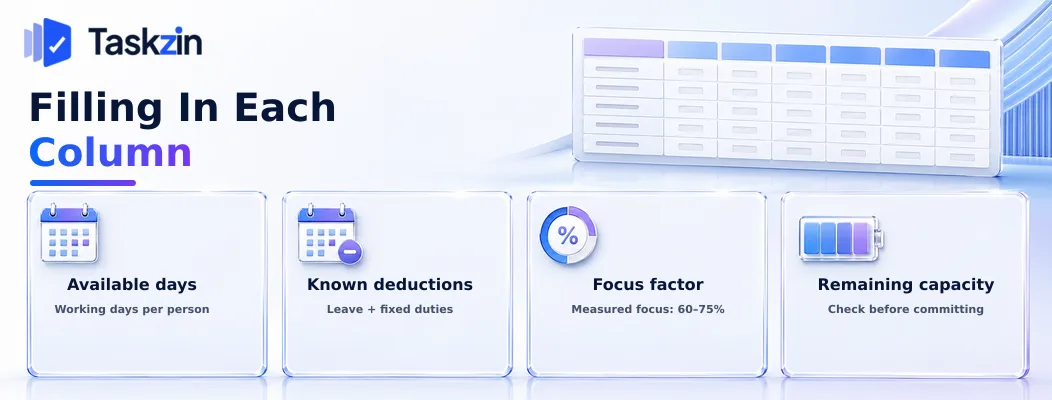
Start from working days, subtract what is already committed elsewhere, apply your measured focus factor, then compare against what you are planning to take on.
Available days
Working days in the period, per person. A two-week sprint is ten; a month is roughly twenty.
Do this per person rather than as a team total. Averages conceal the person on leave for half the period, which is exactly the detail that makes the plan wrong.
Known deductions
Annual leave, public holidays, training, and anything already committed: support rotation, interview panels, onboarding a new joiner.
Onboarding deserves specific attention because it reduces two people — the joiner and whoever supports them — for several weeks. Teams routinely count the new person as full capacity from day one and wonder why the period underdelivers.
Finding Your Team's Focus Factor
The proportion of available time that historically reaches project work. Most teams land between 60 and 75 percent.
Apply it per person where they differ meaningfully. A team lead with management responsibilities has a lower factor than a full-time individual contributor, and someone split across two teams should be planned below their nominal split to account for context switching.
Committed and remaining
What has been planned against each person, and what is left.
Remaining is the number that matters. A negative figure against anyone means the plan is already impossible, and finding that at planning time is far cheaper than finding it in week two.
Finding Your Team's Focus Factor Measure your focus factor from three periods of actual results rather than assuming a benchmark, understand what consumes the difference, and recalculate after any significant change.
Measure rather than assume
For three sprints or months, record nominal available days and compare against what genuinely went to project work.
Precision is not required. A rough estimate from each person at period end — roughly what proportion of your time went to planned work — is accurate enough. The figure usually surprises teams, and that surprise is the point.
What consumes the missing time
Typically, in descending order: meetings beyond the essential ones, support and interruptions, reviewing colleagues' work, and context switching between tasks.
Knowing the breakdown is useful beyond planning. If half the gap is meetings, that is addressable. If it is support load, a rotation concentrating it on one person protects everyone else's focus.
When to recalculate
After team changes, after a change in support arrangements, and after any reorganisation that adds or removes meetings.
Expect two or three unstable periods before the new figure settles. Planning against a stale focus factor is only marginally better than not calculating at all.
Using the Plan Week to Week
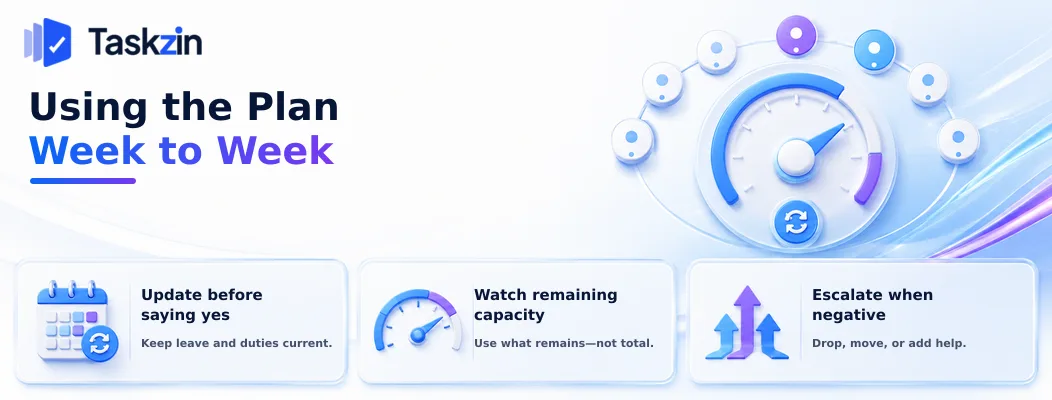
Update the plan before committing to anything new, watch remaining capacity rather than the total, and escalate when it goes negative rather than absorbing it.
Update before committing to anything
The plan is only useful if it is current at the moment someone asks you to take on more work.
Fifteen minutes weekly is enough: update leave, adjust for what actually happened, and recheck remaining capacity. Teams that maintain this can answer a new request immediately and accurately, which is a genuine advantage in any negotiation.
Watch remaining capacity, not total
Total capacity is a static number. Remaining capacity moves as commitments are made, and it is what tells you whether to say yes.
Where your project tool shows workload per person against a capacity figure — Taskzin's workload view does this alongside the board — the plan and the commitments stay in the same place rather than diverging in a separate spreadsheet.
Escalate when it goes negative
Negative remaining capacity is a decision point, not something to absorb quietly.
The options are to drop something, move a deadline, or add capacity. All three are management decisions. Absorbing it means the team works late, quality slips, or the commitment is missed — and none of those was decided by anyone.
Common Capacity Planning Mistakes
The three errors that make capacity plans useless are planning at full availability, mishandling shared people, and letting the plan go stale.
Planning at full availability
Booking everyone to 100 percent leaves nothing for the urgent request, the production issue or the sick day that arrives every period.
Plan to your measured focus factor and hold the remainder deliberately. A plan with no slack does not remove uncertainty; it guarantees the plan is wrong.
Ignoring part-time and shared people
Someone split between two teams does not deliver half a person's output to each — context switching consumes real time. Many teams plan such people at around 40 percent per team for a nominal 50-50 split.
The same applies to anyone with substantial non-delivery responsibilities.
Building a plan nobody maintains
The commonest outcome: an elaborate capacity model built enthusiastically over a fortnight, abandoned within two months.
Match the sophistication to the maintenance capacity you genuinely have. A simple, current plan beats a detailed, stale one every time.
Frequently asked
What is capacity planning?
Calculating how much work a team can realistically complete in a period, by counting available days, subtracting known commitments, and applying a focus factor for time that does not reach project work.
How do you calculate team capacity?
Take each person's working days, subtract leave and known non-project commitments, then multiply by your focus factor — typically 60 to 75 percent of nominal time.
What is a realistic focus factor?
Most teams measure between 60 and 75 percent. Use your own figure from three periods of actual results rather than a benchmark, since support load and meeting culture vary enormously.
How far ahead should you plan capacity?
Named individuals two to four weeks ahead, roles three to six months ahead. Detailed named assignment further out gets rebuilt repeatedly as priorities move.
How do you handle people split across teams?
Plan them below their nominal split — commonly around 40 percent per team for a 50-50 arrangement — to account for the real cost of context switching between two sets of work.
What is the difference between capacity and velocity?
Capacity is how much the team can do next period given who is available. Velocity is how much it delivered in past periods. Velocity is the starting estimate; capacity is the adjustment for current conditions.
How often should you update a capacity plan?
Weekly, taking about fifteen minutes. A plan that is not current when someone asks you to take on new work cannot help you answer.
Sujan Sharma is a content writer at Taskzin with a strong focus on productivity systems, task management, workflow optimization, team collaboration, and SaaS technology. He creates research-driven, practical content that helps professionals and growing teams improve operational efficiency, streamline processes, and make informed decisions about modern work management tools.
All posts by Sujan Sharma


Comments