Content Calendar Template for Marketing Teams
A content calendar template for marketing teams that tracks workflow stages and ownership rather than just publish dates, with a worked example, guidance on setting up the workflow, planning cadence, and common mistakes.


The template below covers both: what you are publishing and where each piece actually is.
Quick answer: A content calendar that only tracks publish dates will not tell you why nothing is publishing. It needs to track the stages content moves through, who owns it at each stage, and where it is currently stuck. Almost every content operation has the same bottleneck — review — and a date-only calendar makes that invisible.
What a Content Calendar Has to Track
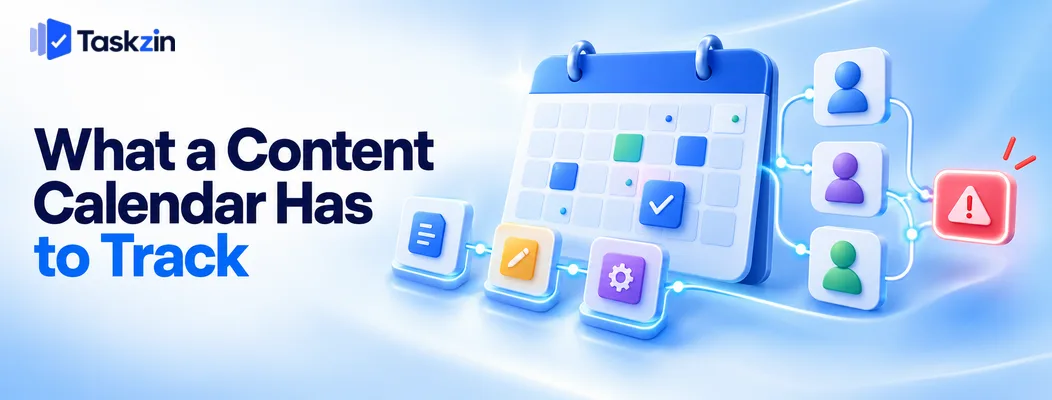
Publish dates are the output; stages and ownership are what let you predict whether the date will be met.
More than publish dates
A calendar showing twelve posts scheduled for next month tells you your intention. It tells you nothing about whether they will happen.
The useful information is where each piece is now: briefed, drafted, in review, waiting on design, scheduled. That is what predicts the outcome.
The stages content moves through
Most content operations have five to seven real stages: idea, briefed, drafting, review, design or assets, scheduled, published.
Naming them honestly matters. Teams frequently have an unnamed stage — "waiting for the subject expert to reply" — where pieces sit for weeks. If it is not a stage, it is invisible, and invisible delays never get fixed.
Who is waiting on whom
At any moment, each piece is waiting on one named person. Making that visible is the single most useful property of a content workflow.
Without it, the standing question in every content meeting is "where is that piece?" — which is a question the system should already answer.
The Content Calendar Template
Fields that earn their place, split between planning and tracking.
Field Purpose Example values Title / working title Identify the piece Working title, refined later Content type Format Blog, email, video, social, case study Channel Where it publishes Blog, LinkedIn, newsletter, YouTube
Pillar / theme Strategic grouping Product education, thought leadership, customer stories Target keyword or angle Why this piece Primary keyword or narrative angle Stage Where it is now Idea, briefed, drafting, review, assets, scheduled, published Owner Who has it right now Named person, changes with stage
Make the brief a requirement
Draft link The work Link to draft Target publish date Intended date Date Actual publish date What happened Date Repurposed into Downstream use Links to derived pieces
A Filled Example
Four pieces at different stages, showing what the calendar tells you at a glance.
Title Type Channel Stage Owner Target date Note How to run a sprint retrospectiv e Blog Blog, newsletter Published — 12 Aug Repurpose d into 3 LinkedIn posts Customer story:
Meridian Case study Blog, sales deck Review Legal (S.
Thapa) 20 Aug In review 9 days — blocked Q3 product update Email Newsletter Assets Design (P.
Karki) 28 Aug Waiting on 2 screenshot s Why teams outgrow spreadshee ts Blog Blog Drafting A. Rai 4 Sep On track Webinar follow-up sequence Email Newsletter Briefed Unassigned 11 Sep Needs a writer
The Meridian row is the value of the template — nine days in review, with a named owner, visible without asking anyone.
Setting Up the Workflow
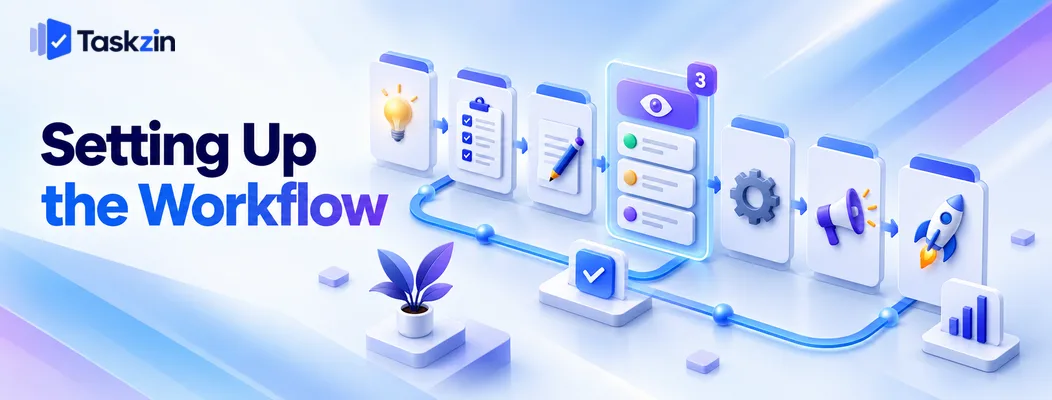
Name the stages that actually exist, limit how many pieces can sit in review, and require a brief before drafting starts.
Define the stages honestly
Include the stages you would rather not admit to. If pieces routinely wait for a subject expert, "awaiting expert input" is a stage.
Hidden stages are where content dies. A workflow that matches reality shows you the bottleneck; one that describes an idealised process hides it.
Put a WIP limit on review
Review is the bottleneck in almost every content team. Limiting how many pieces can be in review simultaneously forces the reviewer to finish rather than accumulate.
Three is a reasonable starting limit for one reviewer. When the limit is reached, nothing new enters review — which is uncomfortable and is exactly the pressure that gets the queue cleared.
A board with enforced per-column WIP limits makes this a constraint rather than a suggestion.
Make the brief a requirement Nothing enters drafting without a brief: audience, angle, key points, target keyword, length, and what the piece should make the reader do.
Most rewrite cycles trace back to a missing brief. Ten minutes of briefing saves an hour of revision, and it makes the difference between a reviewer editing and a reviewer rejecting.
Planning the Calendar Itself
Set themes quarterly, decide specific pieces monthly, and reserve capacity for whatever comes up.
Plan themes quarterly, items monthly
Quarterly: what themes and campaigns matter, roughly how much of each format.
Monthly: the specific pieces, briefed and assigned. Planning specific pieces six months out produces a calendar that is rewritten in month two and abandoned in month three.
Leave a reactive slot
Something always comes up — a launch, a competitor announcement, a news moment, an executive request.
Reserve capacity explicitly, perhaps a quarter of your output. Without it, reactive work displaces planned work and the calendar loses credibility, which is how content teams end up purely reactive.
Track the repurposing chain
One good piece becomes a newsletter, several social posts, a section of a deck and possibly a video.
Recording what each piece was repurposed into stops the same work being done twice and shows the actual return on a substantial piece. Most teams under-repurpose because nobody is tracking what exists.
Common Content Calendar Mistakes
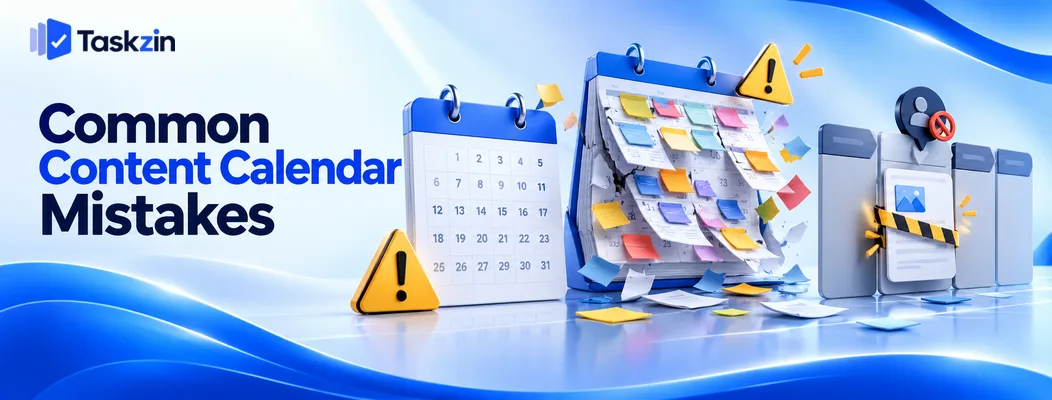
Three failures: tracking only dates, planning too far ahead in detail, and leaving pieces unowned between stages.
A spreadsheet of dates with no stages
The most common content calendar, and the least useful. It records intention and cannot explain outcomes.
Adding a stage and an owner field converts it from a schedule into an operational tool, which is the difference between knowing what you planned and knowing what will happen.
Planning six months of specific posts
Detailed long-range plans do not survive contact with changing priorities, and rewriting them repeatedly is demoralising.
Themes far out, specifics close in. That is the only version that stays accurate.
No owner between stages
A piece that has finished drafting and has not been picked up for review belongs to nobody, and nobody-owned work does not move.
Every stage transition must assign a named owner. Where the tool reassigns automatically as the status changes, this stops depending on someone remembering.
Frequently asked
What should a content calendar include?
Title, type, channel, theme, target angle or keyword, current stage, current owner, brief and draft links, target and actual publish dates, and what each piece was repurposed into.
How far ahead should you plan content?
Themes quarterly, specific pieces monthly. Detailed plans beyond about six weeks get rewritten and abandoned.
What stages should a content workflow have?
Typically idea, briefed, drafting, review, assets, scheduled and published — plus any stage that genuinely exists in your process, including awkward ones like awaiting expert input.
Should a content calendar be a spreadsheet?
A spreadsheet works for a solo marketer. Once several people hand work between stages, you need ownership, notifications and stage visibility that a sheet cannot provide.
How do you handle reactive content?
Reserve capacity for it explicitly — around a quarter of output for most teams. Unplanned reactive work otherwise displaces planned work until the calendar becomes fiction.
Who owns the content calendar?
One person, usually a content lead or editor. Shared ownership means nobody chases stuck pieces, which is the calendar's main operational job.
How do you stop content getting stuck in review?
Put a WIP limit on the review stage — around three pieces for one reviewer. When the limit is reached nothing new enters, which forces the queue to clear rather than grow.
Sujan Sharma is a content writer at Taskzin with a strong focus on productivity systems, task management, workflow optimization, team collaboration, and SaaS technology. He creates research-driven, practical content that helps professionals and growing teams improve operational efficiency, streamline processes, and make informed decisions about modern work management tools.
All posts by Sujan Sharma

Comments