Best Project Management Software With Custom
A comparison of project management tools with custom fields, covering what fields are actually for, eight tools compared on types and calculation, which field types to use when, and how to prevent field sprawl.


Custom fields are the feature teams most often ask for and most often misuse. The tools differ less in whether they have them than in what the fields can do once they exist.
Quick answer: ClickUp offers the widest range of field types, Airtable the strongest typing and relations, and Smartsheet the only real calculation. Taskzin, Jira, Monday.com and Asana all support fields well for normal project work. The useful question is whether you will filter or report on a field — if not, it should not exist.
What Custom Fields Are Actually For
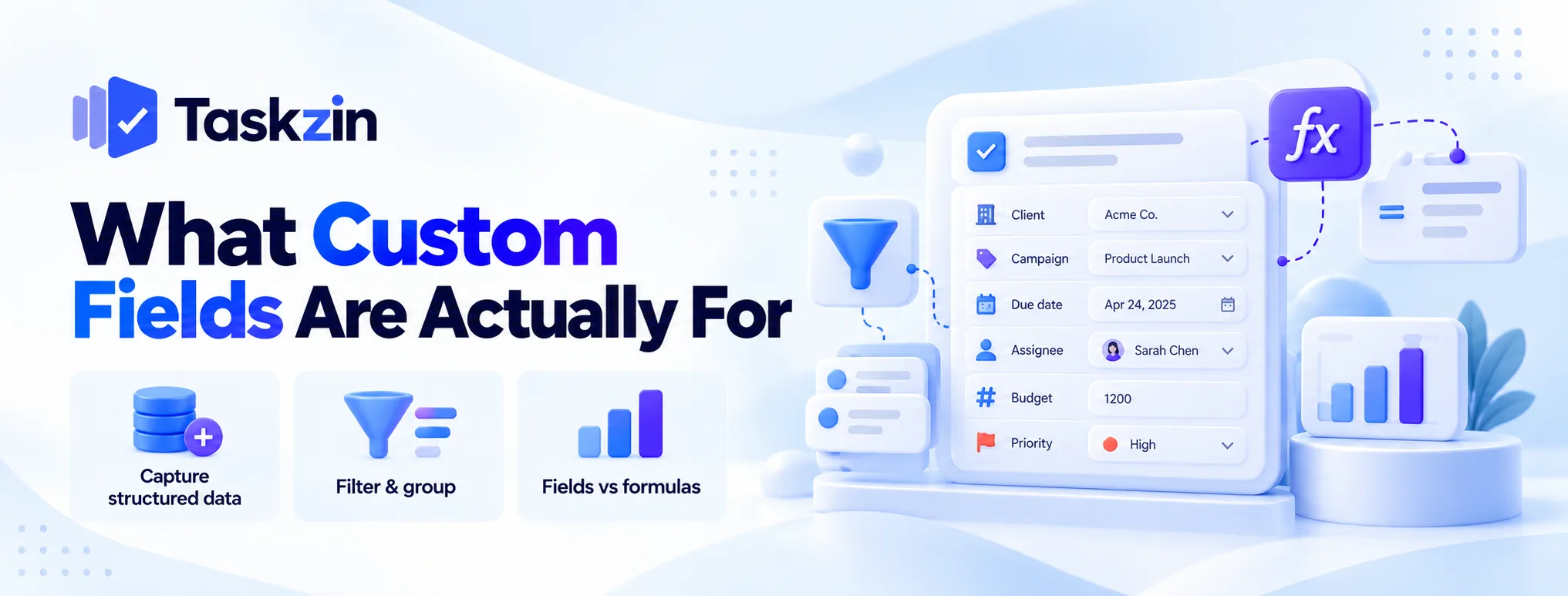
Fields exist to make work findable, groupable and reportable. Anything else belongs in the description.
Capturing what your work needs
Standard task fields — title, assignee, due date, status — cover the basics. Custom fields add what is specific to your work: client, campaign, priority score, effort estimate, environment, region.
The test is whether the information needs to be structured. If you only ever read it, the description field is fine.
Filtering, grouping and reporting
A field earns its place when you filter by it, group by it, or report on it.
"Show me everything for client X", "group this board by campaign", "report hours by region" — all of these require the data to be in a field rather than in prose.
Fields versus formulas
A field stores a value. A formula derives one from other values — a weighted score, a cost roll-up, a calculated date.
Most project tools have fields and no formulas. If you need derived values, that narrows the list considerably, and the section below says which tools cross that line.
The Tools Compared
Tool Field types Formulas Rollups Available from ClickUp Widest range Formula fields Limited Most plans Airtable Rich and strictly typed Yes Yes, across links Most plans Smartsheet Column types Extensive, cross-sheet Yes Most plans Jira Extensive, configurable Via apps Via apps Most plans Taskzin Standard set No No Paid plans Monday.com Many column types Formula column Limited Most plans Asana Standard set Limited No Paid tiers
Notion Flexible, loosely typed Yes Yes Most plans
Verify which tier includes custom fields — several tools gate them above the entry plan.
The Tools in Detail
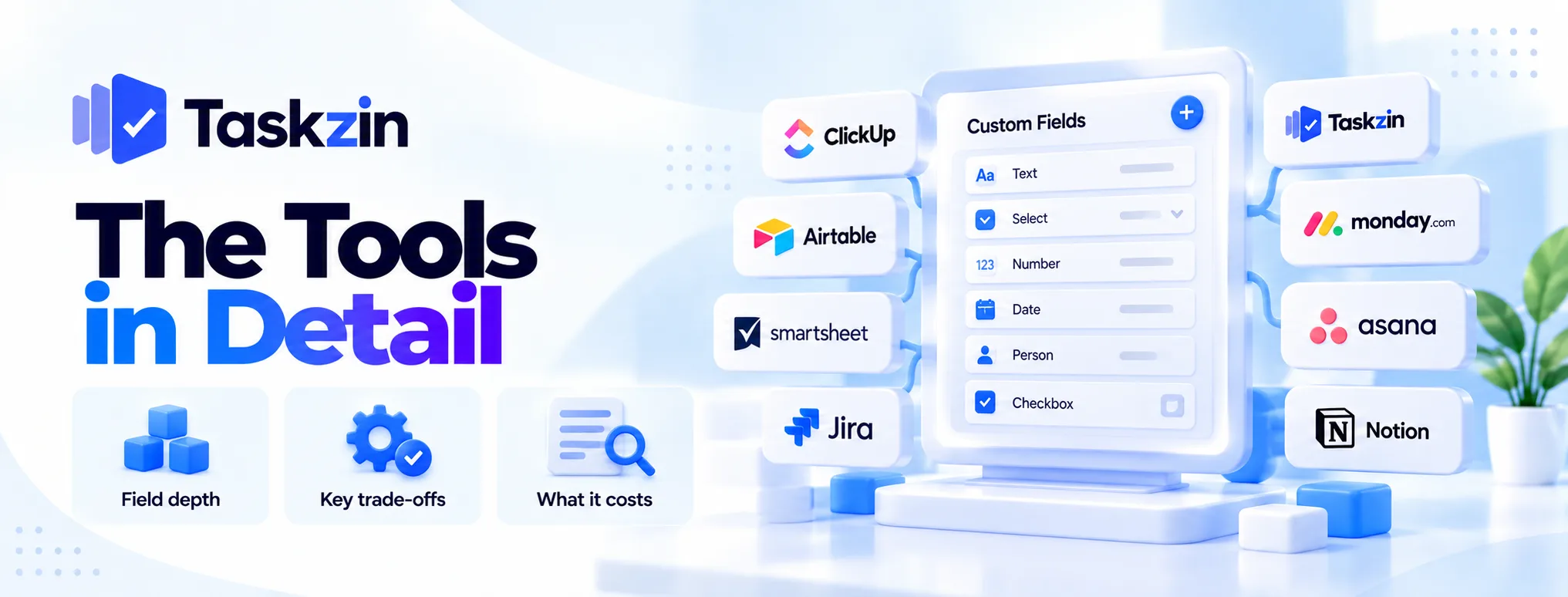
Depth of field support, and what comes with it.
ClickUp — the most field types
The broadest set here: text, number, currency, date, dropdown, labels, people, progress, rating, formula, relationship and more.
The trade: this breadth is also the risk. Without governance, teams create dozens of overlapping fields and the workspace becomes unnavigable.
Airtable — typed fields and real relations
Strictly typed fields with genuine constraints, plus linked records connecting tables and rollups summarising across them.
The trade: no dependency scheduling, and per-plan record limits. It is a database, not a project tool.
Smartsheet — fields plus calculation
The strongest calculation of any tool that also does dependencies and critical path — cross-sheet references and conditional formulas.
The trade: spreadsheet mental model, and licensing that needs modelling.
Jira — fields with governance
Extensive custom field support with field configurations and screen schemes controlling where each appears.
The trade: this governance machinery is powerful and heavy. Jira instances are also the classic example of field sprawl — hundreds of fields nobody uses.
Taskzin — fields across six views
Custom fields available on paid plans, usable for filtering and grouping across List, Board, Calendar, Gantt, Table and Timeline views over the same dataset.
The trade: no formula engine, so derived values are not possible. Suits teams who need to categorise and filter rather than calculate.
Monday.com — columns as fields
Column types serve as fields, including a formula column, and the visual presentation makes them readable at a glance.
The trade: formula capability is limited compared with Smartsheet, and fields are board-scoped.
Asana — fields on paid tiers
A clean, standard set that covers most business needs without overwhelming users.
The trade: gated to paid tiers, and deliberately narrower than ClickUp's. For many teams that restraint is a feature.
Notion — flexible but loosely typed
Property types with formulas and rollups, inside pages that can hold anything.
The trade: weaker typing than Airtable, so data quality drifts, and performance degrades on large databases.
Field Types and When You Need Them
Field type Use for Watch out for Dropdown / select Category, client, stage Option lists growing unmanaged Number Estimates, scores, quantities Units left undefined Currency Budget, cost, value Multi-currency handling Date Milestones beyond the due date Confusion with the standard due date Person Reviewer, approver, requester Duplicating the assignee field Checkbox Simple yes/no flags Using several where one dropdown fits Formula Derived values, scores, roll-ups Only some tools support it Relation / link Connecting to another record Rare in project tools; common in databases
Keeping Custom Fields From Becoming a Mess
Field sprawl is the standard failure, and three rules prevent nearly all of it.
Add a field only when you will filter on it
Before creating one, name the view, filter or report that will use it.
If you cannot, the information belongs in the description. This one rule prevents most sprawl, because most requested fields fail it.
Decide who can create them
Uncontrolled field creation produces six variations of "priority" across four teams.
Restrict creation to a small group, or require a short request. This feels bureaucratic and is considerably less painful than the alternative.
Audit annually
Once a year, list every custom field and check which are populated and which appear in a view or report.
Delete the rest. Fields nobody fills in make every form longer and every view more cluttered, for no benefit.
Frequently asked
Which project tool has the best custom fields?
ClickUp for the widest range of types, Airtable for strict typing and relations, Smartsheet for fields plus real calculation, Jira for governance at scale.
Are custom fields available on free plans?
Rarely in full. Most tools gate them to paid tiers or limit the number available. Check the specific plan you are pricing.
What is the difference between a custom field and a tag?
A tag is an unstructured label. A custom field is a defined attribute with a type, which means you can filter, group and report on it reliably.
Can custom fields do calculations?
Only in some tools. Smartsheet, Airtable, Notion, ClickUp and Monday.com offer formula capability at varying depth. Many project tools have fields with no calculation at all.
How many custom fields is too many?
When people cannot find the one they need, or when most are empty. Apply the filter test — if you will not filter or report on it, do not create it.
Do custom fields slow tools down?
A large number can slow views and make interfaces cluttered, particularly in Jira and Notion. Performance matters less than usability, which degrades first.
Should everyone be able to create fields?
No. Uncontrolled creation produces duplicate and overlapping fields quickly. Restrict it to a small group with a simple request process.
Binita Ray is a content writer at Taskzin, creating insightful and practical content on task management, team collaboration, productivity, workflow optimization, and SaaS solutions. She focuses on helping businesses, teams, and professionals simplify their work processes, improve efficiency, and make better use of modern productivity tools.
All posts by Binita Ray

Comments