Best Project Management Software With Built-In
A comparison of project management tools with built-in time tracking, covering what genuine time tracking requires, eight options with their trade-offs, how to choose based on why you track time, and what to check before buying.

Most project tools claim time tracking. Far fewer do it at the level that actually supports billing or capacity planning, and several gate it behind a tier above the one you were pricing.
Quick answer: The tools that handle time properly are ClickUp, Taskzin, Teamwork.com, Wrike, Monday.com, Zoho Projects and Hive, with Asana paired with Harvest as a strong unbundled option. The deciding questions are which tier includes it, whether it supports billable rates, and how little friction there is in logging an entry.
What "Built-In" Should Actually Mean
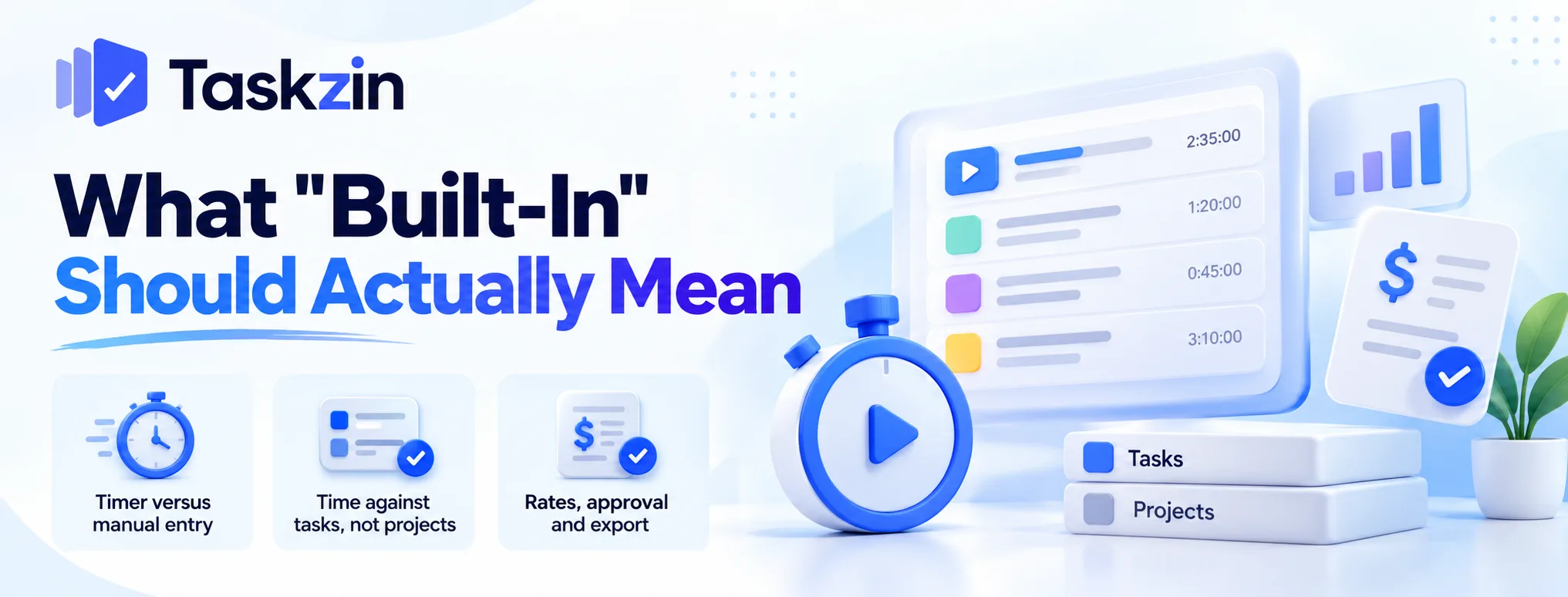
Three capabilities separate usable time tracking from a checkbox on a feature list.
Timer versus manual entry
A start-stop timer suits people working in long focused blocks. Manual entry suits people reconstructing a day retrospectively, which is how most people actually log time.
Good tools support both. Timer-only tools produce gaps, because nobody remembers to start it every time.
Time against tasks, not projects
Time logged against a whole project tells you the project's cost. Time logged against individual tasks tells you which work consumed it.
That granularity is what makes time data useful for estimating future work. Project-level tracking answers the finance question and none of the delivery ones.
Rates, approval and export
If you bill clients, you need billable and cost rates per person, and ideally an approval step before time is invoiced.
You also need a clean export, because most teams reconcile against a finance system regardless of what their project tool does.
The Tools Compared
Tool Time tracking available on Billable rates Invoicing Timer ClickUp All plans including free Higher tiers No Yes Taskzin Business plan Yes, on Business No Yes Teamwork.com Most plans Yes Yes Yes Wrike Higher tiers Available No Yes Monday.com Higher tiers Limited No Yes Zoho Projects Most plans Yes Via Zoho Books Yes Hive Available, some as add-on Available No Yes Asana + Harvest Via integration Yes, in Harvest Yes, in Harvest Yes
Verify current pricing and tier availability — time tracking moves between tiers frequently.
The Tools in Detail
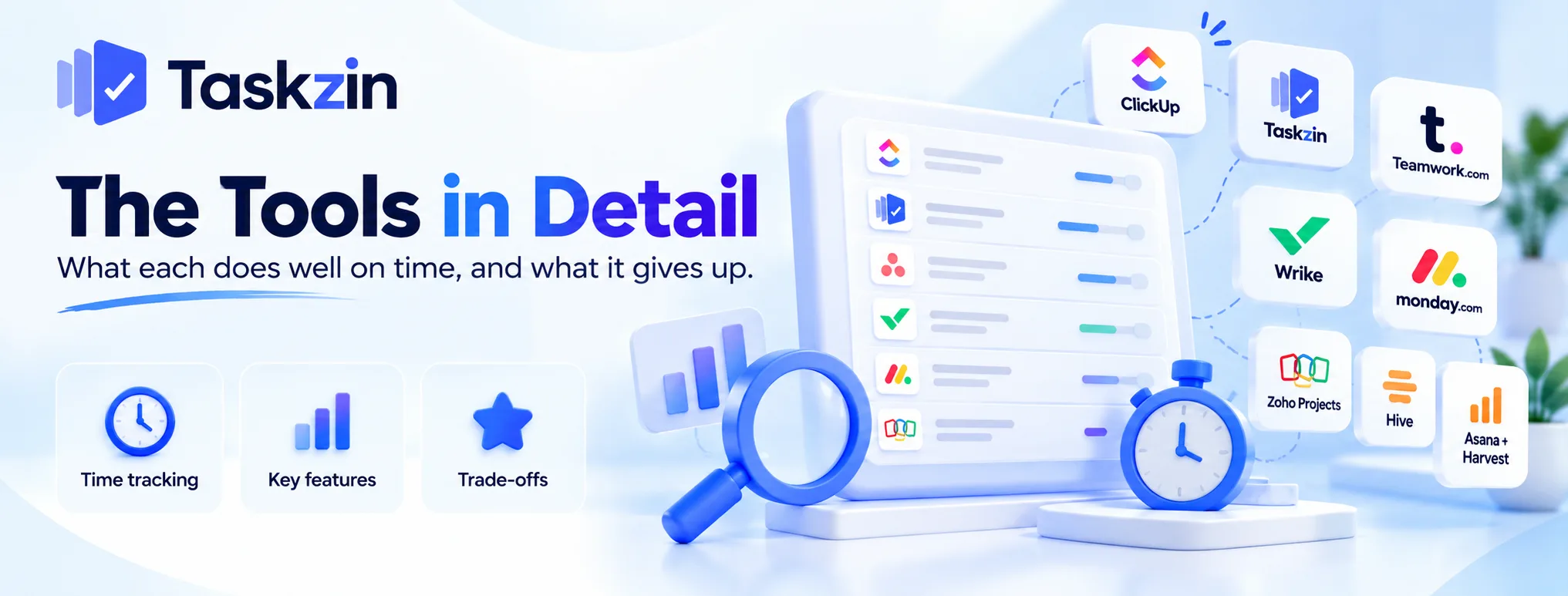
What each does well on time, and what it gives up.
ClickUp — included on every plan
The only tool here with native time tracking on its free plan, plus a timer, manual entry and task-level logging.
The trade: billable rates sit on higher tiers, there is no invoicing, and the wider product needs configuration ownership to avoid sprawl.
Taskzin — time and billable rates on Business
Time tracking with billable rates on the Business plan, alongside dashboards and goals, with flat per-member pricing and no seat tiers.
The trade: it is not on the free or Starter plans, and there is no invoicing — you export to a finance tool. Suits teams wanting delivery visibility plus enough commercial data to know where hours went.
Teamwork.com — time through to invoicing
The most complete commercial chain here: rates, budgets, retainer tracking and invoices generated from tracked time.
The trade: delivery depth is moderate and resourcing is lighter than Wrike's. You are buying the billing chain.
Wrike — time plus resourcing
Time tracking sitting alongside genuine workload and utilisation management across many concurrent projects.
The trade: higher tiers, no invoicing, and a longer implementation than most teams expect.
Monday.com — time on higher tiers
Visual, approachable and easy for non-technical teams to adopt, with time tracking available further up the plan ladder.
The trade: it is gated higher than most, rate support is limited, and seat structure needs checking at your headcount.
Zoho Projects — timesheets included
Timesheets are core rather than an upgrade, and time flows toward invoicing through Zoho Books.
The trade: the interface is functional rather than polished, and the real advantage only lands if you run other Zoho products.
Hive — time plus proofing
Time tracking alongside proofing and built-in chat, aimed at consolidating several subscriptions.
The trade: add-on pricing makes the total hard to predict, so price your specific requirement list.
Asana with Harvest — the unbundled option
Asana for delivery and adoption, Harvest for time, rates and invoicing. Frequently better than either tool doing both adequately.
The trade: two subscriptions and one integration to maintain.
Choosing Based on Why You Track Time
The reason you track determines which capability actually matters.
If you bill clients
You need rates, an approval step and a route to an invoice. Teamwork.com does the whole chain; Harvest paired with a project tool does it well too.
Anything without rate support will mean a monthly reconciliation in a spreadsheet.
If you are measuring capacity
You need task-level logging and reporting, not invoicing. ClickUp, Taskzin and Wrike all cover this.
What matters here is low entry friction — capacity data is only useful if it is complete, and complete data requires logging to be almost effortless.
If compliance requires it
Some sectors require timesheets with approval and an audit trail.
Check specifically for approval workflows and locked periods. Most project tools handle the logging and not the governance around it.
Before You Buy
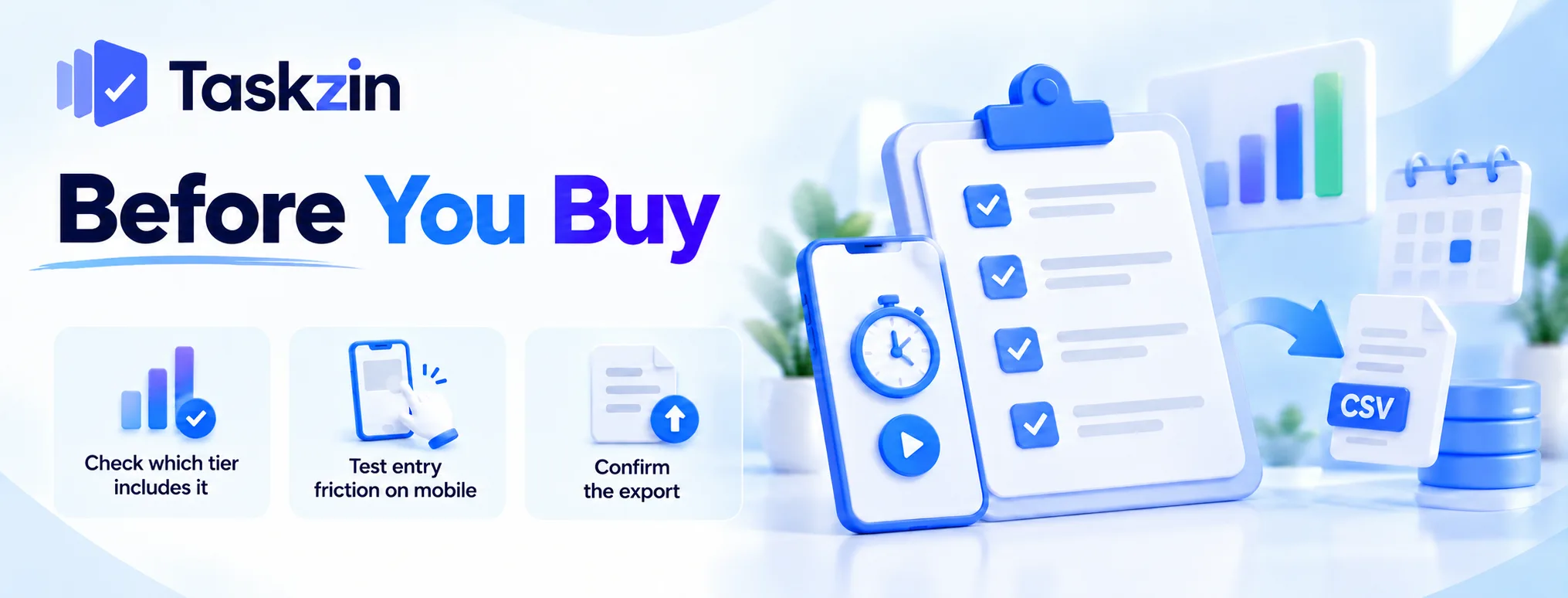
Three checks that prevent the common disappointments.
Check which tier includes it
Time tracking is one of the most frequently gated features in this category, and the tier containing it is often two steps above the entry plan.
Price at that tier. A comparison of headline rates between plans that do not include time tracking is meaningless.
Test entry friction on mobile
Time data is only as good as its completeness, and completeness depends on how easy logging is at the moment work happens.
Have two people log time for a week during a trial, including from a phone. If it takes more than a few seconds per entry, adoption will fail.
Confirm the export
You will reconcile against finance at some point. Check the export format, whether it includes rates, and whether it covers the period granularity you need.
Do this during the trial, not at the first month end.
Frequently asked
Which project management tool has the best time tracking?
Teamwork.com for the full billing chain through to invoicing, ClickUp for availability on every plan, Wrike for time alongside resourcing, and Taskzin for time with billable rates on its Business plan.
Is there a free tool with time tracking?
ClickUp includes native time tracking on its free plan, which is unusual. Most others gate it to paid tiers.
Does Asana have time tracking?
Native tracking is limited, and most teams pair Asana with Harvest or a similar tool, which also adds rates and invoicing.
What is the difference between time tracking and timesheets?
Time tracking records time against work as it happens. Timesheets are the periodic submission and approval of that time, usually for payroll or billing.
Can you invoice from tracked time?
In Teamwork.com and Harvest, yes. Most project tools stop at tracking and rates, leaving invoicing to a finance system fed by export.
Should you track time per task or per project?
Per task. Project-level tracking tells you total cost; task-level tells you which work consumed it, which is what improves future estimates.
Is a separate time tracker better?
Often, yes. A dedicated tool like Harvest usually handles rates, approval and invoicing better than a project tool's built-in feature, at the cost of one integration.
Binita Ray is a content writer at Taskzin, creating insightful and practical content on task management, team collaboration, productivity, workflow optimization, and SaaS solutions. She focuses on helping businesses, teams, and professionals simplify their work processes, improve efficiency, and make better use of modern productivity tools.
All posts by Binita Ray

Comments