Best Project Management Tools With Unlimited Free
A comparison of project management tools by guest access policy, covering why guest pricing usually matters more than seat pricing, eight tools and their actual terms, cost scenarios by team type, and what to verify before committing.

For teams working with clients, contractors or partners, guest pricing usually moves the bill more than the per-seat rate does — and it is the part almost nobody models before buying.
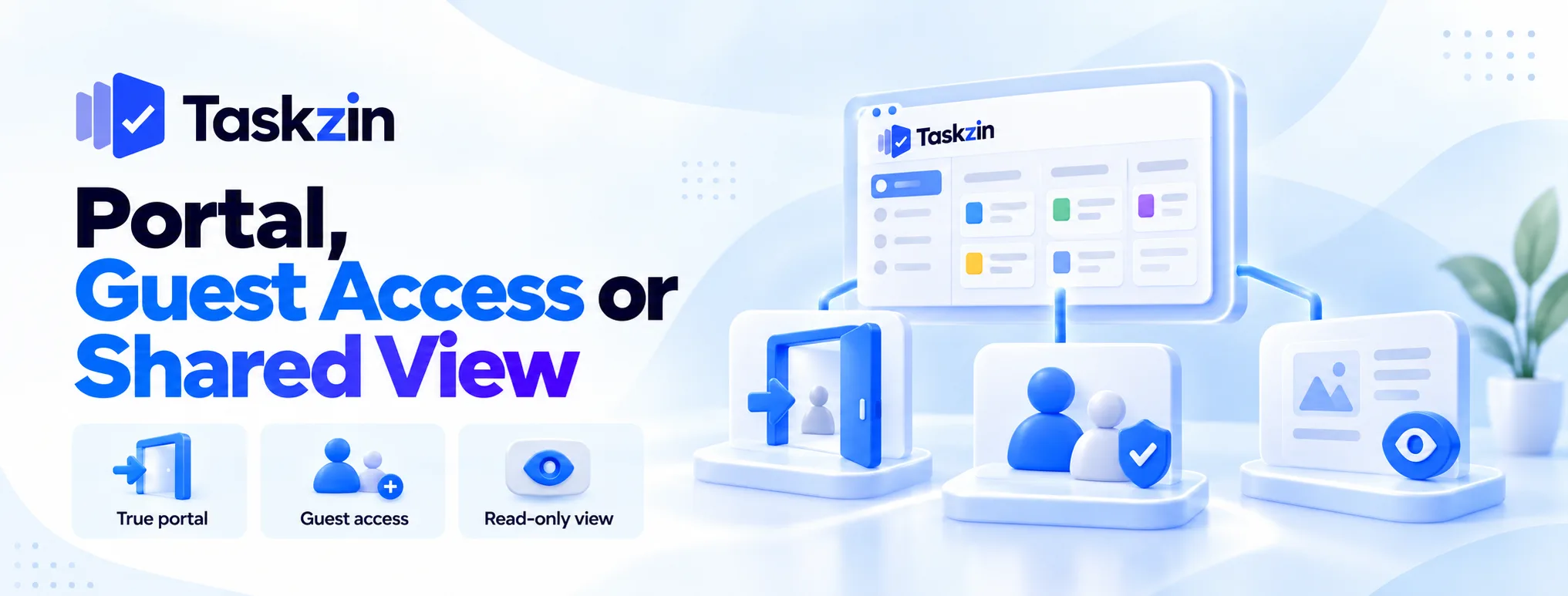
Quick answer: Taskzin and Basecamp both allow unlimited external people at no additional cost, through different models: Taskzin with free unlimited guests on per-member pricing, Basecamp through a flat fee covering everyone. Teamwork.com offers free client users on most plans. Everything else applies limits that vary by tier.
Why Guest Pricing Decides More Than Seat Pricing
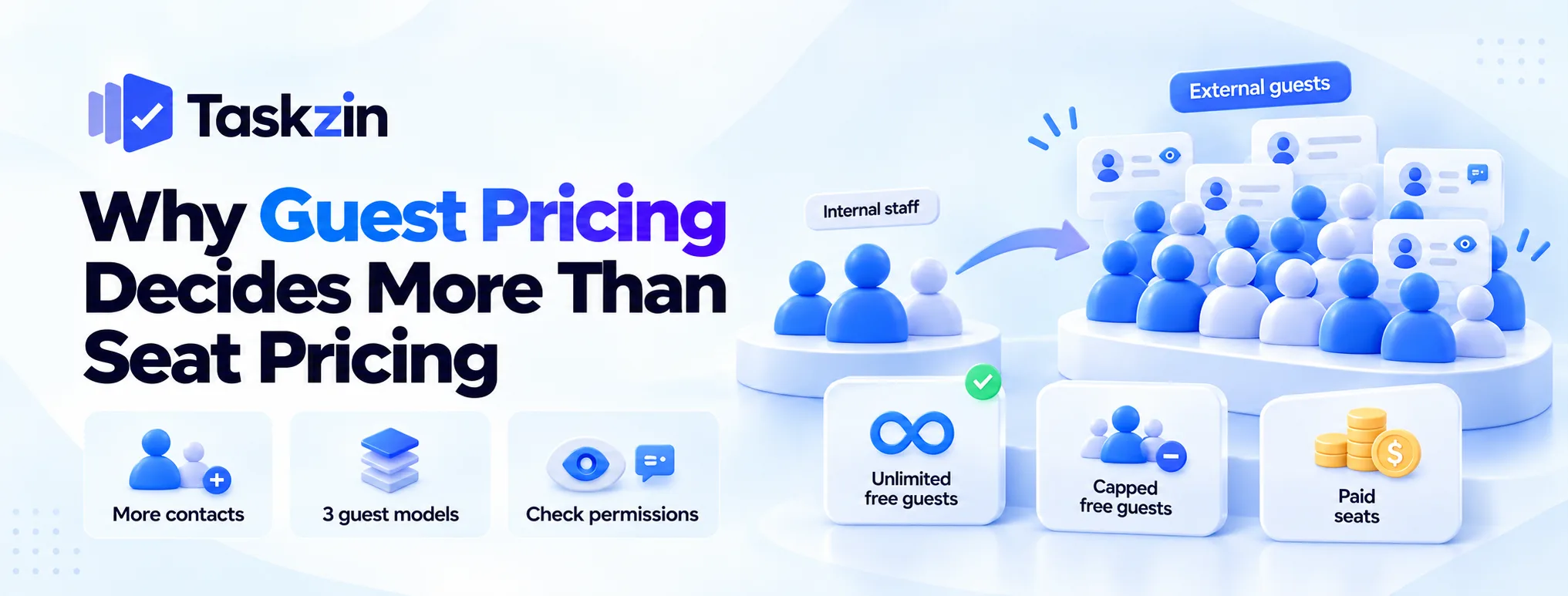
External contacts usually outnumber internal staff, so guest terms dominate the total.
External contacts usually outnumber staff
An eight-person agency with fifteen clients, each with two or three contacts, has forty external people who might need access — five times its headcount.
Price those at even a few pounds each and guests cost more than staff. This is the single most common surprise in agency tool budgets.
The three guest models
Unlimited and free: external people cost nothing, at any number. Capped free: a fixed allowance, often tied to tier. Paid seats: guests cost the same or nearly the same as members.
The difference between the first and third can be a multiple of the total bill for a client-facing team.
What "free guest" can quietly mean
Free guest access sometimes means view-only, sometimes single-project only, sometimes an allowance that scales with paid seats.
Read the actual permission level. A guest who cannot comment cannot approve anything, which defeats the point for most client work.
The Tools Compared
Tool Guest model Limit
Can free guests comment?
comment Notes Taskzin Free unlimited guests None Yes, view and comment Per-member pricing, no seat tiers Basecamp All users included None Yes Flat fee regardless of numbers
Teamwork.com — free client users
Built around agency use Trello Free collaborators on shared boards Board-level Yes Simple, board-scoped ClickUp Guests with tier allowances Varies by tier Depends on permission Limited on free plan
Asana Guests Tier-dependent Yes Check limits per plan
Monday.com — viewers and guests by plan
Seat structure also matters Notion
Notion — guests per workspace
workspace Capped by plan Yes Cap is lower than most expect
Verify all of these directly — guest terms change and are rarely prominent on pricing pages.
The Tools in Detail
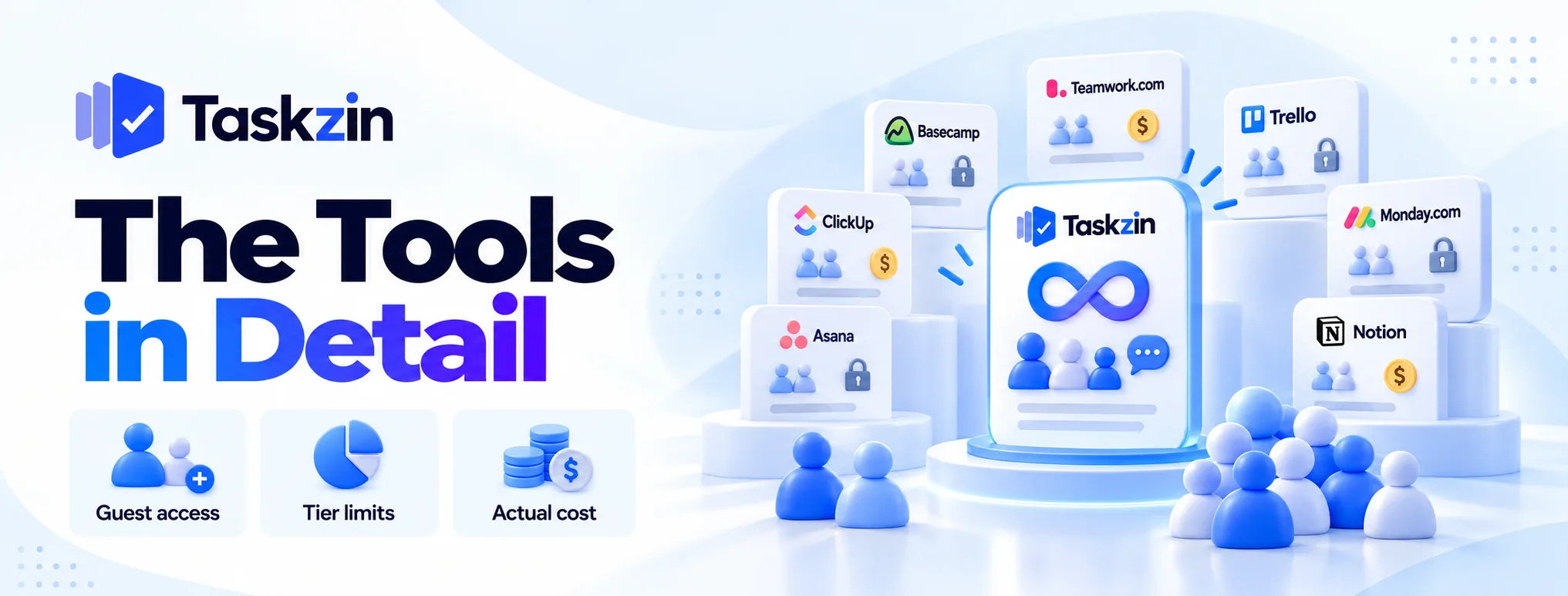
What each actually allows, and the catch.
Taskzin — unlimited free guests, view and comment
Unlimited guests at no cost, with view and comment permissions, on flat per-member pricing with no seat tiers. Adding a client contact costs nothing and adding a staff member costs one member.
The trade: guests view and comment rather than edit, so they cannot be given task ownership.
For most client and stakeholder use that is the right level anyway.
Basecamp — unlimited users on a flat fee
Everyone is included — staff, clients, contractors — because the price does not depend on numbers at all.
The trade: no dependencies, no timelines, minimal reporting. You get unlimited access to a deliberately simple tool.
Teamwork.com — free client users A distinct client-user role, free on most plans, designed for agency work with clear control over visibility.
The trade: you are buying into a billing-oriented product, and delivery depth is moderate.
Trello — free collaborators on shared boards
Sharing a board with someone outside your organisation is simple and free at the board level.
The trade: no dependencies or cross-project reporting, so it suits simple client-facing boards only.
ClickUp — guests with allowances by tier
Guests are supported with per-item permission control, but allowances are limited on lower plans.
The trade: the free plan's guest allowance is small, so check it against your contact count.
Asana — guests, subject to tier limits
Approachable for clients and well designed, with an approvals feature.
The trade: guest limits depend on tier, and the tier you need may be higher than the one you priced.
Monday.com — viewers and guests by plan Viewer and guest roles exist with different permissions, varying by plan.
The trade: guest terms and seat-block structure interact, so model both together.
Notion — guests per workspace Guests can be added to specific pages, with a cap by plan.
The trade: the guest cap is lower than most teams expect, and Notion is not a project tool in the coordination sense.
Working Out What You Would Actually Pay
Scenario Internal External contacts Where guest policy bites Small agency 6 staff 25 client contacts Capped-guest tools force a tier upgrade Consultancy 15 staff 40 client and partner contacts Paid-guest tools roughly triple the bill Internal team 20 staff 3 vendor contacts Guest policy barely matters — compare seat price Construction 12 staff 60 subcontractors and clients Only unlimited-guest models are viable Product team 25 staff 5 stakeholders Seat price dominates; guests are noise
Guest policy matters in direct proportion to how outward-facing your work is.
Questions to Ask Before You Commit
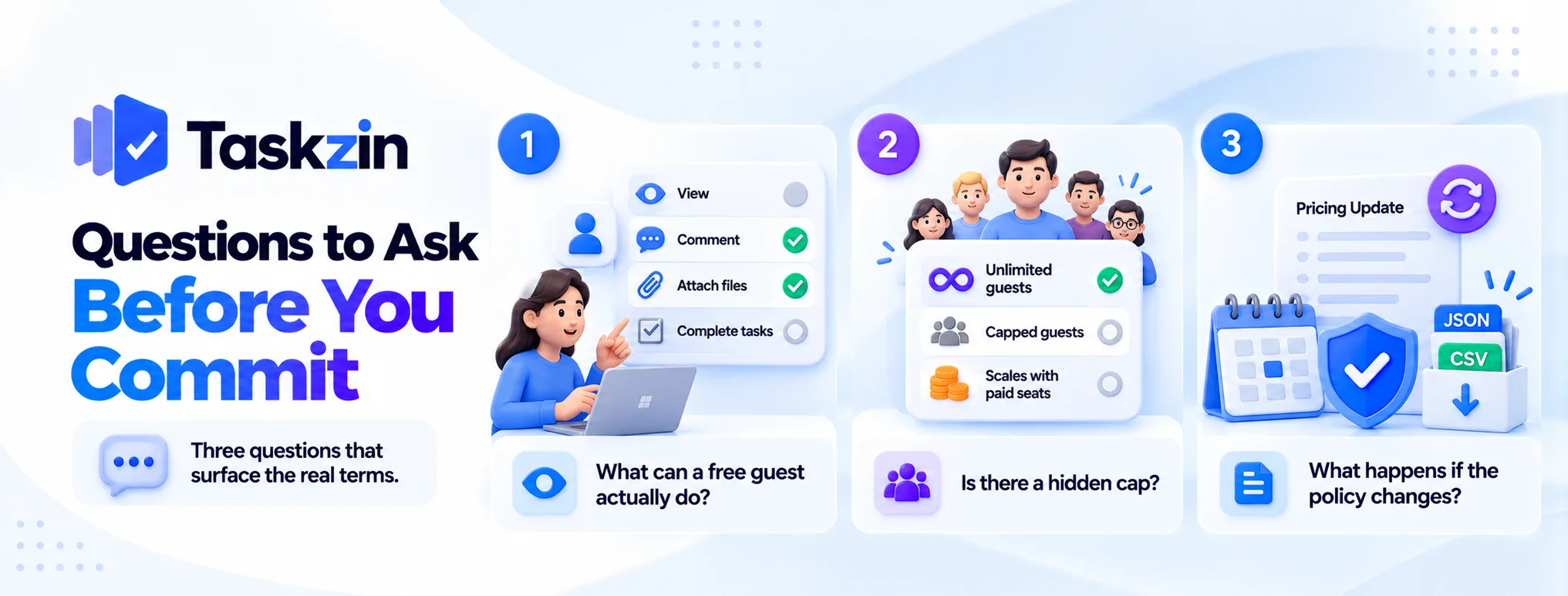
Three questions that surface the real terms.
What can a free guest actually do?
View only, or view and comment? Can they attach files, complete tasks, or see attachments?
If clients need to approve work, view-only is insufficient and you will end up upgrading them to paid seats.
Is there a hidden cap?
Some tools advertise free guests with a limit buried in documentation, or an allowance that scales with paid seats.
Ask directly, and confirm in writing if you are signing an annual contract on the strength of it.
What happens if the policy changes?
Guest terms are among the most frequently revised parts of SaaS pricing, usually at renewal.
Ask what happens to existing guests if the policy tightens, and make sure your data export works regardless — Taskzin allows full JSON or CSV export on any plan, which is the standard worth expecting from any vendor you commit to.
Frequently asked
Which project tools have unlimited free guests?
Taskzin offers unlimited free guests with view and comment access. Basecamp includes unlimited users in its flat fee. Teamwork.com offers free client users on most plans.
What is a guest in project management software?
An external person given limited access to specific projects — typically a client, contractor or partner — usually with fewer permissions than a full member.
Can free guests comment?
It varies. Taskzin's free guests can view and comment; some other tools restrict free guests to view-only. Confirm the permission level, not just the price.
Do guests count toward your plan limit?
In tools with unlimited free guests, no. In tiered-allowance tools, yes, and exceeding the allowance usually forces a tier upgrade.
Is guest access secure?
Generally, when configured properly — guests see only what is shared with them. Test with a dummy guest account before inviting real clients.
What is the difference between a guest and a viewer?
A viewer typically has read-only access. A guest usually has limited interaction such as commenting. Terminology varies by vendor, so check the permissions rather than the label.
Should clients be guests or full users?
Guests, in almost all cases. Full users cost more and give clients editing rights that create more problems than they solve.
Sanju Shrestha is a SaaS content writer at Taskzin who explores smarter ways to manage work, organize priorities, and improve team performance. Her content covers productivity strategies, digital workflows, collaboration, and task management, with a focus on helping modern teams work more efficiently and stay aligned.
All posts by Sanju Shrestha
Comments