Best Project Management Software With Client
A comparison of project management tools with client access, covering the three different things "client portal" can mean, eight options and what each costs for clients, what clients should and should not see, and how to cost it properly.

"Client portal" means three quite different things depending on the vendor, and the gap between them decides whether a tool will actually work for your clients.
Quick answer: A true client portal is a separate branded space; guest access lets clients into your existing workspace with restricted permissions; a shared view is read-only.
Most agencies need guest access rather than a portal, and the cost difference between tools comes almost entirely from how they charge for those guests.
Portal, Guest Access or Shared View
Three models, frequently sold under the same name.
A true client portal
A separate, often branded space where a client logs in and sees only their own material — files, updates, approvals, sometimes invoices.
It looks like a product built for them rather than a window into yours. Dedicated portal tools do this; most project tools do not.
Guest access on the main workspace
Clients are invited into your actual workspace with restricted permissions, seeing only the projects shared with them.
This is what most project tools mean by "client portal". It works well and it does look like your tool rather than yours-for-them.
A shared read-only view
A link to a filtered board or timeline, with no login and no interaction.
Useful for status visibility and useless for approvals or discussion. Some teams find it entirely sufficient.
Which one you actually need
Ask what clients must do, not what they should see. If they only need to watch progress, a shared view works. If they must comment and approve, guest access is the minimum. A branded portal is needed when the client experience itself is part of what you are selling.
The Tools Compared
Tool Model Client cost
Can clients comment and approve?
comment Approvals Teamwork.com Client users, built in Free on most plans Yes Yes Basecamp
The Tools in Detail
project Included in flat fee Yes Basic Taskzin Guest access Free, unlimited Yes, view and comment Via tasks Monday.com
Monday.com — shared boards and forms
boards Varies by plan Yes Available
Wrike External collaborators Varies by plan Yes Yes, with proofing ClickUp Guests with permission levels Limited free, then tiered Yes Available Asana Guests Tier-dependent Yes Approvals feature
SuiteDash and dedicated portal tools
similar True branded portal Per portal or per
Count every client contact
Yes Yes
Guest and client-user terms change regularly — verify current policy before relying on this.
The Tools in Detail What each gives clients, and what it costs you.
Teamwork.com — built for client users
Designed around agency work, with a distinct client-user role, free on most plans, and clear control over what clients see.
The trade: delivery depth is moderate, and you are buying into its commercial model whether or not you use the invoicing.
Basecamp — clients included, discussion-led
Clients participate naturally in message boards, which suits conversation-led engagements.
Included in the flat fee, so client count never affects cost.
The trade: no dependencies, no timelines, minimal reporting. Clients see discussion, not a schedule.
Taskzin — free unlimited guests
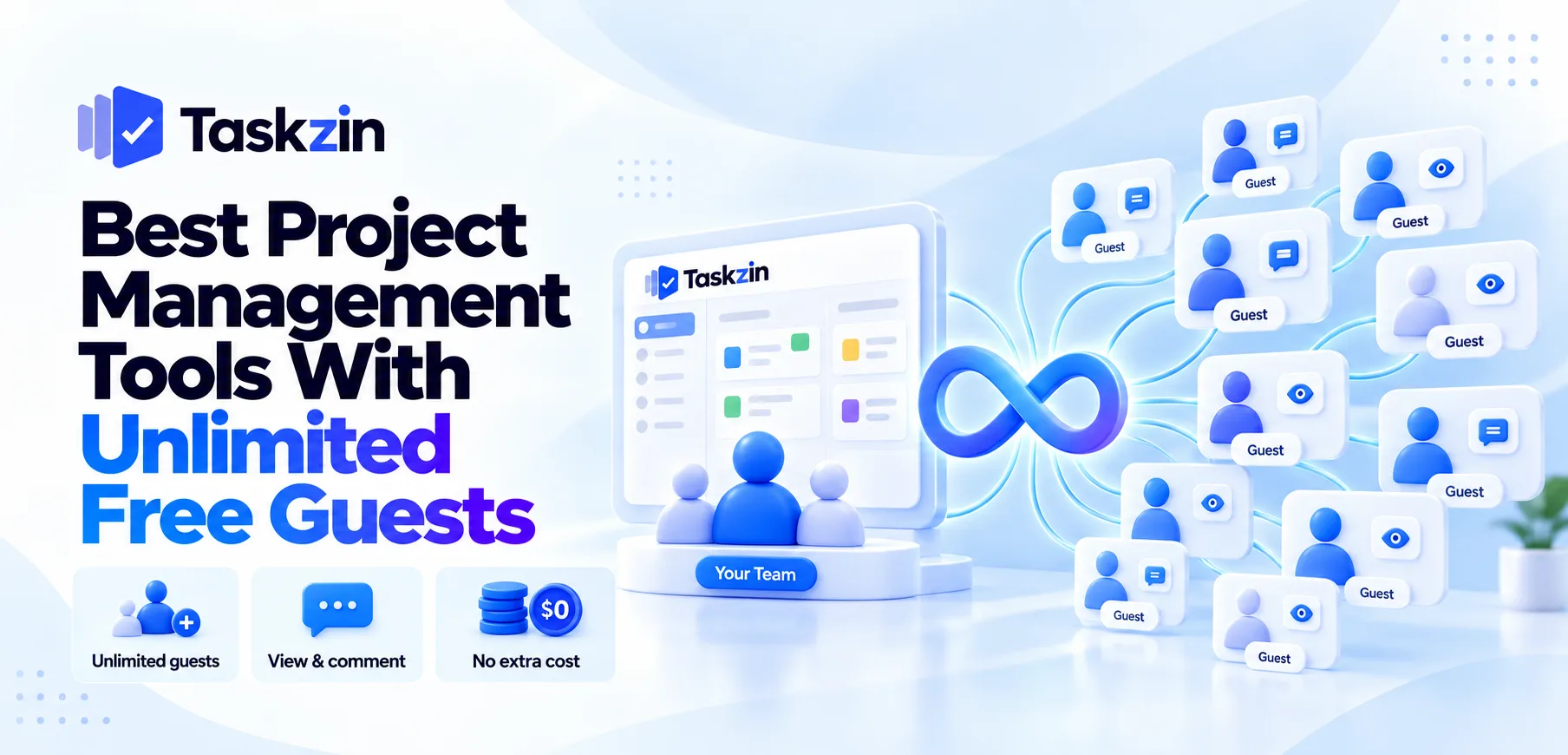
Unlimited free guests with view and comment access, at any team size, alongside six views over one dataset and dependencies with critical path.
The trade: this is guest access rather than a branded portal, and guests view and comment rather than editing. For agencies with many client contacts, the unlimited-and-free policy removes the cost question entirely.
Monday.com — shared boards and forms Visually readable boards that clients understand immediately, plus forms for intake.
The trade: guest terms vary by plan and seat structure needs checking at your headcount.
Wrike — granular external permissions
The most control over exactly what external parties can see and do, plus proofing for client review of creative assets.
The trade: higher cost, longer implementation, and guest terms vary by plan.
ClickUp — guests with permission levels
Guest access with per-item permission control, on a platform that also covers docs and time tracking.
The trade: free-plan guest allowances are limited, and the workspace needs configuration ownership.
Asana — guests, tier-dependent
Clean and approachable, which clients appreciate, with an approvals feature for sign-off.
The trade: guest limits depend on tier, so check against your real contact count.
SuiteDash and dedicated portal tools If you need a genuinely branded client-facing space with files, invoices and onboarding, dedicated portal products do this properly.
The trade: they are not project management tools. You will run one alongside your delivery tool.
What Clients Should and Should Not See
Decide the boundary before the first invitation, because widening it later is easy and narrowing it is awkward.
Show progress and their dependencies
Clients benefit most from two things: where the work has got to, and what you are waiting on from them.
That second one changes the relationship. Instead of chasing assets by email, the client sees their own outstanding items with dates alongside your progress.
Hide internal discussion and estimates
Internal effort estimates, capacity notes, candid discussion about the project and anything about other clients.
Most tools handle this through separate projects or permission levels. Test it with a dummy client account before inviting a real one.
Decide before you invite anyone
Write down what clients see, who invites them, and what happens at the end of an engagement.
Without that, each account manager improvises and some clients end up seeing more than intended.
Costing It Properly
Client access is where agency tool costs diverge most, and headline pricing rarely shows it.
Count every client contact Not clients — contacts. An account with a marketing manager, two stakeholders and a legal reviewer is four people.
Model your realistic total across all accounts. For many agencies this exceeds internal headcount, and at that point guest policy matters more than seat price.
Check what a guest can do
Free guests are common; free guests who can comment are less so; free guests who can edit are rare.
Confirm the permission level included, because "free guest access" sometimes means view-only, which may not be enough for approvals.
Watch the tier boundary
Several tools include generous guest access only from a middle tier upward.
Price at the tier containing the guest terms you need, not at the entry plan.
Frequently asked
What is a client portal in project management?
Usually one of three things: a separate branded client space, guest access into your workspace with restricted permissions, or a shared read-only view. Most project tools mean the second.
Which tools include free client access?
Taskzin includes unlimited free guests with view and comment access, Basecamp includes clients in its flat fee, and Teamwork.com offers free client users on most plans. Verify current terms.
Is guest access the same as a client portal?
No. Guest access brings clients into your workspace with restrictions. A true portal is a separate branded space that looks built for them.
Should clients see the whole project?
No. Show progress and their own outstanding dependencies. Hide internal estimates, capacity notes and candid discussion — usually through a separate client-facing project.
Do clients need training?
They should not. If a client needs a walkthrough to find project status, the view you have given them is too complex. Simpler is better for external audiences.
Can clients comment and approve?
In most tools, yes, though the permission level depends on plan. Confirm whether free guests can comment or only view before committing.
Is a dedicated portal tool worth it?
Only if the branded client experience is part of what you sell. For most agencies, guest access in the delivery tool is sufficient and avoids a second subscription.
Sujan Sharma is a content writer at Taskzin with a strong focus on productivity systems, task management, workflow optimization, team collaboration, and SaaS technology. He creates research-driven, practical content that helps professionals and growing teams improve operational efficiency, streamline processes, and make informed decisions about modern work management tools.
All posts by Sujan Sharma
Comments