Best Project Management Software With Task
A comparison of project management tools with task dependencies, covering how to tell real dependencies from drawn lines, eight tools compared on depth, how to test them in a trial, and whether your work needs them at all.

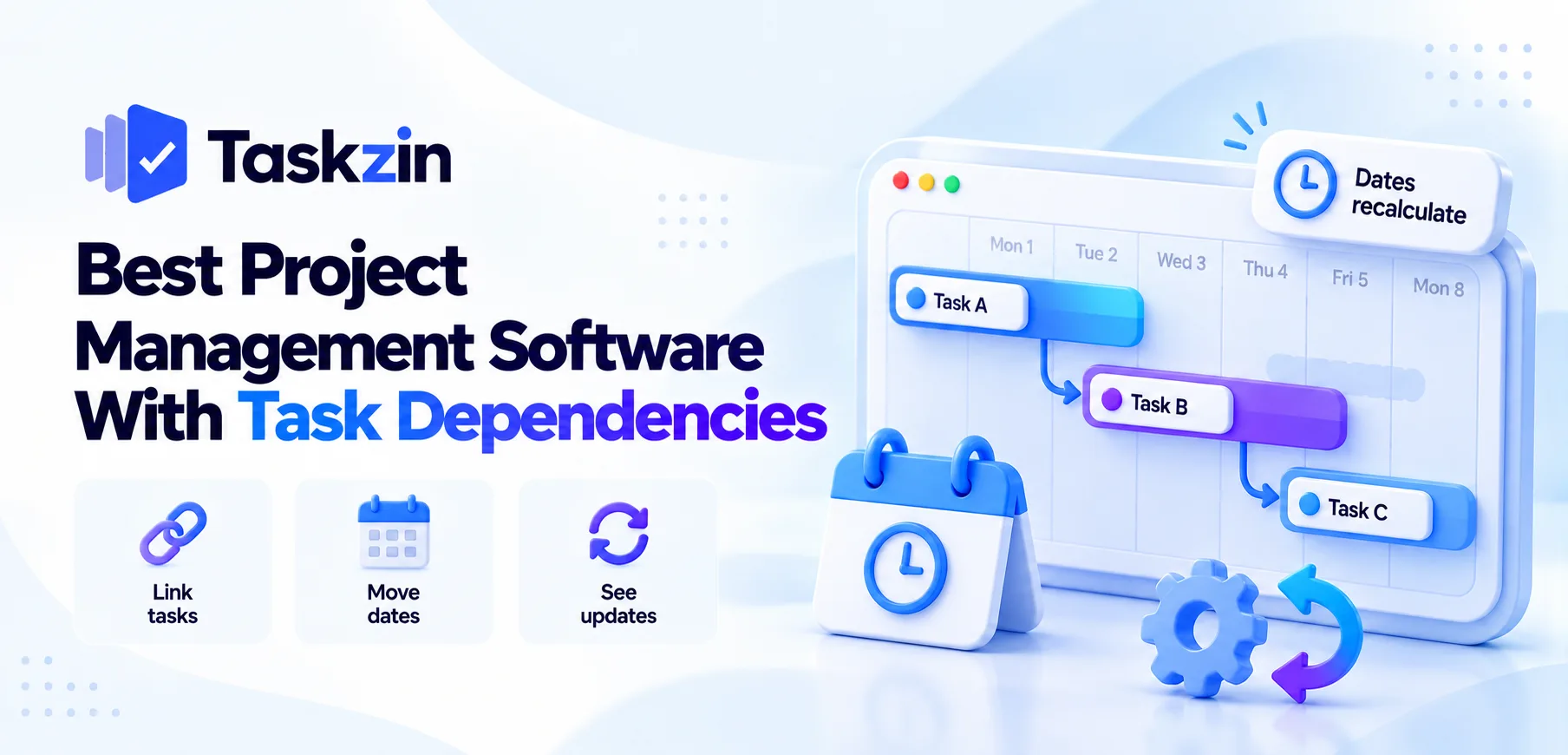
Almost every project tool claims dependencies. A much smaller number do the thing that actually matters, which is change the schedule when something moves.
Quick answer: A real dependency recalculates dates. If you push task A back three days and task B does not move, you have a drawn line rather than a dependency. Microsoft Project, Smartsheet, Taskzin, Wrike, Asana, ClickUp and Monday.com all handle real dependencies; Trello, Notion and Airtable do not.
Real Dependencies Versus Drawn Lines
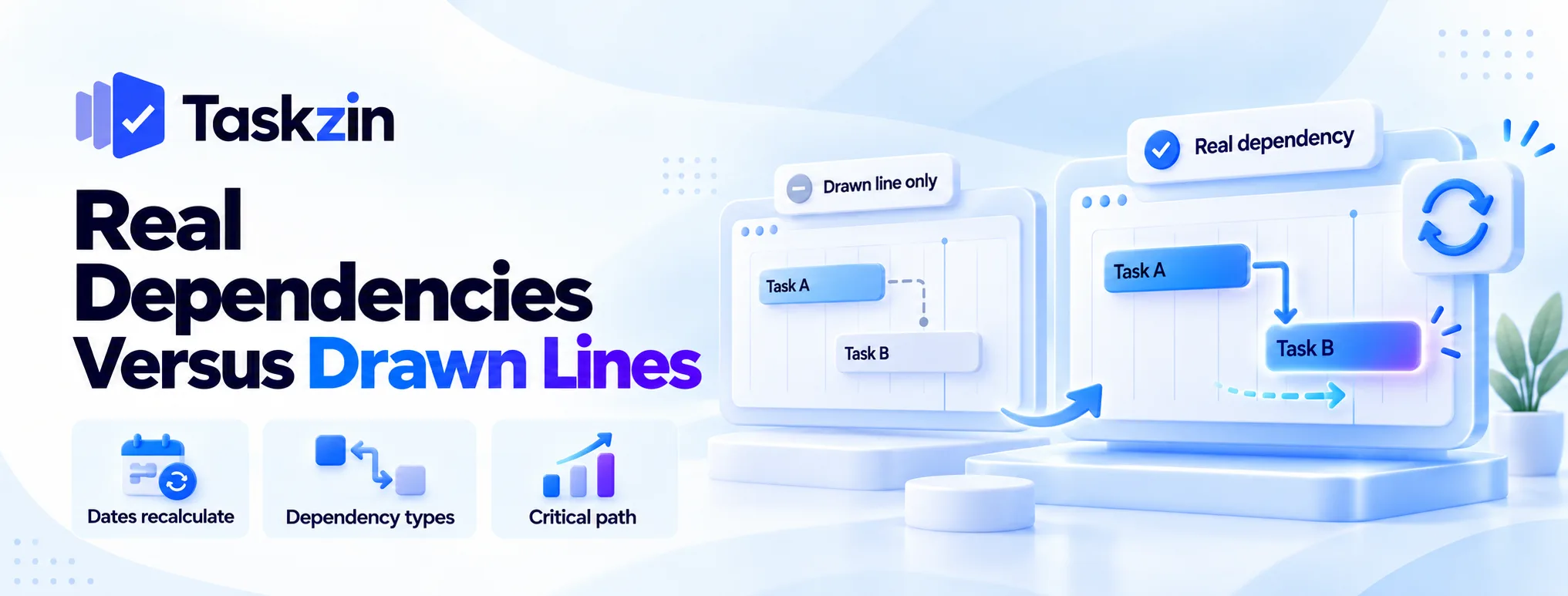
One test separates the two, and it takes two minutes in a trial.
The test: does anything recalculate?
Create two linked tasks. Move the first one later. Watch whether the second moves.
If it does, the tool understands the relationship. If it does not, the line on screen is decoration and you will be maintaining the schedule by hand.
Dependency types supported
Finish-to-start covers most real relationships — B cannot begin until A finishes. Start-to-start handles parallel work with an offset. Finish-to-finish occasionally matters.
Tools supporting only finish-to-start cover the majority of cases. Ones supporting lag and lead let you express "three days after A finishes" or "B can start two days before A ends", which real schedules frequently need.
Critical path and what it tells you
The critical path is the longest chain of dependent tasks. Delays on it move the end date; delays elsewhere consume float.
A tool that shows the critical path tells you which slippage matters. Without it you treat every delay as equally serious, which wastes attention on the ones you could absorb.
The Tools Compared
Tool Dates recalculate Dependency types Critical path Lag/lead Available from Microsoft Project Yes All four Yes Yes Paid only Smartsheet Yes Multiple Yes Yes Most plans Taskzin Yes Yes Yes, recalculates Yes Paid plans Wrike Yes Multiple Yes Yes Most plans Asana Yes Finish-to-start Limited Limited Paid tiers ClickUp Yes Multiple Available Limited Most plans Monday.com Yes Multiple Available Limited Higher tiers Trello / Notion / Airtable No Links only No No —
Verify which tier includes dependencies — on several tools they sit above the entry plan.
The Tools in Detail
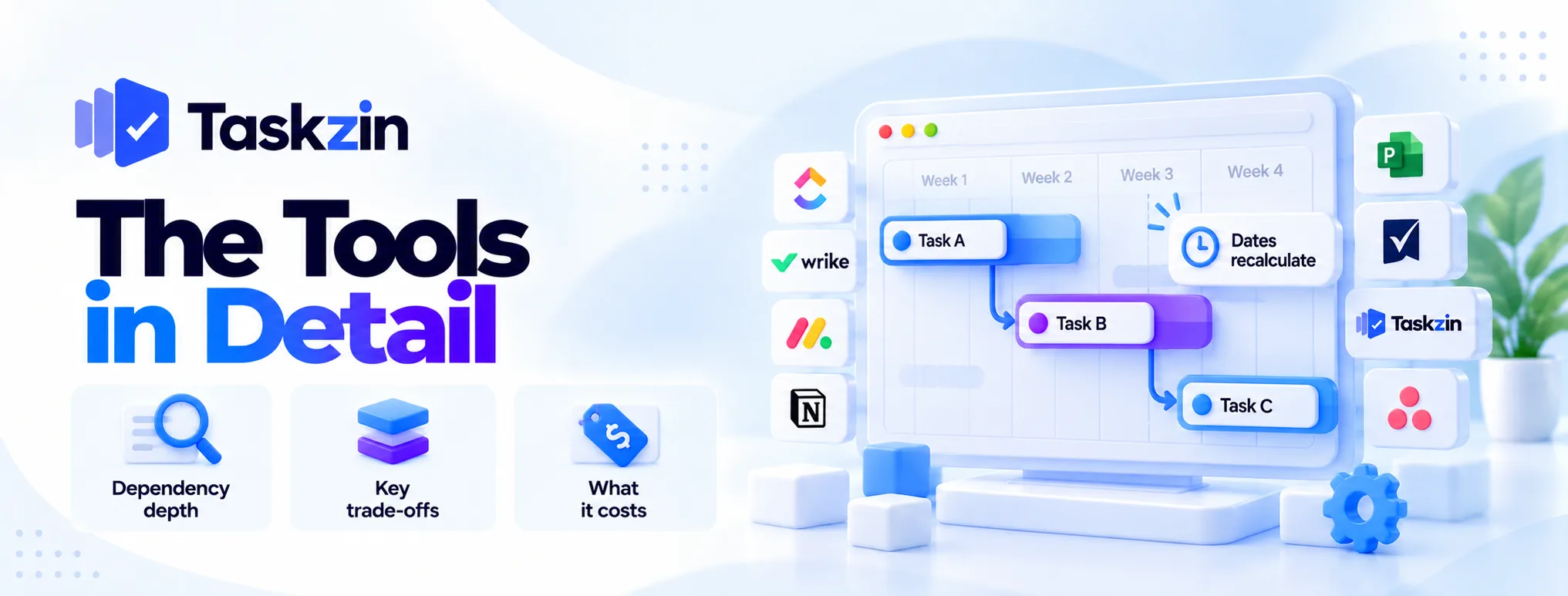
Depth of dependency handling, and what each costs you elsewhere.
Microsoft Project — deepest, with levelling
Full dependency networks with all four types, lag and lead, constraint types, plus resource levelling that reschedules to resolve overallocation.
The trade: it assumes a trained scheduler, and collaboration is secondary. Over-specified for most business teams.
Smartsheet — dependencies plus formulas
Real dependencies and critical path on a platform that also does cross-sheet formulas and calculated columns.
The trade: a spreadsheet mental model that not everyone shares, and licensing that needs modelling.
Taskzin — critical path that recalculates
Dependencies with critical path recalculation when dates change, shown in Gantt and Timeline views alongside List, Board, Calendar and Table over the same data. Flat per-member pricing with no seat tiers.
The trade: no resource levelling and no baselines, so it is not a programme-scheduling tool.
Suits teams needing sequencing rather than formal scheduling.
Wrike — dependencies plus resourcing
Dependencies alongside the strongest resource allocation on this list, which matters when the constraint is people rather than sequence.
The trade: higher cost and a longer implementation.
Asana — clean and sufficient for most
Finish-to-start dependencies handled clearly, with timeline views that non-technical teams read easily.
The trade: limited critical path and lag support, and dependencies sit on paid tiers. Enough for most business projects, not for complex
ClickUp — dependencies across a broad platform
Multiple dependency types plus blocking relationships, on a platform that also covers docs, time tracking and dashboards.
The trade: needs configuration ownership, and the scheduling depth is moderate.
Monday.com — visual timelines
Timeline views that communicate sequence well to non-technical audiences, with dependency support on higher tiers.
The trade: gated higher than most, and shallower scheduling logic.
Tools that only look like they have them
Trello's dependency Power-Ups add a visual relationship without scheduling logic. Notion relations and Airtable linked records connect records and change nothing.
None of these will move a date, warn you about a conflict or compute a critical path. If your work has real sequence, they will not help.
How to Test Dependencies in a Trial
Three steps, five minutes, and it settles the question definitively.
Build a three-task chain
Task A, then B, then C, each dependent on the one before, with dates.
Use realistic durations rather than one-day tasks, so movement is visible.
Move the first task
Push A back by three days. Do B and C move automatically, or do they stay where they were?
If they stay, stop the evaluation on that criterion. Everything else about the tool may be excellent and it will not manage a schedule.
Check what the tool warns you about
Try setting B to start before A finishes. Does the tool object, flag a conflict, or accept it silently?
Silent acceptance means the dependency is advisory. That is workable for some teams and worth knowing before you rely on it.
Do You Actually Need Them?
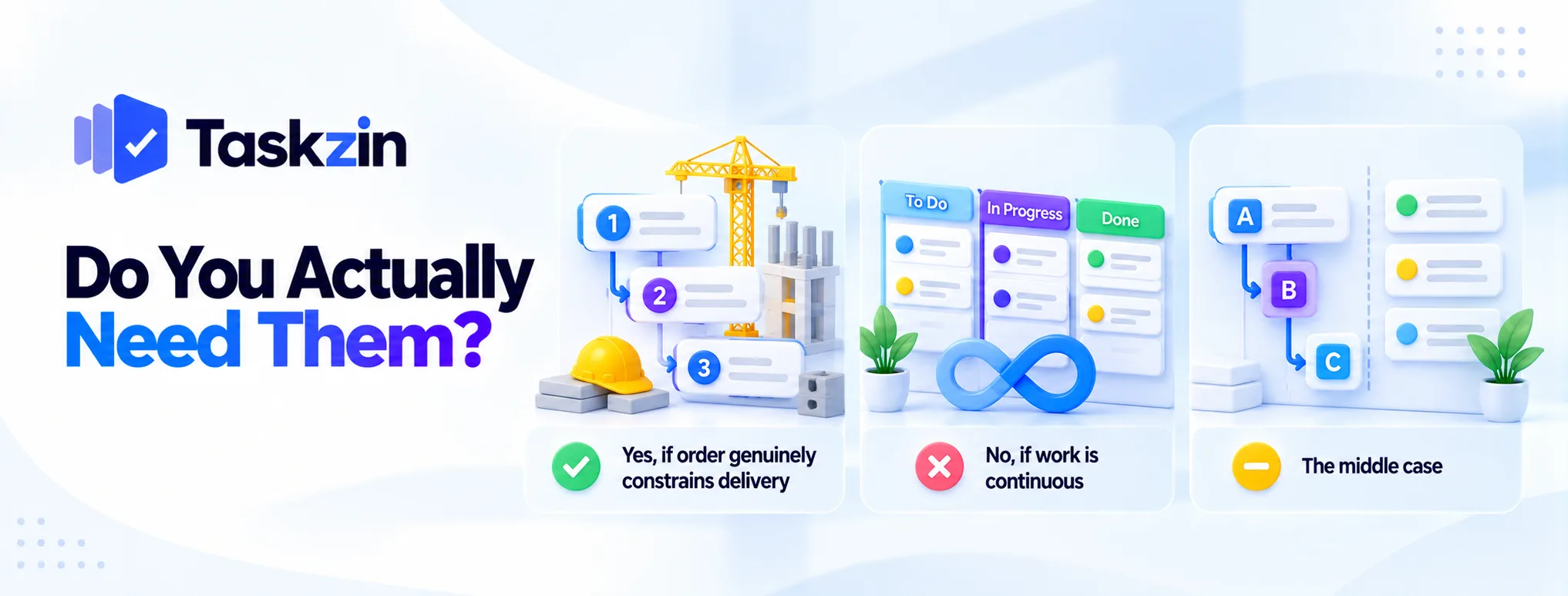
Dependencies are essential for some work and pure overhead for other work.
Yes, if order genuinely constrains delivery
Construction, implementations, phased rollouts, events, product launches — anywhere one thing genuinely cannot start until another finishes.
In this work, dependencies are the difference between a schedule and a list of dates, and a tool without them means tracking sequence in your head.
No, if work is continuous
Support queues, ongoing content production, most Kanban-style delivery, editorial pipelines.
Here items flow independently and there is nothing to sequence. Dependencies add ceremony and no information, and a board serves better.
The middle case
Many teams have a handful of genuine dependencies within mostly independent work.
For them, a tool with straightforward finish-to-start support is enough — full scheduling depth would be unused. Asana and Taskzin both sit comfortably in this range.
Frequently asked
Which project tools have real task dependencies?
Microsoft Project, Smartsheet, Taskzin, Wrike, Asana, ClickUp and Monday.com all recalculate dates when linked tasks move. Trello, Notion and Airtable do not.
Does Trello have dependencies?
Only through Power-Ups that add a visual link without scheduling logic. Nothing recalculates when a date moves.
What is a critical path?
The longest chain of dependent tasks in a project. Delays on it push the end date; delays elsewhere consume float without affecting the finish.
Do free plans include dependencies?
Rarely. On most tools dependencies sit on paid tiers, so price at the plan that includes them rather than at the free or entry level.
What are the four dependency types?
Finish-to-start, start-to-start, finish-to-finish and start-to-finish. Finish-to-start covers most real cases; start-to-finish is rare and often a modelling error.
Does Notion or Airtable support dependencies?
No. Both have relations that connect records without any scheduling behaviour — nothing blocks and nothing recalculates.
Do agile teams need dependencies?
Within a sprint, rarely. Across teams and releases, frequently — cross-team dependencies are a common source of delay and worth tracking explicitly.
Sanju Shrestha is a SaaS content writer at Taskzin who explores smarter ways to manage work, organize priorities, and improve team performance. Her content covers productivity strategies, digital workflows, collaboration, and task management, with a focus on helping modern teams work more efficiently and stay aligned.
All posts by Sanju Shrestha
Comments