Taskzin vs Google Sheets: When Spreadsheets Stop Scaling
An honest look at when Google Sheets stops working for project tracking, covering why spreadsheets work at first, the seven signals you have outgrown one, what sheets structurally cannot do, what you lose by moving, and when to stay.

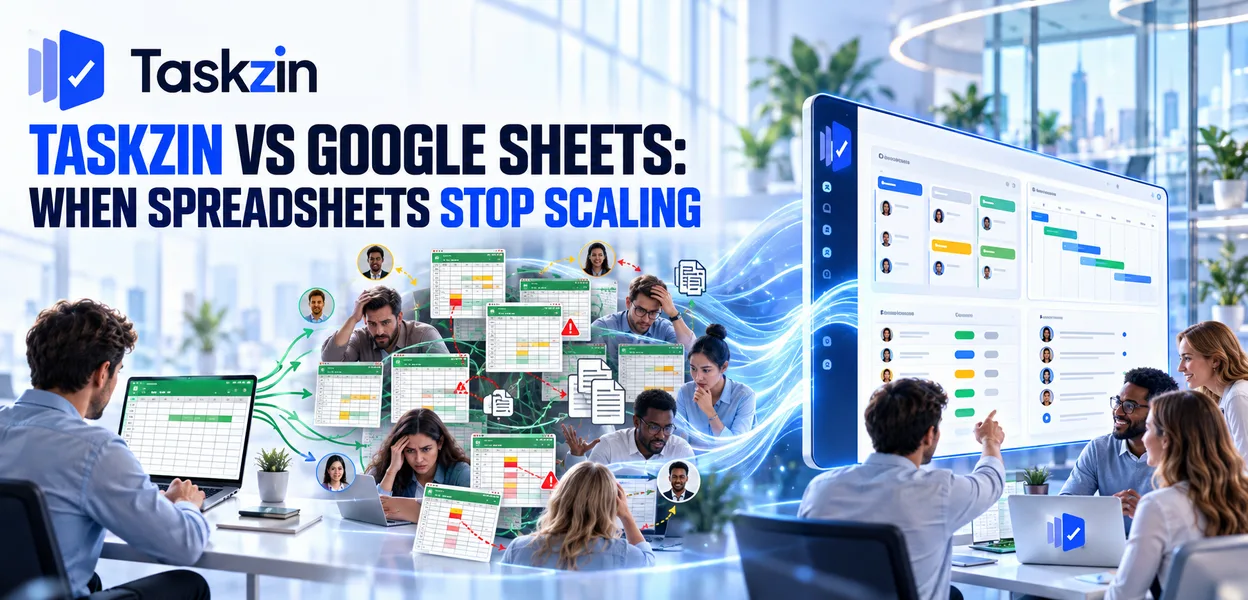
There is no shame in a spreadsheet, and moving too early adds process with nothing to hold it.
This article covers when the move is warranted and what you lose by making it.
Quick answer: Google Sheets is genuinely good at project tracking until three things happen:
nobody can tell what changed, ownership becomes ambiguous, and the sheet grows past what one person can maintain. Those are the signals, and they arrive at a fairly predictable point — usually somewhere between four and eight people, or three or more concurrent projects.
Why Spreadsheets Work at First

Sheets cost nothing, require no learning, and impose no structure — which is exactly right for small, simple work.
Zero cost, zero learning curve
Everyone already knows how a spreadsheet works. There is no adoption problem, no training, no configuration and no subscription.
For two or three people tracking twenty tasks, this is not a compromise. It is the correct tool, and a project tool would be overhead.
Complete flexibility
Columns for anything, structure changed in seconds, no schema to fight.
The freedom is genuine. Project tools impose a model — tasks, owners, dates, statuses — and where your work does not fit that model, a sheet adapts and a tool does not.
Everyone already has one
Sharing is instant, access is universal, and nobody needs a licence.
That last point matters more than it appears. A sheet shared with a client requires no seat, no invitation flow and no explanation.
The Seven Signals You Have Outgrown It
Signal What is actually happening Urgency "Which version is current?" No single source of truth High Someone overwrote someone's row No change protection High Nobody noticed a deadline passed No notifications High "Who owns this?" asked regularly Ownership not enforced High Discussion about the work is in email No context on the item Medium
The sheet has more than five tabs Structure outgrown Medium One person maintains it for everyone It is a report, not a tracker High
Two or more of these appearing regularly is the point at which a tool starts paying for itself.
What Spreadsheets Genuinely Cannot Do
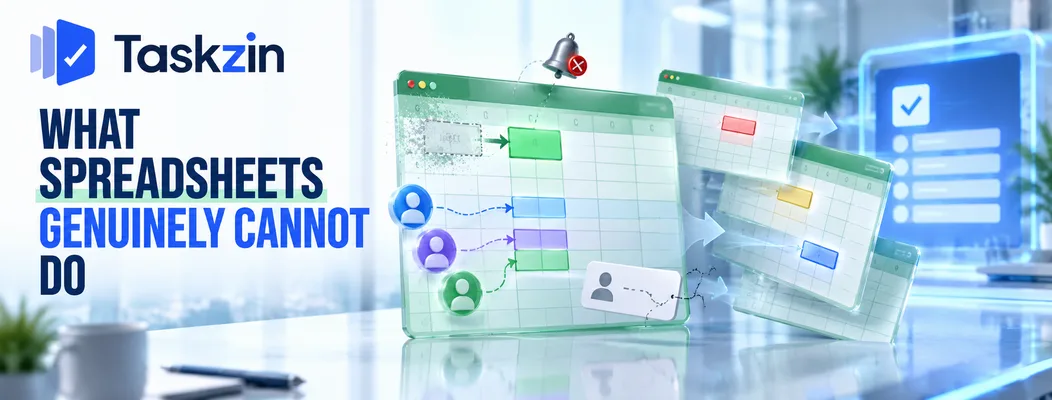
Three limitations are structural rather than fixable: sheets cannot tell you what changed, cannot enforce ownership, and cannot prevent version confusion in shared use.
Tell you what changed
A spreadsheet holds current state. It does not tell anyone that something changed, who changed it, or why.
This is the largest practical gap. In a project tool, an update notifies the people affected and the history is attached to the item. In a sheet, someone changes a cell and everyone else finds out when they happen to look — which is why deadlines pass unnoticed.
Own an item
A name typed in a column is a label. Nothing follows from it — no notification, no view of that person's total workload, no accountability.
Real ownership means the item appears in that person's view, they are notified when it changes, and anyone can see what they are carrying across every project. A cell cannot do that.
Prevent the version problem
Even with a shared cloud sheet, people export copies, filter destructively, or maintain local variants.
Where the sheet is the plan, the version question is permanent overhead. A project tool has one state by construction, which removes the question entirely rather than managing it.
What You Lose by Moving
Moving costs you formulas, total structural freedom, and a zero-cost tool — and these are real losses worth acknowledging.
Formulas and calculation
Project tools have custom fields; they do not have formula engines. Derived values, weighted scoring, cost roll-ups and conditional calculations have no direct equivalent.
If calculation is central to your tracking, keep it in a sheet. This is a genuine capability gap, not something to talk yourself out of.
Total freedom of structure
A project tool has a model. Where your work genuinely does not fit tasks with owners and dates — an inventory, a relational dataset, a research matrix — a sheet is the better shape.
Forcing that into a project tool produces awkwardness that never resolves.
The cost of nothing
Sheets cost nothing. Any tool costs something, even if the entry point is free.
Taskzin's Free plan covers up to ten members with unlimited tasks and projects across List, Board and Calendar views, which makes the first step free — but be honest that beyond ten members or beyond those views, there is a real cost to weigh.
Making the Move Without Losing Anything
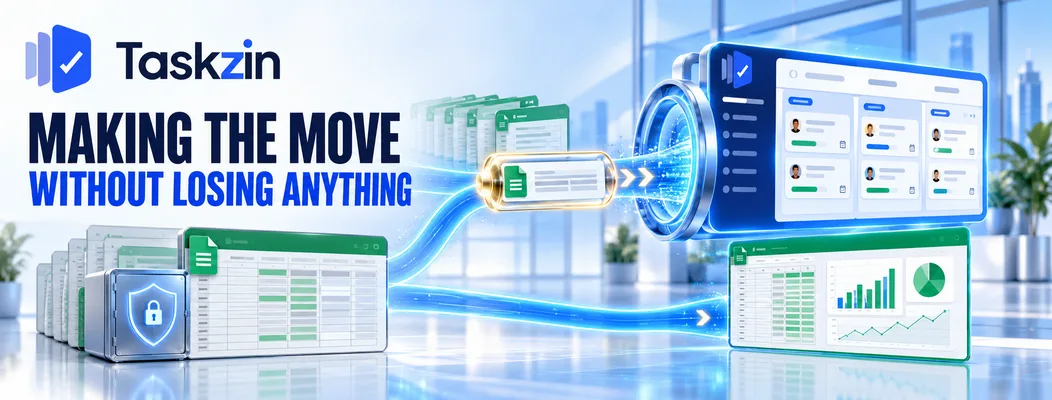
Move the coordination and keep the analysis, import rather than retype, and start with one project rather than everything.
Move the tracking, keep the analysis
The most sensible outcome for most teams: coordination lives in the project tool, analysis stays in a spreadsheet.
Export when you need to analyse. Taskzin exports fully to JSON or CSV on any plan including Free, so the analysis workflow continues unchanged while the day-to-day coordination gets a better home. This is not a compromise — it is using each tool for what it is good at.
Import rather than rebuild
Do not retype three hundred rows. Export the sheet as CSV and import it — columns map to fields, rows map to tasks.
Taskzin's one-click importer covers ClickUp, Jira, Asana and Trello; a spreadsheet comes in via CSV, which is straightforward because a sheet is already the right shape for that. Check the result before deleting anything.
Start with one project
Move a single live project with real deadlines and run it for a month. Keep the sheet as a fallback but stop updating it.
That last part matters. Maintaining both means neither is trusted, and the trial tells you nothing.
When to Stay on Sheets
Stay where the work is genuinely small and simple, where the activity is analysis rather than coordination, or where the project is one-off.
Genuinely small and simple work
Two or three people, fewer than about fifty active tasks, no handoffs, no external stakeholders.
A sheet handles this and a tool adds ceremony. There is no threshold you are obliged to cross.
Analysis rather than coordination
If what you are doing is modelling, forecasting, budgeting or scenario comparison, that is spreadsheet work.
Project tools coordinate; they do not calculate. Recognising which you are doing prevents adopting the wrong category of tool entirely.
One-off projects
A single project with a defined end and no repetition does not justify setting up a system.
Templating and process pay back through repetition. Without repetition, the setup cost has nothing to amortise against.
Frequently asked
Can you manage projects in Google Sheets?
Yes, and it works well for small, simple work — two or three people with a modest number of tasks and no handoffs. It stops working once you need change notifications, enforced ownership and a single reliable version.
When should you stop using spreadsheets for project management?
When two or more signals appear regularly: version confusion, overwritten rows, missed deadlines nobody noticed, repeated "who owns this", or one person maintaining the sheet for everyone.
What can a project tool do that a spreadsheet cannot?
Notify people when something changes, enforce real ownership with a per-person view of workload, keep discussion attached to the item, and maintain a single version with change history.
Is Taskzin free?
The Free plan covers up to 10 members with unlimited tasks and projects and List, Board and Calendar views. Timeline, Gantt and Table views, sprints and higher automation volumes sit on paid plans.
Can you import a Google Sheet into Taskzin?
Yes, via CSV import. Columns map to fields and rows to tasks, which is straightforward since a spreadsheet is already the right shape for that transfer.
Do you still need spreadsheets after moving?
Usually yes, for analysis. Coordination moves to the project tool; modelling, forecasting and calculation stay in a sheet, fed by export.
How long does it take to switch?
Under an hour to have a real project running. Plan a month of parallel operation with one project before moving everything, and stop updating the sheet during that month.
Binita Ray is a content writer at Taskzin, creating insightful and practical content on task management, team collaboration, productivity, workflow optimization, and SaaS solutions. She focuses on helping businesses, teams, and professionals simplify their work processes, improve efficiency, and make better use of modern productivity tools.
All posts by Binita Ray
Comments