Taskzin vs Hive
An honest comparison of Taskzin and Hive, covering Hive's bundled communication and proofing strengths, Taskzin's pricing simplicity and flow control, and an honest examination of whether tool consolidation actually delivers.

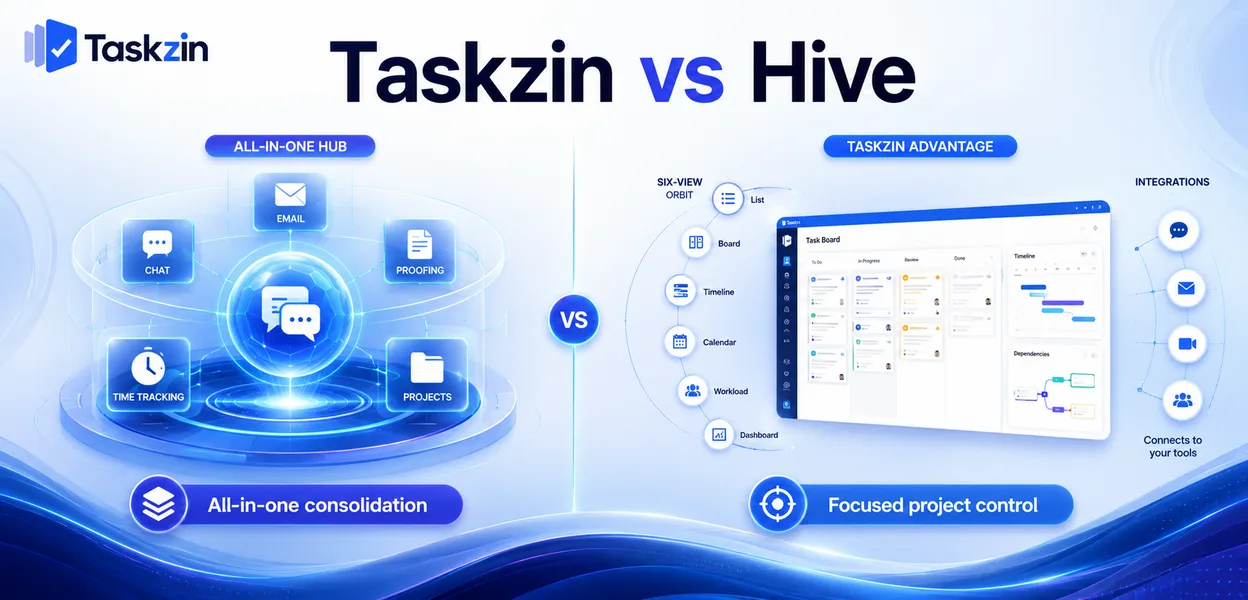
Consolidation has genuine value. It also depends on your team actually abandoning the tools it currently uses, which most teams do not.
Quick answer: Hive bundles project management with built-in chat, email integration, proofing and time tracking, aiming to replace several tools at once. Taskzin focuses on project and task management with six views over one dataset, flat per-member pricing and free unlimited guests.
The decision is largely about whether tool consolidation is a real goal for you or an aspiration you will not follow through on.
Where the Two Overlap and Diverge
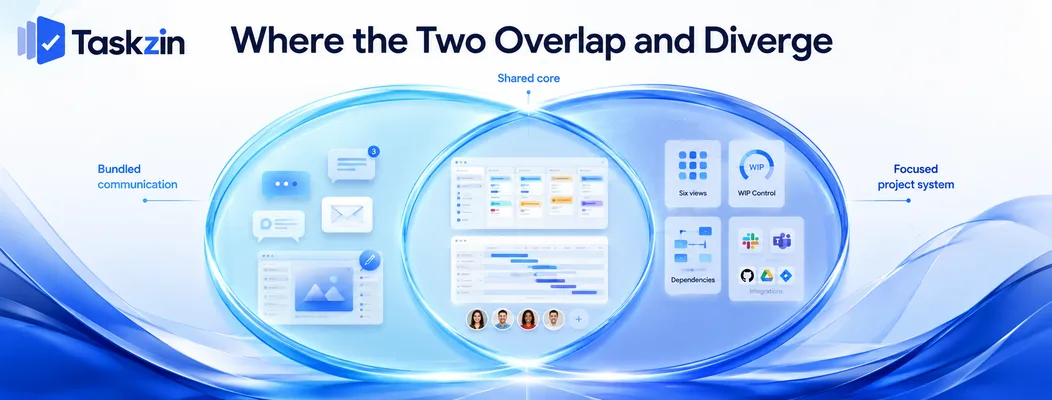
Both serve cross-functional teams; Hive adds communication and creative workflow, Taskzin keeps a narrower surface.
Both aim at cross-functional teams
Neither is engineering-only or agency-only. Both handle marketing, operations, product and client work, with boards, timelines and task management.
The overlap in core project features is substantial, which is why the differences elsewhere decide the choice.
Hive's bundled communication
Hive includes chat, email integration and proofing within the product, with the proposition that fewer tools means less context switching.
If a team genuinely moves its conversation into Hive, that consolidation is real. Whether it does is the question the next section addresses.
Taskzin's focused surface
Taskzin covers project work — six views over one dataset, board WIP limits and swimlanes, dependencies with critical path recalculation, docs linked to tasks, dashboards on Business — and integrates with Slack, Gmail, Outlook, Google Drive and Calendar and others rather than replacing them.
The bet is that people keep their chat tool and want their project tool to work with it.
Taskzin vs Hive at a Glance
Taskzin Hive Scope Project and task management Project plus communication
Built-in chat and email
No, integrates with Slack and others Yes Email integration Gmail and Outlook Built in
Proofing and approvals
Views List, Board, Calendar, Gantt, Table, Timeline Multiple incl. Gantt, Kanban WIP limits and swimlanes Yes Limited Sprints, velocity, burndown Starter and above Limited Dependencies and critical path Yes, recalculates Yes Time tracking Business plan Available Resource management Basic workload Available Free plan Yes, up to 10 members Available Pricing Flat per member, no seat tiers Per user plus add-ons
Free unlimited guests
Free, unlimited, view and comment Varies by plan Automations All plans Available Data export JSON or CSV, any plan Available
Hive prices several capabilities as add-ons — verify current structure before comparing costs.
Where Hive Is Stronger
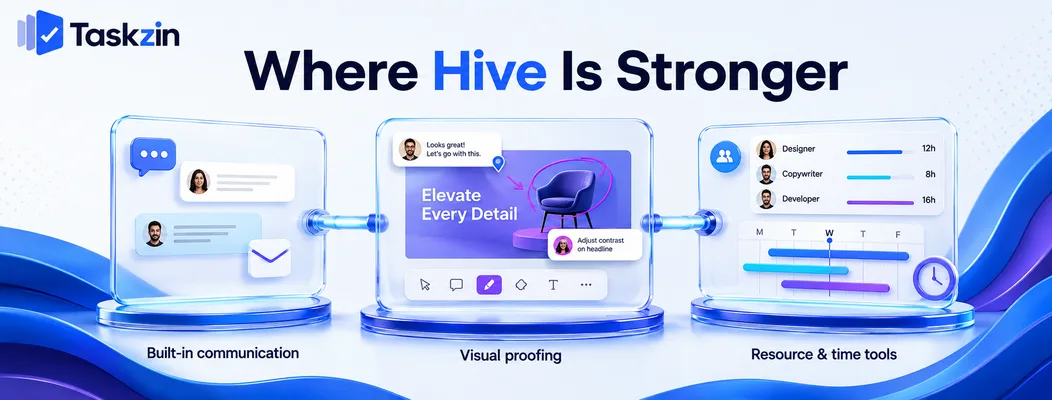
Hive wins on bundled communication, on creative proofing, and on having resourcing and time features available together.
Built-in chat and email Conversation and work in one place, with email integration bringing external threads into the same surface.
For teams that genuinely adopt it, this removes a real source of fragmentation. Discussion attached to the work rather than in a parallel channel is better, and Hive makes that possible without a second tool.
Proofing and approvals Comment and markup directly on creative assets with structured approval workflows.
Taskzin handles approvals as tasks with owners and dates, which covers sign-off but not annotating a design. For creative teams where visual review is the bottleneck, this is a genuine capability difference.
Resource and time features together
Hive offers resourcing and time tracking within its feature set, so an agency can plan allocation and track hours in one place.
In Taskzin, time tracking with billable rates sits on Business and workload visibility is lighter than Hive's resourcing depth.
Where Taskzin Is Stronger
Taskzin wins on pricing predictability, on board flow control, and on guest access.
Simpler pricing
Flat per member with no seat tiers — Free up to 10 members, $7 Starter, $14 Business, 20 percent off annually. No add-ons for individual capabilities.
Hive's add-on model means the total depends on which modules you enable, and teams frequently discover the capability that made them choose it carries an additional cost. Price your actual requirement list on both.
Flow control on the board
Board WIP limits and swimlanes are enforced constraints, with sprints, velocity and burndown from Starter.
Hive's boards are capable views; they do not offer the same flow-control depth. For teams practising Kanban seriously, this is the difference between visualising work and limiting it.
Free unlimited guests Unlimited free guests with view and comment access, at any team size.
For agencies and client-facing teams this is frequently the largest single cost difference. Check Hive's current guest terms against your real external collaborator count.
The Bundled-Communication Question
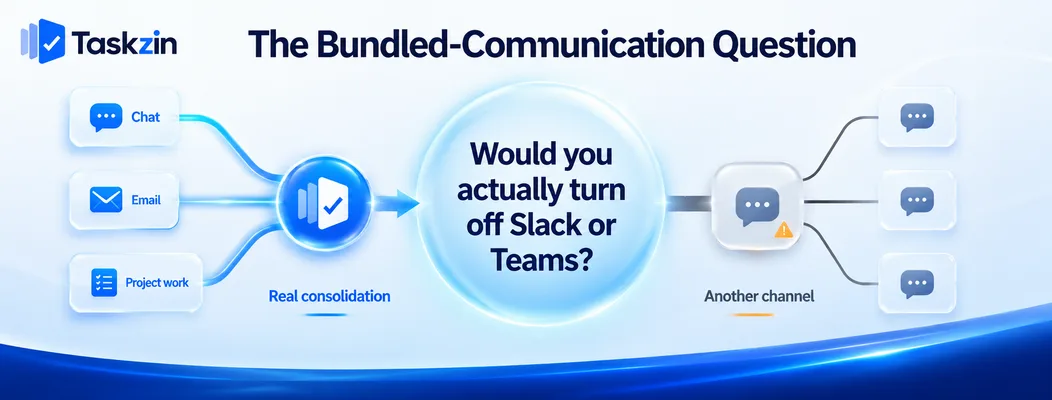
Consolidation is genuinely valuable when it happens, and most teams do not actually leave their existing chat tool — which is worth testing before deciding on it.
What consolidation genuinely saves
Fewer subscriptions, fewer contexts to check, and conversation attached to the work rather than in a parallel stream.
Where a team does move fully, the benefit is real and daily. This is not a marketing claim.
Why teams rarely leave their chat tool
Slack and Teams are unusually sticky. They carry history, integrations, external channels with clients and partners, and habits formed over years.
Adopting a project tool with built-in chat frequently produces a third channel rather than one fewer, because the old one continues for everything the new one does not cover.
What to check before assuming you will
Ask directly: would we actually turn off Slack? If the honest answer is no, price Hive on its project capabilities alone, because the communication bundle is not a saving you will realise.
If the answer is yes — genuinely yes, with the external channels handled — then the consolidation argument stands and Hive's proposition is strong.
Choosing Between Them
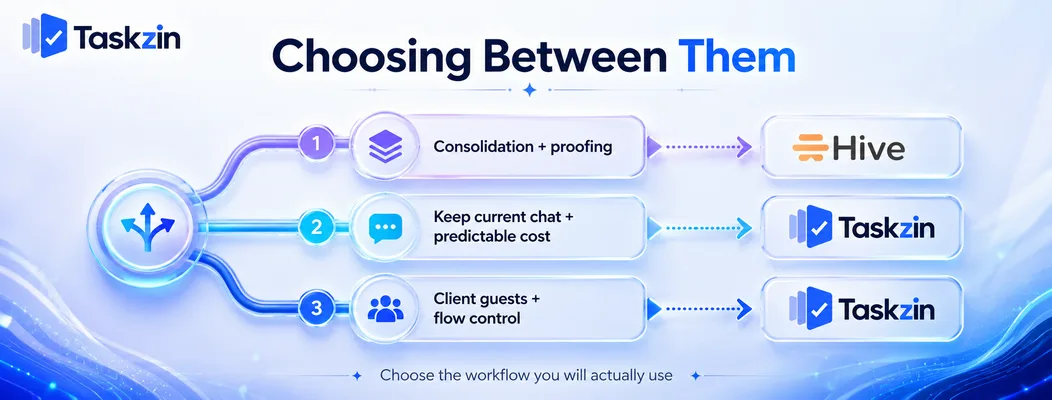
Choose Hive if consolidation is a genuine commitment or proofing is essential; choose Taskzin if you are keeping your chat tool and want predictable cost.
If you want fewer tools
A team of twenty running Slack, a project tool, a proofing tool and a time tracker has real fragmentation, and Hive addresses it directly.
Commit properly if you go this way. Half-adopted consolidation is worse than no consolidation.
If you already have Slack or Teams
Then Hive's main differentiator is one you will not use, and the comparison reduces to project capability and price.
On that basis, Taskzin's flow control, view breadth and pricing model generally compare well — but check proofing, because if you need it, that decides the matter.
If cost predictability matters
Flat per member with no add-ons and free guests is easy to budget. Per-user plus modules is not, and grows in ways that surprise people.
For a growing team, knowing exactly what the next five hires cost has genuine value.
Frequently asked
What is Hive?
A project management platform that bundles task and project management with built-in chat, email integration, proofing and time tracking, aiming to consolidate several tools into one.
Which is better, Taskzin or Hive?
Hive if you genuinely want to consolidate communication and need creative proofing. Taskzin if you are keeping Slack or Teams and want simpler pricing with stronger board flow control.
Which is cheaper?
Taskzin is free up to 10 members then flat per member with no seat tiers or add-ons, plus free unlimited guests. Hive's total depends on which add-ons you enable — price your actual requirements.
Does Hive replace Slack?
It can, and most teams find in practice that they keep Slack anyway because of history, integrations and external channels. Test that assumption honestly before treating consolidation as a saving.
Does Taskzin have proofing?
No. Approvals are handled as tasks with owners and dates, which works for sign-off but not for annotating creative assets. If visual proofing is essential, that is Hive's clear advantage.
Can you import Hive data into Taskzin?
Via CSV rather than the one-click importer, which covers ClickUp, Jira, Asana and Trello. Tasks, assignees and dates transfer; chat history and proofing records need separate handling.
Which suits agencies better?
Hive if creative proofing is central to your workflow. Taskzin if client seat costs and delivery visibility matter more, given free unlimited guests and stronger flow control.
Binita Ray is a content writer at Taskzin, creating insightful and practical content on task management, team collaboration, productivity, workflow optimization, and SaaS solutions. She focuses on helping businesses, teams, and professionals simplify their work processes, improve efficiency, and make better use of modern productivity tools.
All posts by Binita Ray
Comments