Taskzin vs Shortcut for Software Teams
An honest comparison of Taskzin and Shortcut for software teams, covering Shortcut's engineering-only focus and Git workflow strength, Taskzin's cross-functional scope and stakeholder visibility, and the one-tool-or-two decision.

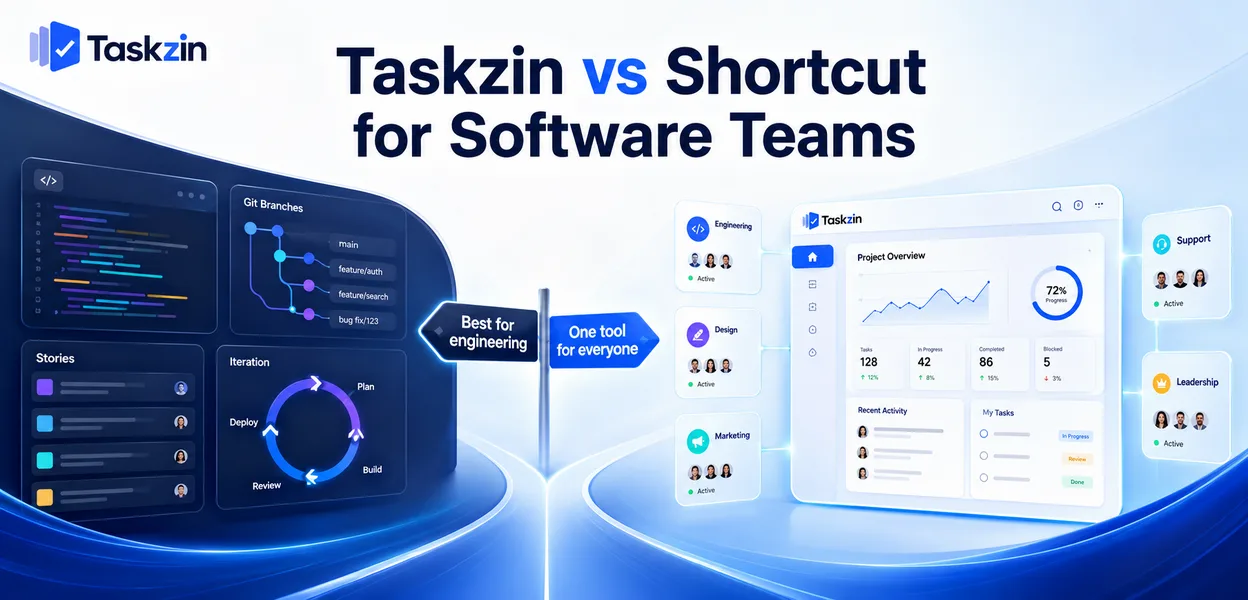
Both answers are defensible. What decides it is usually how much work crosses the boundary between engineering and everyone else.
Quick answer: Shortcut is built exclusively for software teams — stories, epics, iterations and deep Git integration, with no attempt to serve marketing or operations. Taskzin serves software teams with sprints, velocity and burndown while also covering the rest of the organisation with six views over one dataset. The decision is whether you want the best tool for engineering or one tool the whole company uses.
Both Suit Software Teams, Differently
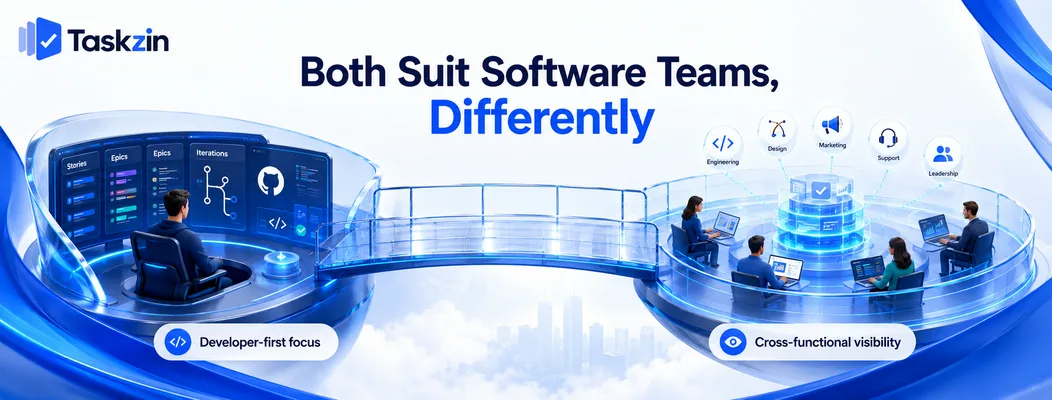
Shortcut optimises for the developer workflow specifically; Taskzin covers engineering adequately while also serving non-engineering teams.
Shortcut's engineering-only focus
Shortcut's model is stories, epics, iterations and workflows built around how software teams actually work, with Git integration that links branches and pull requests to stories automatically.
It does not try to be a marketing tool or an operations tool. That focus is why developers generally like it — nothing in the interface exists for someone else's use case.
Taskzin's cross-functional scope
Taskzin provides sprints with velocity and burndown from Starter, board WIP limits and swimlanes, and integrates with GitHub — alongside Gantt and timeline views, dashboards, docs linked to tasks, and free unlimited guests.
It is a capable software tool that is also usable by design, marketing, support and leadership on the same data.
Which matters more to you
If engineering is essentially the whole company and other functions barely track work, the specialist tool is the better fit.
If work regularly crosses between engineering and other teams — and someone outside engineering needs to see status without a translation layer — the general tool usually wins on total friction.
Taskzin vs Shortcut at a Glance
Taskzin Shortcut Audience Cross-functional Software teams only Work model Projects and tasks, sprints Stories, epics, iterations Git integration GitHub integration Deep, branch and PR linking
Sprints, velocity, burndown Starter and above Core Views List, Board, Calendar, Gantt, Table, Timeline List, board, roadmap Gantt and dependencies Yes, critical path recalculates Limited WIP limits and swimlanes Yes Limited Docs linked to tasks Yes Docs available Dashboards 30+ widgets on Business Reports available Non-engineering usability Good Poor by design Free plan Yes, up to 10 members Available Pricing Flat per member, no seat tiers Per user Guests Free, unlimited, view and comment Varies SSO, SCIM, audit logs Business and above Higher tiers Data export JSON or CSV, any plan Available
Verify current Shortcut pricing and tiering before relying on cost comparisons.
Where Shortcut Is Stronger
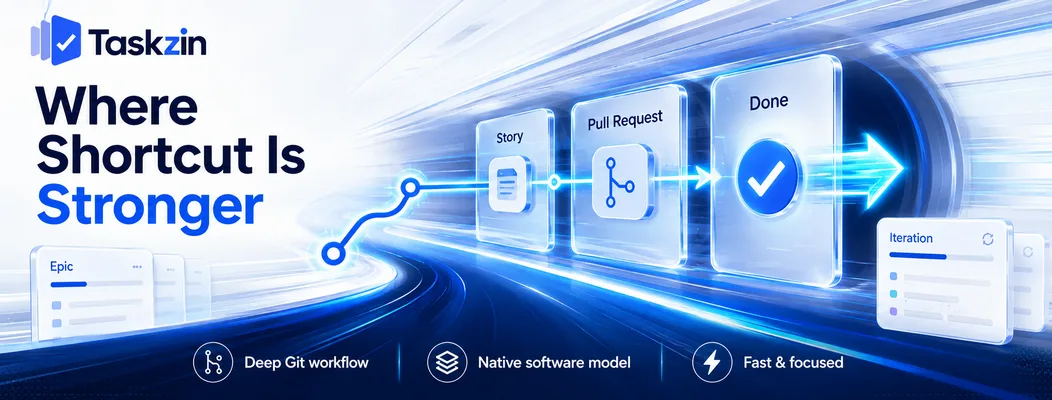
Shortcut wins on Git workflow integration, on a work model that matches how software teams think, and on being fast and uncluttered.
Git integration and developer workflow
Branches and pull requests link to stories automatically, and story state advances as the code moves. Developers update the tool by doing their normal work rather than by remembering to.
This is Shortcut's strongest advantage and the hardest to replicate. Taskzin integrates with GitHub, but the workflow coupling is not as tight.
Story, epic and iteration model
Shortcut's object model was designed for software rather than adapted to it. Stories, epics and iterations behave the way engineering teams expect without configuration.
Taskzin's model is projects and tasks with sprint support layered on. It works well; it is a general model applied to a specific use case rather than one built for it.
Speed and focus
Shortcut is fast and contains nothing irrelevant to software work. There are no fields for a marketing campaign or a client approval cluttering the interface.
Developers notice this, and developer adoption is frequently the deciding factor in whether an engineering tool succeeds.
Where Taskzin Is Stronger
Taskzin wins wherever non-engineering people need to be in the same system, wherever stakeholders need visibility, and wherever work needs a timeline.
Non-engineering teams on the same tool
Design, marketing, support, operations and leadership can work in Taskzin naturally. In Shortcut they cannot, and are not meant to.
This means a Shortcut organisation runs at least two tools. That is a legitimate choice with a real cost — handoffs between systems, duplicated items, and no single view of anything cross-functional.
Client and stakeholder visibility
Free unlimited guests with view and comment access lets clients, executives and partners see progress without a licence.
For agencies building software for clients, or product teams reporting to a board, this removes a recurring friction that a developer-only tool creates by design.
Timelines and dependencies
Dependencies with critical path recalculation, plus Gantt and timeline views, for when a stakeholder asks what a two-week slip actually moves.
Shortcut has roadmapping; it is oriented to continuous delivery rather than scheduled commitments. If you have contractual dates, that difference matters.
The One-Tool-or-Two Decision
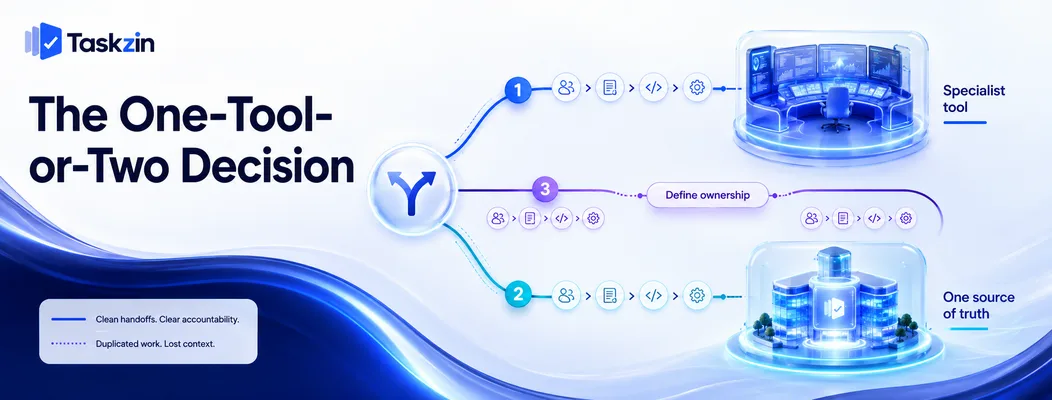
Running a specialist engineering tool alongside a general one is a real option with real costs, and the right choice depends on how much work crosses the boundary.
The case for a specialist engineering tool
Developer adoption is genuinely higher with a tool built for them. Engineering is often the largest and most expensive team, and friction there is costly.
If engineering work rarely intersects with other functions, optimising for the biggest team is rational.
The case for one tool across functions
Every boundary between tools is a handoff that leaks. A feature involving design, engineering and marketing spans two systems, and someone reconciles them.
One tool means one source of truth, one set of reporting, and no translation layer. For organisations under about a hundred people, this usually outweighs the specialist advantage.
Running both without pain
If you run both, decide explicitly which owns what. Engineering execution in the specialist tool, everything else and cross-functional coordination in the general one, with a defined link between them.
The failure is running both without that decision, so the same work exists in both and neither is trusted.
Migration Between Them
Shortcut is not covered by the one-click importer, so migration is CSV, and iteration history needs particular attention.
What transfers
Stories, epics, assignees, states and dates map reasonably through CSV import into tasks and projects.
Taskzin's one-click importer covers ClickUp, Jira, Asana and Trello, so a Shortcut move is a CSV exercise rather than a one-hour migration.
What needs rebuilding
Git links, iteration history and velocity data do not transfer meaningfully. Automations rebuild rather than move.
If historical velocity matters to your forecasting, export it separately before the migration — you will not reconstruct it afterwards.
Pilot first
Move one team or one product area for a month before committing everyone.
For engineering migrations specifically, developer reaction in the first fortnight is the signal that matters most. If they work around the new tool, that will not improve with time.
Frequently asked
What is Shortcut?
A project management tool built exclusively for software teams, using stories, epics and iterations with deep Git integration. It deliberately does not serve non-engineering functions.
Is Shortcut better than Jira?
Many teams find it faster and considerably simpler, with less configuration. Jira remains stronger for complex workflow customisation and enterprise governance requirements.
Which is better for a software team?
Shortcut if engineering is essentially the whole company and Git workflow integration matters most. Taskzin if work crosses regularly into design, marketing or client-facing functions.
Which is cheaper?
Taskzin is free up to 10 members then flat per member with no seat tiers, and includes free unlimited guests. Compare against Shortcut's current per-user pricing, and include the cost of a second tool if you would need one.
Does Taskzin integrate with GitHub?
Yes, GitHub is among its integrations alongside Slack, Gmail, Google Drive and Calendar, Outlook, Jira, Zapier and others. Shortcut's Git coupling is tighter.
Can you import Shortcut data into Taskzin?
Via CSV rather than the one-click importer, which covers ClickUp, Jira, Asana and Trello. Stories and epics map to tasks and projects; Git links and velocity history do not transfer.
Should engineering and marketing use the same tool?
Under about a hundred people, usually yes — the cost of handoffs between systems typically exceeds the benefit of a specialist tool. Above that, separate tools with a defined interface become more defensible.
Sujan Sharma is a content writer at Taskzin with a strong focus on productivity systems, task management, workflow optimization, team collaboration, and SaaS technology. He creates research-driven, practical content that helps professionals and growing teams improve operational efficiency, streamline processes, and make informed decisions about modern work management tools.
All posts by Sujan Sharma
Comments