8 Best Basecamp Alternatives
A comparison of eight Basecamp alternatives, covering the capabilities Basecamp deliberately excludes, when flat-fee pricing stops paying off, eight reviewed options, migration steps, and when staying is the better call.

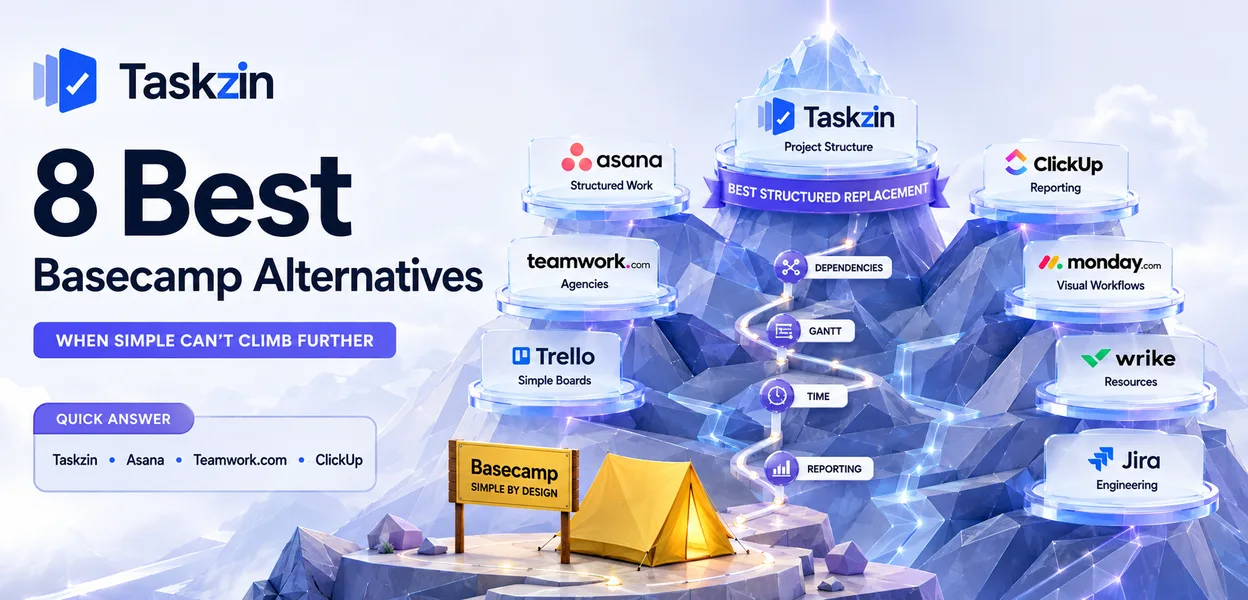
Basecamp takes strong positions. No custom fields, no dependencies, no Gantt charts, no time tracking — these are choices, not gaps, and for many teams they are the reason it works. The trouble comes when your work genuinely needs one of those things.
This guide covers why teams switch, eight alternatives, how to recalculate the cost honestly, and when Basecamp remains the better choice.
Quick answer: The best Basecamp alternatives are Taskzin and Asana for teams needing real project structure, Teamwork.com for agencies that bill clients, and ClickUp for teams wanting reporting Basecamp does not provide. Teams almost always leave for one of two reasons: the deliberate simplicity became a limitation, or the flat fee stopped being good value at their size.
Why Teams Look for a Basecamp Alternative

Teams leave Basecamp either because they need capabilities it deliberately excludes — dependencies, custom fields, time tracking, reporting — or because the flat fee costs more than per-seat pricing would at a small headcount.
Both are predictable, and knowing which applies to you determines the right replacement. A capability problem points to a structured tool. A pricing problem points somewhere quite different.
No custom fields, dependencies or real reporting
Basecamp's to-do lists have no dependency support, so you cannot express that one task must finish before another starts. There are no custom fields to capture client, budget or priority data. There is no timeline view and no meaningful cross-project reporting.
For a team running straightforward client projects, none of that matters. For a team asked how many hours went into an account, or which projects are at risk this month, the answer has to be assembled by hand every time — and that manual assembly is usually what finally triggers the move.
The flat fee stops being a bargain for small teams
Flat-fee pricing is excellent value at thirty people and poor value at five. Per-seat alternatives cost less below a crossover point that sits somewhere around a dozen users for most tools.
Small agencies and studios frequently adopt Basecamp for the unlimited-client-access benefit, then realise they are paying a fixed monthly amount that would buy a fully featured per-seat tool for their actual team size. The unlimited guests are only worth paying for if you genuinely have many of them.
No time tracking in a business that bills by the hour
Basecamp has no native time tracking. For an agency, studio or consultancy where revenue is tied to hours, this means running a second tool and reconciling it against project work by hand every month.
The reconciliation is the expensive part. Time entries live in one system, tasks in another, and matching them requires someone to remember which entry relates to which piece of
work. Any mismatch surfaces as an invoicing question, which is the worst possible place for it to appear.
It also removes your ability to answer the question that matters most in services work: was this project profitable? Without hours attached to tasks, you know what was delivered and what was charged, but not what it cost you. Tools that track time against the task itself answer that automatically, which is why billable businesses tend to be the ones that outgrow Basecamp first, regardless of how well the rest of it suits them.
Basecamp Alternatives Compared at a Glance
Tool Best for Dependencies Time tracking Pricing model Taskzin Structured replacement Yes Yes Per user Asana Ownership and deadlines Yes Via integration Per user Teamwork.com Agencies billing clients Yes Yes Per user ClickUp Reporting and dashboards Yes Yes Per user Monday.com Visual tracking Yes Paid tier Seat tiers Notion Docs and message culture No No Per user Trello Simpler and cheaper Via power-up Via power-up Per user Wrike Resource-heavy delivery Yes Paid tier Per user
The 8 Best Basecamp Alternatives
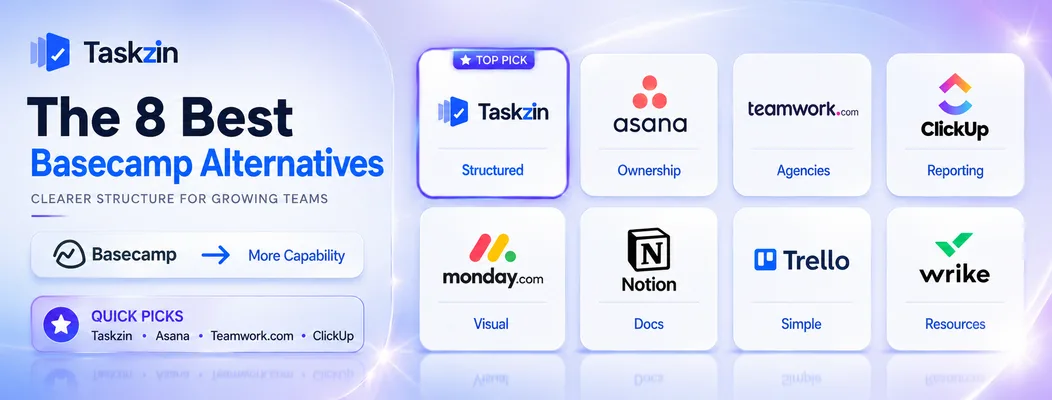
Taskzin — best structured replacement
Taskzin adds what Basecamp deliberately omits — dependencies, custom fields, timelines and reporting — without becoming a platform that needs an administrator.
Best for: teams that liked Basecamp's clarity but hit its structural limits.
Trade-off: per-seat pricing, so cost scales with headcount rather than staying fixed.
Asana — best for ownership and deadlines
Asana is strong on exactly the axis Basecamp leaves loose: one owner per task, visible dates, and a personal view of everything assigned to you.
Best for: teams where accountability is the recurring problem.
Trade-off: timeline and reporting sit on paid tiers, and client access costs seats.
Teamwork.com — best for agencies billing clients
Teamwork treats time tracking, billing rates, invoicing and client access as core features rather than extras, which covers the exact gap agencies feel in Basecamp.
Best for: agencies whose work is billable and needs to be reconciled to hours.
Trade-off: more complex, and less pleasant for purely internal work.
ClickUp — best all-in-one with real reporting
ClickUp provides the dashboards and cross-project reporting Basecamp lacks, alongside docs and time tracking.
Best for: teams that left because they could not answer questions about their own portfolio.
Trade-off: considerably more configuration and a busier interface.
Monday.com — best visual alternative
Monday makes status visible at a glance for clients and stakeholders, with automation for routine handoffs.
Best for: teams wanting visual reporting without building it themselves.
Trade-off: seat-tier pricing can force you into buying more seats than you need.
Notion — best for message-board and docs culture
If what you valued in Basecamp was the message board and written culture rather than the to-dos, Notion preserves that emphasis with better documentation.
Best for: teams whose real output is writing and decisions.
Trade-off: no dependencies, no workload view, and weak notifications.
Trello — best simpler and cheaper option
For very small teams paying a flat fee to manage a handful of projects, Trello does the visible part for considerably less.
Best for: teams of two to five with simple, stage-based work.
Trade-off: no message boards, minimal reporting, and power-ups add cost.
Wrike — best for resource-heavy delivery
Wrike shows whether the people assigned across concurrent client projects actually have capacity, which Basecamp does not attempt.
Best for: services organisations allocating staff across many projects.
Trade-off: a steep learning curve compared with Basecamp's deliberate plainness.
How to Choose a Basecamp Replacement
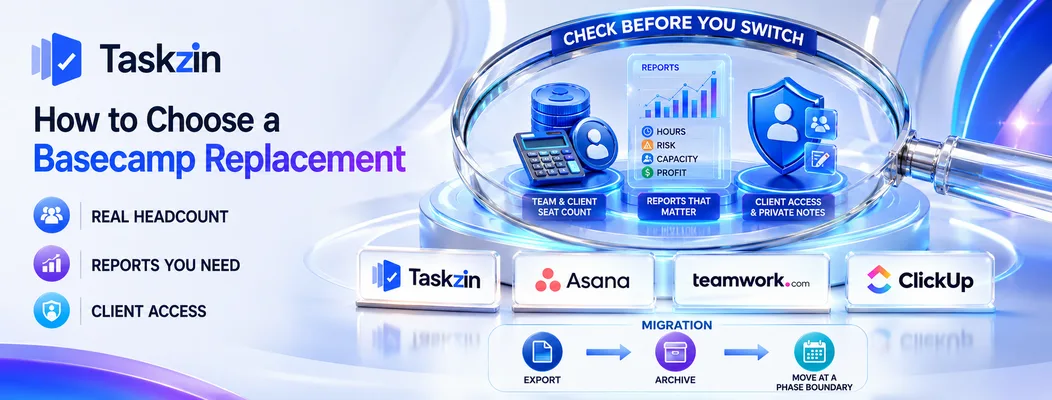
Recalculate cost against your real headcount including clients, list the specific reports you currently cannot produce, and confirm how each alternative gives clients access before comparing anything else.
Recalculate cost against your actual headcount
Count your internal team, then count every client and contractor who needs access. Price each alternative on that total, not on your staff number.
The result frequently surprises people in both directions. A five-person studio with three client contacts usually saves money moving to per-seat pricing. A ten-person agency with sixty client contacts usually does not, and should look at tools with free guest access rather than at price per seat.
List the reports you cannot currently produce
Write down the questions you cannot answer today: hours per client, projects at risk, capacity next month, profitability by account.
That list is your requirement. It is far more useful than a feature comparison, because it tells you exactly what to test during a trial — and reporting is the area where tools most often look capable in a demo and disappoint in practice.
Check how clients will be given access
Basecamp's client-facing features are genuinely good, with a clear separation between internal discussion and what the client sees. Not every alternative handles this well.
Confirm three things: whether clients cost a seat, whether they can be prevented from seeing internal notes, and whether they need an account at all. Getting this wrong is the fastest way to damage a client relationship during a migration.
Migrating From Basecamp
Export projects, messages and files while your account is active, decide deliberately what happens to historical message threads, and move client projects at a natural boundary rather than mid-delivery.
Export projects, messages and files
Basecamp provides an export of projects including to-dos, messages, documents and files.
Run it before cancelling and store the archive somewhere durable.
Message boards are the part least likely to import cleanly into a task-focused tool, so check what actually transfers rather than assuming.
Decide what happens to message threads
Basecamp's message boards often hold years of decisions and client correspondence. Most alternatives have no equivalent.
The realistic options are keeping the export as a searchable archive, moving key decisions into project descriptions in the new tool, or running a separate documentation tool alongside.
Decide before you migrate, not when someone asks where a decision went.
Move client projects at a natural boundary
Switch tools between engagements or at a phase boundary rather than mid-delivery. Clients notice a tooling change, and noticing it in the middle of a project invites questions about whether their work is being disrupted.
When Basecamp Is Still the Right Fit

Stay on Basecamp if you have many collaborators and value predictable cost, or if its deliberate simplicity is what keeps your team and clients actually using it.
Predictable cost with many collaborators
If you work with dozens of clients and contractors, the flat fee is genuinely difficult to beat.
Per-seat alternatives would cost several times as much for the same access, and no feature advantage offsets that.
The rule of thumb: the more people who need access relative to your payroll, the stronger Basecamp's case becomes.
Deliberate simplicity is the point
Basecamp's restrictions prevent the sprawl that affects flexible tools. There are no custom fields to proliferate, no views to multiply, and no configuration for anyone to get wrong.
This has a real effect on clients too. A client who can open one page and understand a project immediately engages with it; a client faced with filters, custom fields and multiple views usually emails you for an update instead, which reinstates exactly the work the tool was supposed to remove.
If your team and clients use it consistently and nobody is asking for more, that is a functioning system. Adding capability you do not need is how teams end up with a more powerful tool containing worse data.
Frequently asked
What is the best Basecamp alternative?
Taskzin and Asana for teams needing real project structure, Teamwork.com for agencies that bill clients, and ClickUp for teams that left because they could not produce reporting.
Why do teams leave Basecamp?
Either because they need dependencies, custom fields, time tracking or reporting that Basecamp deliberately excludes, or because the flat fee costs more than per-seat pricing would at their headcount.
What is the best free Basecamp alternative?
Trello, ClickUp, Taskzin, Asana and Notion all offer free plans. ClickUp's free tier is the closest to covering Basecamp's full range of features at no cost.
Is Asana better than Basecamp?
Asana is stronger on task ownership, deadlines, dependencies and reporting. Basecamp is stronger on simplicity, client access and predictable pricing. It depends entirely on which problem you are solving.
What is the best Basecamp alternative for agencies?
Teamwork.com, which includes time tracking, billing rates and client access as core features — the exact combination agencies most often find missing in Basecamp.
Can you export data from Basecamp?
Yes, Basecamp exports projects with to-dos, messages, documents and files. Message boards are the part least likely to import cleanly elsewhere, so plan for keeping the archive.
Is Basecamp worth it for a small team?
Below roughly a dozen users, per-seat tools usually cost less and offer more. Basecamp's value comes from unlimited collaborators, so it pays off when you have many clients or contractors rather than a small internal team.
Sujan Sharma is a content writer at Taskzin with a strong focus on productivity systems, task management, workflow optimization, team collaboration, and SaaS technology. He creates research-driven, practical content that helps professionals and growing teams improve operational efficiency, streamline processes, and make informed decisions about modern work management tools.
All posts by Sujan Sharma

Comments