10 Best Monday.com Alternatives
A comparison of ten Monday.com alternatives, covering seat-tier pricing, when boards stop scaling into projects, ten reviewed options, how to migrate automations, and when Monday remains the right fit.

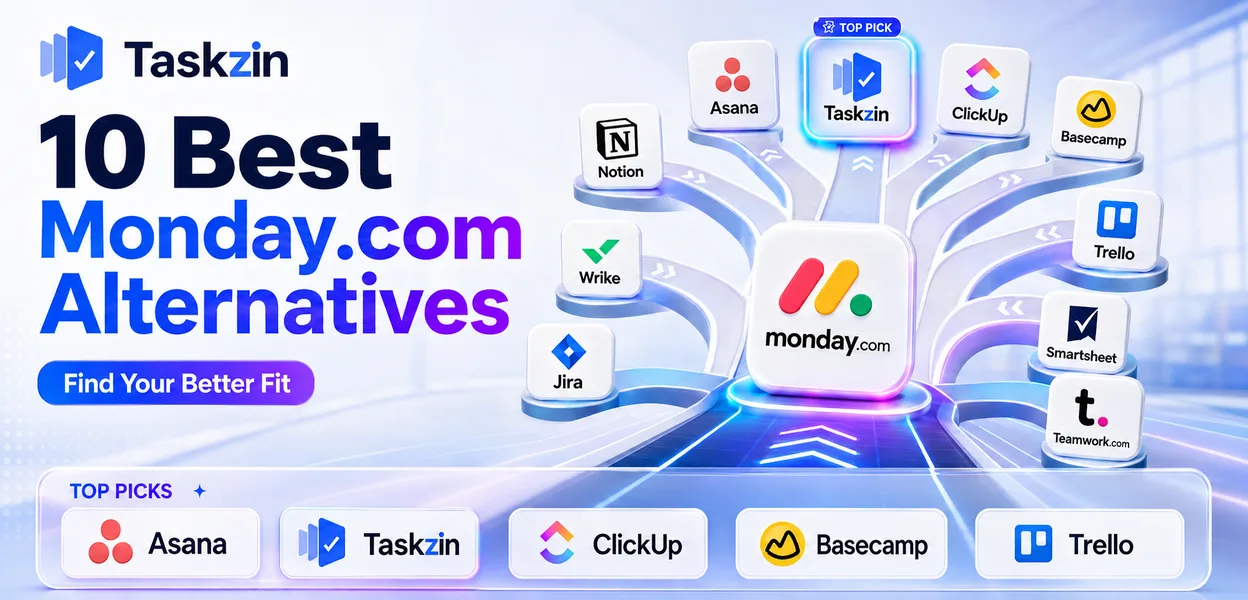
Monday.com is genuinely good at one thing that most competitors handle worse: making status visible to people who will never learn a project tool. Its weaknesses are equally specific, and they show up as teams grow.
This guide covers why teams leave, ten alternatives, how to recalculate cost honestly, how to migrate automations without losing them, and when staying is the better decision.
Quick answer: The best Monday.com alternatives are Asana for stronger project structure, Taskzin for teams outgrowing simple boards, ClickUp for a closest feature match, and Basecamp or Trello for teams leaving over cost. Most teams switch because of seat-tier pricing or because boards stopped scaling into real projects.
Why Teams Look for a Monday.com Alternative
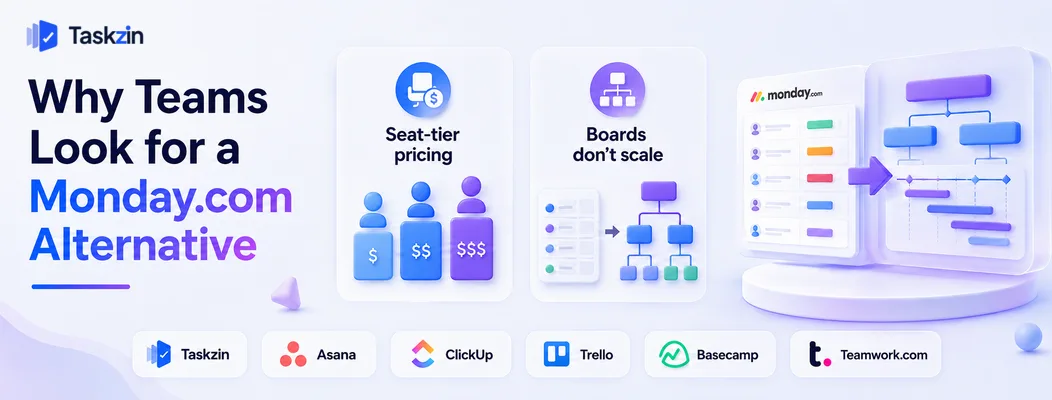
Teams usually leave Monday.com because seat-tier pricing forces them to buy more seats than they need, or because the board model stops working once projects have dependencies and phases rather than simple stages.
Both are structural rather than fixable by configuration, which is why the complaint tends to resurface rather than resolve.
Seat-tier pricing forces overbuying
Monday sells seats in tiered blocks rather than one at a time. A team of eleven may have to buy fifteen seats; a team of sixteen may have to buy twenty.
The practical effect is that adding one person can trigger a jump in cost that has no relationship to the value added. Teams notice this most sharply at the boundaries, and it is the single most common reason cited for looking elsewhere.
Boards don't scale into projects
A board is excellent for tracking items through stages. It is weaker for work with real phases, dependencies and a critical path — the things that appear once projects run longer than a few weeks.
The symptom is recognisable. A single board becomes three, then a dashboard is added to summarise them, then a fourth board appears to track the work that spans the other three.
Nobody decided on that architecture; it accumulated. By the time someone notices, the weekly status routine involves opening five places and reconciling them by hand.
Teams work around this by creating more boards, then more dashboards to aggregate the boards. That structure holds for a while and then becomes its own maintenance problem, at which point a tool with genuine project hierarchy starts looking attractive.
Monday.com Alternatives Compared at a Glance
Tool Best for Pricing model Automations Free plan
Taskzin Outgrowing
Export boards and items
Per user Yes Yes Asana Structured projects Per user Yes Yes ClickUp Closest feature match Per user Yes Yes Trello Cheap and simple Per user Limited Yes Smartsheet Spreadsheet operations Per user Yes Limited Basecamp Flat fee, unlimited users Flat Limited Limited Wrike Workload and resourcing Per user Yes Limited Notion Flexible internal systems Per user Limited Yes Airtable Database-driven work Per user Yes Yes Teamwork.com Client services Per user Yes Limited
The 10 Best Monday.com Alternatives
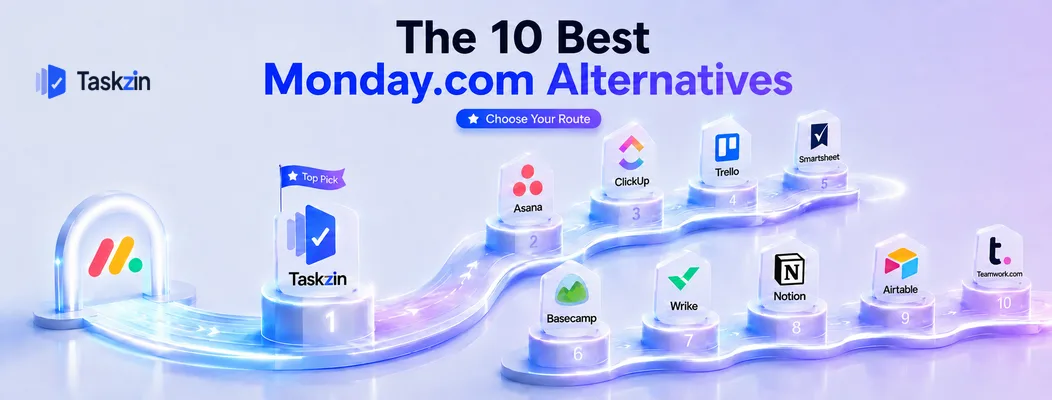
Taskzin — best for teams outgrowing boards
Taskzin keeps board visibility while adding real project structure — phases, dependencies and timelines — so growing work does not require multiplying boards.
Best for: teams whose projects have become too structured for a flat board.
Trade-off: less visually striking than Monday for pure status display.
Asana — best structured alternative
Asana handles projects with genuine hierarchy, dependencies and portfolios, and prices per individual seat rather than in blocks.
Best for: teams wanting clearer structure and predictable per-person pricing.
Trade-off: less immediately visual, and useful features sit on higher tiers.
ClickUp — best feature-for-feature comparison
ClickUp matches or exceeds Monday on views, automations and dashboards, usually at lower per-user cost.
Best for: teams wanting equivalent capability at better value.
Trade-off: a busier interface with more configuration to maintain.
Trello — best cheap and simple option
If your Monday boards were essentially Kanban with colour, Trello covers that at a fraction of the price.
Best for: small teams with straightforward stage-based work.
Trade-off: limited automation, dashboards and reporting.
Smartsheet — best for spreadsheet-style operations
Smartsheet suits teams whose work is genuinely tabular, with strong Gantt and dependency support behind a familiar grid.
Best for: planning, operations and construction-adjacent teams.
Trade-off: less visually approachable for casual stakeholders.
Basecamp — best flat-fee alternative
Basecamp removes seat maths entirely with flat pricing and unlimited users, which resolves the tier problem outright.
Best for: teams above roughly fifteen people, and anyone with many external collaborators.
Trade-off: opinionated, with no custom fields, automations or dashboards.
Wrike — best for workload and resourcing
Wrike shows whether the people assigned across concurrent projects actually have capacity, which Monday handles more superficially.
Best for: services organisations allocating staff across many clients.
Trade-off: steeper learning curve and denser interface.
Notion — best for flexible internal systems
Notion lets you build exactly the system you want, combining databases, documents and boards in one place.
Best for: teams building internal processes alongside documentation.
Trade-off: no dependencies, no workload view, and you maintain the whole structure.
Airtable — best database-driven alternative
Airtable is the strongest option when your work is really structured records — content pipelines, inventories, campaign assets — with views layered on top.
Best for: teams whose projects are data first and tasks second.
Trade-off: weaker as a day-to-day task and collaboration tool.
Teamwork.com — best for client services
Teamwork includes time tracking, billing and client access as core functionality rather than premium extras.
Best for: agencies delivering billable client projects.
Trade-off: less suited to internal product work.
How to Choose a Monday.com Replacement
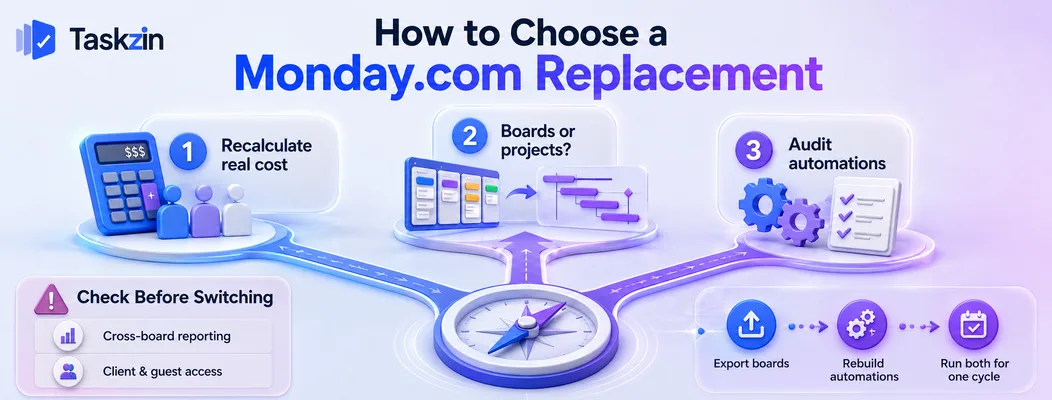
Recalculate cost using your actual headcount including externals, decide honestly whether your work needs boards or genuine project structure, and audit which automations you would need to rebuild.
Recalculate cost on your real headcount
Monday's tiered seats mean your effective per-person cost depends on where you sit relative to a boundary. A team of eleven paying for fifteen seats has a very different unit cost from a team of fifteen.
Compare against per-seat alternatives using your real number, including guests and clients, and against flat-fee options like Basecamp. The ranking often changes once you use actual figures rather than list prices.
Decide whether you need boards or projects
Write down one representative piece of work. Does it move through stages, or does it have phases where some tasks cannot start until others finish?
Stages mean a board is sufficient and simpler tools will serve. Phases and dependencies mean you need project structure, and choosing another board-first tool will reproduce the problem you are leaving.
Audit your automations before switching
List every automation currently running. Many teams discover a dozen recipes quietly holding their process together — assignment rules, status changes, notifications, escalations.
Each must be rebuilt, and not every tool supports every trigger. This is the most commonly underestimated part of a Monday migration, and the part that determines how long the move actually takes.
Migrating From Monday.com
Export boards while the account is active, rebuild automations deliberately rather than reproducing them one for one, and run both systems in parallel for one full work cycle.
Export boards and items Monday exports boards to Excel or CSV. Check what transfers — updates, files and mirrored columns often need separate handling.
Run the export before cancelling and store it, even if the new tool imports cleanly.
Rebuild automations deliberately
Migration is a rare opportunity to remove automations that exist because of a problem you no longer have. Rebuild the ones that earn their place and let the rest go.
Recreating all of them faithfully imports accumulated complexity into a fresh workspace, which wastes the main advantage of moving.
Run both systems for one cycle
Keep Monday read-only for a month while the new tool is live. This gives you a fallback reference when someone asks what the old status was, without maintaining two active systems.
Feature Gaps to Check Before You Switch
The two capabilities teams most often discover missing after leaving Monday.com are cross-board dashboard reporting and low-friction client access — check both against your actual weekly routine before committing.
Dashboards and cross-board reporting
Monday's dashboards aggregate data across many boards into a single view, and teams frequently rely on one specific dashboard for a weekly or monthly routine without thinking of it as a feature.
Before switching, identify every recurring report someone opens and confirm the replacement can produce it. Some alternatives restrict cross-project reporting to higher tiers, and others require you to assemble it manually — which turns a two-minute routine into a recurring half-hour chore.
Client and guest access
If clients or contractors view boards today, check exactly how the alternative handles them.
The three models are free read-only guests, limited-permission guests included up to a cap, and guests billed as full seats.
This distinction changes the economics completely for agencies. It also changes the experience: a client asked to create an account and learn a new interface will simply email you for updates instead, which quietly reinstates the work the tool was meant to remove.
When Monday.com Is Still the Right Fit
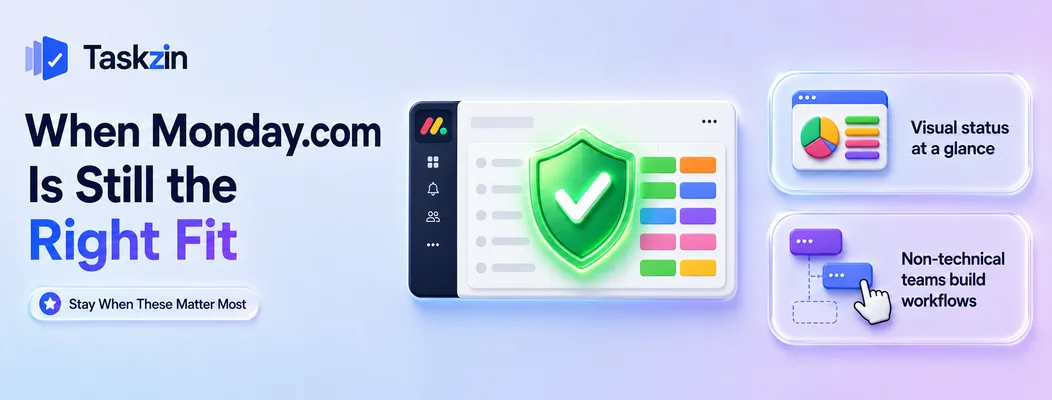
Stay on Monday.com if your main requirement is status that non-technical stakeholders can read instantly, or if you need people without technical skills to build their own workflows.
Visual status is your main requirement
Monday's colour-coded boards communicate state faster than almost any competitor. For leadership dashboards and client-facing views, this is a real advantage that most alternatives do not match.
Non-technical teams need to build their own workflows
Monday is unusually good at letting a marketing or operations manager construct a working process without help. That self-service capability has genuine value, and moving to a tool requiring administrator involvement will slow those teams down even if it saves money.
Frequently asked
What is the best Monday.com alternative?
Asana for stronger project structure, Taskzin for teams outgrowing boards, ClickUp for the closest feature match, and Basecamp or Trello for teams leaving primarily over cost.
Why is Monday.com expensive?
Because seats are sold in tiered blocks rather than individually, so a team can be forced to buy more seats than it needs, and adding one person can trigger a disproportionate cost jump.
What is the best free Monday.com alternative?
Trello, ClickUp, Taskzin, Notion and Airtable all offer free plans. ClickUp's is the most feature-complete; Trello's is the fastest to adopt.
Is Asana better than Monday.com?
Asana is stronger on project structure, dependencies and per-seat pricing. Monday is stronger on visual clarity and letting non-technical people build workflows themselves.
What is a simpler alternative to Monday.com?
Trello and Basecamp are the simplest credible options. Taskzin sits in between, keeping project structure without the configuration surface of a full work-management platform.
Can you export data from Monday.com?
Yes, boards export to Excel or CSV. Verify how updates, files and mirrored columns transfer before cancelling, since these often need separate handling.
Does Monday.com have a free plan?
Monday offers a very limited free tier for a small number of users with restricted features. Most teams need a paid plan for practical use, which is part of why cost comparisons come up early.
What is the best Monday.com alternative for agencies?
Teamwork.com for time tracking and client billing, Basecamp for unlimited client access at a flat fee, and Wrike for allocating staff across concurrent client projects.
Is Monday.com good for software teams?
Monday Dev adds sprint and agile features, but engineering teams generally prefer Jira or Linear for issue tracking, branch linking and velocity reporting.
Sujan Sharma is a content writer at Taskzin with a strong focus on productivity systems, task management, workflow optimization, team collaboration, and SaaS technology. He creates research-driven, practical content that helps professionals and growing teams improve operational efficiency, streamline processes, and make informed decisions about modern work management tools.
All posts by Sujan Sharma


Comments