10 Best Trello Alternatives
A comparison of ten Trello alternatives, covering the specific limits teams hit, what power-ups really cost, ten reviewed options, how to migrate without losing momentum, and when Trello remains the right tool.

Trello's simplicity is the reason people adopt it and the reason they eventually move on. A single board is perfect until you are running nine of them and cannot answer the question "what is everyone working on this week?" without opening each one.
This guide covers the specific limits teams hit, ten alternatives, how to choose without losing what Trello got right, and when staying is the correct decision.
Quick answer: The best Trello alternatives are Taskzin as a direct step up, Asana for stronger task ownership, ClickUp for the most features on a free plan, and Jira or Linear for engineering teams. Teams almost never leave Trello because it works badly — they leave because it does one thing, and they now need three.
Why Teams Outgrow Trello
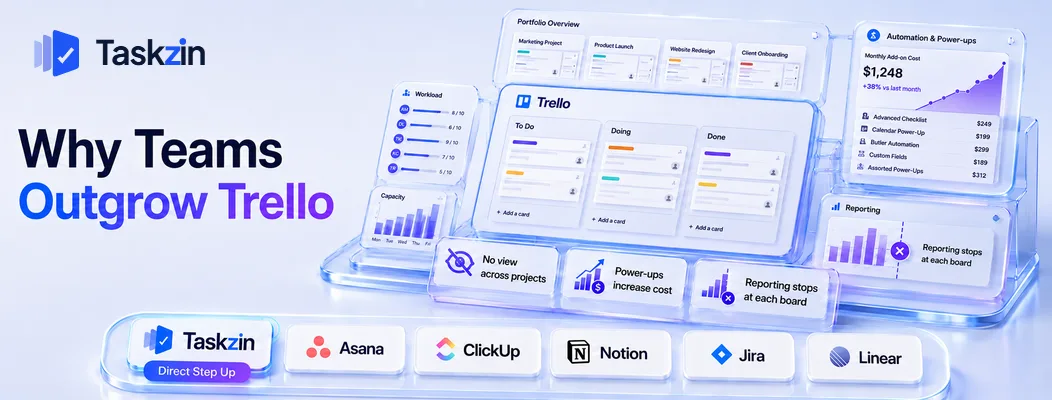
Teams outgrow Trello when they need to see across multiple boards at once, or when the capabilities they need arrive only through paid power-ups that push the cost above a full-featured competitor.
Neither of these is a defect. Trello is deliberately narrow, and that narrowness is what makes it adoptable in ninety seconds. The problem is that organisational complexity grows and the tool, by design, does not grow with it.
No view across projects
One board is legible. Nine boards are nine tabs. There is no native way to ask which tasks are assigned to a person across every board, or which deadlines fall in the next two weeks organisation-wide.
The workaround is a tenth board summarising the other nine, maintained by hand. That board is always slightly out of date, which is exactly the condition project software exists to prevent. When a team lead starts spending Monday mornings reconciling boards, the tool has stopped paying for itself.
Power-ups become a second subscription
Trello's core is free or inexpensive, but the features teams need next — timeline views, time tracking, custom fields, reporting, automation beyond basic rules — arrive as power-ups, some paid separately.
Add three of them and the effective monthly cost frequently exceeds a competitor that includes all of it natively. Teams often discover this only when reviewing subscriptions at year end, and the discovery itself triggers the search for an alternative.
Reporting stops at the edge of the board
A Trello board tells you where each card sits. It does not tell you how long cards typically take, how many you completed last month, or whether the team is taking on more than it finishes.
For a small team that visibility is unnecessary — you can see the board and you know. Once a manager has to report upward, or a client asks how a retainer is being spent, those numbers have to come from somewhere. Counting cards manually works for a month and then quietly stops happening.
This is the point at which many teams discover the difference between a board and a project system. The board shows current state; a project tool also retains history, and history is what answers questions about capacity, throughput and whether a process change actually helped. Rebuilding that history later is impossible, which is an argument for switching sooner rather than after a year of untracked work.
Trello Alternatives Compared at a Glance
Tool Best for Multiple views Cross-project view Free plan Taskzin Direct step up Yes Yes Yes Asana Task ownership Yes Yes Yes ClickUp Most free features Yes Yes Yes Notion Boards plus docs Yes Manual Yes
Monday.com — best visual upgrade
Jira Engineering teams Yes Yes Yes (small teams) Linear Product teams Yes Yes Yes Basecamp Flat-fee client work Limited Yes Limited Height Lightweight newer option Yes Yes Yes
Wekan and open-source boards
Open source, self-hosted Board only No Yes
The 10 Best Trello Alternatives
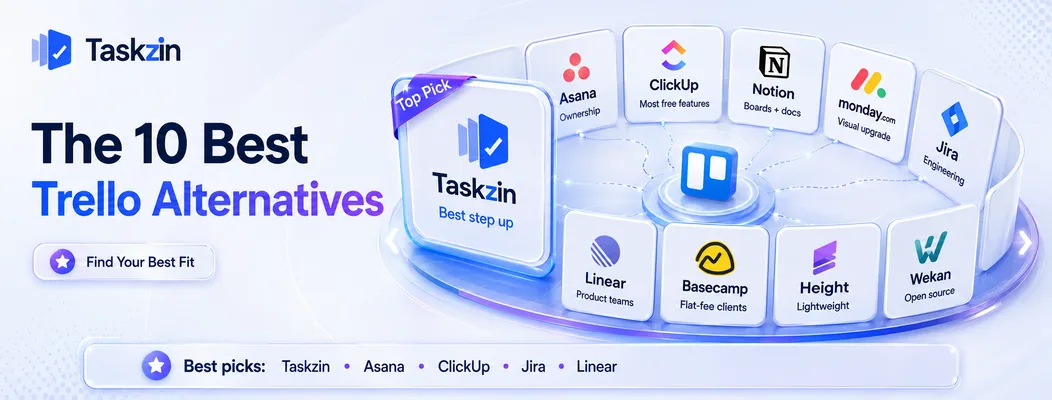
Taskzin — best step up from Trello
Taskzin keeps the board that made Trello work while adding what Trello lacks: a view across every project, real task ownership, timelines and reporting included rather than sold separately.
Best for: teams that liked Trello and simply grew past it.
Trade-off: slightly more structure to learn than a bare board, though far less than a full work-management platform.
Asana — best for task ownership and deadlines
Asana's model is one owner, one due date, one place to look. For teams whose problem is that Trello cards drift without a clear owner, this is the direct fix.
Best for: teams struggling with accountability rather than visualisation.
Trade-off: timeline and reporting views sit on paid tiers.
ClickUp — best for maximum features on a free plan
ClickUp's free tier includes boards, lists, docs, time tracking and dashboards, which covers most of what a team would otherwise buy Trello power-ups for.
Best for: cost-conscious teams wanting the widest capability at zero outlay.
Trade-off: a considerably busier interface and real setup effort.
Notion — best for boards attached to documents
Notion renders databases as boards, so cards sit beside the notes, specs and research they relate to.
Best for: content, research and knowledge teams.
Trade-off: no dependencies or workload views, and you build the system yourself.
Monday.com — best visual upgrade Monday keeps the visual, colour-driven feel that Trello users like, with dashboards and automation layered on top.
Best for: teams that want a richer version of the same visual experience.
Trade-off: seat-tier pricing can force you to buy more seats than you need.
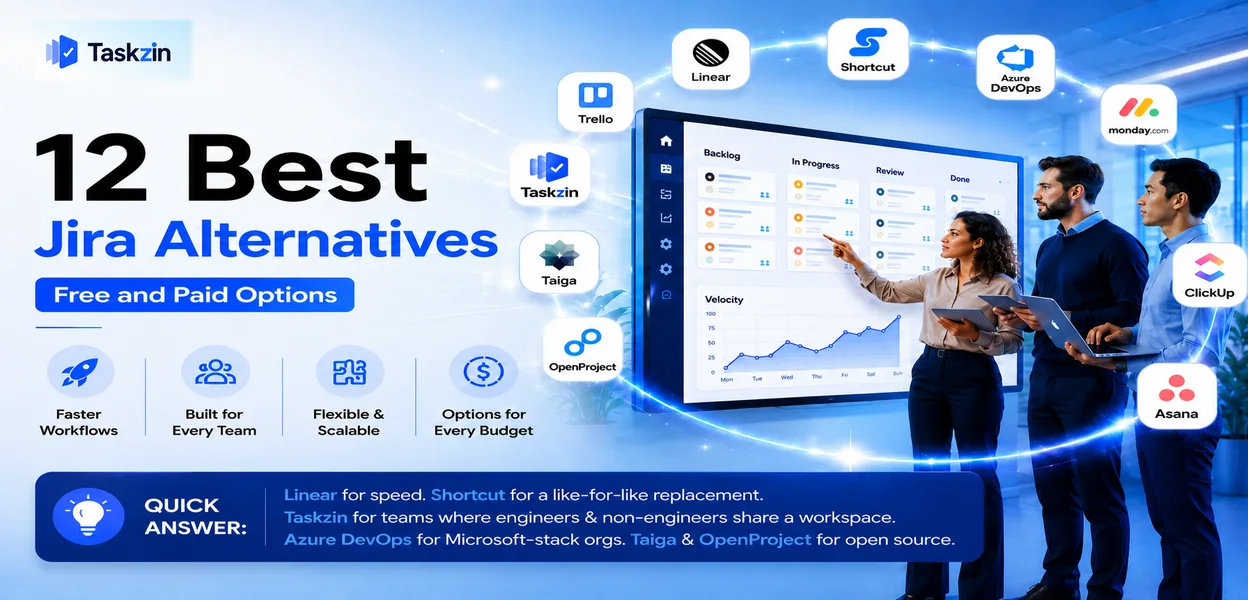
Jira — best for engineering teams
If your Trello board was tracking bugs and features, Jira gives you sprints, backlogs, velocity and release tracking properly.
Best for: software teams formalising their process.
Trade-off: a large jump in complexity, and unpleasant for non-engineers.
Linear — best for product teams
Linear delivers speed and focus with cycles instead of sprints, and stays fast as the number of issues grows.
Best for: small product and engineering teams.
Trade-off: narrow fit outside product development.
Basecamp — best for client work at a flat fee
Basecamp's flat pricing with unlimited users suits teams whose Trello boards were shared with many clients or contractors.
Best for: agencies wanting predictable cost and simple client access.
Trade-off: opinionated, with no custom fields or detailed reporting.
Height — best newer lightweight option
Height offers a cleaner take on multi-view project tracking with automated triage that reduces manual upkeep.
Best for: teams open to newer software for a lighter experience.
Trade-off: smaller ecosystem and less established support.
Wekan and open-source boards Wekan is a self-hosted open-source Kanban board that closely mirrors Trello's model at no licence cost.
Best for: teams with data-residency requirements or a preference for self-hosting.
Trade-off: you own hosting and updates, and the ecosystem is small.
How to Choose a Trello Replacement
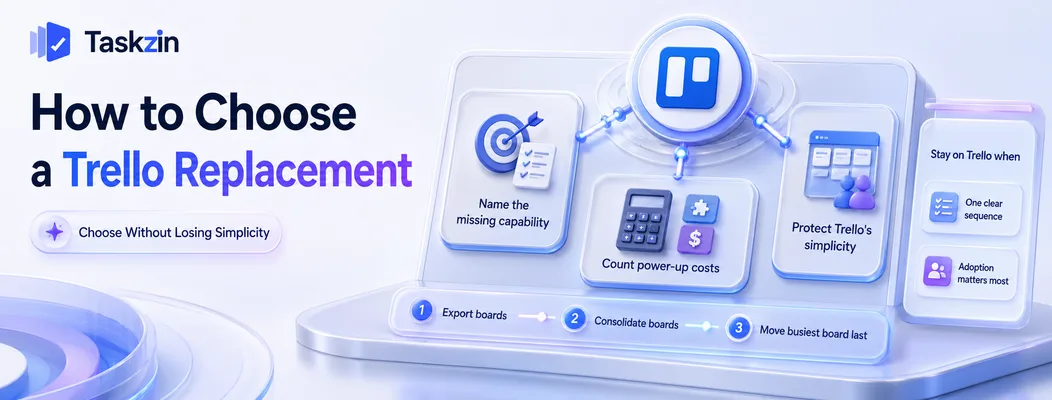
Name the exact capability Trello cannot provide, add up what your power-ups already cost, and make sure the replacement preserves the low-friction simplicity that made Trello work in the first place.
Name the specific thing Trello can't do
"We've outgrown Trello" is not a requirement. "I cannot see what three people are working on without opening five boards" is.
Write the specific failure down. Cross-project visibility points to Asana or Taskzin. Sprint mechanics point to Jira or Linear. Time tracking and client billing point to Teamwork or Basecamp. Without the specific statement, you will evaluate on feature lists and pick the tool with the longest one, which is how teams end up with software nobody opens.
Count what your power-ups actually cost
List every power-up you pay for and total the annual figure alongside the Trello subscription.
That number is your real baseline, not the Trello price alone.
Teams frequently find the comparison is not "cheap Trello versus expensive alternative" but two similar figures, where one includes everything natively and needs no assembly.
Protect the thing Trello got right
Trello's genuine achievement is that everyone uses it without training. Any replacement that requires a workshop before people can update their own work has traded a real strength for a theoretical one.
Test this directly: give the candidate tool to the least enthusiastic person on the team and watch whether they update a task without help. That result predicts adoption better than any feature comparison.
Migrating From Trello Without Losing Momentum
Export boards while your account is active, resist recreating every board one for one, and move your busiest board last so the team learns the new tool on low-stakes work.
Export boards and check attachments
Trello exports boards to JSON, and CSV export is available on paid plans. Cards, lists and comments transfer reliably through most importers; attachments are the usual weak point.
Verify attachments specifically before cancelling, since files uploaded directly to cards are the thing teams most often discover missing weeks later.
Don't recreate every board
Board sprawl is usually part of why you are leaving. Rebuilding all nine boards in a new tool imports the exact problem you wanted to solve.
Consolidate instead. Several Trello boards frequently become one project with filtered views in a tool that supports them, which is the upgrade you were looking for.
Move the busiest board last
Start with a smaller, lower-pressure board so the team learns the tool without deadline pressure. Move the critical board once the workflow is settled.
Doing it the other way round means the first stressful week gets attributed to the new tool, and migrations are rarely given a second chance.
When You Should Stay on Trello
Stay on Trello if your work genuinely is one sequence of stages, or if getting everyone to actually use a tool matters more to you than reporting.
Your work is genuinely a single sequence
Some teams run one board with five columns and it fits perfectly. Content pipelines, hiring processes, simple support queues and small client workflows all work this way.
Moving to a more capable tool adds structure with nothing to hold it. If your board is accurate, current and everyone uses it, that is a functioning system and the correct decision is to leave it alone.
Adoption matters more than reporting
A team that reliably updates a simple board is worth more than a team that ignores a sophisticated one. If your last tooling change failed on adoption, weight that heavily.
Trello's low friction is a genuine competitive advantage over better-featured software, and it is the thing most likely to be lost in a switch.
Frequently asked
What is the best Trello alternative?
Taskzin as a direct step up that keeps the board but adds cross-project visibility, Asana for stronger task ownership, ClickUp for the most features free, and Jira or Linear for engineering teams.
What is the best free Trello alternative?
ClickUp's free plan is the most feature-rich. Asana, Taskzin and Notion also offer capable free tiers. Wekan is free to self-host with no user limits.
Why do teams outgrow Trello?
Because they need to see work across many boards at once, or because the features they need arrive only through paid power-ups that push the total cost past a full-featured competitor.
Is Asana better than Trello?
Asana is better for task ownership, deadlines and cross-project visibility. Trello is better for immediate adoption and simple stage-based work. Neither is universally superior — it depends which problem you have.
Can you export data from Trello?
Yes. Boards export to JSON, with CSV available on paid plans. Cards, lists and comments migrate reliably; attachments are the part most likely to need manual handling.
Is there an open-source Trello alternative?
Wekan is the closest match, self-hostable and free of licence cost. Taiga and OpenProject are broader open-source options if you also need agile or traditional project features.
Should a small team switch from Trello?
Only if you can name a specific thing it cannot do. If your board is current, accurate and used by everyone, switching adds cost and risk without solving a real problem.
Binita Ray is a content writer at Taskzin, creating insightful and practical content on task management, team collaboration, productivity, workflow optimization, and SaaS solutions. She focuses on helping businesses, teams, and professionals simplify their work processes, improve efficiency, and make better use of modern productivity tools.
All posts by Binita Ray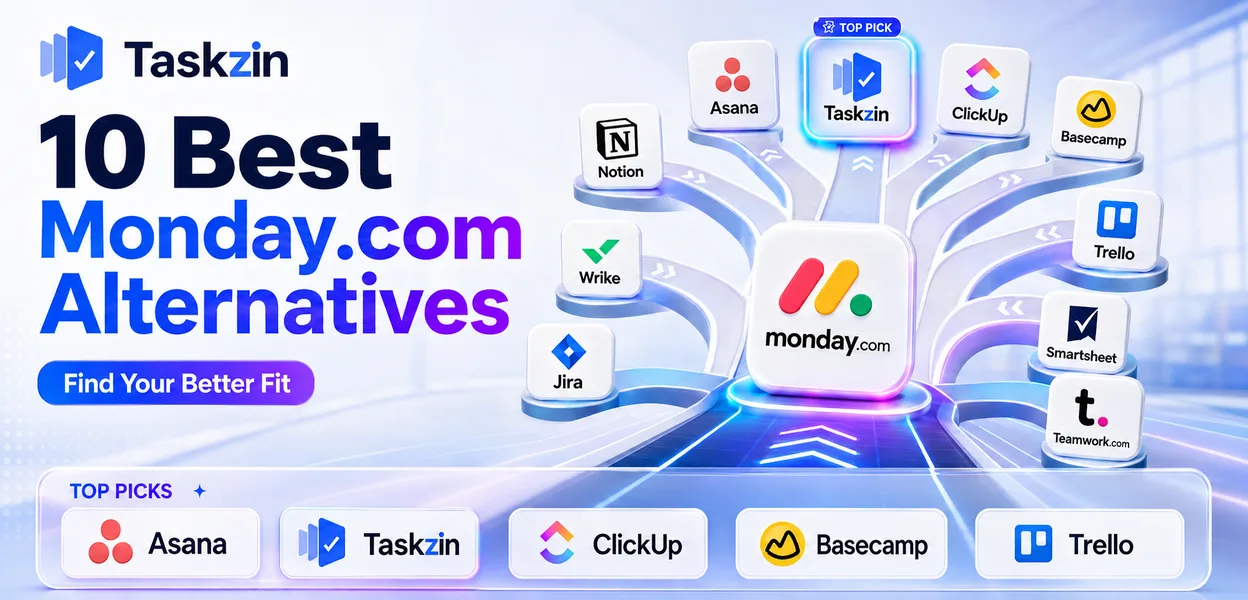
Comments