Taskzin vs Trello: When You've Outgrown Simple Boards
A comparison of Taskzin and Trello for teams considering a move, covering the signals you have outgrown a single board, what changes and what stays the same, the true cost comparison including power-ups, where Trello still wins, and migration.

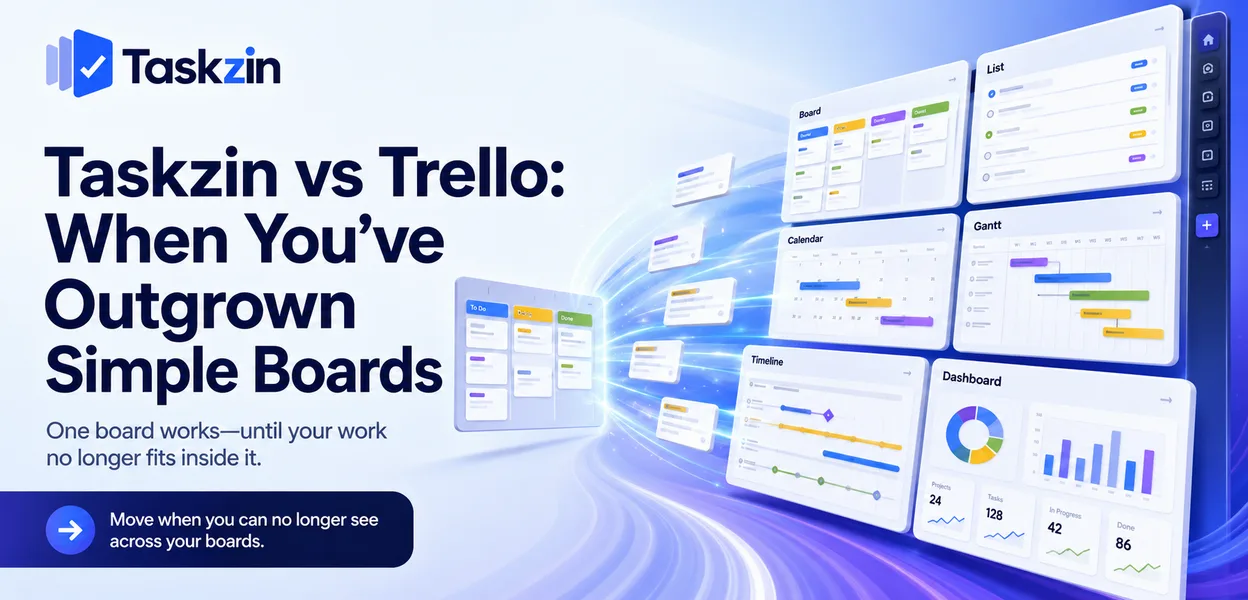
Trello is excellent at exactly one thing, and teams rarely leave because it does that thing badly.
They leave because they now need three things and Trello does one.
This comparison is therefore not really about which product is better. It is about whether you have crossed the threshold where a single board stops being enough.
This guide covers the signals, what you keep and gain by moving, how the costs compare once power-ups are counted, and when staying is right.
Quick answer: Quick answer: Trello is a Kanban board and very little else — brilliant for small teams with linear work. Taskzin keeps the board, adds WIP limits and swimlanes, and puts five more views over the same tasks: list, calendar, Gantt, table and timeline. It also adds dependencies, sprints with velocity and burndown, docs and dashboards. Move when you can no longer see across your boards.
The Signals You've Outgrown Trello
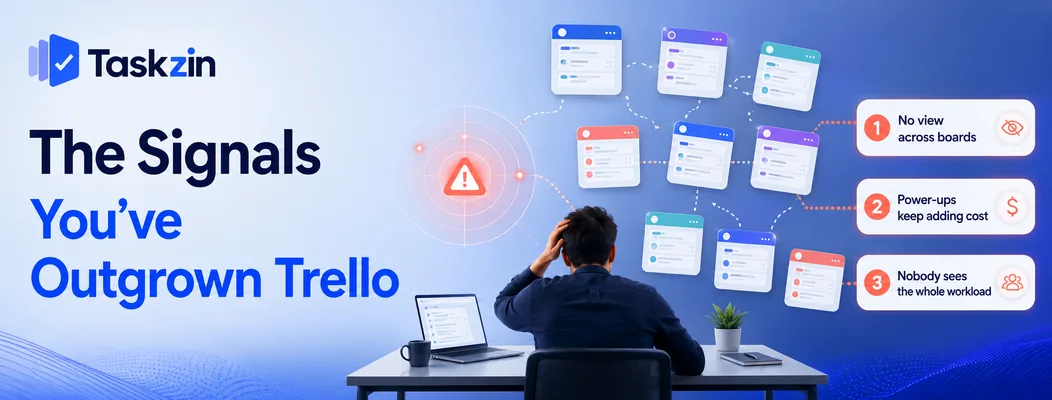
Three signals reliably indicate the threshold: no view across boards, power-ups adding up to a second subscription, and nobody able to answer what the team is working on.
You cannot see across boards
One board is legible. Nine boards are nine tabs. There is no native way to ask which tasks are assigned to one person across every board, or which deadlines fall in the next fortnight organisation-wide.
The usual workaround is a tenth board summarising the other nine, maintained by hand and always slightly out of date. When someone spends Monday morning reconciling boards, the tool has stopped paying for itself.
Power-ups have become a second subscription
Trello's core is inexpensive. The capabilities teams need next — timeline views, custom fields, time tracking, reporting, automation beyond basic rules — arrive as power-ups, several of them paid separately.
Add three and the effective monthly cost frequently exceeds a tool that includes all of it natively.
Nobody can answer "what is everyone working on?"
This is the underlying problem the other two symptoms produce. When a team lead cannot answer that question without opening five boards, coordination has moved back into their head.
Taskzin vs Trello at a Glance
Taskzin Trello Board view Yes, with WIP limits and swimlanes Yes, WIP limits via power-up Other views List, Calendar, Gantt, Table, Timeline Via paid power-ups Cross-project view Yes No Dependencies Yes (Starter) Via power-up Sprints, velocity, burndown Yes (Starter) No Docs Built in, linked to tasks No Dashboards 30+ widgets (Business) Limited Time tracking Built in (Business) Via power-up Automations Built in, all plans Basic, run limits Guests Free and unlimited Board sharing Free plan Up to 10 members Generous
Pricing Flat $7 / $14 per member Per user plus power-ups Learning curve An hour or two Minutes
What You Keep and What You Gain
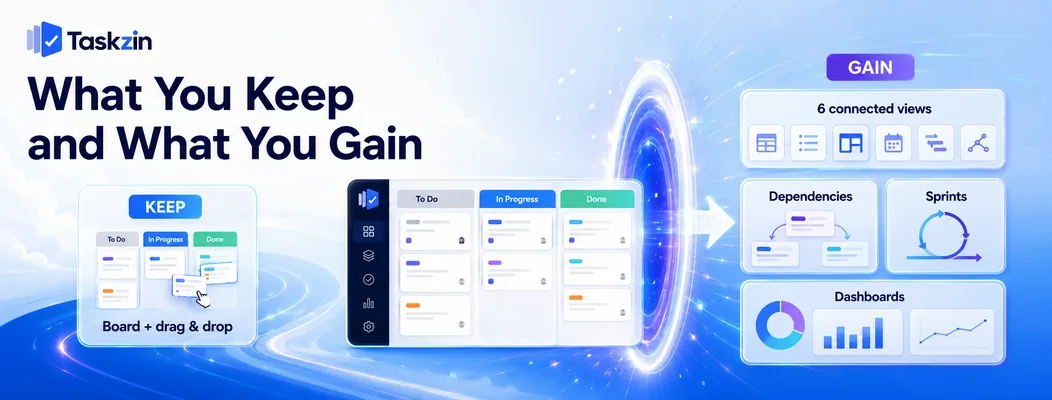
Moving to Taskzin keeps the board you already use and adds five more views over the same tasks, plus dependencies, sprints and dashboards.
The board does not go away
Taskzin's board is a Kanban board with columns, cards and drag — plus WIP limits and swimlanes included rather than added through a power-up.
If your team likes working on a board, they keep working on a board. Nothing about the daily experience is taken away.
Five more views over the same tasks
List for people who think in checklists. Calendar for deadline-driven work. Gantt for client-facing timelines. Table for spreadsheet ergonomics. Timeline for multi-project visibility.
The important part is that these are presentations of the same tasks. Change a date on the timeline and the board reflects it, with no exports and no second copy to maintain.
Dependencies, sprints and dashboards
Dependencies with critical path recalculation when dates slip. Sprints with velocity and burndown if your team runs them. Dashboards with live widgets rather than a status update rebuilt weekly.
These are the capabilities that make the difference at ten to thirty people, and none exist in Trello without add-ons.
The Power-Up Cost Comparison
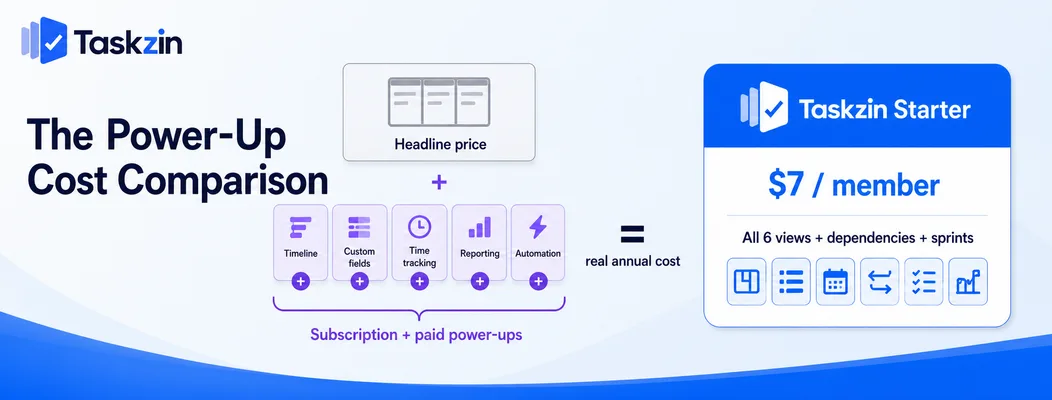
Trello's headline price understates the real cost once teams add the power-ups they typically need; Taskzin's flat rate includes those capabilities.
What teams typically add to Trello
Timeline or calendar view, custom fields, time tracking, reporting, and automation beyond the free run limits. Some are included on higher Trello plans; others are separate paid power-ups.
How the totals compare
Total your Trello subscription plus every paid power-up annually. That figure is your real baseline, not the Trello price alone.
Taskzin is $7 per member on Starter — including all six views, dependencies, sprints and automations — or $14 on Business adding dashboards, goals and time tracking. Guests are free at every level.
For most teams that have added two or three power-ups, the comparison is closer than expected, and Taskzin includes capabilities Trello has no power-up for at all.
Where Trello is still cheaper
A small team on Trello's free plan with no power-ups pays nothing. Taskzin's free plan is also free but caps at ten members.
If you are four people running one board and adding nothing, Trello is cheaper and simpler and you should stay.
Where Trello Still Wins
Trello leads on absolute simplicity, on how quickly people adopt it, and for very small teams with straightforward work.
Absolute simplicity
Trello does one thing and never asks you to configure anything. That constraint is genuinely valuable, and no tool with six views can match it for pure minimalism.
Adoption speed
Anyone is productive in Trello within ninety seconds without documentation. A board everyone updates beats a capable system half the team ignores, and that trade is real.
Taskzin takes an hour or two to become comfortable — not difficult, but not ninety seconds.
Very small teams
Two to five people working closely on one sequence of stages do not need cross-project views, dependencies or dashboards. Adding structure with nothing to hold it is overhead.
Migration and Which to Choose
Taskzin's importer moves Trello boards with a preview and rollback; the recommendation is to consolidate boards rather than recreate all of them.
What the Trello import moves
Projects, statuses, custom fields, comments and attachments, with a preview screen before anything is written. Most teams finish in under an hour, and Trello is left untouched so you can run both in parallel.
Consolidate rather than recreate
Board sprawl is usually part of why you are moving. Recreating nine boards imports the exact problem you were solving.
Several Trello boards frequently become one Taskzin project with filtered views — which is the upgrade you were looking for, rather than the same fragmentation in a new place.
Choose Trello if / Choose Taskzin if
Stay on Trello if you are under about eight people, run one or two boards, add no power-ups, and nobody is asking for cross-project visibility.
Move to Taskzin if you run several boards and cannot see across them, you are paying for power-ups, you need dependencies or sprints, or you work with clients who should not cost anything.
Frequently asked
When should you move off Trello?
When you cannot see across your boards — you are running several and can no longer answer what everyone is working on without opening each one. That, rather than a missing feature, is the usual trigger.
What does Taskzin have that Trello does not?
Five additional views over the same tasks, native WIP limits and swimlanes, dependencies with critical path, sprints with velocity and burndown, docs linked to tasks, dashboards, and cross-project visibility.
Is Taskzin more expensive than Trello?
Compared to Trello's free plan with no add-ons, yes. Compared to Trello plus two or three paid power-ups, usually not — and Taskzin includes capabilities Trello has no power-up for.
Does Taskzin have a Kanban board like Trello?
Yes, with columns, cards and drag, plus WIP limits and swimlanes included rather than added through a power-up. Teams that like working on a board keep working on a board.
How do you migrate Trello boards to Taskzin?
One-click import mapping projects, statuses, custom fields, comments and attachments, with a preview before anything is written and rollback available. Trello is left intact.
Is Taskzin harder to learn than Trello?
Slightly. Trello takes minutes; Taskzin takes an hour or two. The extra time buys views and capabilities Trello does not have, which is only worth it if you need them.
Which is better for a team of five?
Trello, if you run one board with straightforward work and add nothing. Taskzin, if those five people run several projects at once or need timelines and dependencies — its free plan covers up to ten members.
Binita Ray is a content writer at Taskzin, creating insightful and practical content on task management, team collaboration, productivity, workflow optimization, and SaaS solutions. She focuses on helping businesses, teams, and professionals simplify their work processes, improve efficiency, and make better use of modern productivity tools.
All posts by Binita Ray


Comments