Is Free Project Management Software Good Enough for a Real Team?
An honest assessment of whether free project management software is sufficient for a working team, covering what free plans genuinely include, who they suit, the four limits teams eventually hit, and how to prepare for the upgrade.

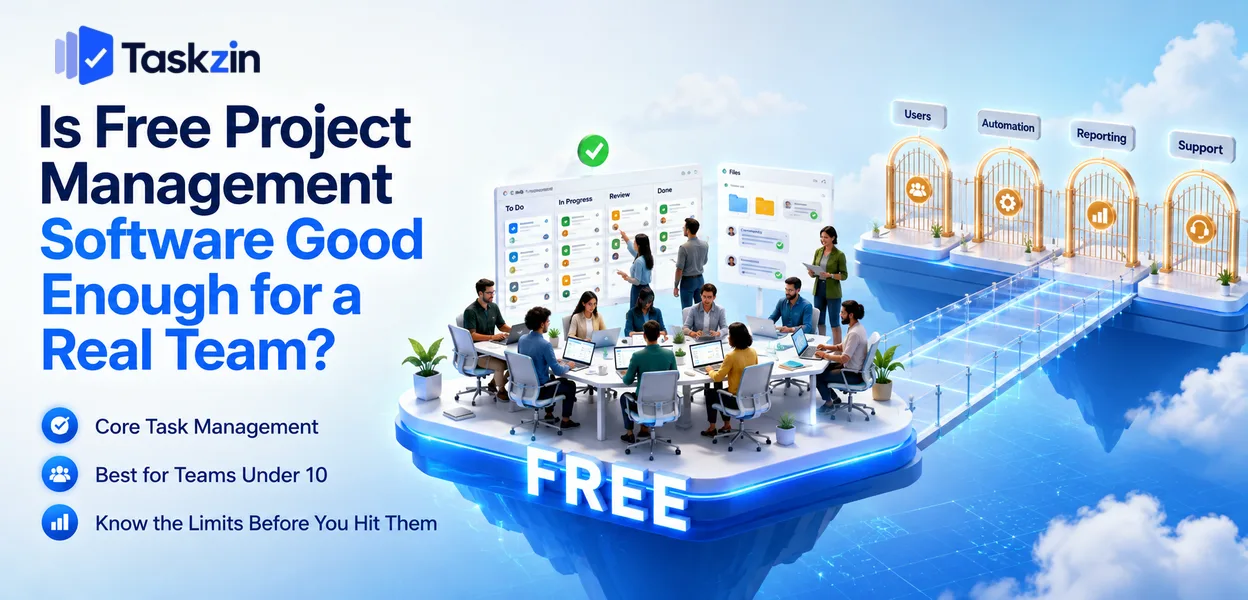
Is free project management software good enough for a real team?
The scepticism is understandable. Free software historically meant crippled software. That is no longer true in this category, because vendors have found that a genuinely useful free tier converts small teams into paying ones as they grow.
This guide covers what free plans really include, who they work for, the four walls you will eventually hit, and how to use one without creating a problem later.
Quick answer: Yes, for most teams under about ten people doing straightforward work. Free plans now cover full core task management — projects, tasks, owners, due dates, boards, comments — and typically limit only user count, automation volume, advanced views and reporting. They stop being sufficient at a predictable set of points, and knowing those points in advance is more useful than the general question.
The Honest Answer
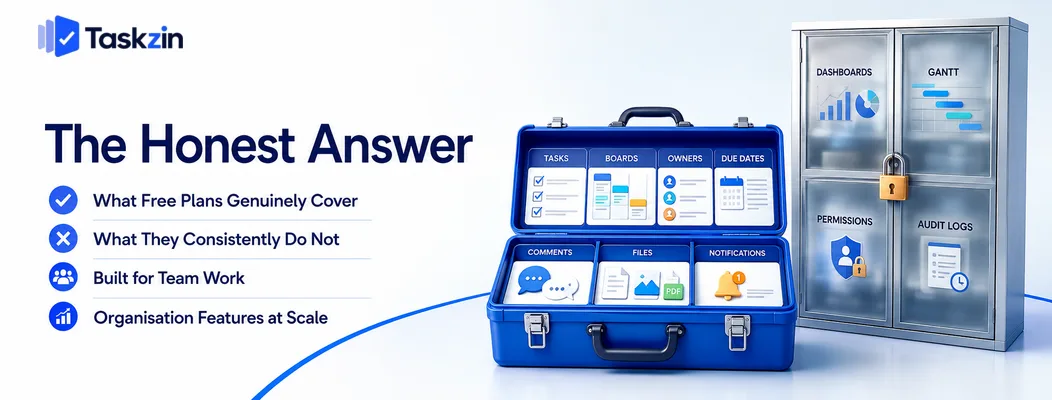
Free plans cover the work a small team does daily and withhold the features an organisation needs — which means the answer depends on whether you are a small team or a small organisation.
What free plans genuinely cover
Unlimited or generous task and project counts, list and board views, task assignment, due dates, comment threads, file attachments and notifications.
That is the full working loop. A team of six can run real client work, real product development or real operations on this indefinitely without hitting anything that blocks the actual work.
What they consistently do not
Cross-project reporting and dashboards, timeline or Gantt views, high automation volumes, advanced permission schemes, audit logging, single sign-on, and priority support.
Notice the pattern: what is withheld is mostly what an organisation needs rather than what a team needs. That is a deliberate and reasonably honest division — the features gated are genuinely the ones that matter at scale.
Why vendors give away this much
Serving a small team costs a vendor very little, and small teams grow. A free tier that actually works is the cheapest acquisition channel available.
This alignment is worth understanding because it tells you where the incentives point: vendors want the free plan to be genuinely usable, and they want you to hit its limits eventually. Both are true, and neither is dishonest.
It also explains why free tiers differ in shape. Vendors targeting larger organisations tend to cap users tightly while giving away features, since their revenue comes from scale. Vendors targeting small teams do the reverse — generous user counts, features gated higher up.
Reading which pattern a vendor follows tells you roughly who they built the product for, and whether that matches you.
Where Free Plans Draw the Line
What do free plans usually limit?
Tasks and projects Unlimited or generous — List and board views Yes — Timeline / Gantt Rarely Yes Team members Capped (often 5–15) Higher or unlimited
The automation quota
Dashboards and reporting No Yes Guest access Sometimes limited Usually broader Storage Capped Higher SSO, audit logs, admin controls No Business tier and above
The support queue
Taskzin's free plan, for example, covers up to 10 members with unlimited tasks and projects and List, Board and Calendar views, with Timeline and Gantt on the paid tier — a typical shape.
Who Free Plans Actually Work For
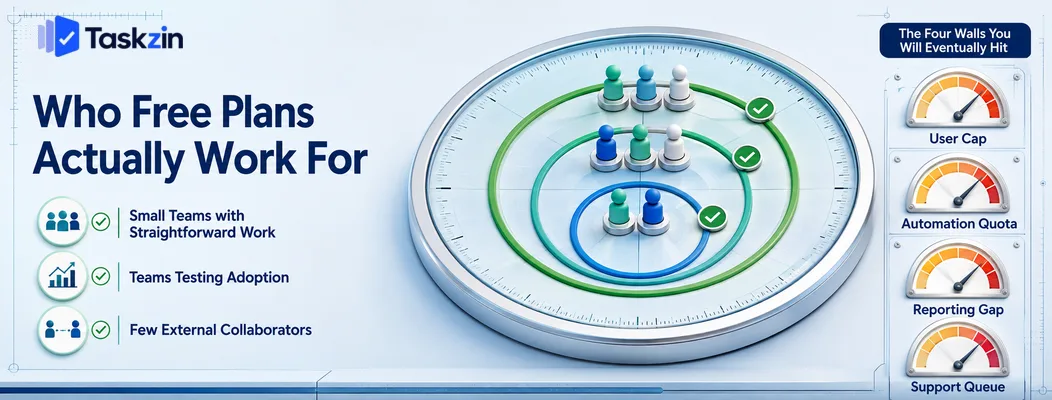
Free plans suit small teams with straightforward work, teams still establishing whether they need a tool, and teams without many external collaborators.
Small teams with straightforward work
Under about ten people running work that moves through stages, without complex dependencies or formal reporting obligations, a free plan is not a compromise. It is sufficient.
Many teams in this position pay for a tier they do not need because they assume free must be limited. Check what you actually use before upgrading.
Teams testing whether they need a tool at all
If you are moving from spreadsheets and email, a free plan lets you find out whether the team will adopt a tool before spending anything.
This is genuinely valuable. Adoption failure is far more common than capability failure, and discovering it on a free plan costs nothing but time.
Teams with few external collaborators
Guest policies vary widely. If you work with two or three clients, most free plans handle it. If you work with forty, this becomes the deciding factor and free plans usually stop being viable — though some tools include unlimited free guests, which changes the picture entirely.
The Four Walls You Will Eventually Hit
Free plans break at four predictable points: the user cap, the automation quota, missing reporting, and support response times.
The user cap
The most abrupt limit. You hire the person who takes you one over, and the decision is made for you at a moment you did not choose.
Know your cap. Planning the upgrade in advance is a normal budget conversation; hitting it during onboarding week is not.
The automation quota Free tiers usually cap automation runs monthly. The failure mode is quiet — automations stop firing mid-month, assignments stop happening, and it takes a while for anyone to trace the cause.
If your workflow depends on automation, treat the quota as a real operational constraint rather than a footnote.
The reporting gap
Free plans rarely include dashboards or cross-project views. This matters the moment someone outside the team asks for status — a client, an investor, a board.
Compiling it manually works once. By the third month it is a recurring chore that costs more in time than the upgrade would.
The support queue Community forums are adequate until you have a data problem or a login failure blocking everyone. Then the wait becomes a business cost.
For most small teams this is acceptable. For anything time-critical it is worth weighing properly.
How to Get the Most From a Free Plan
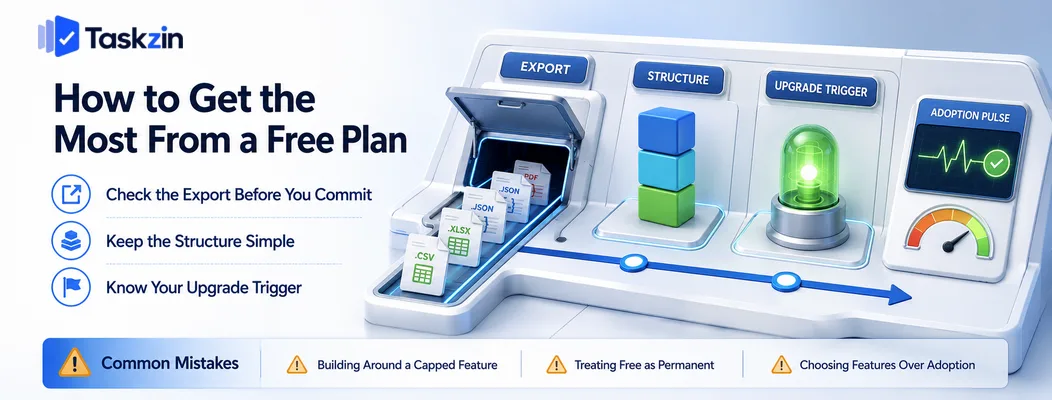
Test the data export on day one, keep your structure simple enough to move, and decide your upgrade trigger before you need it.
Check the export before you commit
Create a project, add tasks with comments and attachments, and export it. Look at what actually comes across.
This takes fifteen minutes and tells you whether you are free to leave. A tool that makes export difficult on the free tier is telling you something about how it expects to retain customers. Taskzin
allows full JSON or CSV export on any plan including free, which is the standard worth looking for.
Keep the structure simple enough to move
Elaborate custom fields, deeply nested hierarchies and heavy automation are the things that do not migrate cleanly.
If you may switch later, a simpler structure keeps that option cheap. This is not an argument against using features — it is an argument for using the ones that earn their place.
Know your upgrade trigger in advance
Write down what will cause you to pay: reaching the user cap, needing a specific view, or a reporting obligation.
Naming it turns the upgrade into a planned decision rather than an urgent one, and it prevents upgrading for a vague sense that paid must be better.
Common Mistakes With Free Plans
The three errors that cause problems are building around a feature about to be capped, assuming free is permanent, and choosing on feature count rather than adoption.
Building around a feature that is about to be capped
Designing your entire workflow around automation when you have a small monthly quota means the workflow breaks at month end.
Check the quotas before designing around a feature, not after.
Treating free as permanent
Free tiers change. Vendors adjust limits, and a plan that worked at ten users may cover five next year.
Keep an export, keep the structure portable, and treat the free tier as a good arrangement rather than a guarantee.
Choosing on features rather than adoption
The most feature-rich free plan is not the best one if your team finds it cluttered and stops opening it.
Run a real project for two weeks with the people who will use it. Whether they open it unprompted matters more than any comparison table.
This matters more on free plans than paid ones, because there is no sunk cost to keep people engaged. A team paying for a tool tends to persist through the awkward first fortnight; a team on
a free plan simply drifts back to chat and spreadsheets without anyone deciding to. Choose the one with the least friction, not the longest feature list.
Frequently asked
Is Free Project Management Software Good Enough for a Real Team?
For most teams under about ten people doing straightforward work, yes. Free plans typically include full core task management and limit only user count, automation volume, advanced views and reporting.
What do free plans usually limit?
Team member count, monthly automation runs, timeline and dashboard views, file storage, guest access, advanced permissions and support priority. Core task management is rarely limited.
What is the best free project management software?
ClickUp's free tier is the most feature-rich, Trello's is the fastest to adopt, and Taskzin, Asana and Notion all offer capable free plans. The best one is whichever your team actually opens.
When should you upgrade from a free plan?
When a specific limit blocks work you are already doing — you cannot add a new hire, automations have stopped, or someone needs reporting you cannot produce. Upgrading for a feature you might use later rarely pays back.
Can you use free project management software commercially?
Generally yes. Free tiers of mainstream tools permit commercial use. Open-source licences vary, so check the specific licence if you intend to modify or redistribute.
Is open source a better free option?
Only if you have infrastructure capability. Self-hosted tools like OpenProject have no licence cost or user limits, but you absorb hosting, updates, backups and security patching, which often exceeds a subscription.
Can you export your data from a free plan?
Usually, but formats and completeness vary and some vendors restrict export on free tiers. Test it in your first week rather than assuming it will work when you need it.
Sujan Sharma is a content writer at Taskzin with a strong focus on productivity systems, task management, workflow optimization, team collaboration, and SaaS technology. He creates research-driven, practical content that helps professionals and growing teams improve operational efficiency, streamline processes, and make informed decisions about modern work management tools.
All posts by Sujan Sharma

Comments