How Much Does Project Management Software Cost?
A practical guide to project management software costs, covering typical per-user ranges, the four pricing models, hidden costs such as guest seats and tier gating, how to calculate your real total, and when upgrading is justified.

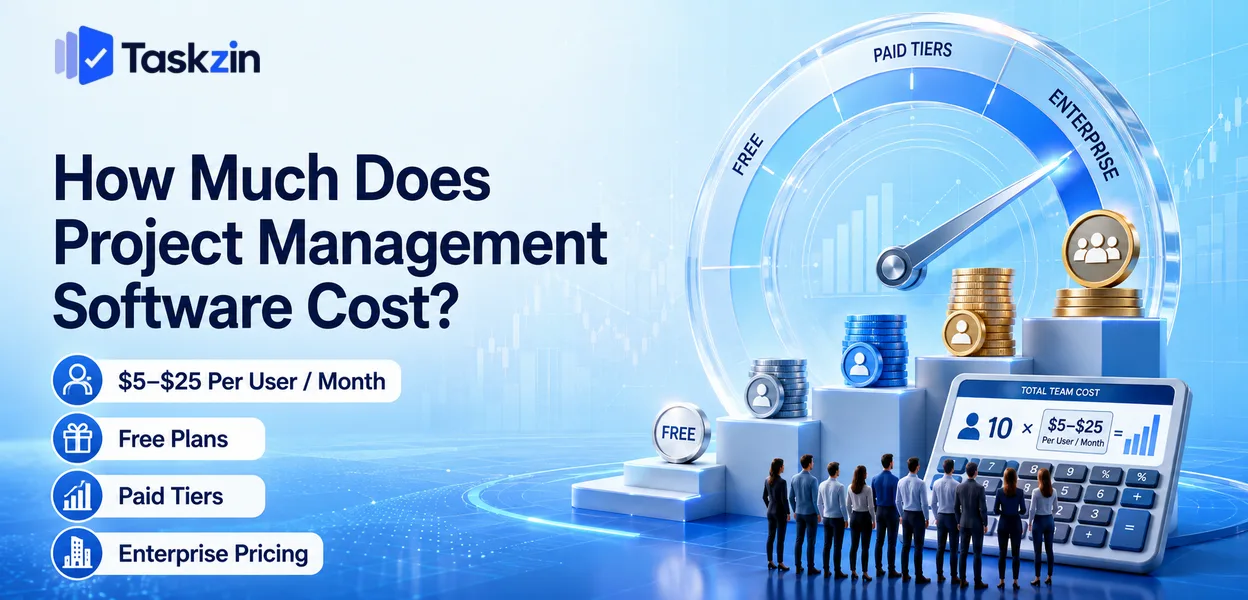
How much does project management software cost?
The question is harder than it looks because vendors structure pricing differently. Comparing headline rates across four tools tells you very little; comparing what each would actually charge your team, including everyone who needs access, tells you a lot.
This guide covers the typical ranges, the four pricing models, the costs that do not appear on pricing pages, and how to calculate your real figure.
*Pricing changes frequently. Verify current figures on each vendor's site before deciding.* Quick answer: Most project management software costs between roughly $5 and $25 per user per month, with free tiers covering small teams and enterprise plans running higher. A ten-person team typically spends somewhere between nothing and a few hundred dollars a month depending on tier. The advertised per-user price is rarely the final figure, because guest seats, feature tiering and billing terms all move it.
The Short Answer, and What Changes It
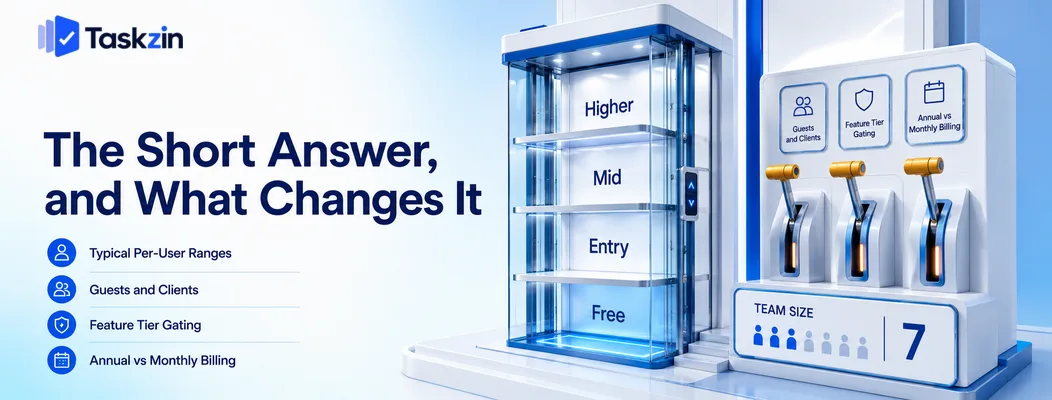
Entry paid tiers commonly sit around $5 to $10 per user per month, mid tiers around $10 to $20, and higher tiers above that — but free plans, guest policies and tier gating change the total substantially.
Typical per-user monthly ranges
Free plans usually cover core task management for a limited number of users. Entry paid tiers add views such as timeline or Gantt. Mid tiers add reporting, dashboards, time tracking and goals. Upper tiers add security, administration and compliance features.
The pattern is consistent across vendors even where the exact figures differ, which means the useful question is not "what does it cost" but "which tier contains the thing I need".
Why the advertised price is rarely what you pay
Three factors move the number. Guests and clients may be free or may be billed as full users.
The feature that made you choose the tool may sit one tier above where you planned to start.
And the advertised rate often assumes annual payment, with monthly billing costing meaningfully more.
Any one of these can change the total by a third or more, which is why comparing headline rates produces the wrong answer surprisingly often.
Free tiers and where they stop
Free plans have become genuinely usable. Most cover unlimited tasks and projects with limits on team size, storage, advanced views or automation volume.
Taskzin, for example, is free for up to 10 members with unlimited tasks and projects and List, Board and Calendar views, with Timeline and Gantt on the paid tier — a fairly typical shape for where free plans draw the line.
What a Team Actually Pays by Size
Team size Free tier viable?
Typical monthly spend Main cost driver 1–3 people Almost always $0 Nothing 4–10 people Usually $0–$100 User cap or one gated feature 10–25 people Sometimes $70–$400 Per-seat rate, tier 25–50 people Rarely $175–$1,000 Tier plus admin features 50–100 people No $350–$2,000+ Security and compliance tier Agency with many clients Depends entirely Varies widely Guest seat policy
Indicative ranges based on common per-user pricing; verify against current vendor pricing.
The Four Pricing Models
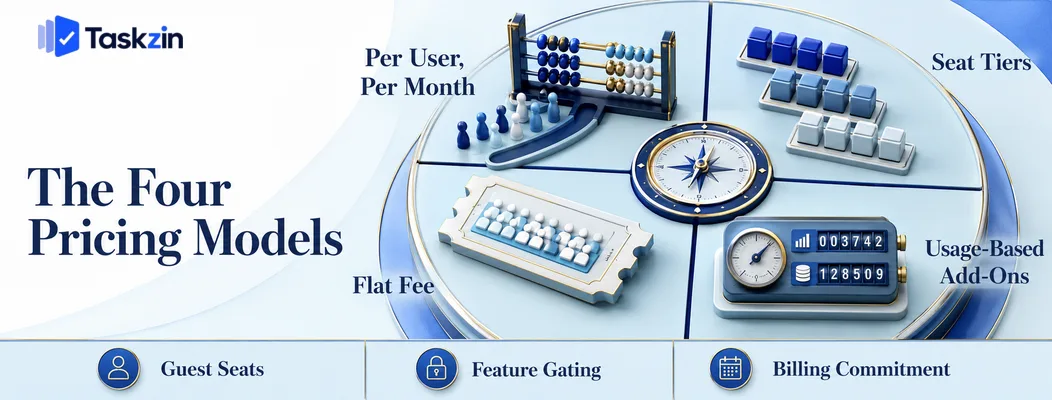
Vendors use per-user pricing, seat tiers, flat fees, or usage-based add-ons — and the model matters more than the rate once your team grows.
Per user, per month
The most common model. You pay a rate for each person, and cost scales linearly with headcount.
Its advantage is predictability and granularity: adding one person costs one seat. Its disadvantage is that cost rises exactly when you are hiring, which is when budget is tightest.
Seat tiers and minimum blocks
Some vendors sell seats in blocks — you buy 5, 10, 15 rather than any number. A team of eleven buys fifteen.
This produces awkward jumps. Adding one person can trigger a step change in cost unrelated to the value added, and teams near a boundary pay a materially higher effective rate. Check where the boundaries fall relative to your headcount before comparing prices.
Flat fee
A single price regardless of user count, most notably Basecamp's model.
At small scale this is poor value; above roughly fifteen people it becomes competitive, and for organisations with many external collaborators it can be dramatically cheaper. The crossover point is worth calculating rather than assuming.
Usage-based add-ons
Automation runs, storage, guest counts and integrations are sometimes metered separately.
These rarely dominate the bill but they do produce surprises — automations stopping mid-month when a quota is exhausted is a common and confusing failure. Check the quotas at your intended tier.
Hidden Costs That Change the Total
The three costs that most often surprise buyers are guest seats, features gated one tier above where you start, and the difference between annual and monthly billing.
Guest and client seats
For agencies and any team with external collaborators, this single factor can outweigh everything else. Some tools include unlimited free guests; others bill each one as a full user.
An agency with eight staff and forty client contacts faces a completely different bill under each policy. Taskzin includes free unlimited guests with view and comment access, which is one model; check which applies before comparing rates.
Features one tier above where you start
The classic pattern: a team adopts an entry plan, discovers within a month that timeline view or reporting sits above it, and the upgrade doubles the cost.
Identify the specific feature that decides your tier before signing up, and price against that tier rather than the entry one.
Annual commitment versus monthly flexibility
Annual billing typically carries a meaningful discount — commonly around 20 percent — in exchange for a year's commitment.
Pay monthly until adoption is proven. The discount is not worth locking into a tool your team may abandon in six weeks, and the cost of that mistake exceeds the saving.
How to Work Out Your Real Cost
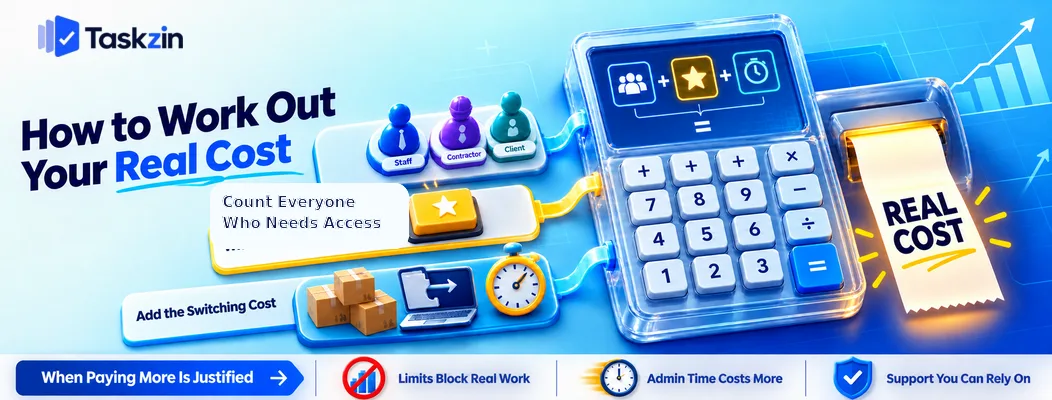
Count everyone who needs access including externals, identify the single feature that determines your tier, and include the cost of switching if you are migrating.
Count everyone who needs access
Staff, contractors, clients, stakeholders who only need to view. Then check each vendor's policy on each category.
This number, not your payroll headcount, is what determines your bill. It also reorders shortlists more often than any feature comparison does.
Identify the one feature that decides your tier
Name it explicitly. Timeline? Dashboards? Time tracking? SSO?
Once named, price every candidate at the tier containing it. Comparing entry-tier prices when you need mid-tier features produces a ranking that has no relationship to what you will actually pay.
Add the switching cost
If you are moving from an existing tool, include the staff time: exporting, rebuilding, retraining, fixing reports that break.
For a team of twenty this routinely runs to several working days spread across a month. If the annual saving is modest and the migration costs a week of collective productivity, switching for price alone may not pay back within a year — though a genuinely different pricing model, rather than a slightly lower rate, usually does.
When Paying More Is Justified
Upgrading is worth it when a limit blocks real work, when the admin time saved exceeds the price difference, or when you need support you can depend on.
When the free tier blocks real work
Upgrade when you hit a specific limit that stops something you are actually doing — you cannot add a new hire, automations have stopped firing, someone needs reporting you cannot produce.
Upgrading for a feature you might use later rarely pays back.
When admin time exceeds the price difference
If someone spends two hours a week compiling a report the paid tier would generate automatically, that time costs more than the upgrade at almost any salary.
Price the manual workaround honestly. Teams frequently absorb significant recurring effort to avoid a modest subscription increase.
When you need support you can rely on
Free and entry tiers usually offer community or slow-queue support. That is fine until a data problem or login failure blocks the whole team.
If your work is time-critical, the response-time difference between tiers is a real operational consideration rather than a premium feature.
One useful framing for any upgrade decision: convert the price difference into hours. A tier costing an extra $70 a month across a team is worth roughly two or three hours of someone's time. If the upgrade saves more than that in manual work, waiting or disruption, it pays for itself — and most upgrade decisions become obvious once expressed this way rather than as an abstract subscription increase.
Frequently asked
How Much Does Project Management Software Cost?
Commonly $5 to $25 per user per month depending on tier, with free plans for small teams and higher enterprise pricing. A ten-person team typically spends between nothing and a few hundred dollars monthly.
Is project management software worth the cost?
Usually, once a team passes about four people or three concurrent projects. The comparison is against the cost of duplicated work, missed handoffs and status meetings, which is larger than most teams estimate.
What is the cheapest project management software?
Free tiers from tools such as Trello, ClickUp, Asana and Taskzin cost nothing for small teams. Above roughly fifteen people, flat-fee pricing like Basecamp's often becomes cheapest overall.
Do you pay for guests and clients?
It varies significantly and matters enormously for agencies. Some tools include free unlimited guests with view and comment access; others bill every guest as a full seat. Check before comparing rates.
Should you pay monthly or annually?
Monthly until adoption is proven, then annually for the discount — commonly around 20 percent. Locking in a year before you know the team will use the tool is a false saving.
How much should a 10-person team budget?
Anywhere from nothing on a free plan to roughly $70–$150 a month on a mid tier. The deciding factor is usually which single feature you need rather than team size.
What hidden costs should you check for?
Guest and client seat policy, which tier contains the feature you actually need, automation and storage quotas, annual commitment terms, and the staff time required to migrate from your current tool.
Sujan Sharma is a content writer at Taskzin with a strong focus on productivity systems, task management, workflow optimization, team collaboration, and SaaS technology. He creates research-driven, practical content that helps professionals and growing teams improve operational efficiency, streamline processes, and make informed decisions about modern work management tools.
All posts by Sujan Sharma

Comments