Taskzin vs Airtable for Project Tracking
An honest comparison of Taskzin and Airtable for project tracking, covering the difference between a database and a purpose-built tool, where Airtable's flexibility wins, the real cost of building it yourself, and when to use each.

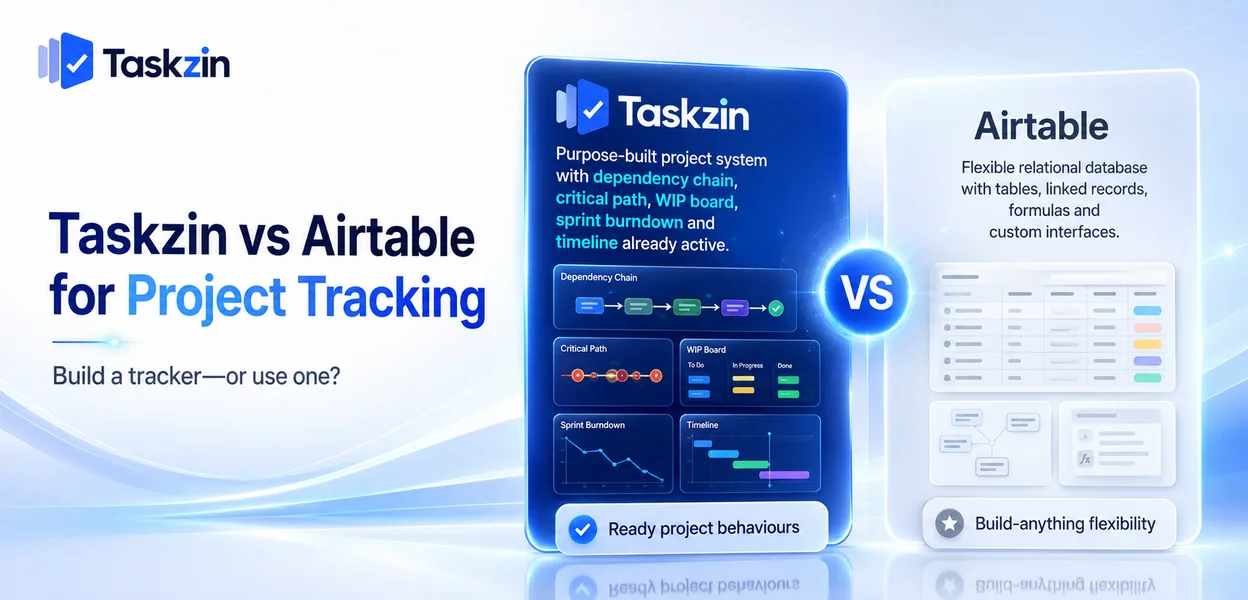
Airtable can absolutely do project tracking, and thousands of teams run projects on it successfully. What it cannot do is give you project features you did not build.
Quick answer: Airtable is a relational database with a friendly interface — you build whatever structure you need. Taskzin is a project tool where dependencies, critical path, board WIP limits, sprints and timelines already exist. The trade is flexibility against readiness, and the deciding question is whether you want to build a project tracker or use one.
A Database and a Project Tool
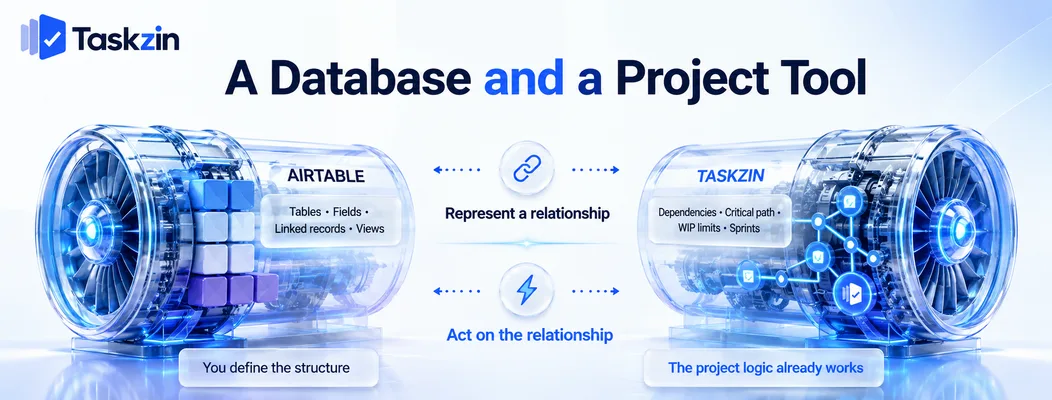
Airtable gives you a blank relational structure; Taskzin gives you project concepts already implemented.
Airtable is a relational database with views
Tables, fields, linked records and multiple view types — grid, kanban, calendar, gallery, timeline — over data you define.
It will model a project tracker, a CRM, a content calendar, an inventory or an applicant pipeline equally well, because it has no opinion about what you are tracking.
Taskzin is purpose-built for project work
Tasks, projects, assignees, dependencies with critical path recalculation, board WIP limits and swimlanes, sprints with velocity and burndown, docs linked to tasks, dashboards on Business.
These are not fields you configure. They are behaviours that already work, which is the entire difference.
Why the difference matters for tracking
In Airtable, a dependency is a linked record — the link exists but nothing happens because of it.
Nothing recalculates, nothing warns you that a slip upstream moved your end date.
In Taskzin, a dependency changes the schedule. That gap between representing a relationship and acting on it is the practical distinction between a database and a project tool.
Taskzin vs Airtable at a Glance
Taskzin Airtable Type Project tool Relational database Setup Minutes to a working project Hours to days to design a base Views List, Board, Calendar, Gantt, Table, Timeline Grid, kanban, calendar, timeline, gallery Dependencies Yes, with critical path recalculation Linked records, no scheduling logic
WIP limits and swimlanes Yes No Sprints, velocity, burndown Starter and above Build it yourself Relational modelling Fixed project schema Fully flexible Formulas and rollups Custom fields only Strong
Interfaces and custom apps
Free plan Yes, up to 10 members Yes, with record limits Pricing Flat per member, no seat tiers Per user, tiered Guests Free, unlimited, view and comment Varies by plan Automations All plans Tiered by run volume Data export JSON or CSV, any plan CSV Ongoing maintenance Low Depends on base complexity
Verify current Airtable pricing and record limits before relying on cost comparisons.
Where Airtable Is Stronger
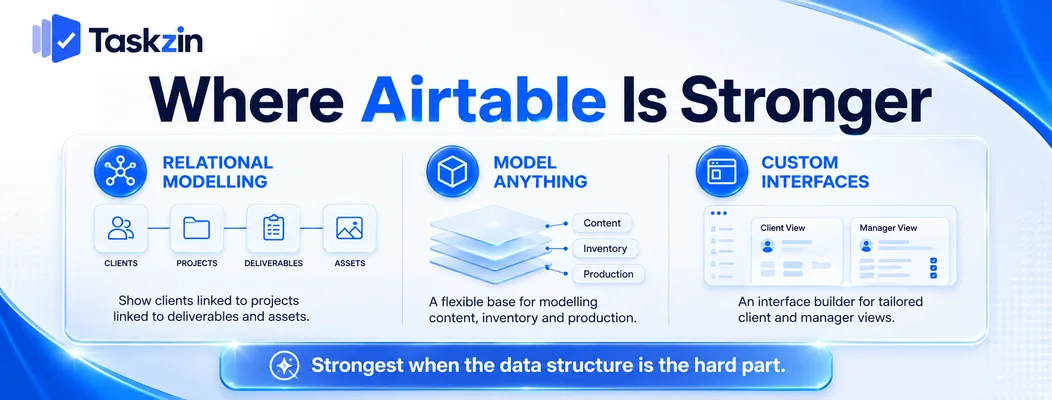
Airtable wins on relational modelling, on being able to represent anything, and on building custom interfaces over your data.
Relational data and linked records
If your work involves entities that relate to each other — clients linked to projects linked to deliverables linked to assets — Airtable models that natively.
Taskzin has a project schema: projects contain tasks, tasks have owners and dates. That covers project work well and does not extend to arbitrary relational structures.
Flexibility to model anything
One base can hold your content calendar, your production tracker and your inventory, with rollups and formulas across them.
This genuinely matters for teams whose work does not fit a standard project shape. A production company tracking equipment, locations, crew and shoot days has relationships no project tool models natively.
Interfaces and custom apps Airtable's interface builder lets you create tailored views for different audiences — a simplified form for a client, a dashboard for a manager.
Taskzin has views and dashboards, not a builder. Where you need a bespoke interface over project data, Airtable does something Taskzin does not attempt.
Where Taskzin Is Stronger
Taskzin wins because the project features already exist, work as expected, and require nobody to build or maintain them.
Project features that already exist
Dependencies that recalculate the critical path. Timeline and Gantt views that understand sequence. Sprints with velocity and burndown history.
Building equivalents in Airtable means scripting, and the result is usually approximate. Most Airtable project bases end up without real dependency logic because implementing it properly is genuinely hard.
Flow management and sprints
Board WIP limits and swimlanes are enforced constraints in Taskzin, not conventions.
Airtable's kanban view shows cards in groups. It does not stop you exceeding a limit, because it has no concept of one. For teams practising Kanban, this is the difference between a board and a visualisation.
Nothing to build first
A Taskzin project runs within an hour of signing up. An Airtable project tracker requires someone to design the tables, fields, links, views and automations before anyone can use it.
That design work is real. It is also skilled — a well-built base and a badly-built one differ enormously, and the difference is not obvious until months later.
The Build-It-Yourself Cost
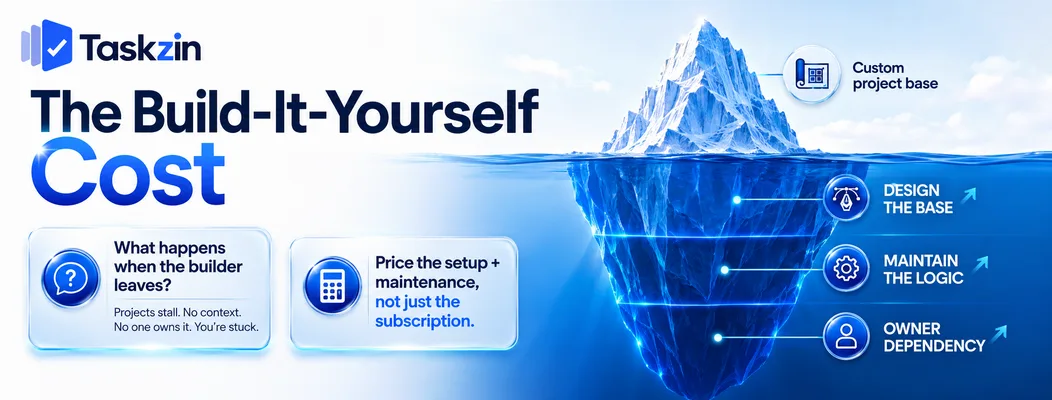
Someone designs the base, someone maintains it, and both are usually the same person — which is a risk nobody prices in.
Someone has to design the base
Building a good project base takes a day at minimum and considerably longer if you want automations, rollups and interfaces.
That cost is invisible in a pricing comparison and real in practice. Include it honestly when evaluating.
Maintenance falls on one person
Bases evolve. New fields, new views, new automations, and increasingly complex formulas.
In almost every team, one person becomes the base owner because they understand how it works. That concentration is convenient until it is not.
What happens when they leave
The most common Airtable failure mode: the person who built the base leaves, and nobody else understands the structure, the formulas or the automations.
The team then either freezes the base and works around it or rebuilds. Neither is cheap. A purpose-built tool has no equivalent risk because nobody built it.
When to Use Each, or Both
Use Airtable where the structure of your data is the hard part, Taskzin where delivery is, and both where each does what it is good at.
Use Airtable when data structure is the problem
Complex relationships, custom entities, data that does not fit a task-and-project model, or a need for tailored interfaces for different audiences.
If your first instinct is "we need a table for X and a table for Y and they relate like this", that is an Airtable requirement.
Use Taskzin when delivery is the problem
Sequenced work with real dependencies, teams needing board flow control, sprints, or a timeline showing what a delay actually moves.
If your first instinct is "who is doing what, by when, and what is blocked", that is a project tool requirement.
Running both deliberately
A common and sensible arrangement: Airtable as the structured data source, a project tool for coordinating delivery, connected via Zapier or similar.
The failure is running both accidentally, with overlapping data and no clear source of truth. If you run both, be explicit about which owns what.
Frequently asked
Is Airtable good for project management?
It can be, and many teams use it successfully. It gives you a database to build a project tracker in rather than project features that already work — dependencies do not schedule, WIP limits do not exist.
What is the difference between Airtable and a project tool?
Airtable models relationships without acting on them. A project tool acts on them — a dependency recalculates the critical path, a WIP limit prevents starting more work.
Which is cheaper?
Taskzin is free up to 10 members then flat per member with no seat tiers, plus free unlimited guests. Airtable's free tier has record limits and paid tiers price per user. Include the build cost when comparing.
Does Airtable have Gantt charts and dependencies?
It has a timeline view and linked records, but linked records carry no scheduling logic. Nothing recalculates when a date moves, which is the substantive difference from real dependency management.
Can you import Airtable data into Taskzin?
Via CSV rather than the one-click importer, which covers ClickUp, Jira, Asana and Trello. Records map to tasks and fields to custom fields; formulas, rollups and interfaces do not transfer.
Which is better for a non-technical team?
Taskzin, generally, because there is nothing to build. Airtable is approachable to use and genuinely skilled to design well, and the design quality determines whether it stays usable.
Can you use both together?
Yes, and it is a reasonable arrangement — Airtable for structured data, a project tool for delivery coordination, connected via automation. Be explicit about which system owns what.
Binita Ray is a content writer at Taskzin, creating insightful and practical content on task management, team collaboration, productivity, workflow optimization, and SaaS solutions. She focuses on helping businesses, teams, and professionals simplify their work processes, improve efficiency, and make better use of modern productivity tools.
All posts by Binita Ray

Comments