SOP (Standard Operating Procedure) Template
A standard operating procedure template covering the seven sections an SOP needs, how to write each one, how to write steps people can actually follow, how to keep SOPs current, and the mistakes that make them go unread.

Most SOPs fail not because they are badly written but because they document an idealised process, live somewhere nobody looks, and are never updated. This guide covers the template and how to avoid those three outcomes.
Quick answer: A standard operating procedure documents how a recurring task is performed so that anyone can do it consistently. A usable SOP has seven sections: purpose, scope, roles, the numbered steps, exceptions and escalation, related documents, and version control. The steps section carries almost all the value; everything else exists to make it findable, current and trustworthy.
What an SOP Is For
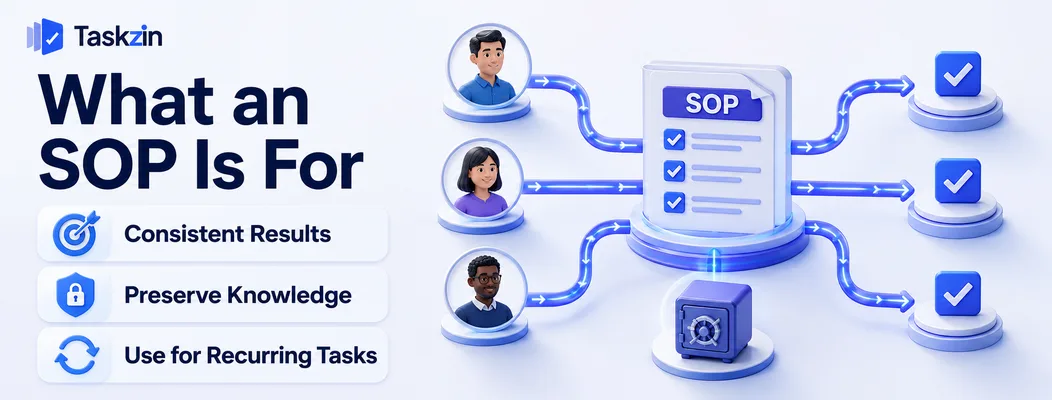
An SOP exists so a task produces the same result regardless of who performs it, and so knowledge survives when people leave.
Consistency, not bureaucracy
The purpose is repeatability. When five people perform the same task five different ways, quality varies, errors are unpredictable, and improvement is impossible because there is no baseline to improve.
Documented process also converts individual knowledge into organisational knowledge. That is the argument to make when someone objects to writing one — it is not about control, it is about not losing the method when the person who knows it changes role.
When a process needs an SOP
Three conditions justify it: the task recurs, more than one person performs it, and getting it wrong has a real cost.
If any of those is absent, an SOP is probably overhead. A one-off task does not need documenting. A task only one person will ever do needs a note, not a procedure — unless that person might leave, which brings you back to the first condition.
What an SOP is not
It is not a process map, which shows how work flows between people at a high level. It is not a policy, which states what must be true. It is not a checklist, though it may contain one.
An SOP is instructions for performing a specific task. Keeping that scope tight is what keeps it usable.
Related: Free Project Plan Template (With Example)
The SOP Template
Section Contains Length Title and reference Task name, document ID One line Purpose Why this procedure exists 1–2 sentences
Purpose and scope
What it covers and explicitly does not 2–3 sentences
Roles and responsibilities
Who performs, who approves, who is informed Short table
Prerequisites Access, tools, information needed before starting Bullet list
The procedure steps
Numbered steps, one action
Writing Each Section
The main body
Exceptions and escalation
What to do when the standard path fails Short list Related documents Linked SOPs, policies, forms Links
Review and version control
Owner, last reviewed, next review, change history Table
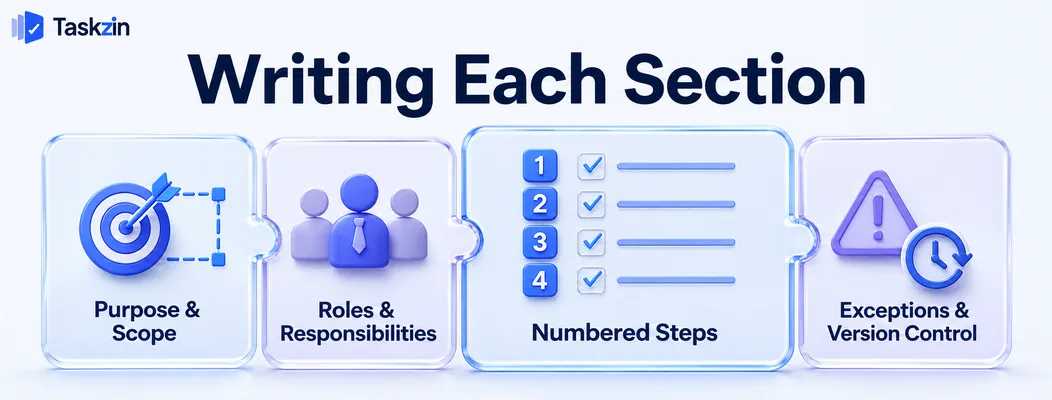
Writing Each Section Purpose and scope frame the document, roles establish accountability, the procedure carries the instructions, and exceptions cover what happens when reality departs from the script.
Purpose and scope Purpose is one or two sentences: what this procedure achieves and why it matters. "Ensures customer refunds are processed accurately within two working days."
Scope states the boundaries, including what is excluded. The exclusions matter — "does not cover refunds over £5,000, which follow the escalation procedure" prevents someone applying the wrong process to an unusual case.
Roles and responsibilities A short table naming who performs the task, who reviews or approves, and who must be informed.
Use role titles rather than names, so the document survives staffing changes. If a specific person is genuinely required, that is a single point of failure worth noting explicitly.
The procedure steps Numbered, sequential, one action per step. This is the section people actually read, and everything else is supporting apparatus.
Where a step involves a system, name the system and the exact screen or field. Where it involves judgement, state the criteria rather than leaving it to interpretation.
Exceptions and escalation What to do when the standard path does not work: the record is missing, the approver is unavailable, the value exceeds a threshold.
Most SOP failures in practice happen at the exception, because the document covered only the happy path. Two or three lines here prevent a lot of improvisation.
Review and version control Owner, date last reviewed, next review date, and a short change history.
Without this an SOP has no way of signalling that it is stale, and readers cannot tell whether they are following current practice.
Writing Steps People Can Actually Follow
Keep one action per step, write for someone who has never done the task, and state what a correct result looks like.
One action per step
"Open the refunds queue, filter by pending, select the oldest case and verify the order reference" is four steps written as one. Under pressure, people skip parts of compound instructions.
Split them. The document gets longer and becomes followable, which is the trade you want.
Write for the newest person
The test is whether someone who joined last week could complete the task using only the document.
That means naming systems in full rather than using internal shorthand, explaining where things are rather than assuming, and avoiding acronyms without expansion. The person who wrote the SOP is the worst judge of this — have a newer colleague follow it and note where they had to ask.
Include what "correct" looks like
After the steps, state how to verify the task was done properly: the confirmation email sent, the status showing complete, the figures reconciling.
Without a success criterion, people follow the steps and cannot tell whether it worked.
Keeping SOPs Alive
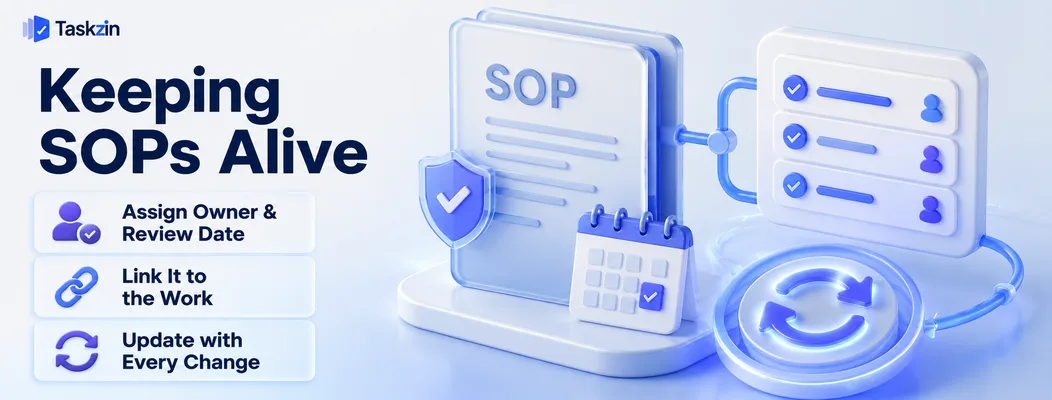
Assign an owner and a review date to every SOP, store it where the work happens, and update it as part of any process change rather than afterwards.
Give every SOP an owner and a review date
An unowned document decays. Assign one named owner and a review interval — annually for stable processes, more often for changing ones.
Reviews should appear as scheduled tasks rather than depending on someone noticing the document is wrong, which usually happens only after a mistake.
Store it where the work happens
An SOP in a shared drive folder is findable by people who know it exists. An SOP linked from the task it describes is findable by everyone.
Attaching procedure documents directly to the recurring task — as a Doc linked to the task, which Taskzin and similar tools support — removes the discovery problem entirely. The person doing the work sees the instructions without having to go looking.
Update it when the process changes, not later
The moment a process changes, the SOP is wrong. Updating it should be part of the change, not a follow-up action that competes with other work and loses.
Make the SOP update a required step in whatever process governs changes. Otherwise your documentation slowly diverges from practice until nobody trusts any of it.
Common SOP Mistakes
The three failures are writing SOPs nobody needed, documenting an idealised process, and producing documents nobody can find.
Writing SOPs nobody asked for
Documentation drives that produce fifty SOPs in a quarter generate a lot of unread documents and a lot of resentment.
Write them in response to observed problems: a task done inconsistently, a person leaving, an error that recurred. Each SOP should be traceable to a reason.
Describing the ideal rather than the actual
An SOP written from how the process should work, rather than how it does, gets ignored the first time reality diverges.
Watch someone perform the task and write what they do, including the workarounds. If a workaround is wrong, fix the process and then document the fixed version — do not document a version nobody follows.
Documents nobody can find
The most common reason SOPs go unused. If finding the procedure takes longer than asking a colleague, people will ask the colleague.
Link SOPs from the work itself, keep a single index, and use consistent naming so search actually works.
Frequently asked
What is a standard operating procedure?
A document describing how a recurring task is performed, step by step, so that anyone can carry it out consistently and the method survives staff changes.
What should an SOP include?
Purpose, scope including exclusions, roles and responsibilities, prerequisites, numbered procedure steps, exceptions and escalation, related documents, and version control with an owner and review date.
How long should an SOP be?
As long as the steps require and no longer. Most sit between one and three pages. If it exceeds five, the task probably needs splitting into several procedures.
Who should write an SOP?
The person who performs the task, reviewed by someone who does not. The performer knows the reality; the reviewer catches assumed knowledge and missing steps.
How often should SOPs be reviewed?
Annually for stable processes, and immediately whenever the underlying process changes. Reviews should be scheduled tasks rather than depending on someone noticing the document is out of date.
What is the difference between an SOP and a process map?
A process map shows how work flows between people or stages at a high level. An SOP gives detailed instructions for performing one specific task within that flow.
Do small teams need SOPs?
For recurring tasks performed by more than one person, yes — arguably more than large teams, because small teams have less redundancy when someone leaves or is unavailable.
Sujan Sharma is a content writer at Taskzin with a strong focus on productivity systems, task management, workflow optimization, team collaboration, and SaaS technology. He creates research-driven, practical content that helps professionals and growing teams improve operational efficiency, streamline processes, and make informed decisions about modern work management tools.
All posts by Sujan Sharma


Comments