Taskzin vs Jira: Which Project Management Tool Fits Your Team?
A balanced comparison of Taskzin and Jira, covering the fundamental difference between engineering depth and whole-team breadth, where each genuinely wins, how the agile features compare honestly, what migration moves and what it does not, and how to choose.

Jira is the most capable agile tool available and the one non-engineers avoid. That single sentence explains most of why teams compare it against something else.
The comparison is not really about which product has more features — Jira does. It is about whether your organisation needs that depth enough to accept what comes with it.
This guide covers where each genuinely wins, how the agile features actually compare, and what migration involves.
Quick answer: Quick answer: Jira goes deeper on engineering process — custom workflows with transition rules, granular permission schemes, a large marketplace and scaled agile support. Taskzin covers sprints, velocity, burndown and WIP limits in a workspace non-engineers will also use, with six views over one dataset, free unlimited guests and flat per-member pricing from $0 to $14. Choose Jira for formal engineering process; choose Taskzin when engineering shares a workspace with everyone else.
The Core Difference
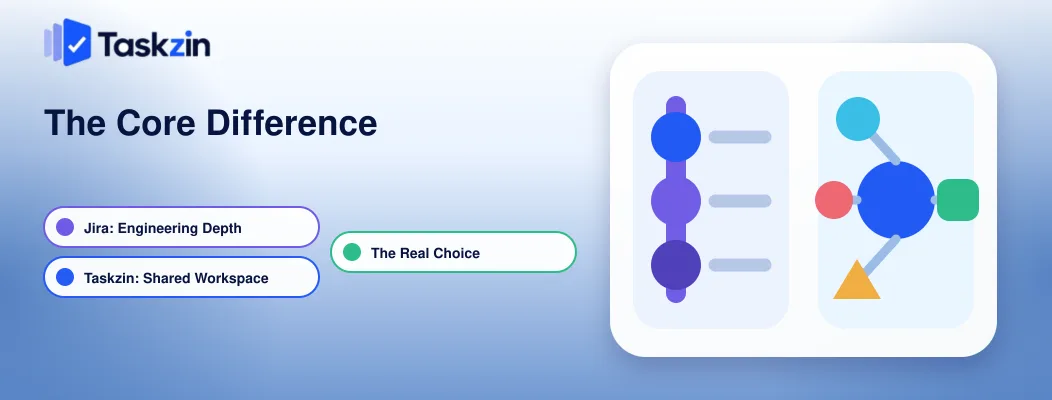
Jira optimises for depth in software delivery; Taskzin optimises for one workspace that engineering and every other function will both use.
Jira is built for engineering process depth
Two decades of building for engineering organisations shows. Workflows with conditions and validators, permission schemes per project and issue type, versions and release management, and reporting designed around all of it.
If your process has genuine complexity — approval gates, regulated transitions, formal releases — Jira models it in ways lighter tools cannot approximate.
Taskzin is built for the whole team to share one workspace
Taskzin runs six views over the same tasks — list, board, calendar, Gantt, table and timeline — so engineering can work on a board with WIP limits while marketing uses a calendar and a client reads a Gantt, without anyone exporting anything.
Docs sit alongside, linked to the tasks they describe, and dashboards read live data rather than being rebuilt weekly.
Why most teams are really choosing between those two things
If your bottleneck is that your engineering process needs modelling precisely, breadth does not help. If your bottleneck is that half the company will not open the tool, depth does not help either.
Most Jira-versus-anything decisions come down to which of those two problems you actually have.
Taskzin vs Jira at a Glance
Taskzin Jira Built for Whole-team project management Software delivery
Views List, Board, Calendar, Gantt, Table, Timeline Board, backlog, timeline Sprints, velocity, burndown Yes (Starter and above) Yes, deeper WIP limits Yes Yes Custom workflows Status automation via rules Full transition rules and validators Docs Built in, linked to tasks Via Confluence, separate product Dashboards 30+ widgets (Business) Extensive Time tracking Built in (Business) Via marketplace app Guests Free and unlimited Count toward licence Pricing model Flat per member Per user, tiered Free plan Up to 10 members Small teams, core boards Marketplace Native integrations Very large Non-engineer usability Good Poor
Where Jira Wins
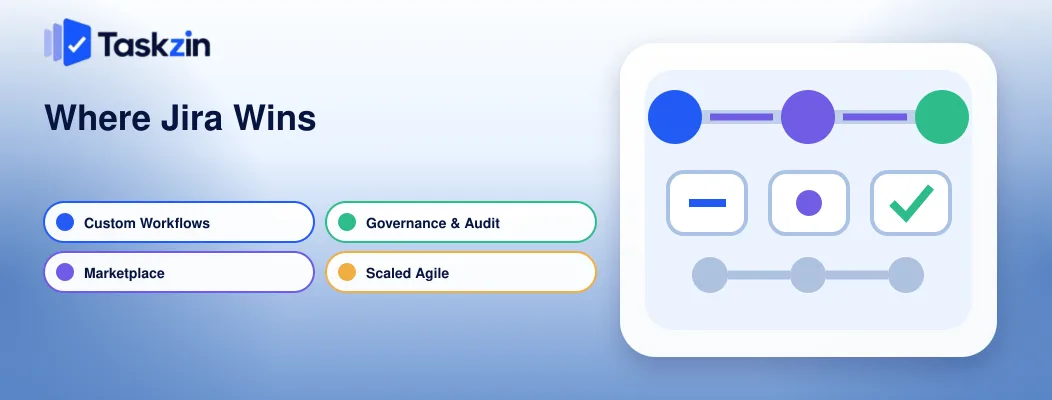
Jira leads on workflow customisation, its marketplace, enterprise governance, and coordinating agile across many teams.
Custom workflows and permission schemes
Jira lets you require conditions before a transition, validate fields before an issue moves, and control permissions per project and issue type.
Taskzin handles status changes through automation rules — a trigger, a condition, actions. That covers most teams comfortably and it is not the same thing as an enforced workflow engine. If you need a transition that cannot happen until three fields are populated and a specific role approves, Jira does that and Taskzin does not.
The marketplace
Atlassian's marketplace is very large. For a specialist integration with an unusual tool, the probability it exists for Jira is simply higher.
Taskzin integrates natively with the main stack — Slack, Google Workspace, Outlook, GitHub, HubSpot, Salesforce, Shopify, Zapier and others — which covers most teams but not every long tail case.
Enterprise governance and audit
Jira's audit trail, permission granularity and compliance posture are mature and widely accepted by auditors.
Taskzin offers SAML SSO, SCIM, audit logs and enforced 2FA on Business and above, which meets most requirements. In heavily regulated environments where an auditor examines change history in detail, Jira remains the safer answer.
Scaled agile across many teams
Running formal scaled agile across a dozen teams with programme-level planning is what Jira's ecosystem is built to support.
Where Taskzin Wins
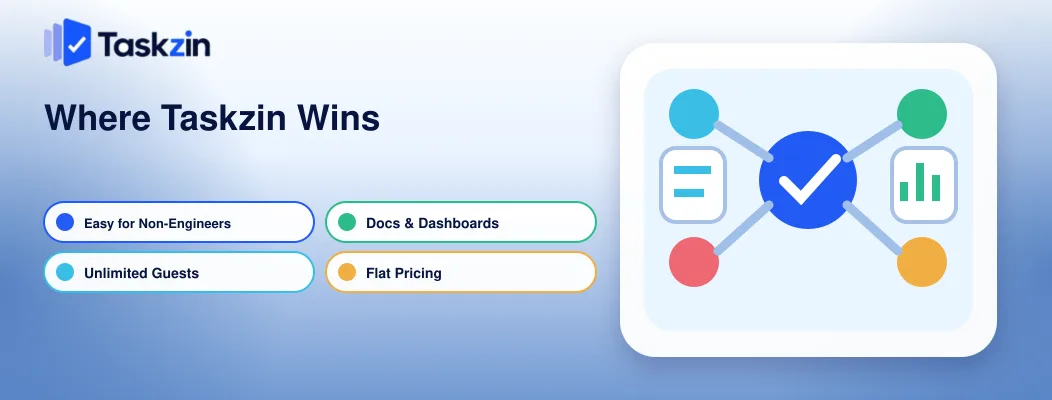
Taskzin leads on usability outside engineering, free unlimited guests, having docs and dashboards included, and predictable flat pricing.
Non-engineers use it without training
This is the most common reason teams leave Jira. Marketing, operations and leadership avoid it, so status returns to meetings.
Taskzin's six views mean each function picks the presentation that suits them over shared data.
A client reading a Gantt and an engineer working a board are looking at the same tasks.
Free unlimited guests
Guests and clients with view-or-comment access cost nothing on Taskzin, on any plan.
For agencies and any team with external collaborators this changes the maths substantially, since guest access on Jira counts toward your licence.
Docs and dashboards without a second product
Jira's documentation answer is Confluence — a separate product and a separate subscription.
Taskzin includes docs linked directly to tasks, so a spec sits with the work it describes.
Dashboards with live widgets are included on Business rather than assembled from marketplace add-ons.
Flat, predictable pricing
Taskzin charges a flat rate per member: $0 up to ten members, $7 on Starter, $14 on Business, with 20 percent off annually. No seat tiers and no per-guest billing.
That predictability matters when hiring, because cost scales linearly with headcount rather than jumping at thresholds.
Agile Features Compared Honestly
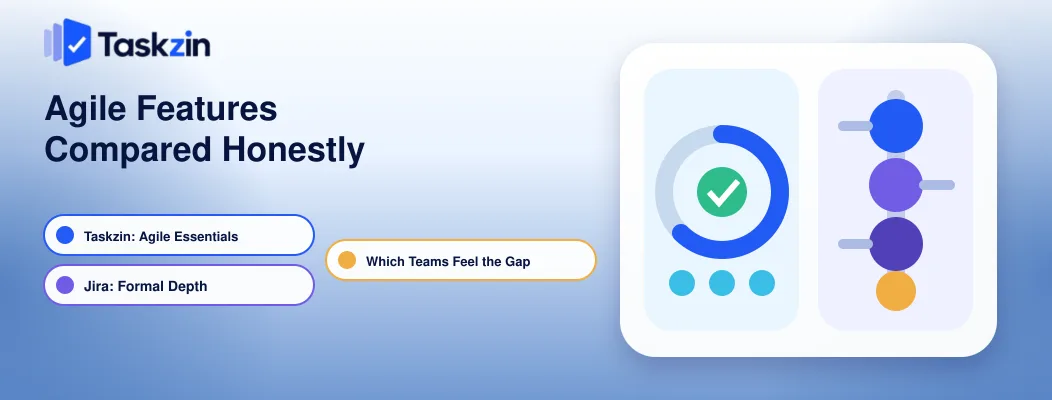
Taskzin covers the agile essentials — sprints, velocity, burndown, WIP limits, dependencies and critical path — while Jira goes further on formal process and reporting depth.
What Taskzin covers
Sprints with velocity and burndown are on Starter and above. Boards support WIP limits and swimlanes. The Gantt and timeline views handle dependencies and recalculate the critical path when a date slips. Dashboards show velocity, cycle time and open bug counts as live widgets.
For most teams running Scrum or Kanban, this is the full set of what gets used weekly.
What Jira still does better
Version and release management, epic hierarchies beyond a single level, control charts and cumulative flow diagrams, and the reporting depth that comes from two decades of iteration.
Jira also supports issue types with genuinely different fields and workflows, which matters when bugs, stories and support tickets need to behave differently.
Which teams feel the gap
Teams running formal Scrum with release trains, teams with compliance-driven workflows, and large engineering organisations coordinating across many squads.
A team of five to fifty running ordinary sprints generally does not encounter the gap, and pays for Jira's depth in configuration overhead instead.
Migration and Cost
Taskzin imports Jira projects, statuses, custom fields, comments and attachments in one click with a preview and rollback, leaving your Jira instance untouched.
What the Jira import actually moves
Projects, statuses, custom fields, comments and attachments, mapped with a preview screen before anything is written. Most teams complete it in under an hour.
Nothing is deleted from Jira, so you can run both in parallel for a sprint and compare — which is the sensible way to do this rather than committing on day one.
What does not migrate
Custom workflow logic — the conditions, validators and post-functions — has no direct equivalent and needs rebuilding as automation rules. Marketplace app data does not come across. Permission schemes need re-establishing.
If your Jira instance depends heavily on any of these, factor that rebuild into the decision rather than discovering it mid-migration.
How the cost comparison works
Model it on your real headcount including guests. A twelve-person team with fifteen client contacts pays for twelve members on Taskzin and would pay for considerably more on Jira, plus Confluence if you need documentation.
Verify Jira's current pricing directly before deciding, since Atlassian revises plans regularly.
Which Should You Choose?
Choose Jira for formal engineering process and enterprise governance; choose Taskzin when the whole organisation needs to share one workspace.
Choose Jira if
You need enforced custom workflows with validation, you run scaled agile across many teams, you have audit requirements that demand Jira's specific permission and history model, or you are already invested in Confluence and Bitbucket.
Choose Taskzin if
Engineering shares a workspace with marketing, operations or clients; you want docs and dashboards without a second subscription; guest access matters commercially; or your Jira instance has accumulated configuration nobody wants to own.
Frequently asked
What is the difference between Taskzin and Jira?
Jira is built for software delivery with deep workflow customisation and a large marketplace. Taskzin is a whole-team workspace with six views over one dataset, built-in docs and dashboards, and free unlimited guests.
Does Taskzin support sprints and velocity?
Yes. Sprints, velocity and burndown are available on the Starter plan and above, alongside boards with WIP limits and swimlanes.
Is Taskzin cheaper than Jira?
Taskzin charges a flat $7 or $14 per member with free unlimited guests and a free plan for up to ten people. The comparison depends on your guest count and whether you also need Confluence — verify Jira's current pricing directly.
How long does migrating from Jira to Taskzin take?
Most teams finish in under an hour. The importer maps projects, statuses, custom fields, comments and attachments with a preview before writing, and your Jira instance is left untouched.
Can Taskzin replace Jira for a software team?
For teams running ordinary Scrum or Kanban, yes — sprints, velocity, burndown, WIP limits and dependencies are all covered. Teams needing enforced custom workflows or scaled agile across many squads will feel the gap.
Does Taskzin have a free plan?
Yes, free forever for up to ten members with unlimited tasks and projects, list, board and calendar views, and 100MB storage. The 14-day trial unlocks paid features without a credit card.
Can you export your data from Taskzin?
Yes — tasks, comments, attachments and custom fields export as JSON or CSV from any workspace, on any plan, without raising a support ticket.
Binita Ray is a content writer at Taskzin, creating insightful and practical content on task management, team collaboration, productivity, workflow optimization, and SaaS solutions. She focuses on helping businesses, teams, and professionals simplify their work processes, improve efficiency, and make better use of modern productivity tools.
All posts by Binita Ray

Comments