Asana vs Monday.com vs Trello: Which One Should You Pick?
A practical three-way comparison of Asana, Monday.com and Trello, covering what each product is actually for, a head-to-head table, how their pricing models differ as teams grow, choosing by the problem you have, and where each one runs out.

These three come up together constantly, and they are genuinely different products aimed at different problems. Comparing them feature by feature produces a long table and no decision.
A better approach is to start from what your team currently struggles with, because each of the three is strongest against a specific failure.
This guide sets out what each is for, how they compare, how pricing behaves as you grow, and how to choose.
Quick answer: Quick answer: Trello is the simplest — a Kanban board that anyone understands immediately, best for small teams with straightforward work. Asana adds structure:
clear task ownership, dependencies, timelines and cross-project views, best when work falls through gaps between people. Monday.com is the most visual, with colour-coded boards that communicate status to stakeholders without training, best when reporting outward is the main problem.
What Each One Is Actually For
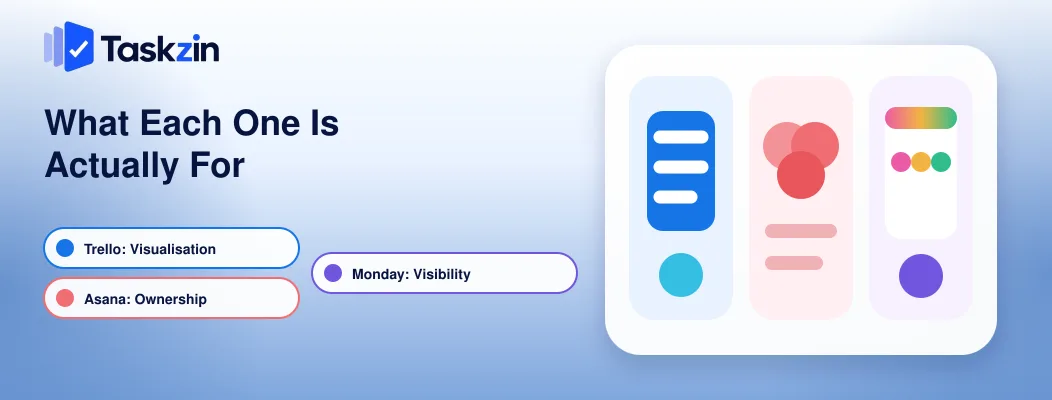
Trello solves visualisation, Asana solves ownership, and Monday.com solves visibility to people outside the team — each is strongest against a different failure.
Trello: a board and very little else
Trello is deliberately narrow. Boards, lists, cards. Anyone is productive within ninety seconds without documentation.
That narrowness is a genuine feature. Trello's adoption rate is its main advantage over more capable tools, because a simple board everyone updates beats a sophisticated system nobody opens.
Asana: structured work with clear ownership
Asana's defining property is that every task has one owner and one due date, with a personal view of everything assigned to you.
It also handles projects with real structure — dependencies, timelines, portfolios across projects.
If your problem is work falling between people, this is the direct fix.
Monday.com: visual status for whole departments
Monday uses colour-coded boards where status is legible at a glance without reading. It is built for departments to construct their own workflows without technical help.
Its strength is communication outward. A stakeholder can open a Monday board and understand project state in seconds, which is not true of most alternatives.
Head-to-Head Comparison
Trello Asana Monday.com Core strength Simplicity Task ownership Visual status Learning curve Minutes An hour or two An hour or two Views Board (others via power-ups) List, board, calendar, timeline Board, table, calendar, Gantt Dependencies No Yes Yes Cross-project view No Yes (paid tiers) Dashboards
Automation Basic, limited runs Rules Strong recipe builder Pricing model Per user Per user Seat tiers Guest access Board sharing Free guests on most plans Guest seats Free plan Generous Capable Very limited Best for Small, linear work Accountability and deadlines Stakeholder visibility
How They Differ on Price
Asana and Trello charge per individual seat; Monday.com sells seats in tiered blocks, which can force you to buy more than you need.
Per-seat versus seat tiers
With Asana and Trello, eleven people costs eleven seats. With Monday, eleven people may require buying fifteen.
This matters most at the boundaries. Adding one person can trigger a cost jump with no relationship to the value added, and it is the most frequently cited complaint about Monday's pricing.
Where guests and clients change the maths
If you work with clients or contractors, check guest handling before comparing headline prices.
Asana includes free guests on most plans; Trello allows board sharing; Monday counts guests against seats on some plans.
For an agency with more client contacts than staff, this single factor can outweigh every feature difference.
What each free plan actually covers
Trello's free plan is genuinely usable for small teams, with limits on boards per workspace and automation runs. Asana's free tier supports a limited number of collaborators with list, board and calendar views but no timeline. Monday's free plan is very restricted and most teams need a paid plan for real use.
Verify current limits before deciding — all three change their plans regularly.
Choosing by What Your Team Struggles With
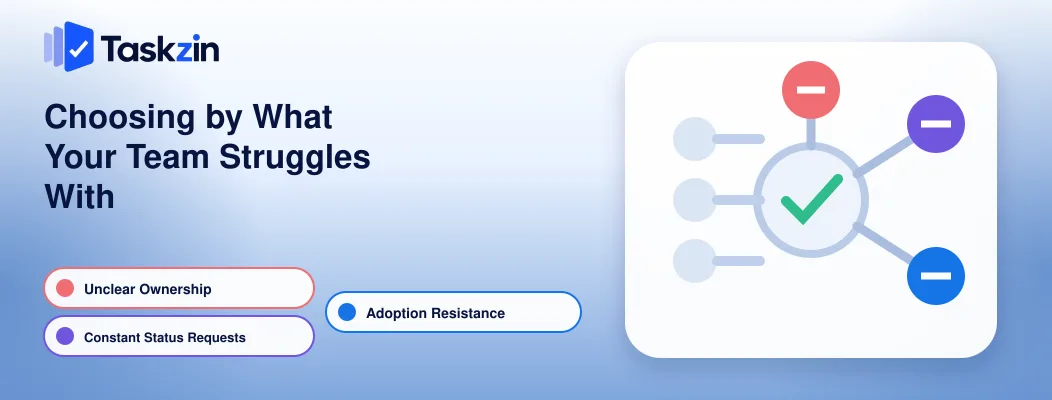
Match the product to your actual failure: unclear ownership points to Asana, stakeholder status requests point to Monday, and adoption resistance points to Trello.
Nobody knows who owns what
Tasks drift, everyone assumes someone else has it, and things surface late.
This is an ownership problem, and Asana addresses it most directly. One owner, one date, one personal list per person. Trello allows multiple members per card and no date enforcement, which does not force the clarity you need.
Stakeholders keep asking for status
If your week contains repeated status requests from people outside the team, you have a visibility problem rather than a coordination one.
Monday is strongest here. Colour-coded boards and dashboards let stakeholders self-serve without learning the tool, which removes the requests rather than answering them faster.
The tool itself is the obstacle
If a previous tool failed because people would not use it, weight adoption above everything.
Trello wins this decisively. Whatever it lacks in features, a board that everyone actually updates produces better information than a capable system half the team ignores.
Where Each One Runs Out
Each has a predictable ceiling: Trello lacks any view across boards, Asana gates useful features behind higher tiers, and Monday combines tier pricing with shallow discussion features.
Trello: no view across boards
One board is legible. Nine boards are nine tabs, with no way to see everything assigned to one person or every deadline in the next fortnight.
Teams usually leave Trello for this reason rather than for any missing feature. The workaround is a tenth board summarising the others, maintained by hand and always slightly wrong.
Asana: features on higher tiers
Timeline, workload, custom fields and reporting all sit above the entry plan. Teams frequently adopt Asana, need one of these within a month, and find the upgrade doubles their cost.
Monday: seat tiers and shallow discussion
Beyond the seat-tier pricing, Monday's threaded discussion is weaker than Asana's. For teams whose work involves substantial back-and-forth on individual items, that gap becomes noticeable.
Which to Pick
Trello for small teams with simple linear work, Asana when ownership and deadlines are the problem, Monday when communicating status outward matters most.
Pick Trello if
Your team is under about eight people, your work is a single sequence of stages, budget is tight, or a previous tool failed on adoption. Also pick it if you genuinely need something running in ten minutes.
Pick Asana if
Work falls between people, you need dependencies and timelines, you work with external collaborators who should not cost seats, or you need to see across several projects at once.
Pick Monday.com if
Stakeholders and clients need to read status without training, non-technical colleagues should build their own workflows, or visual clarity matters more to you than discussion depth. Model the seat-tier cost at your actual headcount first.
One further consideration applies to all three: check data export before committing. All three allow it, but the completeness varies — attachments and comment threads are the parts most often lost. Testing an export in the first week costs fifteen minutes and matters if you switch in a year, which is more likely than most teams assume when they choose.
Frequently asked
What is the difference between Asana, Monday.com and Trello?
Trello is a simple Kanban board with minimal structure. Asana adds task ownership, dependencies and cross-project views. Monday emphasises visual, colour-coded status readable by people outside the team.
Which is best for a small team?
Trello for teams under about eight with linear work. Asana once work involves several people and deadlines that get missed. Monday if stakeholders need frequent visibility.
Which is cheapest?
Trello generally, at both free and entry tiers. Asana is competitive per seat. Monday's tiered seats can force overbuying, so its effective cost depends heavily on your exact headcount.
Which has the best free plan?
Trello's is the most usable for a small team, and Asana's is capable for basic list and board work. Monday's free tier is very limited and rarely sufficient for real use.
Is Monday.com better than Asana?
For visual status and letting non-technical teams build workflows, yes. For task ownership, dependencies, discussion depth and predictable per-seat pricing, Asana is stronger.
When should you move off Trello?
When you cannot see across boards — you are running several and can no longer answer what everyone is working on without opening each one. That, rather than a missing feature, is the usual trigger.
Which is easiest for non-technical people?
Trello for immediate use with no training. Monday for ongoing use by non-technical teams who need to build and read their own workflows.
Sanju Shrestha is a SaaS content writer at Taskzin who explores smarter ways to manage work, organize priorities, and improve team performance. Her content covers productivity strategies, digital workflows, collaboration, and task management, with a focus on helping modern teams work more efficiently and stay aligned.
All posts by Sanju Shrestha

Comments