8 Best Linear Alternatives
A comparison of eight Linear alternatives, covering why teams outgrow it, eight reviewed options, how to choose without losing update speed, migration steps including identifier mapping, and when Linear remains the right tool.

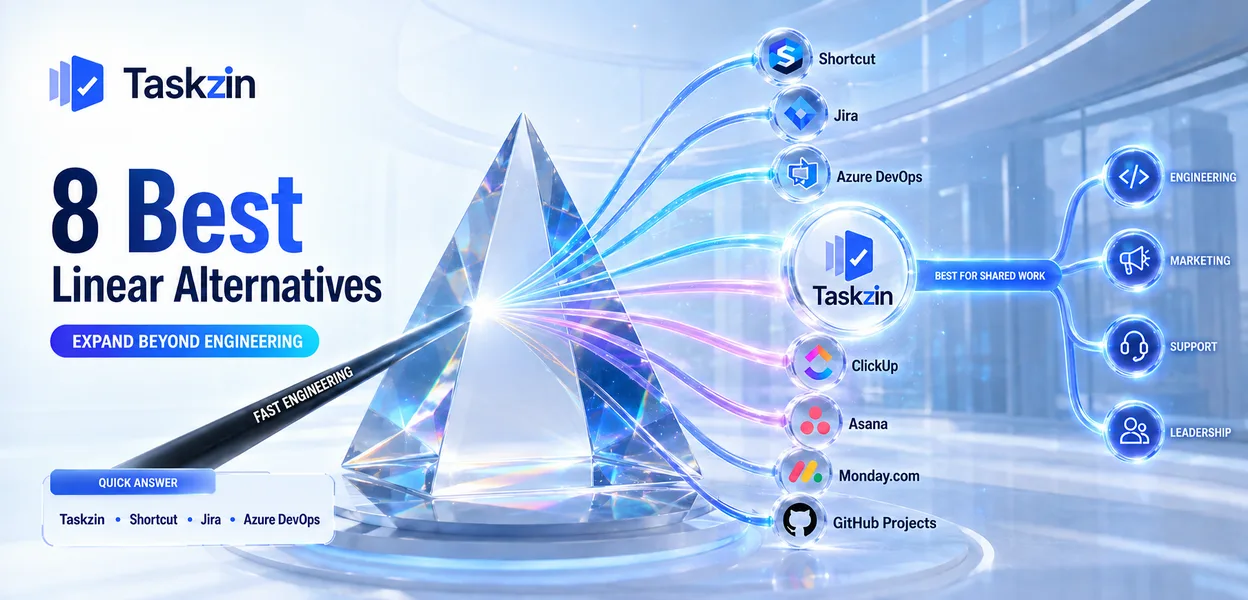
Linear is unusually well-made. It is fast, opinionated and pleasant to use, and those qualities come from deliberate narrowness. The same decisions that make it excellent for a small product team make it awkward once marketing, support and leadership need in.
This guide covers the specific reasons teams move, eight alternatives, how to choose without losing the speed that made Linear work, and when staying is correct.
Quick answer: The best Linear alternatives are Taskzin when engineering needs to share a workspace with everyone else, Shortcut for a closer match with more flexibility, and Jira or Azure DevOps when you need real workflow customisation and formal reporting. Teams rarely leave Linear because it is slow or unreliable — they leave because it does one job and the organisation now needs more.
Why Teams Look for a Linear Alternative

Teams leave Linear for two structural reasons: it fits engineering and almost nothing else, and its deliberate lack of customisation becomes a limit once processes need approvals, custom states or formal reporting.
Both are consequences of the product's philosophy rather than gaps that will be closed in a future release, which is why the decision tends to be permanent once made.
It only fits engineering
Linear is built around issues, cycles and product development. A marketing campaign, a client onboarding process or a recruitment pipeline does not map onto that model without distortion.
The usual outcome is that engineering uses Linear while everyone else uses something else, and the two systems diverge. Leadership then asks for a combined view that neither tool can produce, and the search for a single platform begins — not because Linear failed, but because it was never trying to solve that problem.
Opinionated by design means limited by design
Linear makes choices for you. That is why it is fast and why it needs no administrator. It also means that when your process genuinely requires a custom state, an approval gate or a field that must be completed before an issue can close, the tool will not bend.
For most small teams this is a feature. For a team operating under compliance requirements, or one whose workflow has legitimate complexity, it is a wall. The honest question is whether your requirement is genuine or habitual — many teams asking for custom workflows are describing a process they inherited rather than one they need.
Reporting for people outside the team
Linear reports well on the things a product team cares about — cycle progress, issue throughput, triage volume. It is thinner on the reporting an organisation asks for once engineering is one department among several.
Questions like how much effort went into a particular client, how a programme is tracking against a committed date, or how work is distributed across several teams are difficult to
answer from Linear without exporting data and assembling it elsewhere. That export-and-assemble routine is manageable monthly and painful weekly.
Before treating this as a reason to migrate, check who is asking and how often. A single quarterly report can usually be produced from an export or a lightweight dashboard built on Linear's API. A weekly obligation across multiple teams is a genuine structural mismatch, and that is the case where a platform with built-in portfolio reporting earns the speed you give up.
Linear Alternatives Compared at a Glance
ClickUp — best for whole-company consolidation
Custom workflows Non-engineer friendly Free plan Taskzin Engineering plus other teams Moderate Yes Yes Shortcut Closest match, more flexible Yes Partly Yes Jira Depth and formal process Full No Yes (small teams) Azure DevOps Microsoft-stack engineering Full No Yes (small teams) ClickUp Whole-company consolidation Yes Yes Yes Height Lightweight newer option Limited Partly Yes GitHub Projects GitHub-native teams Limited No Yes Asana Delivery beyond engineering Rules-based Yes Yes
The 8 Best Linear Alternatives
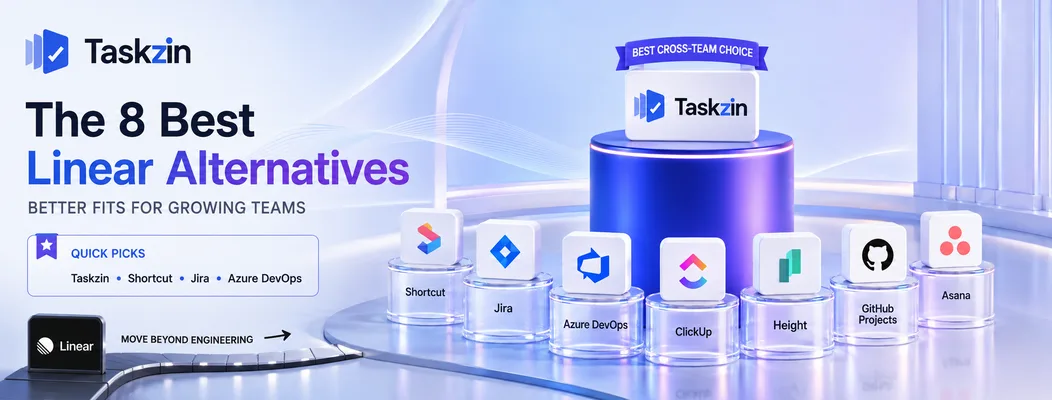
Taskzin — best for engineering plus everyone else
Taskzin supports sprints, backlogs and boards for engineering while staying readable for people who do not work in issues daily, which addresses the most common reason teams leave Linear.
Best for: organisations where product, engineering, marketing and support need one shared view.
Trade-off: it will not feel as fast as Linear for a pure engineering workflow, which is a real cost.
Shortcut — best closest match with more flexibility
Shortcut occupies the space between Linear and Jira: stories, epics, iterations and roadmaps, with workflow customisation available but not mandatory.
Best for: teams that want Linear's shape with room to configure.
Trade-off: noticeably less fast and less refined than Linear.
Jira — best for depth and formal process
Jira handles what Linear will not: custom workflows with transitions and validation, granular permissions, audit trails and extensive reporting.
Best for: teams needing genuine process enforcement or operating under audit.
Trade-off: a large jump in administration, and everyone will notice the speed difference.
Azure DevOps — best for Microsoft-stack engineering
Azure Boards offers full backlog and sprint management with traceability through to pipelines and releases.
Best for: engineering organisations already in the Microsoft ecosystem.
Trade-off: dense and heavy compared with Linear's minimalism.
ClickUp — best for whole-company consolidation ClickUp can host engineering alongside every other department, with docs, dashboards and multiple views in one workspace.
Best for: organisations solving the two-systems problem by consolidating.
Trade-off: engineering teams accustomed to Linear frequently find it cluttered and slow by comparison.
Height — best newer lightweight option
Height shares Linear's preference for speed and low friction while covering a slightly broader range of work types.
Best for: teams wanting Linear's feel with more flexibility about what they track.
Trade-off: smaller ecosystem and less established than the alternatives above.
GitHub Projects — best for GitHub-native teams
If your team already works entirely in GitHub, Projects removes the separate tracker entirely by linking planning to issues and pull requests.
Best for: small engineering teams wanting the minimum viable tooling.
Trade-off: limited reporting and no capacity planning.
Asana — best for product delivery beyond engineering
Asana handles cross-functional delivery well, with clear ownership and deadlines across departments.
Best for: product organisations coordinating launches across several teams.
Trade-off: no native story points or velocity, so formal agile requires workarounds.
How to Choose a Linear Replacement
Establish whether you actually need custom workflows or simply lost speed, list precisely who outside engineering requires access, and confirm any reporting you are expected to produce.
Work out whether you need workflows or just speed
There is a meaningful difference between "we need a custom state" and "we need transitions that enforce approvals and validate fields".
The first is available almost everywhere. The second narrows you to Jira, Azure DevOps or Shortcut, and costs you speed. Before accepting that trade, check whether the requirement is real — teams frequently describe an inherited process rather than a necessary one, and rebuilding it faithfully imports friction Linear had removed.
Map who outside engineering needs access
List the people who need to see or update work but do not write code, and what each of them actually needs — read-only status, commenting, or full editing.
If most need read-only visibility, a reporting layer or dashboard may solve the problem without migrating. If they need to work in the tool daily, you need a genuinely cross-functional platform and should choose accordingly.
Check reporting you're expected to produce
If someone outside the team receives a regular report, confirm the replacement produces it before committing.
This is the most common cause of a migration that stalls halfway: the team is happy, then a quarterly obligation surfaces that the new tool cannot satisfy without manual assembly.
Migrating From Linear
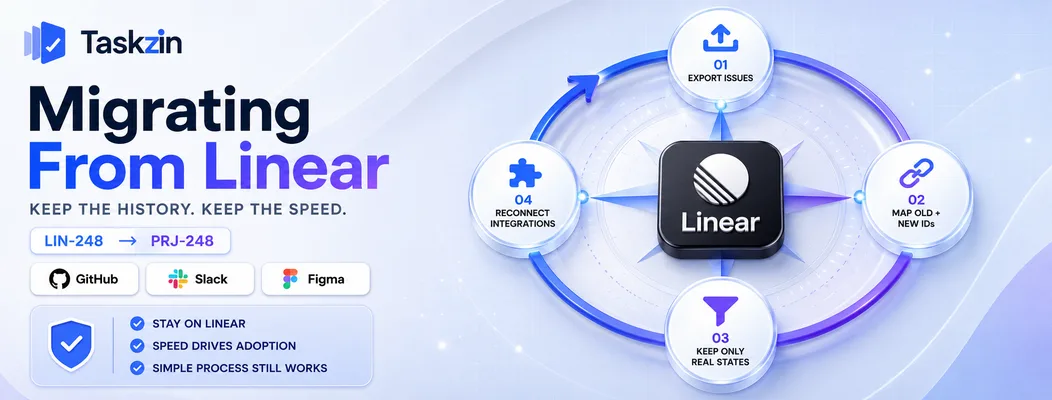
Export issues while the account is active, preserve identifiers where you can, rebuild only the process you genuinely follow, and re-establish integrations before switching over.
Export issues and preserve identifiers
Linear exports issues to CSV, and its API supports a fuller extract. Issue identifiers matter more than teams expect — they appear in commit messages, pull request titles and documentation.
Keep a mapping between old and new identifiers. Without it, historical commits reference issues nobody can find, and that history is frequently the reason someone opens the tracker at all.
Rebuild only the process you actually follow
Migration is a chance to formalise what you do rather than what you documented. Recreate the states you actually use, not the ones that exist because someone added them.
Teams moving from a deliberately simple tool to a configurable one routinely over-build in the first week and spend the next quarter removing it again.
Keep the integrations you rely on
Linear's GitHub, Slack and Figma integrations are part of why it feels fast. Before switching, confirm equivalents exist and set them up before the cutover, not after.
The gap between migrating and restoring integrations is where teams lose the habit of updating issues at all.
When You Should Stay on Linear
Stay on Linear if its speed is the reason your team updates issues at all, or if your process is genuinely simple and the pressure to change is coming from outside the team doing the work.
Speed is the reason your team updates issues
The hardest problem in issue tracking is not features — it is getting people to keep the tracker current. Linear solves that better than almost anything else, because updating an issue takes seconds.
If your team actually maintains its board, that is worth more than any feature you are missing. Moving to a slower tool routinely produces a more capable system containing worse data.
Your process is genuinely simple
If the request for custom workflows comes from someone who does not use the tool daily, examine it carefully. Process complexity is easy to add and very difficult to remove.
A useful test is to ask what would actually go wrong without the requested state or approval gate. If the honest answer is that someone would have to ask a question in chat, that is a cheaper outcome than a slower tool for everyone.
Consider adding a reporting layer or a separate tool for the teams that need something different, rather than moving everyone to satisfy a requirement that affects a few people occasionally.
Frequently asked
What is the best Linear alternative?
Taskzin when engineering must share a workspace with other departments, Shortcut for a closer match with more flexibility, and Jira or Azure DevOps when you need real workflow customisation and formal reporting.
Why do teams move away from Linear?
Almost always because it fits engineering and nothing else, leaving the rest of the organisation on a separate tool, or because a process genuinely requires custom states and approvals that Linear does not support.
Is Jira better than Linear?
Jira is far more capable and configurable; Linear is faster and needs no administration. For a small product team, Linear usually produces better-maintained data. For formal process and reporting, Jira is stronger.
What is the best free Linear alternative?
Shortcut, Taskzin, GitHub Projects and Height all offer free plans for small teams. Jira's free tier covers full Scrum and Kanban for a limited number of users.
Can Linear work for non-engineering teams?
It can hold their tasks, but the model — issues, cycles, triage — is built around software development. Marketing, operations and client work usually fit awkwardly and adoption suffers.
Can you export data from Linear?
Yes, issues export to CSV and the API supports a fuller extract. Keep a mapping of old to new identifiers, since Linear IDs appear throughout commits and documentation.
Is Shortcut a good Linear replacement?
Yes, for teams wanting a similar structure with more configurability. It is slower and less polished than Linear, but considerably lighter than Jira, which makes it the natural middle step.
Sanju Shrestha is a SaaS content writer at Taskzin who explores smarter ways to manage work, organize priorities, and improve team performance. Her content covers productivity strategies, digital workflows, collaboration, and task management, with a focus on helping modern teams work more efficiently and stay aligned.
All posts by Sanju Shrestha

Comments