ClickUp vs Wrike
An honest comparison of ClickUp and Wrike, covering breadth versus depth in resourcing, where each is genuinely stronger, the administration both require, and how to choose by diagnosing your actual bottleneck.

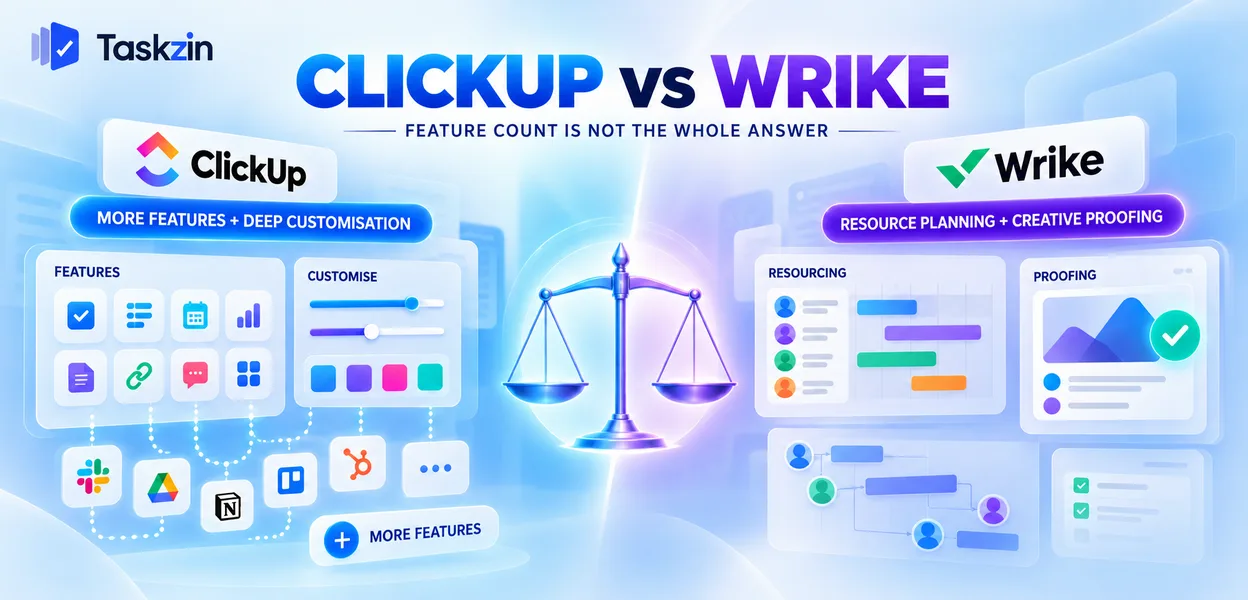
These two get shortlisted together often, and the comparison usually goes wrong because it is run as a feature count. On that basis ClickUp wins comfortably and the answer is frequently still Wrike.
Quick answer: ClickUp offers substantially more features for the money and deeper customisation. Wrike goes considerably further in one specific area — allocating people across many concurrent projects — and adds creative proofing that ClickUp does not match. If resourcing is your bottleneck, that single area outweighs everything else.
Breadth Versus Depth in One Area
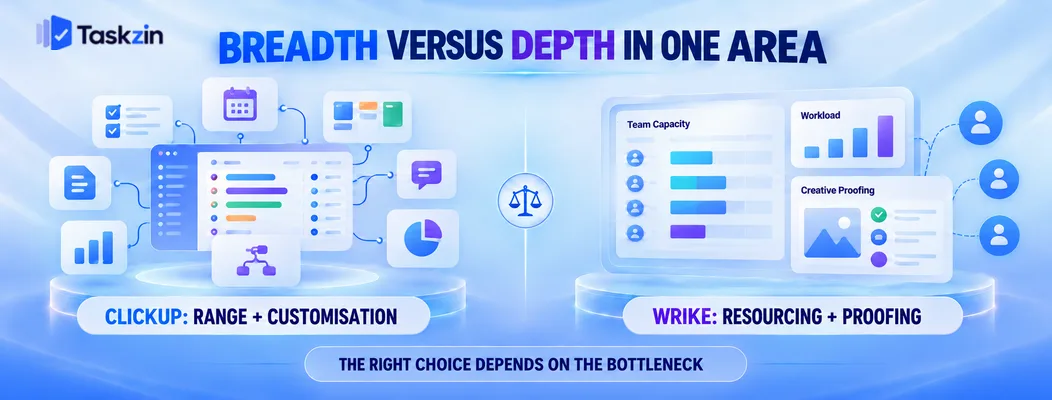
ClickUp competes on range; Wrike competes on being the tool that solves the resourcing problem properly.
What ClickUp is betting on
That teams want one product covering tasks, docs, whiteboards, goals, time tracking, dashboards and forms, at a lower price than buying several.
Its feature list is among the longest in the category and its pricing is aggressive. For a team assembling a toolkit on a budget, that is a strong offer.
What Wrike is betting on
That the expensive problem in services organisations is people allocation, and that solving it properly justifies a higher price and a longer implementation.
Everything in Wrike orbits that: workload views, utilisation reporting, request forms that feed resourced projects, and proofing for the creative work those people produce.
Who each is actually sold to
ClickUp sells to teams, frequently bought by a manager with a card and rolled out sideways.
Wrike sells to organisations, usually through a procurement process, to buyers whose job title includes operations or delivery. That difference shapes both products more than any feature does.
ClickUp vs Wrike at a Glance
Is ClickUp or Wrike better?
Positioning Broad all-in-one platform Resource-led work management
Resource management and workload
Utilisation reporting Limited Strong Proofing and approvals Limited Strong Docs Built in Limited Whiteboards Built in No Goals / OKRs Built in Available Time tracking Built in Available Custom fields and statuses Extensive Moderate
Automation Extensive Tiered Request forms and blueprints Forms available Strong Dashboards Extensive Strong Enterprise governance Improving Mature
Implementation effort compared
Typical org size 5–200 50+
Verify current pricing and tier contents for both before relying on cost comparisons.
Where Wrike Is Stronger
Wrike wins on resource management, on creative proofing, and on operating at organisational scale.
Resource management and workload
Seeing whether the people assigned across every concurrent project actually have the hours, and rebalancing when they do not.
ClickUp has a workload view. It shows load; it does not support the allocation and levelling decisions Wrike is built for. For an agency running twenty projects through fifteen people, this is the difference between a plan and a hope.
Proofing and creative review
Markup directly on images, video and documents, with structured approval workflows and version comparison.
ClickUp handles approvals as task states. That covers sign-off and does not let a client annotate a video frame. For creative organisations this is a genuine capability gap.
Enterprise governance and rollout
Mature administrative controls, permissions and the certifications procurement asks for at several hundred users.
ClickUp has improved here and Wrike has the longer track record of large deployments. If your security review is the gate, check both against your actual requirements list.
Where ClickUp Is Stronger
ClickUp wins on value, on consolidating several tools, and on flexibility for unusual processes.
Value for money
More capability at a lower price, consistently. Time tracking, docs, whiteboards and dashboards arrive at tiers where Wrike either charges more or does not offer them.
For a team of thirty without a resourcing problem, ClickUp delivers more of what they will actually use per pound spent.
Docs, whiteboards and consolidation
If you currently pay for a project tool, a docs tool and a whiteboard tool, ClickUp plausibly replaces two of them.
Test that honestly — consolidation savings are real only where the old subscriptions actually get cancelled. Wrike makes no equivalent claim.
Flexibility for unusual processes
Custom statuses per list, multiple hierarchy levels, extensive custom fields and configurable automations.
Teams with genuinely specific processes can model them in ClickUp. Wrike is configurable but more opinionated about structure.
The Administration Question

Both reward someone owning the setup, and both degrade without one — differently.
Both need someone to own the setup
Neither is a tool you buy on Friday and use well on Monday. Both need structure decisions, template design and a rollout plan.
Budget someone's time for it. Implementations fail because nobody owned the configuration far more often than because the software was wrong.
What happens when nobody does
ClickUp degrades by sprawl — every team configures differently, hierarchy grows inconsistently, and within a year nobody can navigate the workspace.
Wrike degrades by abandonment — the setup stays coherent but people stop updating it because the tool asks more of them than they see coming back.
Implementation effort compared Wrike takes longer. Expect weeks including configuration, templates and training, particularly if you are using resourcing properly.
ClickUp can be running in days, with the caveat that a fast rollout is exactly what produces the sprawl above.
Choosing Between Them
Diagnose the bottleneck first; the feature comparison will not tell you which to buy.
If resourcing is your bottleneck
Deadlines slip because people were on something else. Nobody can say who has capacity next month. Utilisation is discovered retrospectively.
Wrike, and the higher price and longer implementation are the cost of solving it. ClickUp will not.
If budget and breadth matter most
You need a capable tool across several functions, you are cost-constrained, and resourcing is not your main pain.
ClickUp gives more per pound, and the gap in resourcing depth will not cost you anything you were going to use.
If neither problem is yours
Some teams shortlist both and need neither. If your requirement is dependencies, timelines, boards and reporting for under a hundred people, both are heavier than necessary.
That middle ground is where Taskzin sits — six views over one dataset, flat per-member pricing with no seat tiers, and free unlimited guests — worth pricing before committing to a platform procurement.
Frequently asked
Is ClickUp or Wrike better?
Wrike for resource allocation across many concurrent projects and for creative proofing. ClickUp for breadth, value and flexibility. Which is better depends entirely on whether resourcing is your bottleneck.
Which is cheaper?
ClickUp, generally and consistently, for a comparable feature set. Compare at the tier containing the specific capability you need rather than at headline rates.
Does ClickUp have proofing?
It handles approvals as task states and supports commenting on attachments, but not the structured markup and version comparison Wrike offers. For creative review this is a real gap.
Does Wrike have docs and whiteboards?
Its document capability is limited and there is no whiteboard. ClickUp includes both, which is part of its consolidation argument.
Which suits agencies better?
Wrike if staff allocation across clients is the problem, or if creative proofing is central. ClickUp if cost and breadth matter more and your resourcing is manageable.
Which is easier to implement?
ClickUp can be running in days versus weeks for Wrike. The trade is that a fast ClickUp rollout without configuration ownership tends to sprawl.
Which is better for enterprise?
Wrike has the longer track record at several hundred users and more mature governance. Check both against your specific security and compliance requirements.
Binita Ray is a content writer at Taskzin, creating insightful and practical content on task management, team collaboration, productivity, workflow optimization, and SaaS solutions. She focuses on helping businesses, teams, and professionals simplify their work processes, improve efficiency, and make better use of modern productivity tools.
All posts by Binita Ray


Comments