Basecamp vs Trello for Small Teams
An honest comparison of Basecamp and Trello for small teams, covering their opposite approaches to simplicity, the cost question at different team sizes, where each is genuinely stronger, and how to choose by the shape of your work.

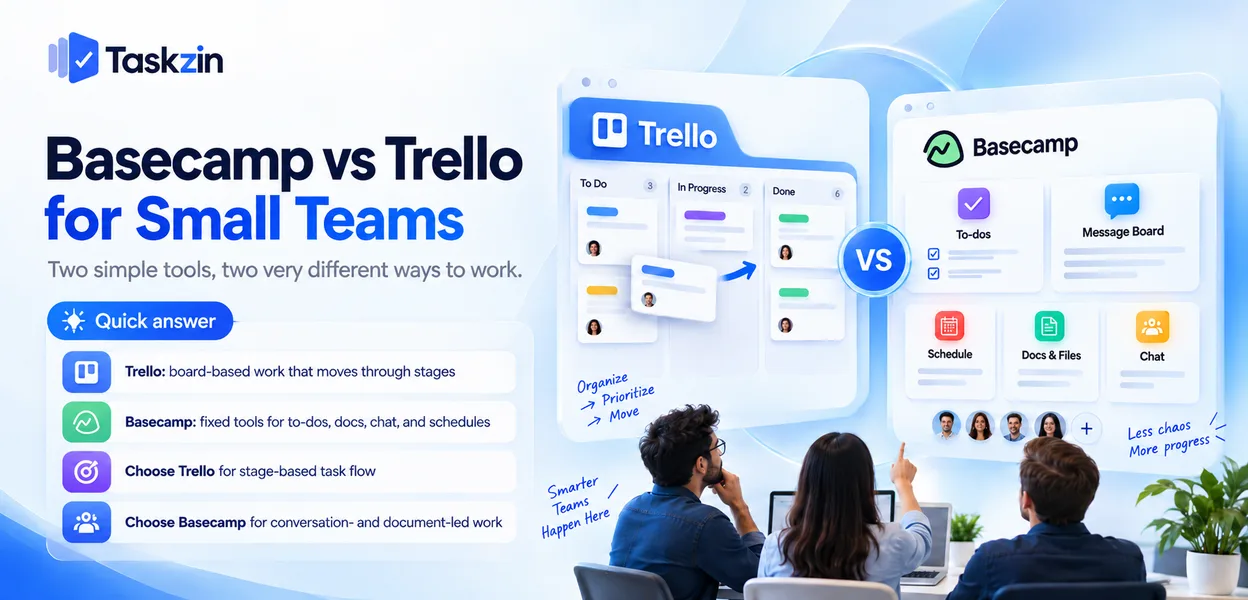
Both of these are chosen for the same reason — a team wants something simpler than a full project platform — and they simplify in opposite directions. Knowing which direction suits your work saves a migration in six months.
Quick answer: Trello simplifies by reducing everything to a board: cards move through columns and that is the whole model. Basecamp simplifies by giving each project a fixed set of tools — to-dos, message board, schedule, docs, chat — and refusing to add more.
Trello suits work that moves through stages; Basecamp suits work that is mostly conversation and documents.
Different Answers to "Keep It Simple"
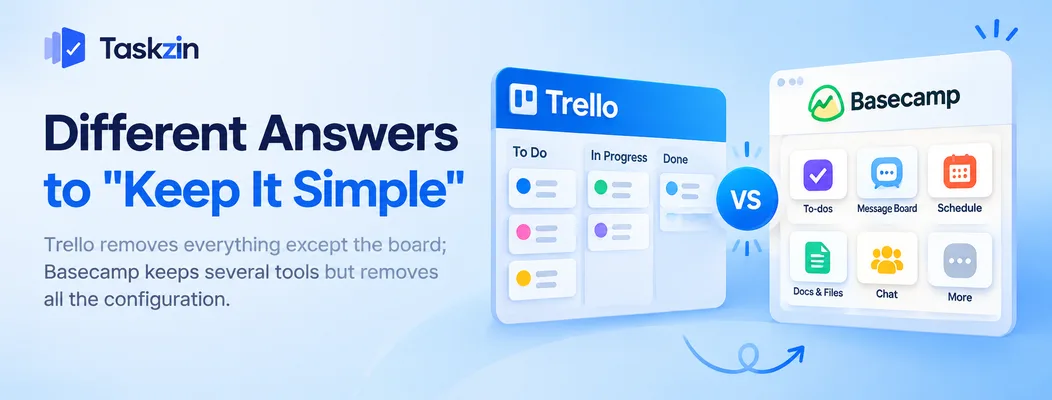
Trello removes everything except the board; Basecamp keeps several tools but removes all the configuration.
Trello simplifies the board
One model: lists and cards. No custom fields by default, no dependencies, no separate document store, no discussion area outside cards.
Everything you add comes from Power-Ups. The base product is deliberately one thing done very well.
Basecamp simplifies the whole project
Each Basecamp project ships with the same six tools, in the same place, every time. You cannot rearrange them, add fields or design a workflow.
The simplification is in the absence of choices rather than in the absence of features. There is more here than in Trello, and none of it is configurable.
What each leaves out
Trello has no message board, no document area worth the name, and no structure above the board.
Basecamp has no dependencies, no custom fields, no time tracking, and its board equivalent — the card table — is a late addition rather than the centre of the product.
Basecamp vs Trello at a Glance
Basecamp Trello Pricing model Flat fee, unlimited users Free tier plus per-user paid plans Core model Project with six fixed tools Boards, lists, cards Kanban board Card table, secondary Core product Message boards Core strength No Documents and files Built in, organised Attachments on cards Group chat Campfire, built in No Schedule / calendar Built in Via Power-Up or paid plans To-do lists Core Cards with checklists
Dependencies No Via Power-Up Custom fields No Paid plans or Power-Up Automation Limited Butler, capable
Client and external access
Free option Limited Genuinely usable
Verify current pricing for both before relying on cost comparisons.
The Cost Question for a Small Team
Team size Likely cheaper Why 3 people, simple boards Trello Free plan covers it 5 people, need calendar and automation Trello paid Still below a flat fee 10 people Close — model both Crossover territory 15+ people Basecamp Flat fee stops scaling with headcount Any size, many external collaborators Either Both handle outsiders without per-client charges
Trello's free plan is the strongest argument for very small teams. Basecamp's flat fee wins as headcount grows.
Where Trello Is Stronger
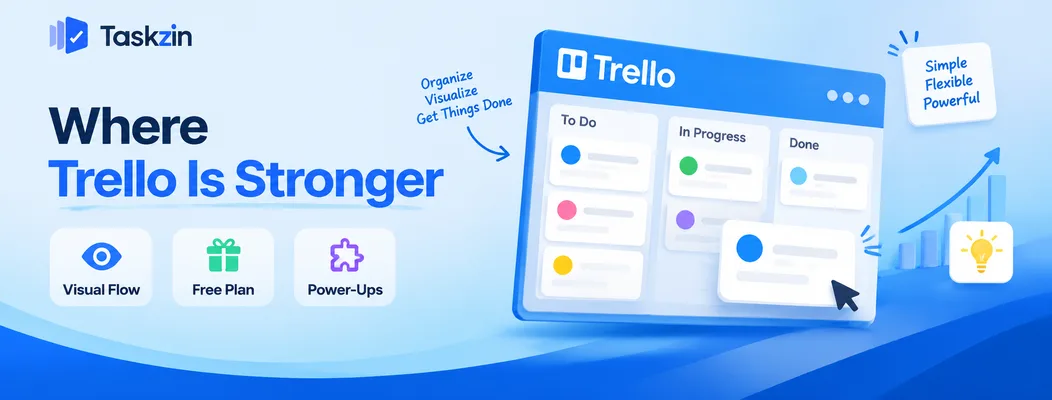
Trello wins on visual flow, on having a free plan that genuinely works, and on extending to cover specific needs.
Visual work and flow
If your work moves through stages — drafted, in review, approved, published — a board shows state instantly and Basecamp's to-do lists do not.
This is the main functional difference. A team that thinks in pipelines is better served by Trello, and will find Basecamp's flat lists a step backwards.
Free plan that actually works
Trello's free tier is usable for a real small team, not a trial in disguise.
For three or four people, this is a genuine zero-cost option, which matters at the stage where every subscription is scrutinised.
Extensibility through Power-Ups
Calendar, dependencies, time tracking, reporting, integrations — added as needed rather than shipped by default.
You get a minimal product that can grow slightly. Basecamp offers no equivalent, by design.
Where Basecamp Is Stronger
Basecamp wins on discussion that is not attached to a task, on having everything in one place, and on external access.
Discussion that is not about a task
Basecamp's message boards handle the conversations that do not belong on any card — direction, decisions, updates, questions.
In Trello these end up in email or chat, and the context is lost from the project. For teams whose work is largely discussion, this is the deciding feature.
Everything in one place
Documents, schedule, to-dos, chat and discussion in one project, always in the same arrangement.
Trello's equivalent is a board plus a shared drive plus a chat tool plus a calendar. Basecamp's single place is genuinely less to manage.
Client and external access Basecamp is built expecting outsiders in the project, with client-facing controls over what they see.
Trello boards can be shared easily, which is different from being designed for it.
Which Suits a Small Team Better
Match the tool to the shape of the work rather than to team size.
If your work moves through stages
Content production, design requests, recruitment pipelines, support queues, sales stages.
Trello, clearly. The board is the right representation and Basecamp has no good equivalent.
If your work is conversation and documents
Client engagements, strategy work, internal initiatives where the output is decisions and documents rather than items moving through a pipeline.
Basecamp, clearly. Trello would leave most of the actual work living outside the tool.
If you are about to outgrow both
You need dependencies, a timeline, or reporting across several projects. Neither tool provides these — Trello approximates dependencies through a Power-Up and Basecamp declines them entirely.
At that point the comparison to run is against mid-weight tools rather than between these two; Taskzin sits in that range with six views over one dataset and free unlimited guests, which keeps the external-access advantage both of these have.
Frequently asked
Is Basecamp or Trello better for a small team?
Trello if your work moves through stages and you want a visual board. Basecamp if your work is mostly conversation and documents and you want everything in one place.
Which is cheaper?
Trello for very small teams — its free plan is genuinely usable. Basecamp's flat fee becomes cheaper somewhere around ten to fifteen people, since it does not scale with headcount.
Does Trello have message boards?
No. Discussion happens in comments on cards, so conversations not tied to a specific task end up in email or chat instead.
Does Basecamp have a kanban board?
It has a card table, which is a board-style view added later rather than the centre of the product. It is not comparable to Trello for flow-based work.
Which is easier for clients?
Both are approachable. Basecamp is designed expecting clients in the project with controls over what they see; Trello boards are simply easy to share.
Can you use both?
Some teams do — Basecamp for client communication, Trello for internal pipelines. It works if the boundary is explicit, though two tools for a small team is usually more than needed.
When do you outgrow them?
When you need dependencies, a timeline, or reporting across several projects, or when someone is maintaining a spreadsheet alongside the tool.
Sanju Shrestha is a SaaS content writer at Taskzin who explores smarter ways to manage work, organize priorities, and improve team performance. Her content covers productivity strategies, digital workflows, collaboration, and task management, with a focus on helping modern teams work more efficiently and stay aligned.
All posts by Sanju Shrestha


Comments