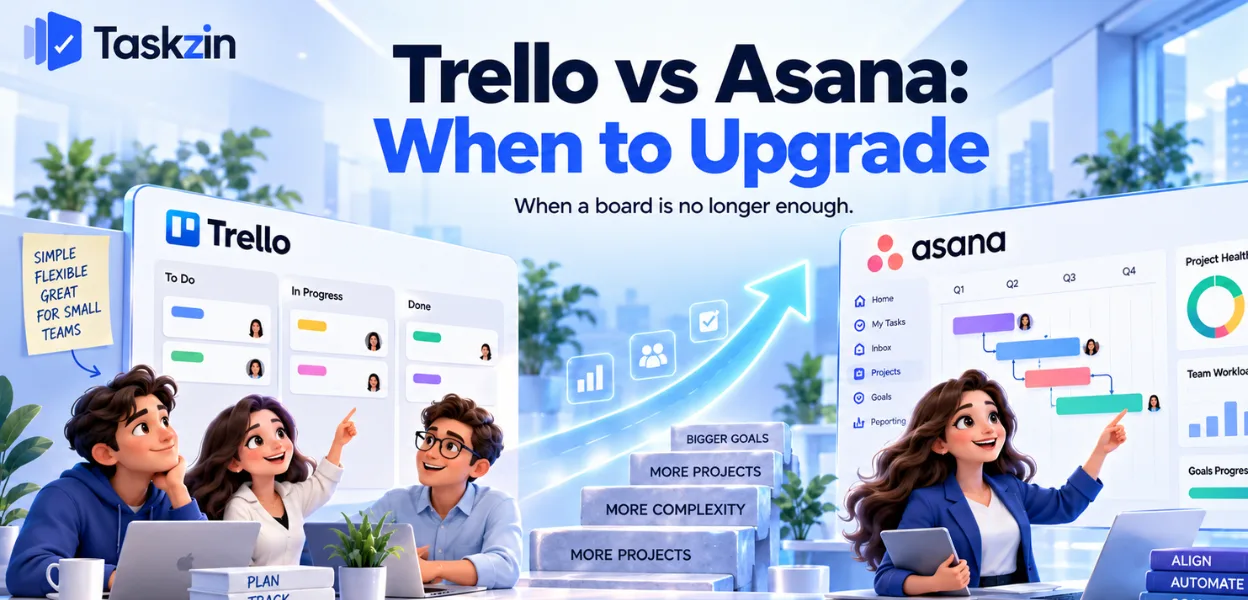
Trello vs Asana: When to Upgrade
An honest comparison of Trello and Asana framed as a timing question, covering why they are not equivalent tools, the specific signals you have outgrown Trello, what you gain and lose by moving, and how to switch well.

If none of those apply, Trello is still the better choice and moving would cost you simplicity for nothing.
Quick answer: Trello is a very good board. Asana is a project management system.
Comparing them feature by feature misses the point — the real question is whether your work has outgrown a board, and most teams know the answer before they start comparing. The signals are specific: work spanning multiple boards, a need for dependencies, and reporting that requires manual assembly.
These Are Not Equivalent Tools
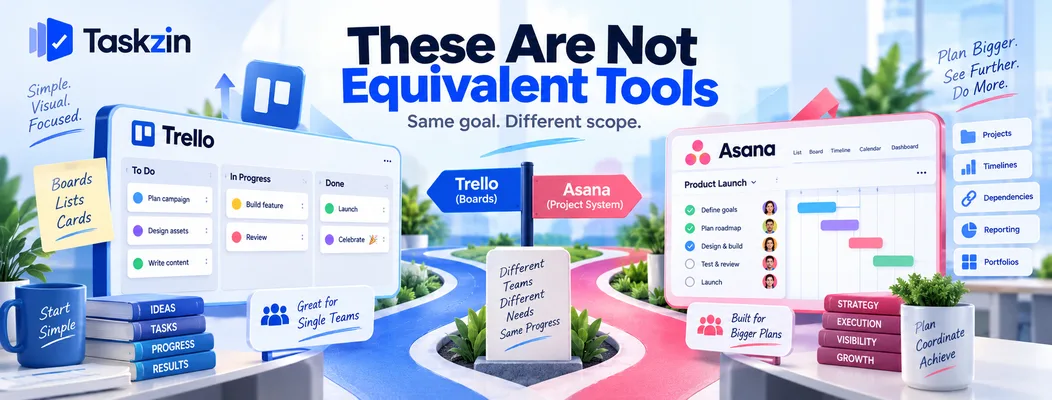
Trello does one thing exceptionally well; Asana does several things adequately to well.
That is a difference in scope, not quality.
Trello is a board; Asana is a project system
Trello's model is lists and cards. Everything else — dependencies, reporting, calendars, automation — arrives through Power-Ups layered on that model.
Asana's model is projects containing tasks, with multiple views over them, portfolios above them, and reporting across them. The board is one view rather than the whole product.
Why the comparison is really about timing
Nobody chooses between Trello and Asana on day one. Teams start on Trello because it is free and immediately obvious, and the question arises later.
So this is a question about when, not which. The useful comparison is against the specific frictions you are currently working around.
When Trello is still the right answer
A single team, a handful of boards, work that does not depend on other work, and no need to report across projects.
For that shape, Trello is better than Asana — faster, cheaper, and everybody already understands it. Upgrading would add process with nothing to hold it.
Trello vs Asana at a Glance
Trello Asana Core model Boards, lists, cards Projects, tasks, portfolios Views Board; others via Power-Ups or higher plans List, board, timeline, calendar, gantt Dependencies Via Power-Up Native Subtasks Checklists Native subtasks with own owners and dates Cross-project reporting Limited Native, stronger on higher tiers Portfolios No Yes, higher tiers Workload view No Higher tiers
Automation Butler, capable Rules, tiered Forms Via Power-Up Native Free plan Generous for boards Usable, limited views Learning curve Minutes Hours Best for Single-team flow Multi-project coordination
Verify current pricing and Power-Up limits before relying on cost comparisons.
The Signals You Have Outgrown Trello
Two or more of these appearing regularly is when the move pays for itself.
Signal What is actually happening Urgency Work lives across four or more boards No single view of what the team is doing High You maintain a spreadsheet alongside Trello The tool cannot report what you need High Someone asks "what's the status of everything?"
No cross-project visibility High You need one thing to start after another finishes No native dependencies High Cards have grown checklists of checklists Subtasks are being simulated Medium You have added five or more Power-Ups Rebuilding a project tool in parts Medium Nobody can see who is overloaded No workload view Medium Due dates exist but nothing warns you Limited scheduling logic Medium
What You Gain by Moving
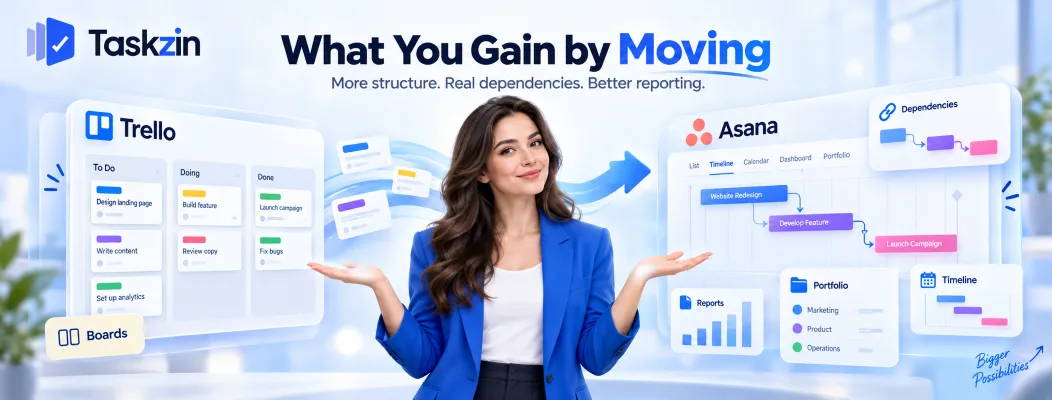
Asana adds multi-project structure, real dependencies and timelines, and reporting that does not depend on add-ons.
Work that spans more than one board
Asana's portfolios and cross-project views answer the question Trello cannot: what is this team doing, across everything.
Once work exists in more than three or four boards, the absence of that view becomes the main daily friction. Someone ends up maintaining a summary by hand, which is the clearest sign to move.
Dependencies and timelines
Native dependencies mean the tool understands that one task blocks another, and the timeline view shows what a delay actually moves.
In Trello this is a Power-Up bolted onto a model that was not designed for it. It works; it does not recalculate the way a scheduling tool does.
Reporting that does not need a plugin
Dashboards, status reporting and workload views arrive as part of the product rather than assembled from add-ons.
The practical difference is reliability. Five Power-Ups from different developers is five things that can break independently, and they tend to break at upgrade time.
What You Lose by Moving
You give up immediate comprehension, low cost at small scale, and effortless adoption.
Simplicity and instant comprehension
A Trello board is understandable in five seconds by anyone, including clients and contractors who have never seen it.
Asana requires a little learning. That is a real cost in teams with high turnover, many external collaborators, or people who resist software.
Cost at small scale
Trello's free plan is genuinely usable for a small team. Asana's free plan is more limited, and the views most teams want sit on paid tiers.
For four people running three boards, moving means paying for capability you may not need yet.
Adoption friction
Any migration costs momentum. People who updated Trello reliably may not update Asana for a few weeks while it feels unfamiliar.
Plan for that dip rather than being surprised by it, and do not start the move in your busiest month.
Making the Switch Without Losing Momentum
Move one board first, resist rebuilding Trello inside Asana, and keep Trello where it still fits.
Move one board, not all of them
Pick the board causing the most friction — usually the one with the most cross-project dependencies — and move only that.
Run it for a month. This surfaces the gaps at a scale where fixing them is cheap, and it produces people who can help everyone else.
Do not recreate Trello inside Asana
The commonest mistake: importing boards and using Asana purely as a board, which delivers none of the benefit and all of the complexity.
Use the features you moved for. If you are not using timelines, dependencies or cross-project views after a month, you did not need to move and should go back.
Keep Trello for the things it does well
Personal boards, simple one-off projects, and anything shared with external people who will not learn a new tool.
Running both deliberately is fine. Running both accidentally, with the same work in each, is not.
If the reason you are looking is cost at the tier containing timelines and dependencies, it is worth checking what else prices those features differently — Taskzin includes six views over one dataset with dependencies on paid plans and free unlimited guests, which changes the arithmetic for client-facing teams specifically.
Frequently asked
Is Asana better than Trello?
Not inherently — it is broader. Asana is better when work spans multiple projects, needs dependencies, or requires reporting. Trello is better for a single team running a few boards.
When should you move from Trello to Asana?
When two or more signals appear: work across four or more boards, a spreadsheet maintained alongside, a need for dependencies, or nobody able to see total workload.
Is Trello good enough for a whole team?
For a single team with independent work and no cross-project reporting, yes. It stops being enough when coordination between boards becomes someone's manual job.
Which is cheaper?
Trello, particularly at small scale — its free plan is genuinely usable. Asana's useful views mostly sit on paid tiers. Verify current pricing for both.
Does Trello have dependencies?
Only through a Power-Up, layered on a model not designed for it. Asana has native dependencies that the timeline view understands.
Can you import Trello boards into Asana?
Yes. Cards, lists, members, due dates and descriptions transfer; checklists, Power-Up data and automation rules need handling separately.
What are Trello Power-Ups?
Add-ons that extend Trello with calendars, dependencies, reporting and similar. Useful individually; five or more usually means you are rebuilding a project tool from parts.
Sujan Sharma is a content writer at Taskzin with a strong focus on productivity systems, task management, workflow optimization, team collaboration, and SaaS technology. He creates research-driven, practical content that helps professionals and growing teams improve operational efficiency, streamline processes, and make informed decisions about modern work management tools.
All posts by Sujan Sharma

Comments