Wrike vs Smartsheet: Which Handles Complexity Better?
An honest comparison of Wrike and Smartsheet, covering the difference between people complexity and data complexity, where each platform genuinely wins, how to diagnose which problem you have, and the implementation reality of both.

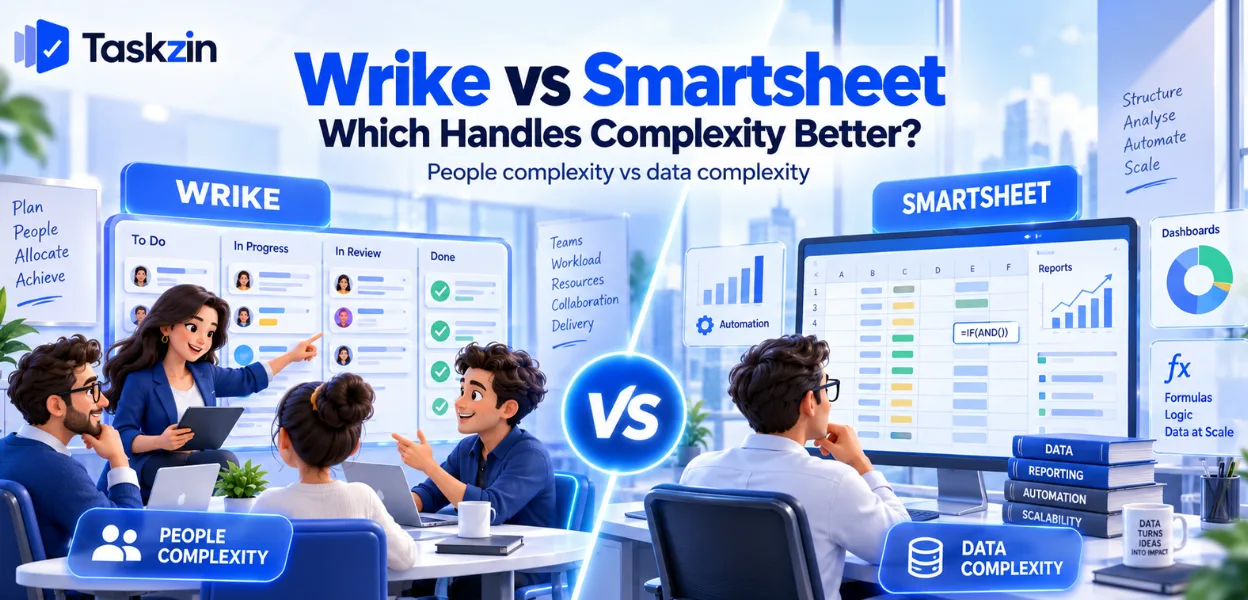
The question to settle first is which kind of complexity is actually costing you.
Quick answer: Wrike handles people complexity — many staff allocated across many concurrent projects. Smartsheet handles data complexity — large structured datasets with calculated logic. Both are marketed as enterprise work management platforms, and they solve genuinely different problems. Picking the wrong one means paying enterprise prices for capability aimed at someone else's bottleneck.
Two Kinds of Complexity

Complexity in project work comes from either the allocation of people or the structure of data, and these need different tools.
People complexity versus data complexity
People complexity looks like: fifteen staff shared across twenty client projects, nobody sure who has capacity, and plans that look feasible until you check whether anyone can actually do them.
Data complexity looks like: three thousand rows of structured records, calculated fields, roll-ups across sheets, and reporting that depends on derived values.
What Wrike is built around
Wrike's centre is resource allocation. Workload views showing whether assigned people have hours, rebalancing across projects, and utilisation reporting.
Its proofing and request-form capabilities extend that into creative and intake-heavy workflows, which is why it shows up frequently in agencies and marketing organisations.
What Smartsheet is built around
Smartsheet's centre is the grid. Rows, columns, formulas, cross-sheet references and conditional logic, with project capabilities built on top.
It suits organisations whose existing process is already a spreadsheet and has outgrown one, which is a very common starting point in operations, construction and programme management.
Wrike vs Smartsheet at a Glance
Is Wrike or Smartsheet better?
Core model Projects, tasks, folders Sheets, rows, columns Primary strength
Resource management and workload
management Formulas and structured data Formulas Limited Extensive, cross-sheet Resource management Strong Moderate
Proofing and creative approvals
Gantt and dependencies Yes Yes Critical path Yes Yes Request forms / intake Strong, with blueprints Forms available
Dashboards and portfolio reporting Strong Strong Automation Yes, tiered Yes, tiered Data volume handling Moderate Strong Learning curve Moderate to steep Low for spreadsheet users Implementation effort Days to weeks Days to weeks Admin ownership Recommended Recommended
Verify current pricing, licensing models and collaborator terms for both — these differ structurally and change.
Where Wrike Is Stronger
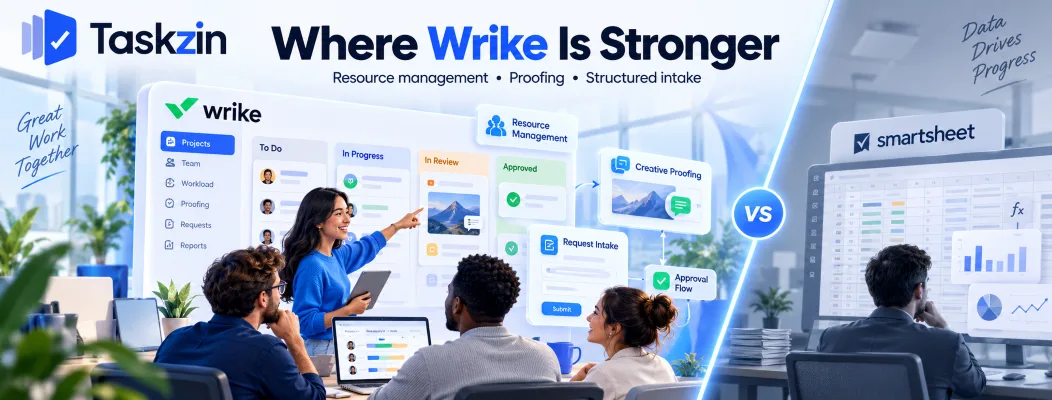
Wrike wins on resource management, on creative proofing, and on structured intake at organisational scale.
Resource management and workload
This is Wrike's clearest advantage. Workload views across all concurrent projects, showing whether the people assigned actually have the hours, with rebalancing in place.
For a services organisation where utilisation is a commercial metric, this is the difference between a plan that can be executed and one that merely looks reasonable. Smartsheet has resource capabilities; they are not comparable in depth.
Proofing and creative approvals
Comment and markup directly on images, video and documents, with structured approval workflows and version comparison.
For creative and marketing teams, visual review is frequently the bottleneck, and Smartsheet does not address it. This alone decides the comparison for some organisations.
Structured intake at scale
Request forms that route work, capture the right fields, and instantiate standardised projects from blueprints.
Where many distinct request types with different approval paths arrive from across an organisation, Wrike's intake model is more developed.
Where Smartsheet Is Stronger
Smartsheet wins on calculated logic, on handling large structured datasets, and on adoption in spreadsheet-native organisations.
Formulas and calculated logic
Cross-sheet references, conditional formulas, calculated columns and roll-ups. This is the capability Wrike does not attempt.
If your tracking involves derived values — cost roll-ups, weighted scoring, calculated dates, budget variance — Smartsheet does it natively and Wrike requires a workaround or an integration.
Large structured datasets
Thousands of rows of structured records with reporting across them. Asset registers, programme trackers, inventories, compliance logs.
Where your "project" is closer to a database than a task list, Smartsheet is the better shape and handles the volume better.
Familiarity for spreadsheet organisations
An operations team already running everything in Excel adopts Smartsheet with very little learning.
This is genuinely underrated. Adoption failure is more common than capability failure, and starting from a familiar interaction model substantially reduces that risk on a large rollout.
Which Complexity Is Yours
Diagnose the bottleneck before comparing features — the signals are distinct.
Signals you have a people problem
Plans that slip because the named person was working on something else. No reliable answer to who has capacity next month. Utilisation discovered retrospectively. Work reassigned constantly.
That is Wrike's territory, and no amount of formula capability will fix it.
Signals you have a data problem
Spreadsheets maintained alongside your project tool. Reporting that requires manual assembly.
Calculated values that matter — budget roll-ups, scoring, variance. Thousands of records rather than hundreds of tasks.
That is Smartsheet's territory, and resource management will not address it.
When it is both
Large programme organisations frequently have both, which is how they end up running both tools.
If that is you, decide which is the more expensive problem and solve it properly first. Buying both to solve each half-way is the most expensive outcome and the most common one.
Cost and Implementation Reality
Both are enterprise purchases requiring implementation effort, and most organisations buy more than they use.
Both need implementation effort
Neither is a tool you buy on Friday and use on Monday. Expect configuration, template design, training and a rollout plan measured in weeks.
Budget for that, including someone's time. Implementations that fail usually fail because nobody owned the setup, not because the software was wrong.
Licensing and collaborator terms
The two price differently in structure, and the difference matters most for external collaborators and view-only users.
Model your actual population — full users, light users, external parties — against each vendor's current terms. This is where the real cost difference appears, and it is rarely visible on a pricing page.
What most teams over-buy
Many organisations evaluating these two need substantially less than either provides, and choose an enterprise platform because the evaluation was run by people comparing feature lists.
If your honest requirement is dependencies, timelines, boards and reporting for under a hundred people, a mid-weight tool covers it at a fraction of the cost — Taskzin sits in that range with six views over one dataset and flat per-member pricing. Establish whether your complexity is genuinely enterprise-scale before running an enterprise procurement.
Frequently asked
Is Wrike or Smartsheet better?
Wrike for resource allocation across many concurrent projects and for creative proofing. Smartsheet for calculated logic and large structured datasets. They solve different kinds of complexity.
Which is easier to learn?
Smartsheet, for anyone who already works in spreadsheets, because the interaction model is familiar. Wrike requires more orientation regardless of background.
Does Smartsheet do resource management?
It has resource capabilities, but not at Wrike's depth. If workload balancing across many projects is your core problem, that gap is the deciding factor.
Does Wrike have formulas?
Limited compared with Smartsheet. There is no equivalent to cross-sheet references and calculated columns, which is Smartsheet's clearest advantage.
Which is better for construction?
Frequently Smartsheet, because construction tracking tends to involve large structured datasets, schedules of rates and calculated roll-ups. Verify against your specific workflows.
Which is cheaper?
They price differently in structure rather than one being straightforwardly cheaper. Model your real user population — full, light and external — against each vendor's current terms.
Do you need an administrator for either?
Effectively yes for both. Each rewards someone owning configuration and templates, and both degrade noticeably where nobody does.
Sanju Shrestha is a SaaS content writer at Taskzin who explores smarter ways to manage work, organize priorities, and improve team performance. Her content covers productivity strategies, digital workflows, collaboration, and task management, with a focus on helping modern teams work more efficiently and stay aligned.
All posts by Sanju Shrestha


Comments