Taskzin vs Linear: Issue Tracking for Product Teams Compared
A comparison of Taskzin and Linear for product teams, covering the difference between engineering-only depth and a whole-team workspace, where each genuinely wins, how cycles compare to sprints, pricing and guest access, and how to choose.


Linear is the fastest issue tracker most engineers have used, and its narrowness is deliberate.
That narrowness is also the reason this comparison exists: teams love it and then discover that half their organisation cannot use it.
The decision is rarely about which product is better built. Linear is exceptionally well built.
This guide covers where each wins, how the agile features compare, and how to decide.
Quick answer: Quick answer: Linear is built specifically for engineering — fast, keyboard-driven, opinionated, with cycles instead of ceremonial sprints. Taskzin covers the same core issue tracking with sprints, velocity and burndown, and adds five more views including Gantt and calendar, docs linked to tasks, dashboards and free unlimited guests.
Choose Linear for a pure engineering team that values speed above all; choose Taskzin when product, design, marketing or clients need the same workspace.
The Core Difference
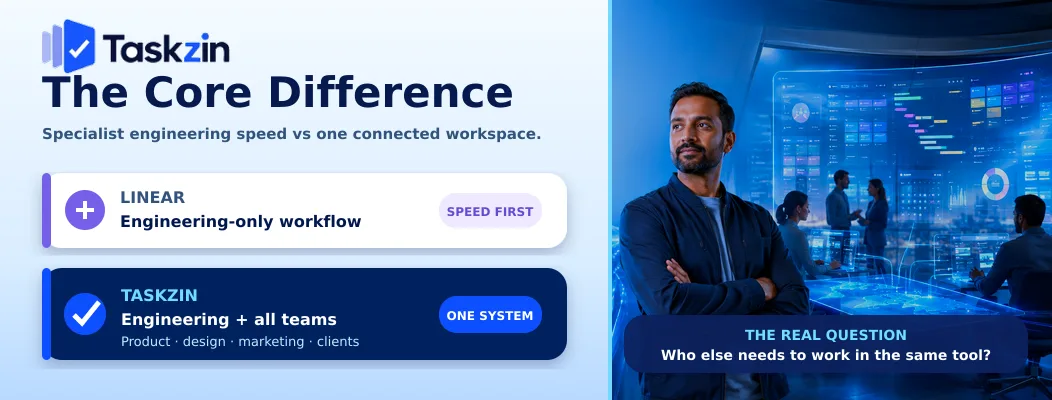
Linear optimises for engineering speed and deliberately excludes everything else; Taskzin covers engineering alongside every other function in one workspace.
Linear is built for engineering and nothing else
Issues, cycles, triage, roadmaps. Keyboard shortcuts for everything. An interface that stays fast as the issue count grows.
The narrowness is what produces the speed. Every decision Linear did not have to accommodate is a decision that is not in your way.
Taskzin is built for engineering plus everyone else
Sprints with velocity and burndown, boards with WIP limits, dependencies and critical path — plus calendar, Gantt, table and timeline views so design, marketing and clients can read the same work in a form that suits them.
Docs link to tasks. Dashboards show live velocity and cycle time. Guests are free.
The two-systems problem this creates
Organisations on Linear typically end up with engineering in Linear and everyone else somewhere else. The two diverge, and leadership asks for a combined view neither can produce.
That is not a criticism of Linear — it never claimed to be a marketing tool. It is simply the cost, and whether you can absorb it is most of the decision.
Taskzin vs Linear at a Glance
Taskzin Linear Built for Whole team Engineering and product Views List, Board, Calendar, Gantt, Table, Timeline List, Board, roadmap Iterations Sprints with velocity and burndown Cycles
WIP limits Yes Limited Dependencies and critical path Yes (Starter) Basic relations Gantt / calendar Yes No Docs Built in, linked to tasks Yes, project docs Dashboards 30+ widgets (Business) Built-in insights Time tracking Yes (Business) Via integration Non-engineer usability Good Poor fit Guests Free and unlimited Counted by plan Free plan Up to 10 members Yes, limited Speed Fast, sub-200ms target Exceptional
Where Linear Wins
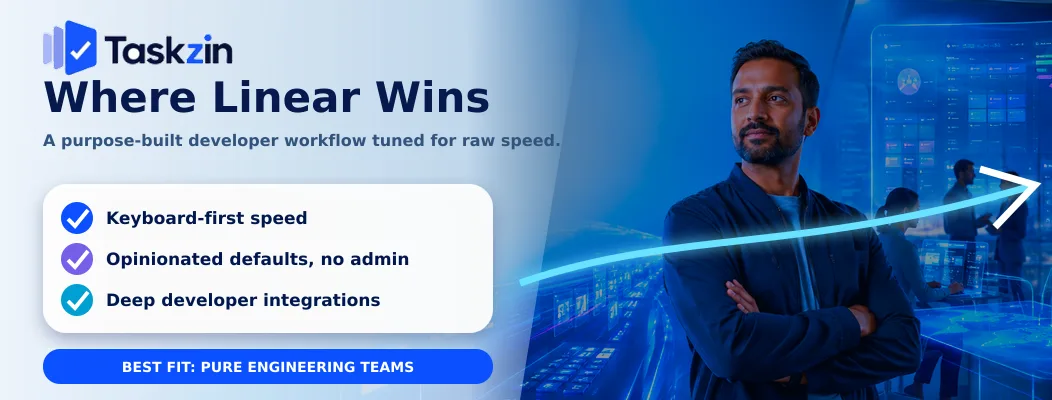
Linear leads on raw speed, on opinionated defaults that require no administration, and on how tightly it fits a developer's daily workflow.
Speed and keyboard-first design
Linear is genuinely the fastest tool in this category. Every action has a shortcut and nothing waits on a page load.
This matters more than it sounds. The hardest problem in issue tracking is getting people to keep it current, and Linear solves that by making updates almost frictionless. A team that maintains its tracker has better data than a team with a more capable one it neglects.
Opinionated defaults that need no admin
Linear makes choices for you. There is no workflow to configure, no administrator role to fill, and no configuration debt to accumulate.
For a small team that wants to start working rather than start configuring, that is a real advantage.
Developer workflow integration
Branch names, pull requests and commits link to issues cleanly, with status moving automatically as work progresses. The integration is polished and it removes a category of manual updating entirely.
Taskzin integrates with GitHub and supports automation rules triggered by merges, which covers the same ground well without quite the same polish.
Where Taskzin Wins
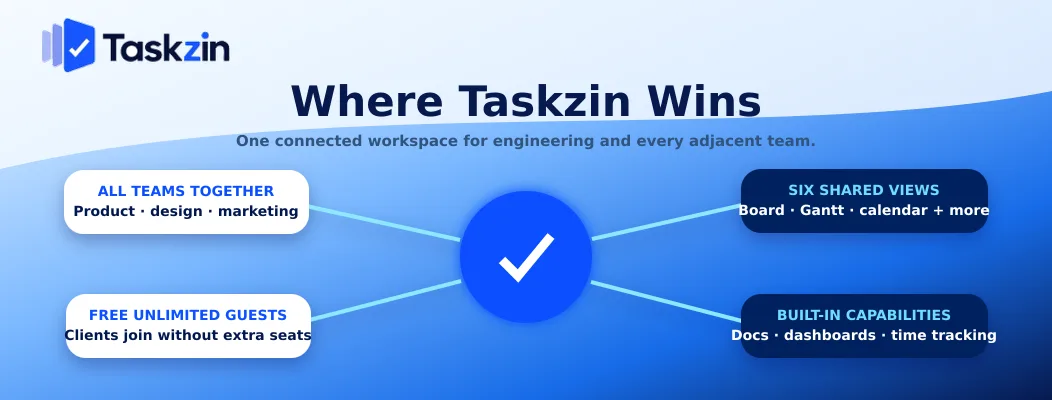
Taskzin leads on including non-engineers, on having Gantt and calendar views, and on bundling docs, dashboards and time tracking.
Non-engineers in the same workspace
Design, marketing, operations and clients can all work in Taskzin. In Linear they largely cannot — the model of issues, cycles and triage does not fit their work.
If your organisation is product-led rather than engineering-only, this is usually the deciding factor.
Six views including Gantt and calendar
A client wanting a Gantt, a marketing lead wanting a calendar and an engineer wanting a board are all served by the same data.
Linear has no Gantt or calendar view. For teams with external stakeholders or date-driven work, that gap is structural rather than cosmetic.
Docs, dashboards and time tracking included
Taskzin includes docs linked to tasks, dashboards with 30+ live widgets on Business, and time tracking with billable rates.
Linear has project documents and built-in insights; time tracking requires an integration. For agencies and services teams billing by the hour, the difference is material.
Agile Features Compared
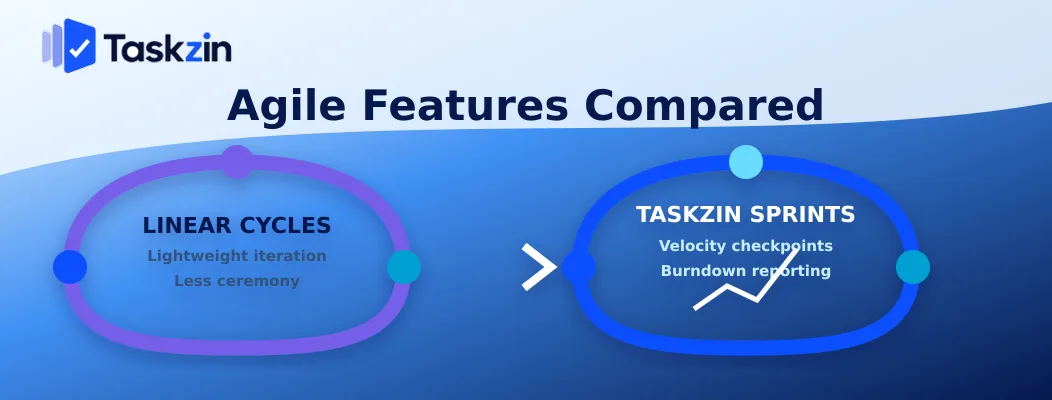
Both handle iterative delivery well; Linear uses cycles with less ceremony, while Taskzin provides conventional sprints with velocity and burndown reporting.
Cycles versus sprints
Linear's cycles are time-boxed periods with automatic rollover of unfinished work. Deliberately lighter than Scrum — no planning ceremony implied.
Taskzin uses conventional sprints with a defined scope, velocity and burndown. If your team runs Scrum by the book, Taskzin maps to it directly; if you find Scrum ceremonial, Linear's model may suit you better.
Velocity, burndown and cycle time
Taskzin provides velocity, burndown and cycle-time widgets on dashboards, with velocity and burndown available from Starter.
Linear provides insights including cycle time and throughput, oriented around flow rather than story-point velocity. Both are credible; they reflect different philosophies about whether estimation earns its cost.
Which teams notice the difference
Teams reporting sprint progress to stakeholders in Scrum terms will find Taskzin's model more directly usable. Teams who abandoned estimation will find Linear's flow-oriented insights more honest.
Pricing and Guests
Taskzin charges flat per member with free unlimited guests; Linear charges per user with guest handling determined by plan.
How each charges
Taskzin: free up to ten members, then $7 per member on Starter or $14 on Business, 20 percent off annually.
Linear prices per user with a free tier for small teams. Verify current pricing directly, since both vendors revise plans.
Where free guests matter
If clients, contractors or stakeholders need view or comment access, Taskzin includes them at no cost on every plan.
For an engineering team with no external collaborators this is irrelevant. For a product team sharing roadmaps with customers, or an agency, it changes the total materially.
Which Should You Choose?
Choose Linear for a pure engineering team that values speed above everything; choose Taskzin when other functions need the same workspace.
Choose Linear if
Your team is engineering and product only, speed is the property you care most about, you want zero administration, and nobody outside the team needs to work in the tool.
Choose Taskzin if
Design, marketing, operations or clients need visibility in the same workspace; you need Gantt or calendar views; you want docs, dashboards and time tracking included; or you are currently running two systems and want one.
Frequently asked
What is the difference between Taskzin and Linear?
Linear is built specifically for engineering — fast, keyboard-driven and deliberately narrow. Taskzin covers engineering with sprints and boards plus four more views, docs, dashboards and free guests for everyone else.
Is Taskzin as fast as Linear?
Linear is exceptionally fast and remains the benchmark. Taskzin targets sub-200ms view loads and is fast, but speed is Linear's defining property and it is honest to say so.
Does Taskzin support sprints like Linear's cycles?
Taskzin uses conventional sprints with defined scope, velocity and burndown. Linear's cycles are lighter with automatic rollover. Both work; they reflect different views on how much ceremony sprints need.
Can non-engineers use Linear?
They can hold tasks in it, but the model of issues, cycles and triage fits software development specifically. Marketing, operations and client work generally fit awkwardly and adoption suffers.
Which is better for a product team?
Linear if the product team is engineering and product only. Taskzin if design, marketing or customers need to see and work in the same place, since it avoids running two systems.
Do guests cost money in Taskzin or Linear?
Taskzin includes unlimited free guests with view or comment access on every plan. Linear's guest handling depends on your plan — check current terms before comparing totals.
Can you migrate from Linear to Taskzin?
Taskzin's importer covers the major tools with mapping and a preview before writing. For Linear specifically, export issues to CSV first and keep a mapping of issue identifiers, since Linear IDs appear in commit messages and documentation.
Sujan Sharma is a content writer at Taskzin with a strong focus on productivity systems, task management, workflow optimization, team collaboration, and SaaS technology. He creates research-driven, practical content that helps professionals and growing teams improve operational efficiency, streamline processes, and make informed decisions about modern work management tools.
All posts by Sujan Sharma

Comments