Trello vs Notion for Team Work
An honest comparison of Trello and Notion for team work, covering Trello's fixed model against Notion's blank canvas, where each is genuinely stronger, and the build and maintenance cost that decides it for most teams.

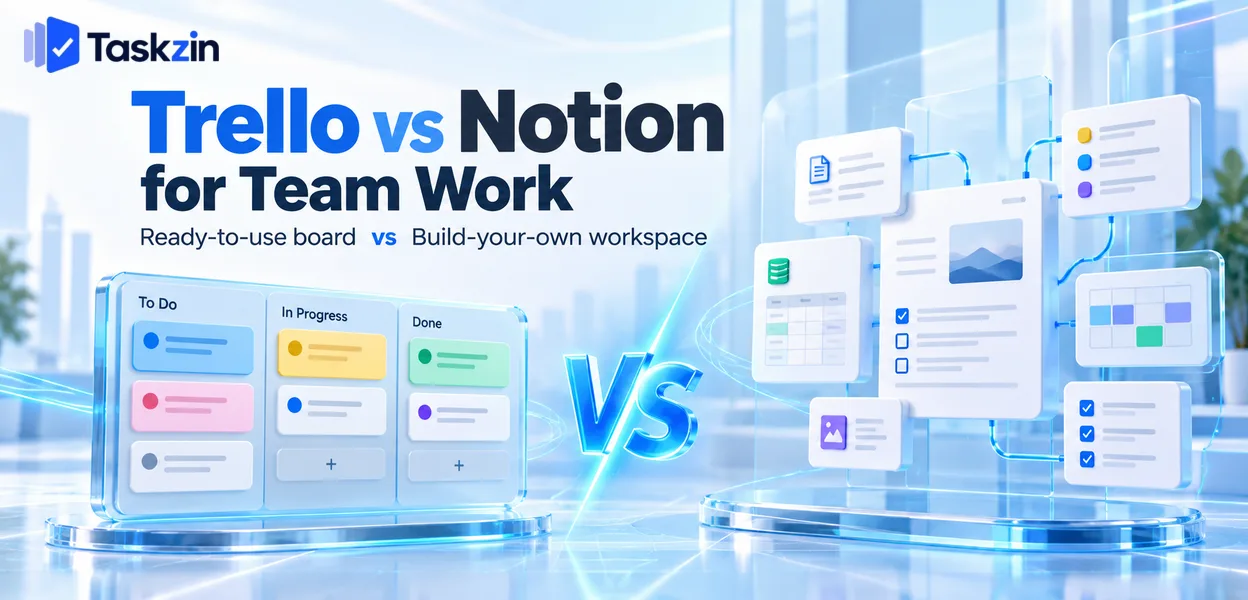
These two rarely feel like alternatives until a team is already using one and wondering whether the other would cover more ground.
Quick answer: Trello does one thing — a board — and requires no setup. Notion does whatever you build, including a board, and requires someone to build it. The comparison is really between a tool that works immediately and a tool that works exactly how you want it, once you have done the work.
One Does a Board; One Does Everything
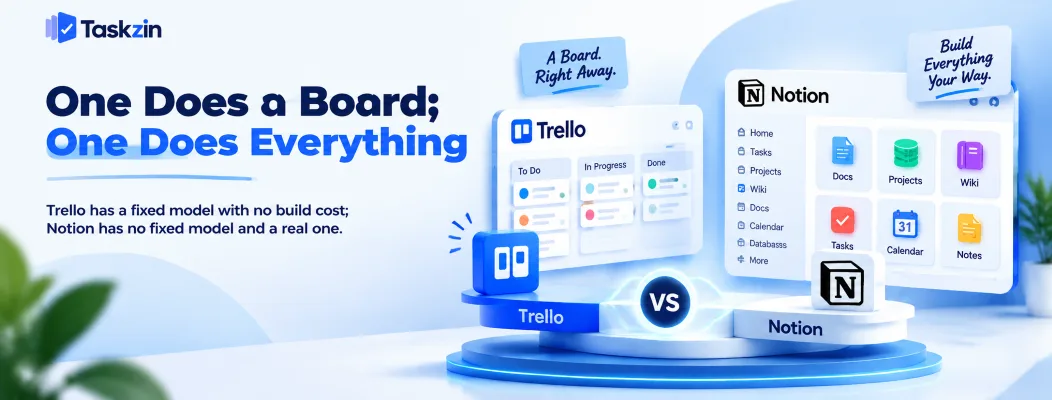
Trello has a fixed model with no build cost; Notion has no fixed model and a real one.
Trello's single model
Lists and cards. That is the whole product. Everything else — calendars, dependencies, reporting — arrives through Power-Ups bolted on.
You open Trello and there is a board. Nobody decides anything first.
Notion's blank canvas
Pages containing anything, databases with views including kanban, and relations between them.
Notion can be a board, a wiki, a CRM, a content calendar and a meeting-notes system. What it will be depends entirely on what someone builds.
Why teams compare them at all
Because Notion's board view looks like Trello, and teams already paying for Trello plus a docs tool wonder whether Notion replaces both.
Frequently it can. The question is whether the flexibility is worth the setup and maintenance, and that depends on who in the team will actually do it.
Trello vs Notion at a Glance
Trello Notion Core model Lists and cards Pages and databases Setup required None Hours to days Board view The product One view of a database Documents Attachments only Excellent Wiki / knowledge base No Excellent Custom fields Paid plans or Power-Ups Core feature Relations between items No Yes Dependencies Via Power-Up, no logic Relations, no logic Automation Butler, capable Basic Free plan Genuinely usable Usable, limited for teams Mobile Strong Adequate Performance at scale Good Slows with large databases
Ongoing maintenance Almost none Depends what you built
Verify current pricing for both before relying on cost comparisons.
Where Trello Is Stronger
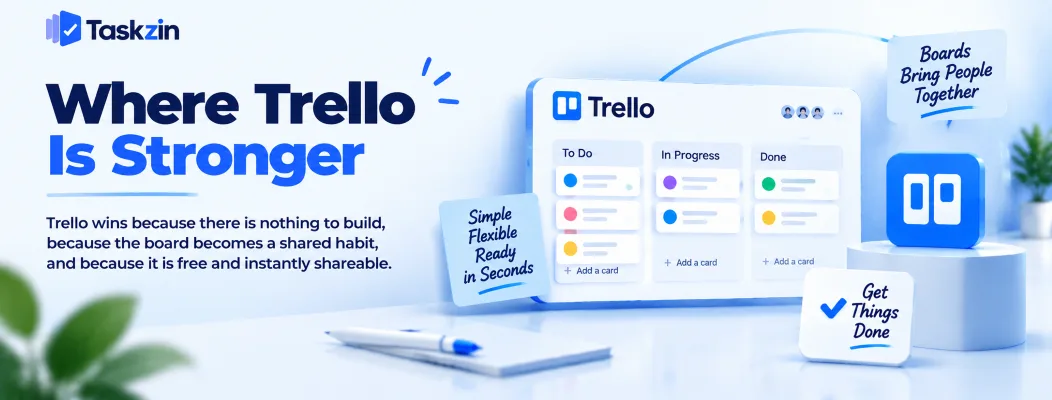
Trello wins because there is nothing to build, because the board becomes a shared habit, and because it is free and instantly shareable.
Nothing to build
A new Trello board is useful in thirty seconds, and it is the same board everyone else has used before.
Notion requires someone to decide the structure — which databases, which properties, which views, which templates — before anyone can work. That decision is real work and it is skilled work.
The board as a shared habit
Everyone knows how Trello works. New joiners, contractors and clients need no explanation.
A Notion workspace is bespoke by definition, so every new person learns your specific version of it. For teams with turnover or many external collaborators, that recurring onboarding cost adds up.
Free plan and instant sharing
Trello's free tier genuinely supports a small team, and a board link works immediately for anyone.
Notion's free tier is more constrained for team use, and sharing a bespoke workspace usually needs a walkthrough.
Where Notion Is Stronger
Notion wins on documents, on structure you define, and on covering ground that would otherwise need a second tool.
Documents alongside the work
This is the clearest advantage. Specs, meeting notes, process documentation and decisions live next to the tasks they relate to.
Trello has card descriptions and attachments. It is not a documentation tool, so teams using it keep their docs somewhere else, and the context is split.
Structure you define yourself
Custom properties, relations between records, filtered views for different people, and rollups summarising across them.
If your work does not fit "cards in columns", Notion accommodates it and Trello does not. A content pipeline linked to a client directory linked to an asset library is straightforward in Notion and impossible in Trello.
One tool covering more ground
A team paying for Trello plus a docs tool plus a wiki can plausibly consolidate into Notion.
Test whether consolidation would actually happen — it usually requires someone to migrate the documentation, and that person needs to exist before you count the saving.
The Build Cost and Who Pays It
Notion's flexibility has an owner, and that ownership is the risk nobody prices.
Someone designs the Notion setup
A good team workspace takes a day at minimum, longer with relations, templates and views.
Whoever does it develops a mental model of how it fits together. That model is not written down anywhere, because the structure seems obvious to the person who designed it.
What happens when they leave
The most common Notion failure. The builder moves on, nobody else understands why the databases relate as they do, and the team freezes the workspace and works around it.
Within a year it is either rebuilt or abandoned. Trello has no equivalent risk, because nobody built anything.
Trello's equivalent failure
Trello degrades differently — by Power-Up accumulation. Five add-ons from different developers, each a separate dependency, each capable of breaking independently or at an upgrade.
When you reach that point you are assembling a project tool from parts. That is the signal to look at something with dependencies, timelines and reporting built in rather than bolted on — Taskzin covers that range while keeping the setup-in-an-hour property Trello users are used to.
Frequently asked
Is Notion better than Trello?
More capable, certainly — documents, custom structure, relations. Whether it is better depends on whether anyone will build and maintain it. Trello works immediately with no owner.
Can Notion replace Trello?
Yes, for board-based work, and it adds documentation on top. The trade is setup time and ongoing maintenance that Trello does not require.
Which is cheaper?
Trello for very small teams, since its free tier is genuinely usable. Notion becomes competitive if it replaces both your board tool and your documentation tool.
Does Notion have a kanban board?
Yes, as one view of a database. It works well, though it is less refined than Trello's board, which is that product's entire focus.
Which is better for a small team?
Trello if you want something working today with no owner. Notion if someone will build it and you also need documentation in the same place.
Can you use both together?
Yes — Notion for documentation and knowledge, Trello for the board. Link between them rather than duplicating tasks in both.
Which handles documents better?
Notion, by a wide margin. Trello is not a documentation tool and does not attempt to be.
Binita Ray is a content writer at Taskzin, creating insightful and practical content on task management, team collaboration, productivity, workflow optimization, and SaaS solutions. She focuses on helping businesses, teams, and professionals simplify their work processes, improve efficiency, and make better use of modern productivity tools.
All posts by Binita Ray


Comments