10 Best Microsoft Project Alternatives
Ten Microsoft Project alternatives compared, covering why teams look beyond it, what each alternative replaces, what you give up on resource levelling and baselines, and when a contractual schedule means you should stay.

Microsoft Project is deeper at scheduling than almost anything else, and most organisations using it are not using that depth. That gap is why this search happens.
Quick answer: Before switching, establish one thing: is your schedule contractual or audited? If it is, most of this list will not be accepted by whoever receives it and you should stay. If it is not, nearly all of these are easier to maintain and better to collaborate in.
Why Teams Look Beyond Microsoft Project
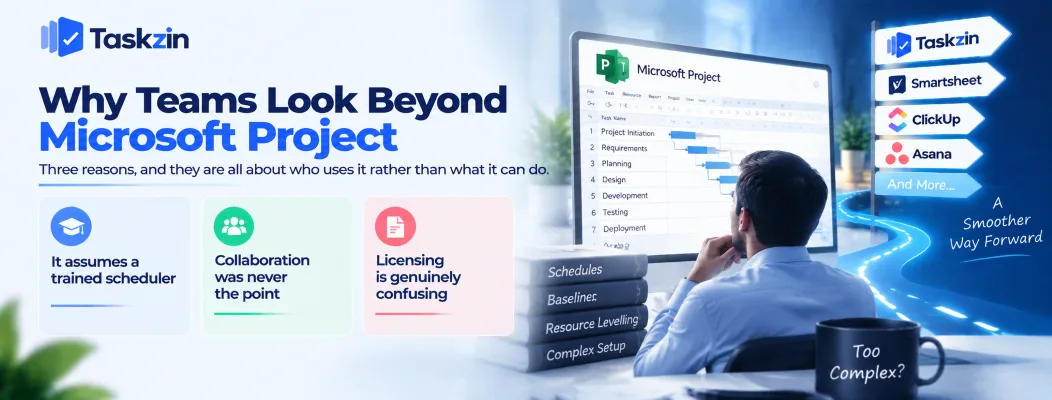
Three reasons, and they are all about who uses it rather than what it can do.
It assumes a trained scheduler
Project rewards someone who understands constraint types, levelling and baselines. Used by someone who does not, it produces a Gantt chart with dependencies nobody can explain.
If your organisation does not employ a planner, most of what you are paying for is unavailable to you.
Collaboration was never the point
Project's heritage is one scheduler maintaining a file. Multiple people updating their own lines in real time is not what it was designed around.
For teams where twenty people need to update status, this is the binding constraint.
Licensing is genuinely confusing
Desktop versus cloud, which plan includes what, and what your enterprise agreement already covers.
Organisations frequently pay for Project alongside entitlements they already hold, or buy a plan that excludes the feature they wanted. Check your agreement before doing anything else.
The 10 Alternatives Compared
Tool Best for Levelling Baselines Free option Taskzin Dependencies and critical path without training No No Up to 10 members Smartsheet
Smartsheet — the closest like-for-like
with collaboration Moderate Limited Limited Wrike
Wrike — scheduling plus resourcing
resource allocation Strong Limited Limited
ClickUp — breadth at low cost
Monday.com — visual scheduling
Visual scheduling
Asana — timelines for general teams
Available No Limited Asana Timelines for general business teams No No Yes
Jira
Jira — software delivery instead
rather than scheduling No No Yes
Teamwork.com — client-facing schedules
Client-facing schedules with billing Moderate No Limited ProjectLibre / GanttProject Free desktop scheduling Basic Yes Free, open source Microsoft Planner If you only needed simple task boards No No With M365
Verify current pricing and capabilities before deciding — Microsoft's in particular.
The Alternatives in Detail
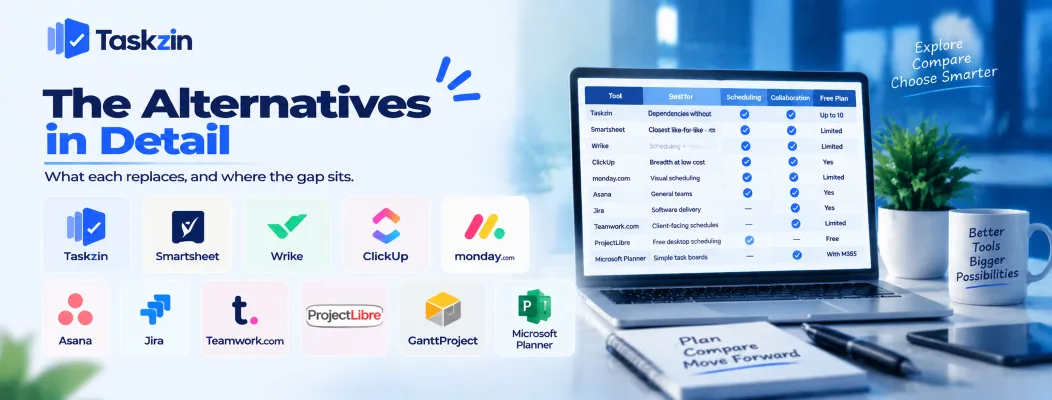
What each replaces, and where the gap sits.
Taskzin — dependencies and critical path without the training
Gantt and Timeline views with dependencies that recalculate the critical path when dates move, alongside List, Board, Calendar and Table over the same data. Flat per member, free up to 10, unlimited free guests.
The trade: no resource levelling, no baselines, no earned value. Suits teams who needed sequencing rather than programme-grade scheduling.
Smartsheet — the closest like-for-like Dependencies, critical path and Gantt with far better collaboration and formula capability on top.
The trade: no levelling at Project's depth, and licensing that requires modelling.
Wrike — scheduling plus resourcing If the reason you used Project was allocating people, Wrike does that with much better collaboration.
The trade: no baselines or earned value, and a heavier implementation.
ClickUp — breadth at low cost Dependencies, Gantt and a large surrounding feature set at aggressive pricing.
The trade: scheduling depth well short of Project, and it needs configuration ownership.
Monday.com — visual scheduling Timeline and Gantt views that non-technical teams can actually read and update.
The trade: shallow scheduling logic, and seat structure to check.
Asana — timelines for general teams Clean dependency handling and timelines for business teams that do not need programme-grade planning.
The trade: no levelling, no baselines, and higher tiers for the useful views.
Jira — software delivery instead If the work you were scheduling is software, Jira's model fits better than a Gantt chart ever did.
The trade: not a scheduling tool, and poor for non-engineering teams.
Teamwork.com — client-facing schedules Gantt plus billing, rates and retainers, aimed at agencies delivering to clients.
The trade: moderate scheduling depth, and it is really an agency tool.
ProjectLibre and GanttProject — free and open source
Desktop schedulers that read MPP files, with baselines and basic levelling, at no licence cost.
The trade: dated interfaces, minimal collaboration, and you maintain the installation. Genuinely useful where one planner needs a free desktop tool.
Microsoft Planner — if you only needed the simple part
Some Project users only ever wanted shared task lists with dates. Planner is included with many Microsoft 365 plans and covers that.
The trade: no dependencies at all. Only relevant if your schedule was never really a schedule.
What You Give Up Leaving Project
Three capabilities that almost nothing else matches.
Resource levelling
Automatically rescheduling work to resolve overallocation across a constrained resource pool.
Wrike is the closest, and it is not the same thing. If you genuinely level schedules, this is the reason to stay.
Baselines and earned value
Tracking variance against the original plan, and earned value analysis comparing budgeted, actual and earned cost.
Required on many public sector and capital programmes. Among this list, only the open-source desktop tools offer baselines meaningfully.
Contractual acceptance
Where a client, funder or regulator expects a Project file, alternatives are not a matter of preference.
Check what your counterparties actually require before evaluating anything. This single constraint ends the search for many organisations.
Choosing the Right Replacement
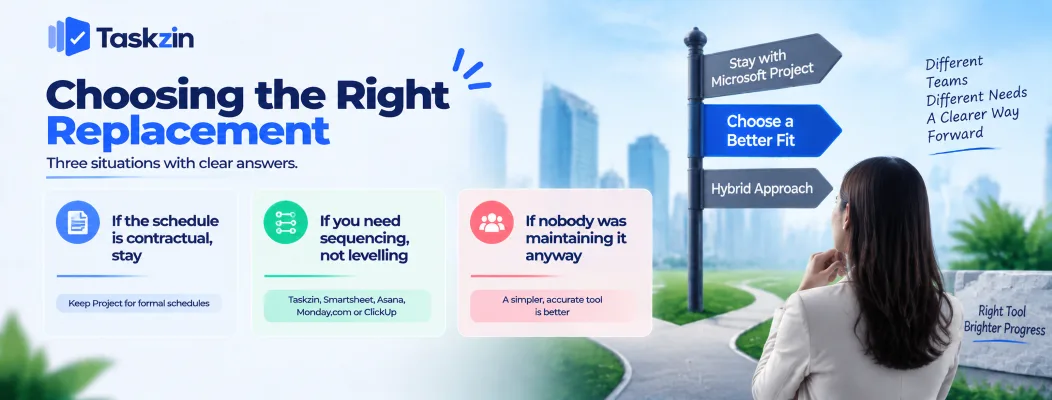
Three situations with clear answers.
If the schedule is contractual, stay
Or keep Project for the formal schedule and run something collaborative alongside for day-to-day work.
That hybrid is common and workable, provided one is clearly the source of truth and the other derives from it.
If you need sequencing, not levelling
Most teams need to know what a delay moves, not to auto-resolve overallocation.
Taskzin, Smartsheet, Asana, Monday.com and ClickUp all handle that, and all are easier to maintain. Pick on collaboration and price rather than on scheduling depth.
If nobody was maintaining it anyway
A stale Project plan is worse than a simple accurate one, because people trust it.
If the honest situation is that the plan was built at kickoff and never updated, almost anything on this list is an improvement — the one people will actually keep current.
Frequently asked
What is the best Microsoft Project alternative?
Smartsheet for the closest like-for-like, Taskzin for dependencies and critical path without needing a trained scheduler, Wrike if resourcing is the real need, and ProjectLibre if you want free desktop scheduling.
Is there a free Microsoft Project alternative?
Yes. ProjectLibre and GanttProject are free, open source and read MPP files. Taskzin, ClickUp and Asana all have free plans, though without baselines or levelling.
Which alternative has resource levelling?
Wrike comes closest among the commercial tools, and ProjectLibre offers basic levelling. Nothing on this list matches Project's depth.
Can alternatives open MPP files?
ProjectLibre and GanttProject read them directly. Smartsheet and several others import from Project, though complex scheduling logic does not transfer fully.
Which is best for construction?
Project where the schedule is contractual. Otherwise Smartsheet, which suits construction's mix of scheduling and calculated tracking.
Is Microsoft Project being discontinued?
Microsoft's project portfolio and naming change regularly and its investment has shifted across products. Verify the current roadmap directly before making a long-term commitment.
Which alternative is easiest to learn?
Asana or Monday.com for general teams, Taskzin if you want Gantt and dependencies without a training requirement.
Sujan Sharma is a content writer at Taskzin with a strong focus on productivity systems, task management, workflow optimization, team collaboration, and SaaS technology. He creates research-driven, practical content that helps professionals and growing teams improve operational efficiency, streamline processes, and make informed decisions about modern work management tools.
All posts by Sujan Sharma
Comments