8 Best Smartsheet Alternatives
Eight Smartsheet alternatives compared, covering why teams leave Smartsheet, what each alternative genuinely replaces and what it gives up, how much your formula dependence should shape the choice, and what to check first.

Smartsheet's strength is calculated tracking at volume. Its weakness is that a spreadsheet is not a great place for people to collaborate around work, and its licensing is hard to predict.
Quick answer: The key question before switching is how much of your Smartsheet use depends on formulas. If the answer is "a lot", most alternatives will be a step down and you should think carefully. If the answer is "hardly any", nearly everything on this list is an improvement on collaboration.
Why Teams Leave Smartsheet
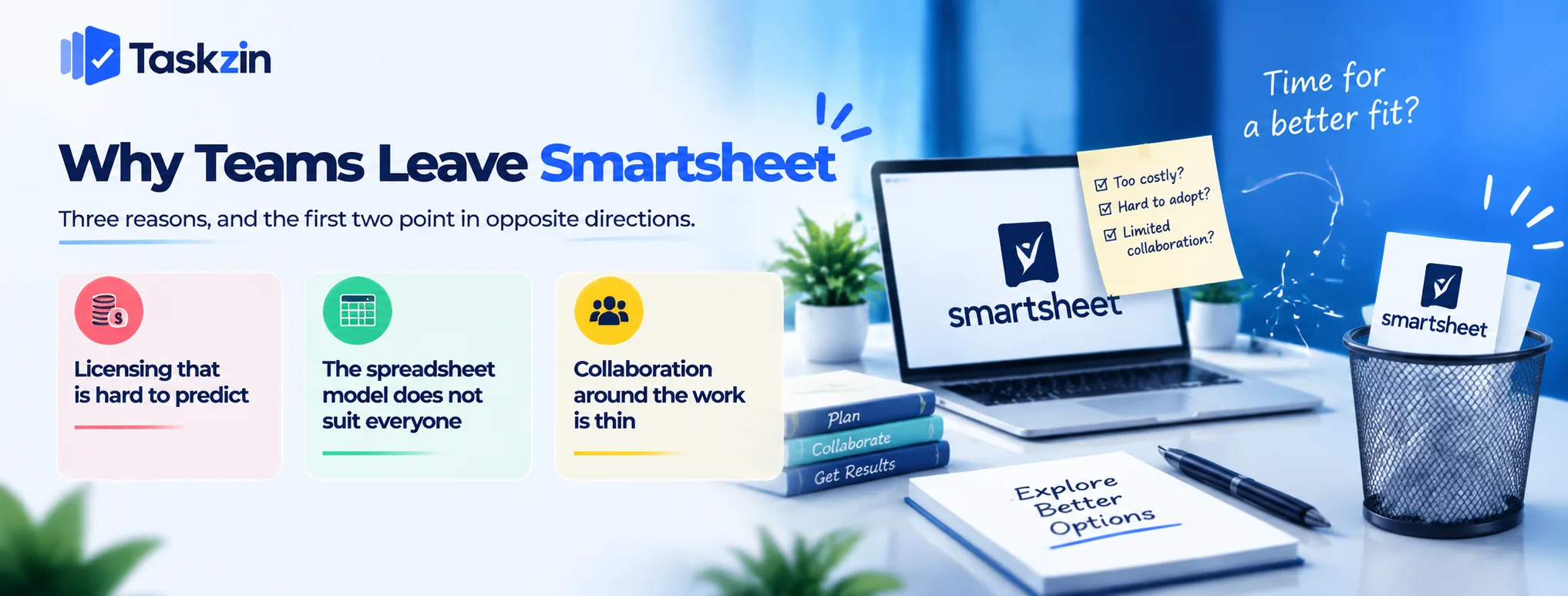
Three reasons, and the first two point in opposite directions.
Licensing that is hard to predict
Smartsheet distinguishes between licensed users and collaborators, and working out what a real team costs requires more effort than it should.
Teams frequently find the bill grows in ways they did not model. That is a pricing-structure problem, and the fix is a tool with simpler per-member pricing.
The spreadsheet model does not suit everyone
Smartsheet suits people who already think in rows and columns. For teams that think in tasks, boards and stages, it feels like doing project management inside Excel.
Adoption suffers, and a tool half the team avoids produces incomplete data.
Collaboration around the work is thin
A row holds data well and discussion poorly. Conversations about work end up in email or chat, and the context separates from the record.
This is structural rather than a missing feature, and it is the most common underlying complaint.
The 8 Alternatives Compared
Tool Best for Formulas Dependencies Free plan Taskzin Dependencies and views, simple pricing Custom fields only Yes, critical path Up to 10 members Airtable Relational data and internal tools Good No scheduling logic Yes, record-limited Monday.com Friendlier grid, visual teams Limited Yes Limited ClickUp
ClickUp — most capability per pound
pound Limited Yes Yes Wrike Resource allocation across projects Limited Yes Limited Microsoft Project Contractual and formal schedules Limited Full, with levelling No
Asana Adoption and clarity No Yes Yes Google Sheets Teams that over-bought Extensive No Free
Verify current pricing and licensing for all of these before deciding.
The Alternatives in Detail
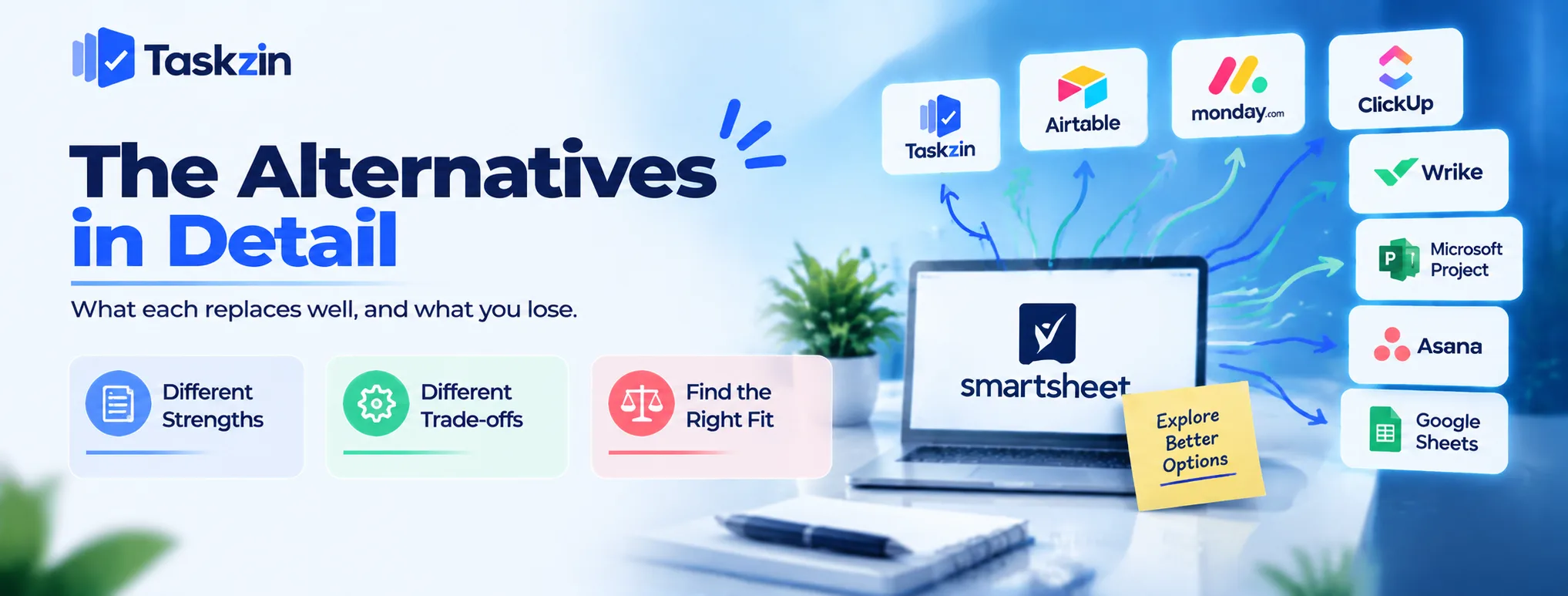
What each replaces well, and what you lose.
Taskzin — dependencies and views, simpler pricing
Six views over one dataset including Table for people who want a grid, dependencies with critical path recalculation, board WIP limits, and dashboards on Business. Flat per member with no seat tiers and unlimited free guests.
The trade: no formula engine. If calculated columns are central to your tracking, this is the wrong direction.
Airtable — if the data is relational
Where your sheets are really related entities held apart by lookup formulas, Airtable models that properly with linked records.
The trade: no dependency scheduling at all, and per-plan record limits that catch teams out.
Monday.com — if you want the grid to be friendlier
Keeps a table-like structure while being considerably more approachable and visual.
The trade: formulas are limited, and seat structure has historically meant paying in blocks.
ClickUp — most capability per pound Broad feature set including docs, time tracking and dashboards at aggressive pricing.
The trade: needs someone to own configuration, and its formula capability does not approach Smartsheet's.
Wrike — if resourcing is the real need
If the reason you built complex sheets was to work out who has capacity, Wrike solves that properly.
The trade: heavier implementation, and no meaningful formula capability.
Microsoft Project — if the schedule is contractual
Where your Smartsheet use is really formal scheduling submitted to a client or regulator, Project goes deeper — levelling, baselines, earned value.
The trade: assumes a trained scheduler, and collaboration is secondary.
Asana — if adoption failed
If the honest problem is that only two people ever updated the sheets, Asana is the most likely to be used by everyone.
The trade: no formulas, and less suited to large structured datasets.
Google Sheets — if you over-bought
Some teams pay for Smartsheet and use it as a shared spreadsheet with a Gantt view they rarely open.
If that is you, Sheets plus a lightweight project tool may cover it for less. Worth checking honestly before another procurement.
Matching the Alternative to Your Reason
Your dependence on formulas is the fork in the road.
If you need formulas, be careful
Audit what actually depends on calculation — cost roll-ups, weighted scoring, derived dates, variance reporting.
If that is a meaningful share of your usage, only Airtable and a spreadsheet come close, and neither does scheduling. Splitting into two tools may be better than a single weaker replacement.
If you need scheduling, most of these work
Taskzin, Monday.com, ClickUp, Wrike, Asana and Project all handle dependencies. Only Project does resource levelling.
Check whether you need levelling or just sequencing — most teams need sequencing and buy for levelling.
If you need collaboration, nearly all improve on it
Comments on the work, real notifications, ownership that means something, and discussion attached to the item.
This is where almost every alternative beats Smartsheet, because a row was never designed to hold a conversation.
Before You Switch

Three checks that prevent an expensive mistake.
Identify what depends on formulas
Go through your sheets and list every calculated column, cross-sheet reference and conditional formula that someone actually relies on.
That list is your constraint. If it is long, your replacement needs to accommodate it or you need to keep a spreadsheet alongside.
Export and inspect
Export while your account is active and open the files. Check that comments, attachments and the data you care about are actually present.
Most alternatives import via CSV rather than a direct connector, so expect field mapping work.
Keep the analysis in a spreadsheet
The most common good outcome: coordination moves to a project tool, calculation stays in a spreadsheet fed by export.
Where the new tool exports fully to CSV on any plan — Taskzin does — the analysis workflow continues unchanged while the day-to-day work gets a better home.
Frequently asked
What is the best Smartsheet alternative?
It depends on why you are leaving. For dependencies and simpler pricing, Taskzin. For relational data, Airtable. For resourcing, Wrike. For adoption, Asana. For formulas, honestly, a spreadsheet.
Is there a free Smartsheet alternative?
Several — Taskzin is free up to 10 members, ClickUp and Asana have free plans, and Airtable has a record-limited free tier. Google Sheets is free outright.
Which alternative has formulas?
Airtable comes closest among the project tools, and Google Sheets exceeds Smartsheet. Most dedicated project tools have custom fields but no formula engine.
Which is best for construction?
Microsoft Project where the schedule is contractual and a planner maintains it. Otherwise Taskzin or Monday.com for dependency-driven site and office coordination.
Can you export from Smartsheet?
Yes. Export while the account is active and inspect the files — check that attachments and comments are included before cancelling anything.
Which alternative is easiest to adopt?
Asana or Monday.com. Both are built around approachability and will be used by people who avoided a spreadsheet-shaped tool.
Is Airtable a good Smartsheet replacement?
For relational data and internal tools, yes. For project scheduling, no — Airtable has no dependency logic, so nothing recalculates when a date moves.
Sanju Shrestha is a SaaS content writer at Taskzin who explores smarter ways to manage work, organize priorities, and improve team performance. Her content covers productivity strategies, digital workflows, collaboration, and task management, with a focus on helping modern teams work more efficiently and stay aligned.
All posts by Sanju Shrestha
Comments