10 Best Wrike Alternatives
Ten Wrike alternatives compared, covering why teams leave Wrike, what each alternative is genuinely good at and what it gives up, how to choose based on your reason for leaving, and what to check before switching.

Wrike is genuinely strong at one thing — allocating people across many concurrent projects — and most teams who leave it were not using that.
Quick answer: If you are leaving Wrike over cost or complexity, the honest answer is usually a lighter tool rather than another platform. If you are leaving because you need resourcing done differently, the shortlist is much shorter. The ten below are grouped by which problem they actually solve.
Why Teams Leave Wrike

Three reasons account for nearly all of it, and each points to a different replacement.
Cost at the tier that has what you need
Wrike's pricing is reasonable at entry level and the capability most teams want — resourcing depth, proofing, advanced reporting — sits higher up.
Teams discover they are paying platform prices for a feature set they use a fraction of. That is a cost problem and points toward simpler tools.
Complexity relative to the problem
Wrike is built for organisations with genuine allocation complexity. A forty-person company with straightforward delivery finds the configuration surface larger than the problem.
If your honest requirement is dependencies, timelines, boards and reporting, Wrike is over-specified.
Adoption outside the core team
Wrike rewards an owner and a rollout. Where that did not happen, other departments never took to it and the data became incomplete.
That is an adoption problem, and the fix is a tool people will actually open.
The 10 Alternatives Compared
Tool Best for Resourcing Proofing Free plan Taskzin Dependencies and views without platform weight Basic workload No Up to 10 members ClickUp
ClickUp — most features per pound
pound Moderate Limited Yes
Asana — easiest adoption
Monday.com — most visual
Visual, non-technical teams Available Limited Limited Smartsheet
Smartsheet — for calculated tracking
and large datasets Moderate Limited Limited Teamwork.com
Teamwork.com — for billing and retainers
retainers Moderate Available Limited
Notion Knowledge-led teams No No Yes Basecamp Conversation-led client work No No Limited
Jira — for software teams
Airtable
Airtable — for relational data
internal tools No No Yes, record-limited
Verify current pricing and tier contents for all of these before deciding.
The Alternatives in Detail

What each is genuinely good at, and what you give up.
Taskzin — dependencies and views without the platform weight
Six views over one dataset — List, Board, Calendar, Gantt, Table, Timeline — with dependencies that recalculate the critical path, board WIP limits, sprints, and dashboards on Business. Flat per member with no seat tiers, free up to 10 members, and unlimited free guests.
The trade: no proofing, and workload is basic rather than a resourcing system. Suits teams leaving Wrike over cost or complexity rather than over resourcing.
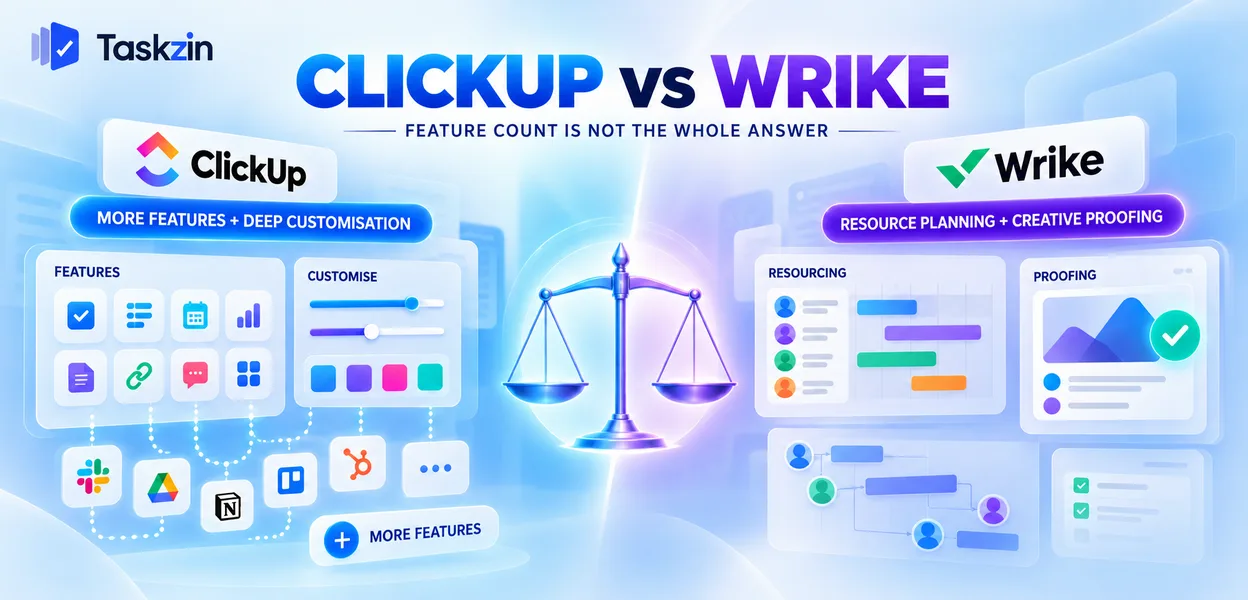
ClickUp — most features per pound The broadest feature set at the price: docs, whiteboards, time tracking, goals and extensive dashboards.
The trade: it needs someone to own configuration or it sprawls, and its resourcing is not close to Wrike's.
Asana — easiest adoption The strongest option if people not adopting Wrike was your actual problem. Clean, approachable, widely understood.
The trade: less depth everywhere, and the features you want often sit on higher tiers.
Monday.com — most visual Colour-coded boards that non-technical teams read at a glance, with strong guided onboarding.
The trade: seat structure has historically meant paying in blocks, and depth is moderate.
Smartsheet — for calculated tracking If your work involves formulas, cross-sheet references and large structured datasets, Smartsheet handles what Wrike does not.
The trade: weaker collaboration around the work, and a spreadsheet mental model that not everyone shares.
Teamwork.com — for billing and retainers Built for agencies, with billable rates, retainer tracking and invoicing from tracked time.
The trade: resourcing is lighter than Wrike's, so you are swapping one strength for another.
Notion — for knowledge-led teams
If most of your output is documents and decisions rather than sequenced delivery, Notion covers more of the real work.
The trade: no real dependencies, weak notifications, and someone has to build it.
Basecamp — for conversation-led client work
Flat fee, unlimited users, message boards that handle discussion better than any task tool.
The trade: no dependencies, no time tracking, minimal reporting — deliberate omissions, not gaps.
Jira — for software teams If the team leaving Wrike is engineering, Jira is the more natural home.
The trade: poor fit for non-engineering teams, and configuration debt accumulates without an admin.
Airtable — for relational data Where your tracking is really a database with related entities, Airtable models it properly.
The trade: no scheduling logic, per-plan record limits, and it does not coordinate people around work.
Which to Choose Based on Why You Are Leaving
The reason you are leaving narrows the list faster than any feature comparison.
Leaving on cost
Look at Taskzin, ClickUp and Asana first, and price at the tier containing what you actually need rather than at entry level.
Include guest and external collaborator costs. For client-facing teams that line frequently exceeds the difference in seat price.
Leaving on complexity
You need less tool, not a different platform. Taskzin, Asana or Basecamp depending on whether your work is sequenced, general or conversational.
Resist replacing a platform with another platform because the feature list feels safer. That is how teams end up here twice.
Leaving because nobody adopted it
Asana or Monday.com. Both are built around approachability, and both will be used by people who avoided Wrike.
Accept that you lose resourcing depth. If you were not using it, that is not a loss.
Before You Switch
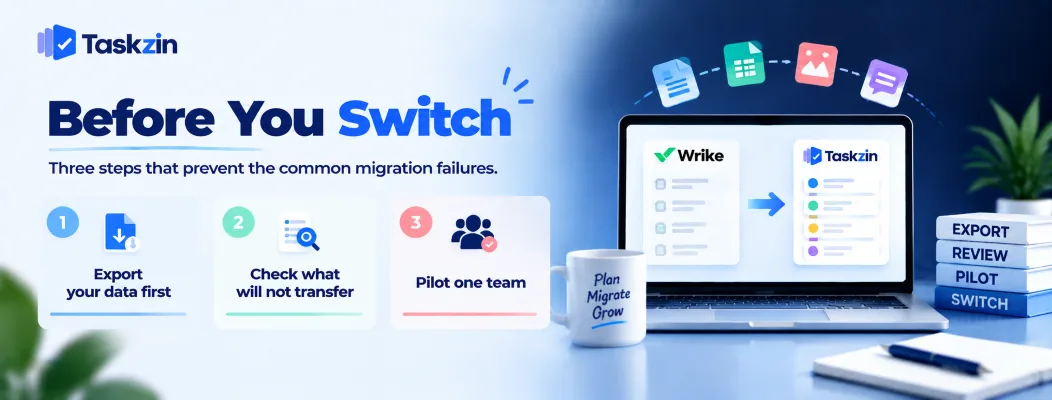
Three steps that prevent the common migration failures.
Export your data first
Export while your Wrike account is active, and open the file to see what it actually contains.
Comments, attachments and proofing history are where exports typically lose fidelity. Check before you cancel, not after.
Check what will not transfer
Most tools import Wrike data via CSV rather than a one-click connector. Tasks, assignees, dates and custom fields map reasonably.
Proofing history, approval records, automations and dashboards generally do not. Decide what you genuinely need to keep and archive the rest separately.
Pilot one team
Move a single team for a month before committing everyone.
This surfaces the gaps no evaluation finds, at a scale where fixing them is cheap. Migrations rarely get a second attempt, so the first should be small enough to go well.
Frequently asked
What is the best Wrike alternative?
It depends why you are leaving. For cost or complexity, Taskzin or Asana. For features per pound, ClickUp. For agency billing, Teamwork.com. For calculated tracking, Smartsheet.
Is there a free alternative to Wrike?
Several have usable free tiers — Taskzin is free up to 10 members, and ClickUp, Asana and Notion all offer free plans with varying limits.
What is cheaper than Wrike?
Most of this list at comparable capability, particularly Taskzin and ClickUp. Compare at the tier containing what you need, and include guest costs.
Which alternative has resource management?
None matches Wrike's depth. Teamwork.com, Monday.com and Smartsheet offer moderate capability. If resourcing is genuinely your requirement, consider staying.
Which has proofing like Wrike?
Very few. Hive and some agency-specific tools offer it; most general project tools handle approvals as task states rather than markup on assets.
Can you export data from Wrike?
Yes. Export while your account is active and verify what the file contains — comments and attachments are where fidelity is usually lost.
How long does migrating from Wrike take?
The import itself is usually hours. The decisions — scope, field mapping, rebuilding automations — take a day or two, plus a month-long pilot before full rollout.
Binita Ray is a content writer at Taskzin, creating insightful and practical content on task management, team collaboration, productivity, workflow optimization, and SaaS solutions. She focuses on helping businesses, teams, and professionals simplify their work processes, improve efficiency, and make better use of modern productivity tools.
All posts by Binita Ray

Comments