What Is Backlog Grooming (Refinement)?
A plain-English explanation of backlog grooming and refinement, covering the four things refinement does, how a session runs, what readiness means, how far ahead to refine, story splitting patterns, and common mistakes.

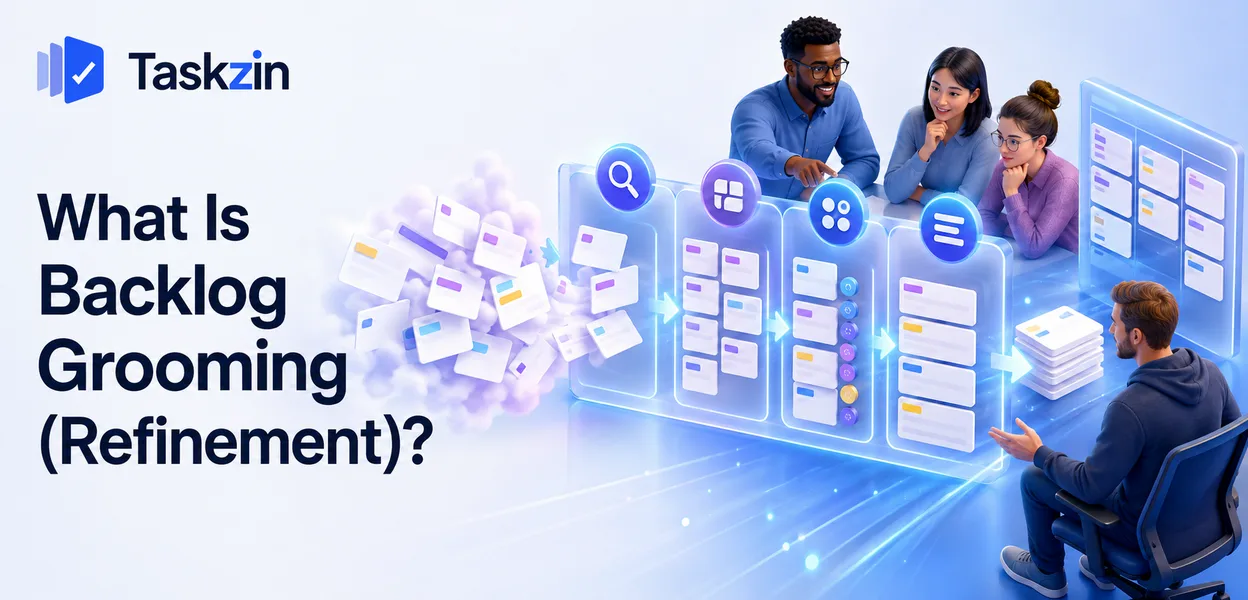
If your sprint planning regularly runs for three hours, the problem is almost never planning. It is that planning is where the team first reads and discusses the work, which turns a selection exercise into a discovery exercise.
Backlog refinement is the practice that prevents that. It is a modest, unglamorous habit that has a disproportionate effect on how smoothly a team runs.
This guide explains what refinement does, how a session runs, how far ahead to refine, and how to split stories that are too large.
Quick answer: Quick answer: Backlog refinement — formerly called grooming — is the ongoing activity of clarifying, splitting, estimating and ordering upcoming backlog items so they are ready to work on. It usually happens as a session once per sprint, lasting about an hour, and its purpose is to ensure sprint planning becomes a matter of selecting from ready items rather than discovering what they mean.
What Backlog Refinement Is
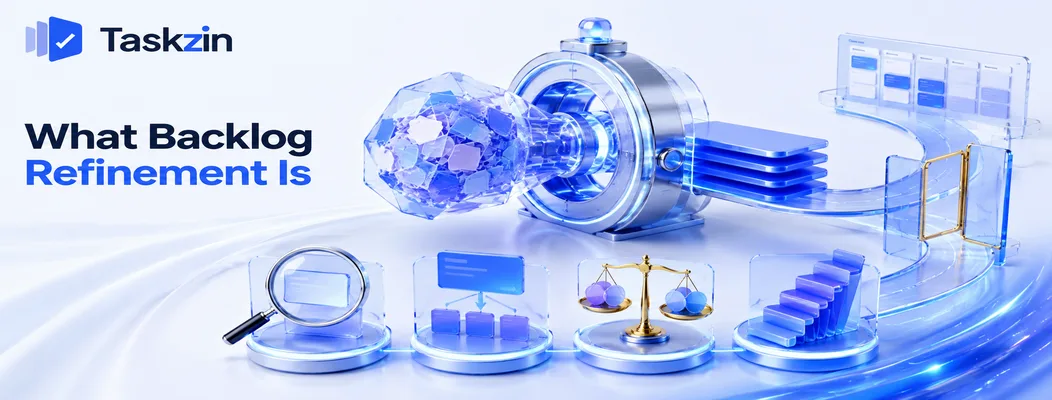
Refinement takes vague backlog items and makes them ready: clarified so everyone understands them, split so they fit in a sprint, estimated, and ordered by priority.
The four things refinement does
Clarify: add detail and acceptance criteria so the item is unambiguous. Split: break items too large for one sprint. Estimate: size the work now that it is understood. Order: place items in the right sequence.
All four are ongoing rather than one-off. An item near the bottom of the backlog needs none of them; an item two sprints away needs all four.
Why it is called refinement now
The original term was grooming, which was changed because the word carries unpleasant connotations in some contexts. The activity is identical.
You will still see both used, and Scrum's official guidance now refers to refinement as an ongoing activity rather than a mandated event.
How it differs from sprint planning
Refinement prepares items; planning selects them. Refinement asks "do we understand this and how big is it?" Planning asks "how much of this can we take on?"
When these merge, planning runs long every time, because you are discovering and committing simultaneously. Separating them is what keeps planning to under an hour for most teams.
How a Refinement Session Runs
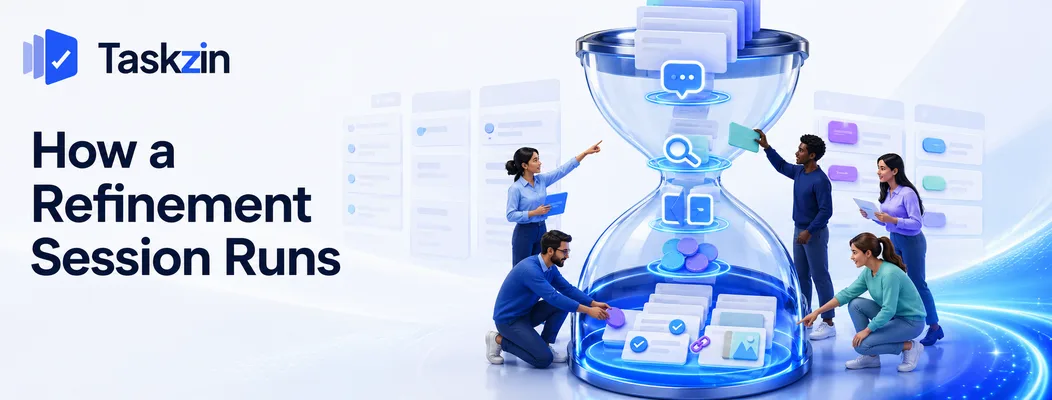
A refinement session is typically an hour per sprint, involving the product owner and the whole team, working through the top of the backlog until enough items are ready.
Who attends and how long it takes
The product owner brings the items and the context. The whole development team attends, because they ask the questions that reveal complexity and they provide the estimates.
An hour per two-week sprint is the common pattern. Some teams prefer two thirty-minute sessions, which suits teams who find longer discussions lose focus.
What happens in the session
The product owner introduces the next item. The team asks questions. Ambiguities are resolved or noted as things the product owner must find out. Acceptance criteria are written or improved.
If the item is too large, it is split. Then it is estimated.
The questioning is the valuable part. A developer asking "what happens if the user has no payment method saved?" during refinement costs thirty seconds; the same question mid-sprint costs a day of waiting for an answer.
What "ready" means at the end
Many teams maintain a definition of ready: clear acceptance criteria, no unresolved dependencies, small enough for one sprint, estimated, and any designs or inputs available.
The definition matters because it gives the team a legitimate basis for declining to take something into a sprint. Without it, unready work gets pulled in and stalls.
What Gets Refined and How Far Ahead
Backlog position Detail needed Estimated? Refinement effort Next sprint Full acceptance criteria, dependencies resolved Yes Already done Sprint after next Clarified, split, estimated Yes Current focus Two to three sprints out Roughly understood, rough size Rough Light touch Later this quarter Title and a sentence No None Beyond the quarter Idea only No None
How to Split a Story That Is Too Big

Split large stories along the work itself — by journey step, by data variation, or simple case before edge cases — so each piece delivers something usable on its own.
By user journey step
A story covering an entire flow can often be split into its steps: search, then filter, then save, then share.
Each step delivers something a user can do. That is what makes the split legitimate rather than arbitrary.
By data variation or rule
One story covering all customer types can become one per type, or one covering the standard case and another covering the exceptions.
This works particularly well where complexity is concentrated in the rules rather than the interface.
Simple case first, edge cases later
Build the version that handles the common path, then add the handling for unusual inputs, error states and rare conditions.
This is frequently the most useful split available, because the simple case often delivers most of the value and the edge cases can be prioritised honestly against other work rather than being assumed.
Why splitting by layer does not work
Teams commonly split into "backend" and "frontend" stories. Neither delivers anything on its own, so nothing is demonstrable until both are complete.
Split vertically — a thin slice through every layer that does something — rather than horizontally.
A horizontal split is two halves of one story pretending to be two stories, and it hides progress rather than revealing it.
Signs Your Refinement Is Not Working
Three symptoms indicate refinement is failing: long planning sessions, the same items discussed repeatedly, and work starting before it is understood.
Sprint planning still takes hours
The clearest signal. If planning runs long, items were not ready, which means refinement either did not happen or did not go deep enough.
The same stories are discussed repeatedly
An item discussed in three consecutive refinement sessions without becoming ready usually needs a decision nobody is making, or research nobody has done.
Assign it as an action with an owner rather than rediscussing it. Repeated discussion without resolution is the most common way refinement time is wasted.
Work starts before anyone understands it
Developers asking basic questions on day two of the sprint means the item was pulled in unready.
This is what a definition of ready prevents, provided the team is willing to enforce it.
Common Refinement Mistakes
The three habits that waste refinement are refining too far ahead, letting the session become technical design, and the product owner refining alone.
Refining too far ahead
Detailing work six sprints out means redoing it when priorities change, which they will. Two sprints of ready work is enough to plan confidently.
Turning it into a design meeting
Refinement establishes what needs building and roughly how big it is. It is not the place to design the solution in detail.
When two developers begin debating implementation, note it and move on. Detailed design belongs in a separate conversation between the people doing the work, not in front of the whole team.
The product owner refining alone
A product owner writing detailed stories in isolation and presenting them as finished misses the entire benefit. The team's questions are what surface the complexity.
It also produces estimates on work the team has not thought about, which is guessing rather than estimating.
Frequently asked
What is backlog grooming?
The ongoing activity of clarifying, splitting, estimating and ordering upcoming backlog items so they are ready to work on. It is now more commonly called backlog refinement.
How often should backlog refinement happen?
Most teams run one session per sprint, lasting about an hour for a two-week sprint. Some prefer two shorter sessions, which can help teams who lose focus in longer discussions.
Who should attend backlog refinement?
The product owner and the whole development team. The team's questions are what reveal complexity, and they provide the estimates, so refining without them defeats the purpose.
What is the difference between refinement and sprint planning?
Refinement prepares items — clarifying, splitting and estimating. Planning selects from ready items and commits to a sprint. Merging them makes planning run long every time.
What is a definition of ready?
A short checklist an item must meet before entering a sprint: clear acceptance criteria, no unresolved dependencies, small enough for one sprint, estimated, and any designs available.
How far ahead should you refine the backlog?
About two sprints. Detailing further out wastes effort, since priorities and understanding both change before the work is started.
How do you split a user story that is too large?
By journey step, by data variation or rule, or by taking the simple case first and edge cases later. Avoid splitting into frontend and backend, since neither half delivers anything alone.
Sujan Sharma is a content writer at Taskzin with a strong focus on productivity systems, task management, workflow optimization, team collaboration, and SaaS technology. He creates research-driven, practical content that helps professionals and growing teams improve operational efficiency, streamline processes, and make informed decisions about modern work management tools.
All posts by Sujan Sharma
Comments